

Angry Birds Go!
Jouez sur PC avec BlueStacks - la plate-forme de jeu Android, approuvée par + 500M de joueurs.

Page Modifiée le: 3 janv. 2019
Play Angry Birds Go! on PC or Mac
Bring your A-game to Angry Birds Go!, the Racing game sensation from Rovio Entertainment Corporation. Give your gameplay the much-needed boost with precise game controls, high FPS graphics, and top-tier features on your PC or Mac with BlueStacks.
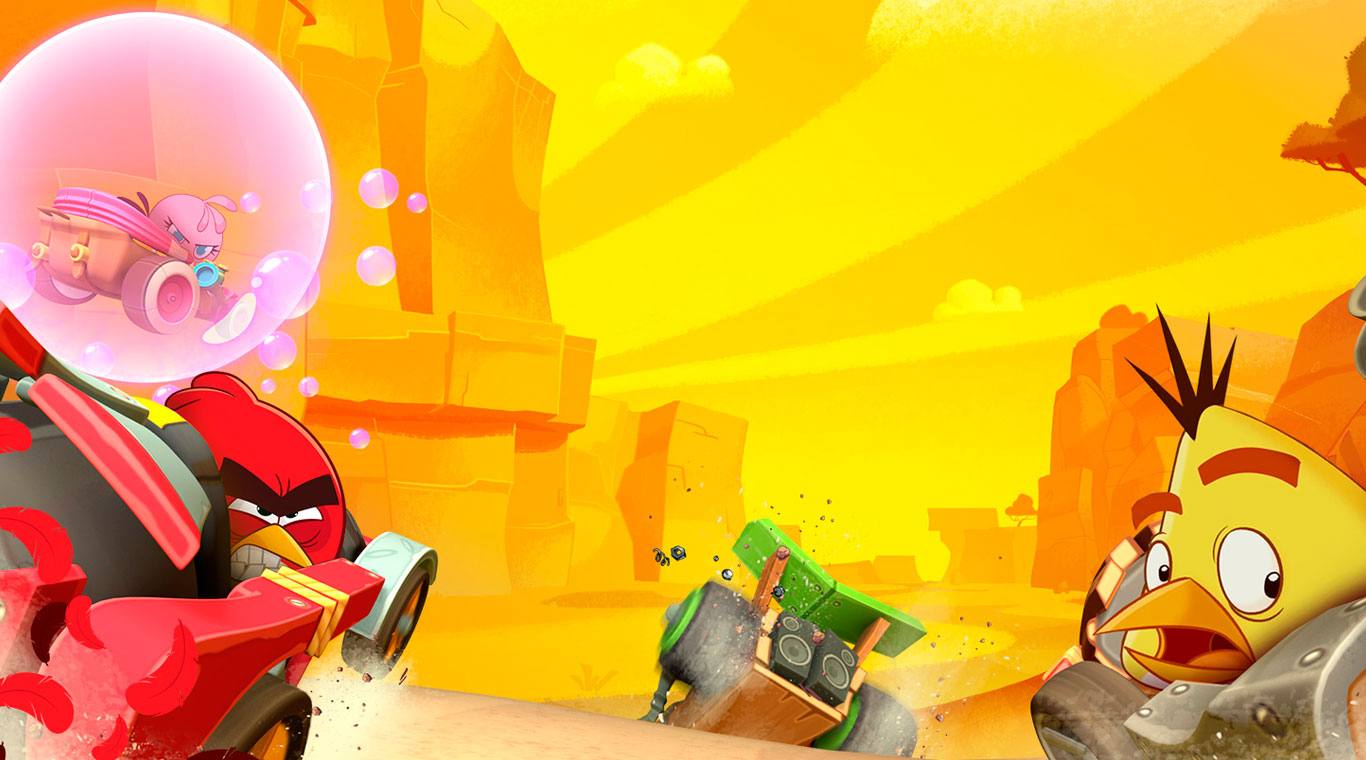
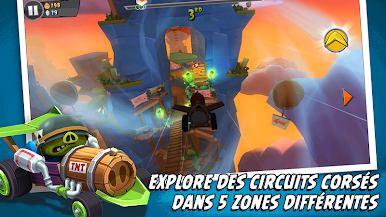
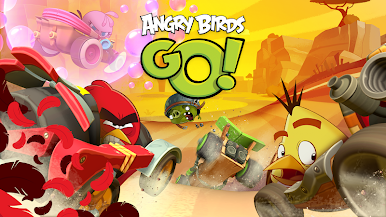
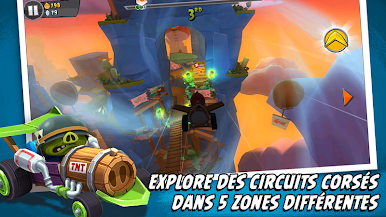
Angry Birds Go feels like a goofy downhill kart racer where everything is bright, fast, and slightly out of control. It drops the familiar birds and pigs into homemade karts, then sends them blasting down bumpy tracks filled with hazards, jumps, and odd shortcuts. The handling is light and slippery in a fun way, so drifting around corners and bumping rivals happens a lot, and the chaos is the point. Each character brings a special move that can flip a race, like a burst of speed or a shove that knocks someone off the line. Tracks switch things up often, with stunt sections, air time, and off-road bits that keep races short but spicy, and the 3D look is loud and colorful without trying too hard.
Progression is simple and satisfying. Win events, grab coins, upgrade the kart, then tackle tougher races that ask for better stats. The campaign throws different challenges at players, daily races hide a gift somewhere on the route, and timed tournaments push for leaderboard spots if someone loves chasing numbers. Local multiplayer is there for same-network play, which is silly and great when the bumping starts. Telepods exist as a throwback toy gimmick, not essential. It does need an internet connection and it runs on free-to-play rules, so expect ads and optional purchases. On BlueStacks, the bigger screen and easy keymapping to a keyboard or gamepad make cornering smoother and the whole thing feels snappier, really really easy to pick up for quick races.
Slay your opponents with your epic moves. Play it your way on BlueStacks and dominate the battlefield.










Jouez à Angry Birds Go! sur PC. C'est facile de commencer.
-
Téléchargez et installez BlueStacks sur votre PC
-
Connectez-vous à Google pour accéder au Play Store ou faites-le plus tard
-
Recherchez Angry Birds Go! dans la barre de recherche dans le coin supérieur droit
-
Cliquez pour installer Angry Birds Go! à partir des résultats de la recherche
-
Connectez-vous à Google (si vous avez ignoré l'étape 2) pour installer Angry Birds Go!
-
Cliquez sur l'icône Angry Birds Go! sur l'écran d'accueil pour commencer à jouer

