


SAP Business Network Supplier
Jouez sur PC avec BlueStacks - la plate-forme de jeu Android, approuvée par + 500M de joueurs.

Page Modifiée le: Jul 21, 2023
Play SAP Business Network Supplier on PC
Key features of SAP Business Network Supplier for Android
• Create documents on the go, such as PO and non-PO invoices, order confirmation, service entry sheets, advanced shipped notices, and credit memos
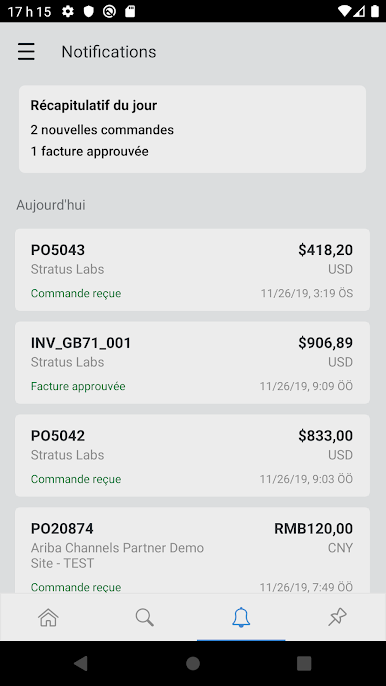
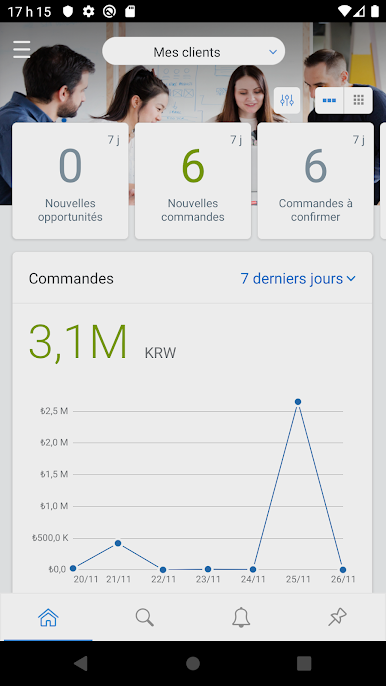
• Receive real-time notifications for transaction requests that need your attention
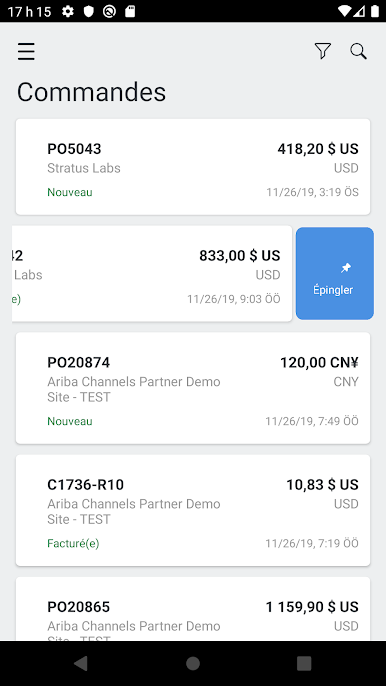
• Find transactional documents fast using the search capability powered by SAP S/4HANA
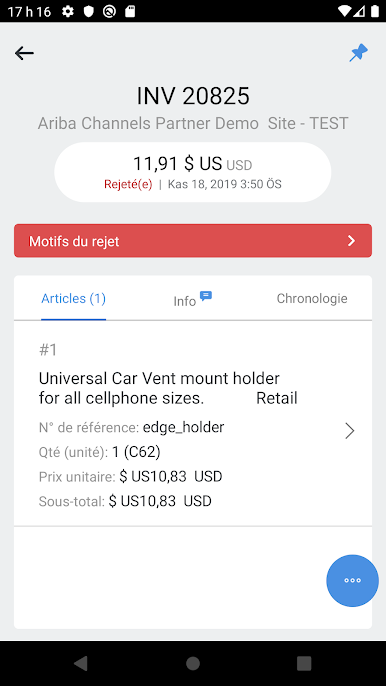
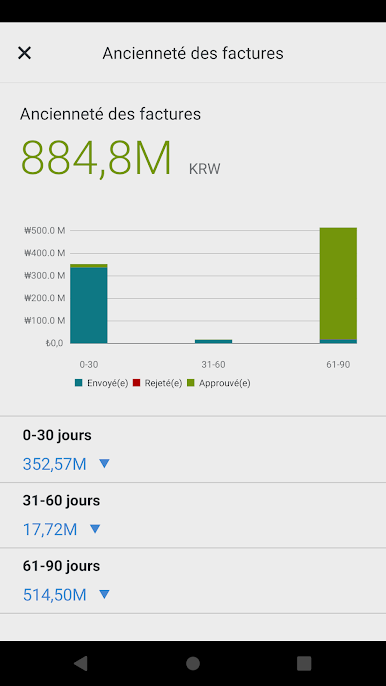
• Improve invoice visibility to understand invoice status, status changes, and historical information
• Share orders and invoices, add comments, and send as PDF attachments in e-mail or text to collaborate
Note: You can use the SAP Business Network Supplier mobile app if your company uses SAP Business Network and has enabled you as a user. See the application license agreement for details.

Jouez à SAP Business Network Supplier sur PC. C'est facile de commencer.
-
Téléchargez et installez BlueStacks sur votre PC
-
Connectez-vous à Google pour accéder au Play Store ou faites-le plus tard
-
Recherchez SAP Business Network Supplier dans la barre de recherche dans le coin supérieur droit
-
Cliquez pour installer SAP Business Network Supplier à partir des résultats de la recherche
-
Connectez-vous à Google (si vous avez ignoré l'étape 2) pour installer SAP Business Network Supplier
-
Cliquez sur l'icône SAP Business Network Supplier sur l'écran d'accueil pour commencer à jouer

