

Saving Notes - Notepad
Jouez sur PC avec BlueStacks - la plate-forme de jeu Android, approuvée par + 500M de joueurs.

Page Modifiée le: Jul 20, 2025
Run Saving Notes - Notepad on PC or Mac
Let BlueStacks turn your PC, Mac, or laptop into the perfect home for Saving Notes – Notepad, a fun Productivity app from Magín Studios.
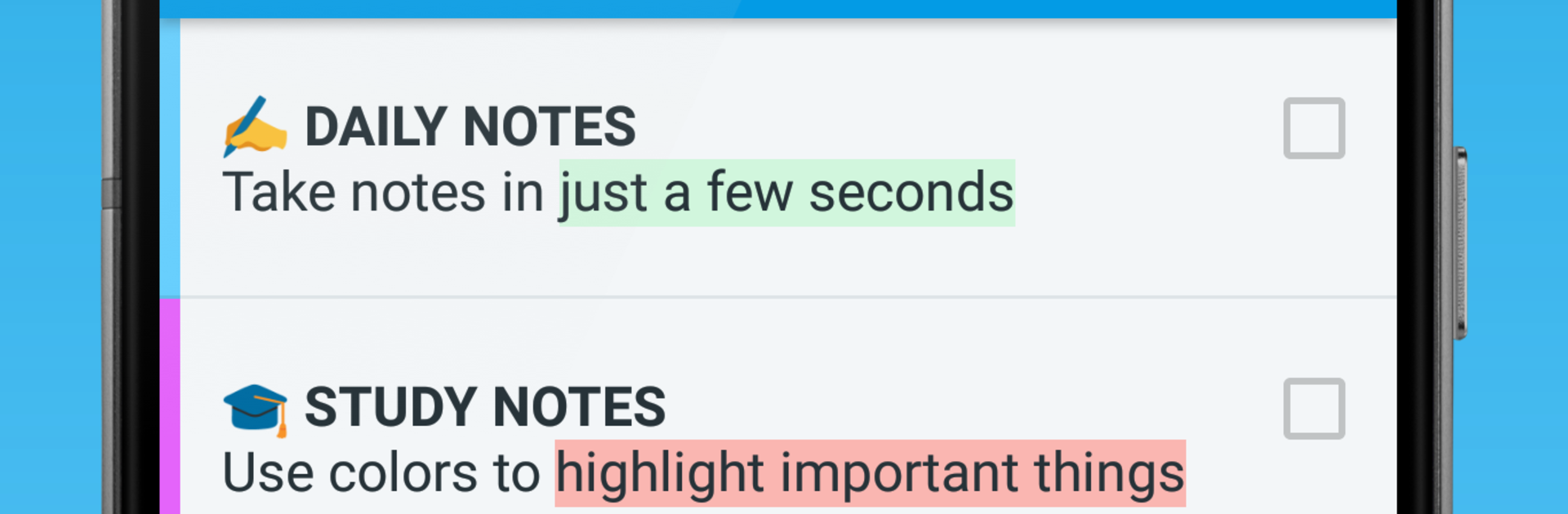
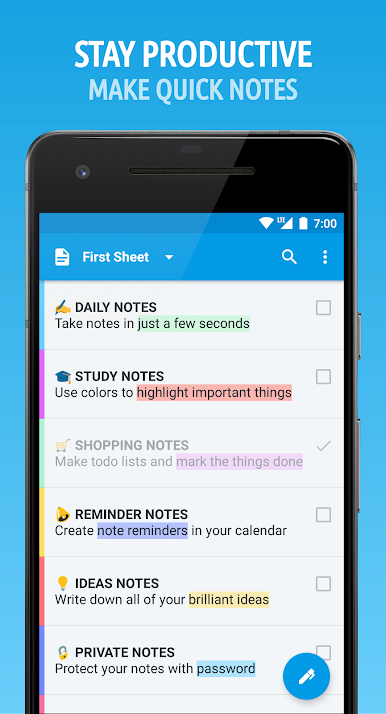
Saving Notes – Notepad keeps things simple in a good way. The whole flow is save a thought with a reminder, review it inside neat sheets so nothing piles up, then act on the list and share if needed. It feels quick and tidy, so it fits a mix of small tasks and bigger planning without getting in the way. The app is set up to hold everything in one spot, so someone can track to dos, money notes, trip plans and packing, study reviews, work tasks, calendar reminders, ideas, workout routines, meal plans, shopping, even a watchlist for shows or books. Instead of juggling several apps, it all sits together and stays organized.
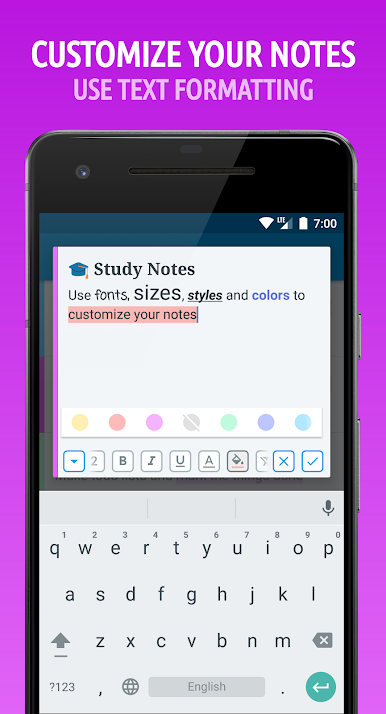
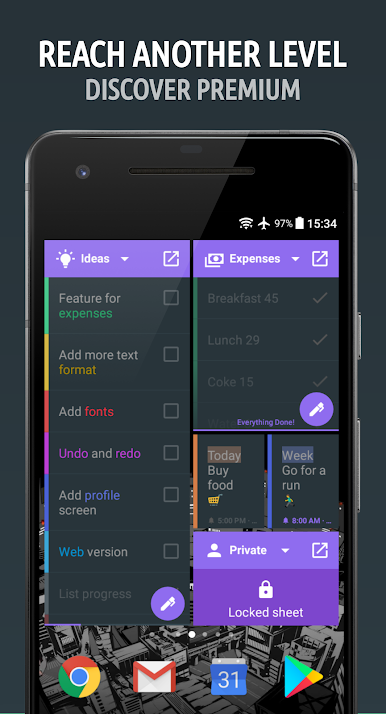
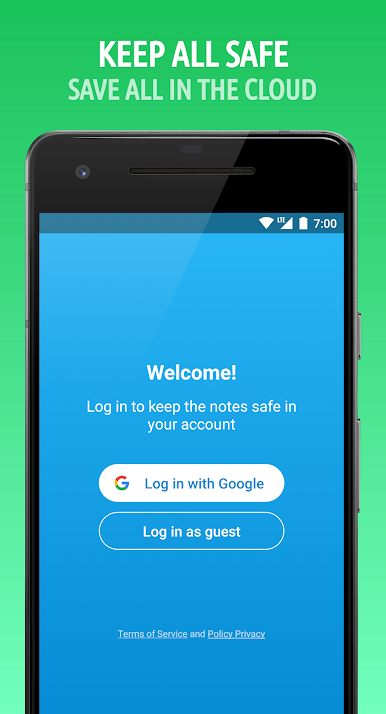
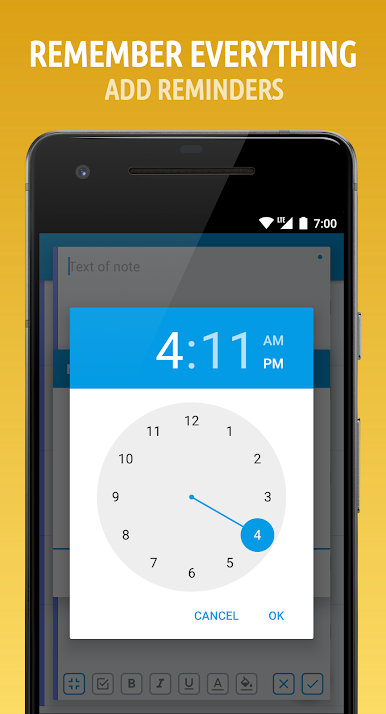
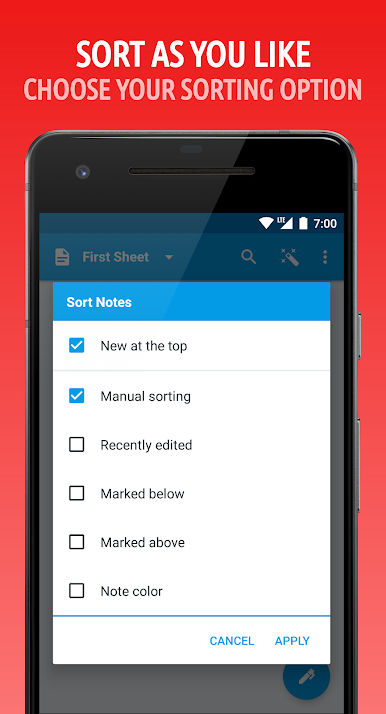
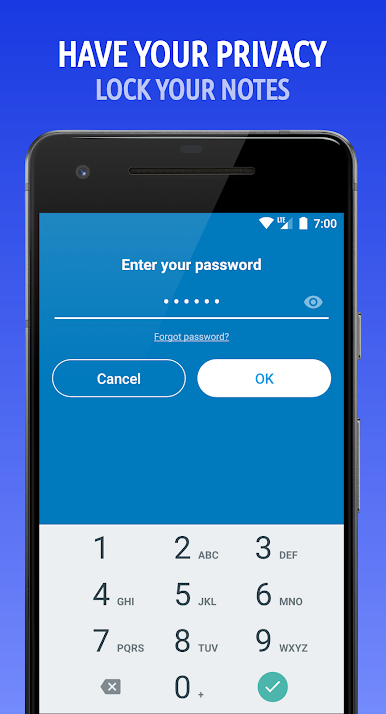
Core tools are exactly what they should be. Notes and checklists are fast to write, reminders hook into the calendar, there is a password lock for private stuff, cloud sync so nothing goes missing, and recent notes open offline. Lists can show progress, search is quick, sorting is flexible, and links or phone numbers in a note are recognized. The look is clean and a bit customizable, and it feels stable. If someone needs more, the premium side removes limits on notes, sheets, and folders, adds color themes and icons, lets widgets live on the device, and exports to PDF.
On PC with BlueStacks it is surprisingly nice, since a keyboard makes long lists and study notes easier, and the bigger screen helps when moving between sheets or scanning progress. It feels like a simple notebook that scales when there is a lot to plan.
Switch to BlueStacks and make the most of your apps on your PC or Mac.

Jouez à Saving Notes - Notepad sur PC. C'est facile de commencer.
-
Téléchargez et installez BlueStacks sur votre PC
-
Connectez-vous à Google pour accéder au Play Store ou faites-le plus tard
-
Recherchez Saving Notes - Notepad dans la barre de recherche dans le coin supérieur droit
-
Cliquez pour installer Saving Notes - Notepad à partir des résultats de la recherche
-
Connectez-vous à Google (si vous avez ignoré l'étape 2) pour installer Saving Notes - Notepad
-
Cliquez sur l'icône Saving Notes - Notepad sur l'écran d'accueil pour commencer à jouer

