

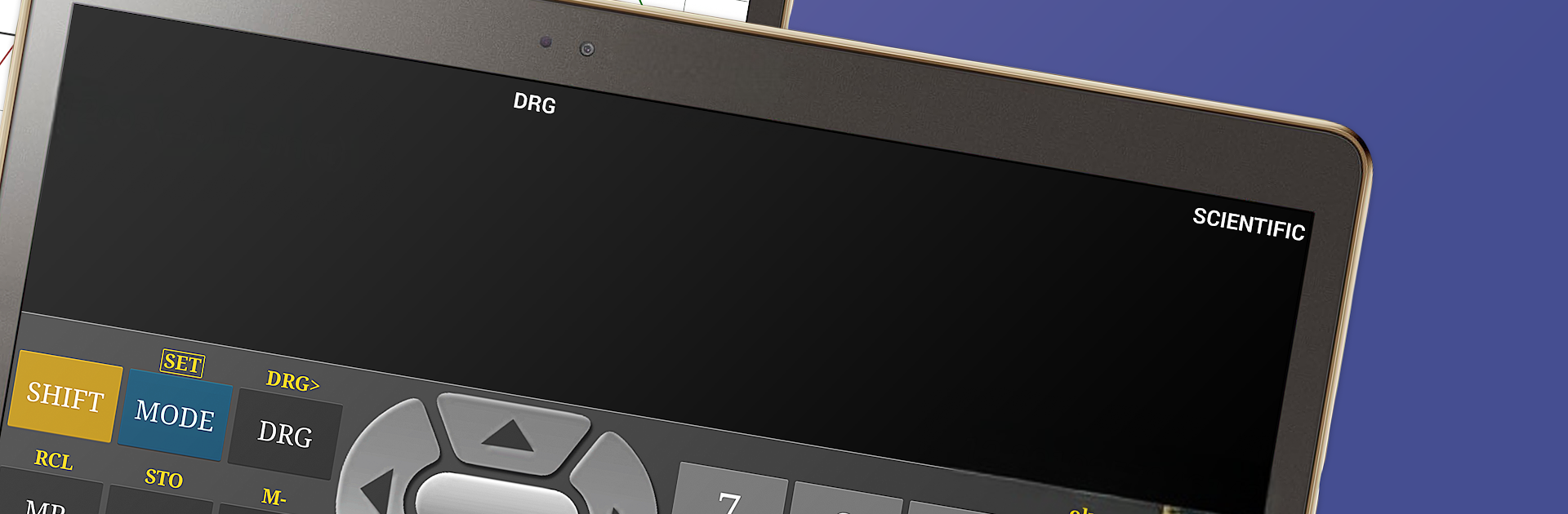
Calculatrice Scientifique
Jouez sur PC avec BlueStacks - la plate-forme de jeu Android, approuvée par + 500M de joueurs.

Page Modifiée le: Dec 15, 2025
Run Scientific Calculator Free on PC or Mac
Why limit yourself to your small screen on the phone? Run Scientific Calculator Free, an app by Scientific Software, best experienced on your PC or Mac with BlueStacks, the world’s #1 Android emulator.
About the App
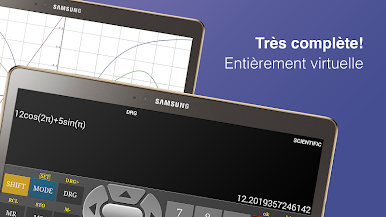
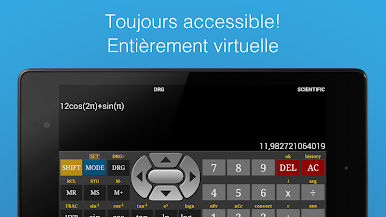
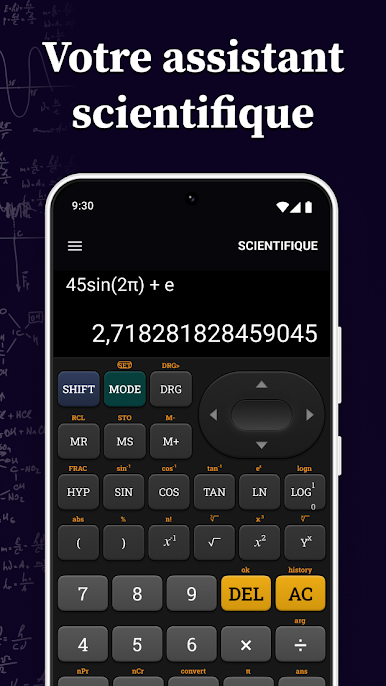
Sometimes you just want a calculator that does more than add and subtract. That’s where Scientific Calculator Free comes in. Whether you’re working through homework, double-checking a tricky equation, or plotting out a graph, this handy app by Scientific Software has your back. It feels like a legit scientific calculator, but lives right on your phone, and switching between different modes is a breeze.
App Features
-
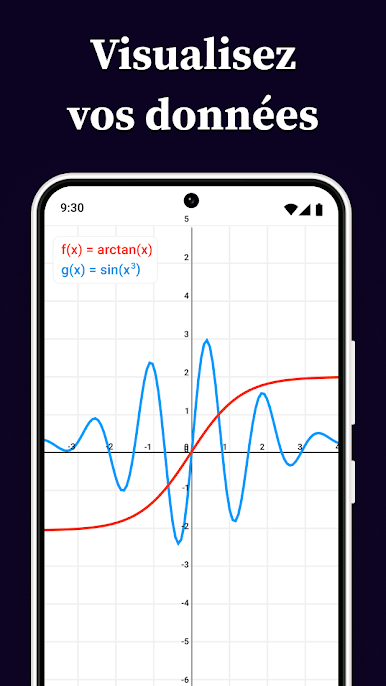
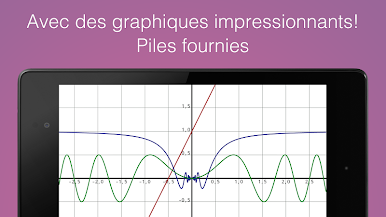
Colorful Graphing
Visual learners, rejoice! You can plot equations in full color with crisp, clear graphs that are easy on the eyes. -
Flexible Layouts
Works great whether your phone’s upright or turned to the side—portrait or landscape, it’s seamless. -
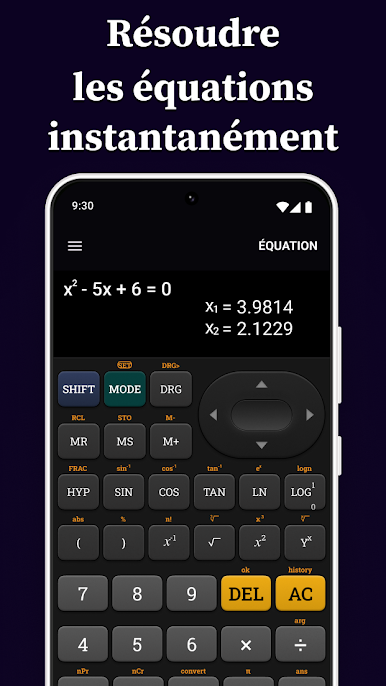
Complete Calculation Toolkit
Need to calculate trig functions, logs, exponents, or fractions? It’s all here—and switching between tasks is quick. -
Complex Numbers, No Sweat
Go beyond the basics: handle complex numbers and solve equations that basic calculators simply can’t touch. -
Statistics & Binary Ops
Knock out basic stats, convert between binary, decimal, and hex, and even use bitwise operators for computer science work. -
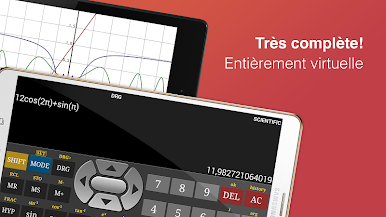
Genuine Calculator Feel
The interface looks and behaves just like the scientific calculators you’re probably used to—minus the plastic and battery worries.
And if you ever want to work out problems on a bigger screen, Scientific Calculator Free also plays nicely with BlueStacks. Just a little bonus for study sessions on your computer.
Ready to experience Scientific Calculator Free on a bigger screen, in all its glory? Download BlueStacks now.


Jouez à Calculatrice Scientifique sur PC. C'est facile de commencer.
-
Téléchargez et installez BlueStacks sur votre PC
-
Connectez-vous à Google pour accéder au Play Store ou faites-le plus tard
-
Recherchez Calculatrice Scientifique dans la barre de recherche dans le coin supérieur droit
-
Cliquez pour installer Calculatrice Scientifique à partir des résultats de la recherche
-
Connectez-vous à Google (si vous avez ignoré l'étape 2) pour installer Calculatrice Scientifique
-
Cliquez sur l'icône Calculatrice Scientifique sur l'écran d'accueil pour commencer à jouer

