

SEEMILE langue coréenne
Jouez sur PC avec BlueStacks - la plate-forme de jeu Android, approuvée par + 500M de joueurs.

Page Modifiée le: Oct 12, 2024
Run seemile Korean on PC or Mac
Multitask effortlessly on your PC or Mac as you try out seemile Korean, a Education app by Langster Co., Ltd. on BlueStacks.
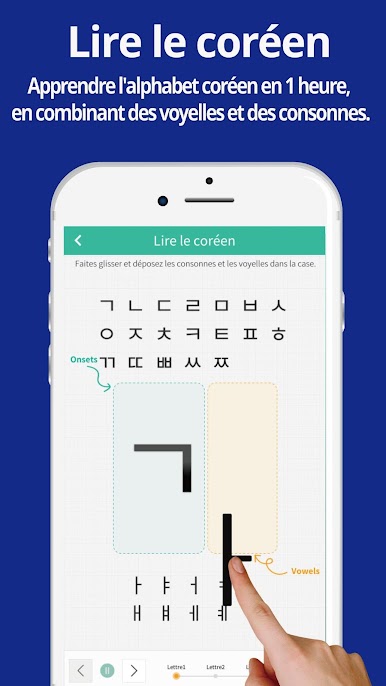
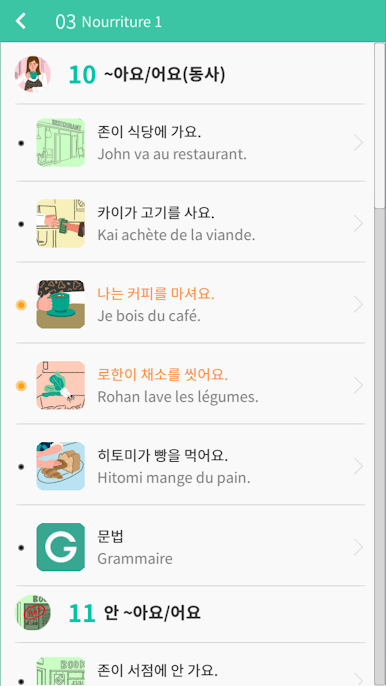
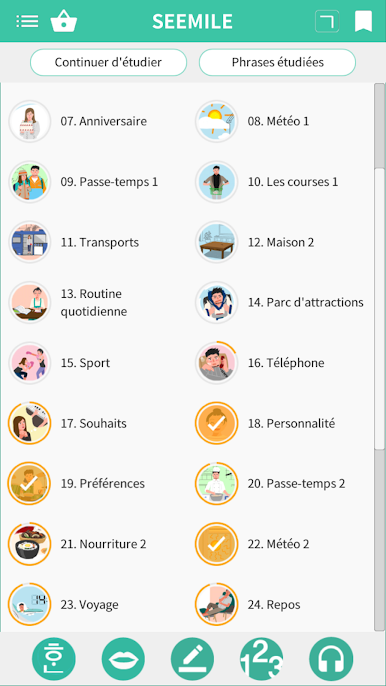
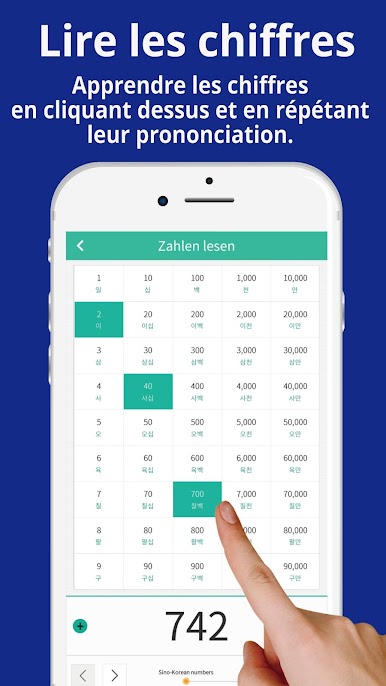
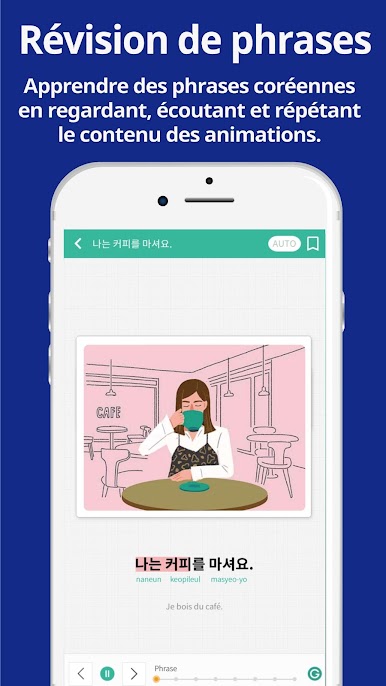
seemile Korean feels like a short cartoon show that happens to teach Korean. Instead of long lessons, the app plays quick animated clips where a sentence is acted out, so the meaning clicks without much thinking. There are a lot of everyday lines in here, around 650 sentences and roughly 1,200 words, plus the Korean alphabet, all tied to normal life stuff like greetings, food, plans, little arguments. The same five characters pop up again and again, and their small stories make it easier to keep going, since the scenes connect and feel like pieces from one slice-of-life series.
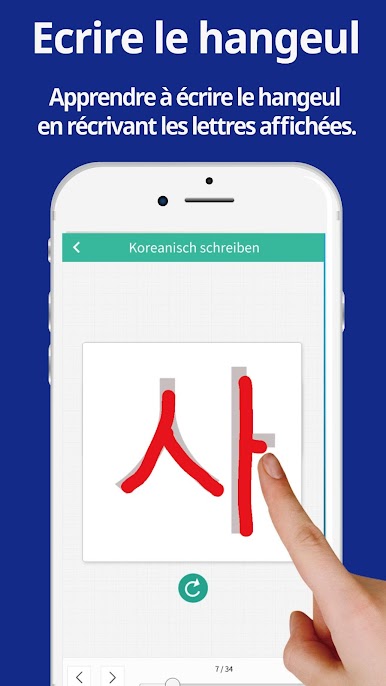
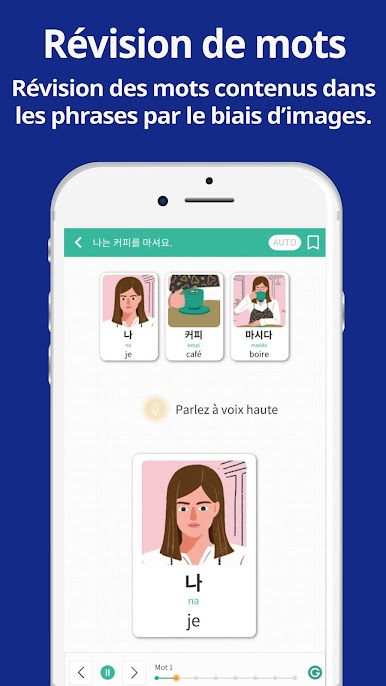
The teaching style leans on visuals and sound. Sentences show up as videos, words come with images, and that combo sticks in the head longer than flashcards. It asks the user to listen and repeat out loud, and after a while the grammar patterns start to make sense without big explanations, which is nice for anyone who hates heavy grammer notes. The tone stays simple and clear, so beginners will not feel lost, and people brushing up can skim through faster. On PC with BlueStacks, the bigger screen helps see tiny details in the animations, pausing and replaying parts is easier too, and the audio is clean. It is not a textbook replacement, more like a fun, steady helper for building real phrases that someone would actually say day to day.
Eager to take your app experience to the next level? Start right away by downloading BlueStacks on your PC or Mac.
Jouez à SEEMILE langue coréenne sur PC. C'est facile de commencer.
-
Téléchargez et installez BlueStacks sur votre PC
-
Connectez-vous à Google pour accéder au Play Store ou faites-le plus tard
-
Recherchez SEEMILE langue coréenne dans la barre de recherche dans le coin supérieur droit
-
Cliquez pour installer SEEMILE langue coréenne à partir des résultats de la recherche
-
Connectez-vous à Google (si vous avez ignoré l'étape 2) pour installer SEEMILE langue coréenne
-
Cliquez sur l'icône SEEMILE langue coréenne sur l'écran d'accueil pour commencer à jouer

