


Sennheiser Smart Control
เล่นบน PC ผ่าน BlueStacks - Android Gaming Platform ที่ได้รับความไว้วางใจจากเกมเมอร์ 500 ล้านคนทั่วโลก

Page Modified on: May 28, 2025
Run Sennheiser Smart Control on PC or Mac
Multitask effortlessly on your PC or Mac as you try out Sennheiser Smart Control, a Tools app by Sonova Consumer Hearing GmbH on BlueStacks.
About the App
Want to get the most out of your Sennheiser headphones or AMBEO Soundbar? Sennheiser Smart Control is here to help you fine-tune your listening, any way you like. The app makes it super easy to adjust sound settings, personalize your audio experience, and keep your gear updated—all in one spot. Whether you’re an audio pro or just want a quick tweak, Smart Control puts everything at your fingertips.
App Features
-
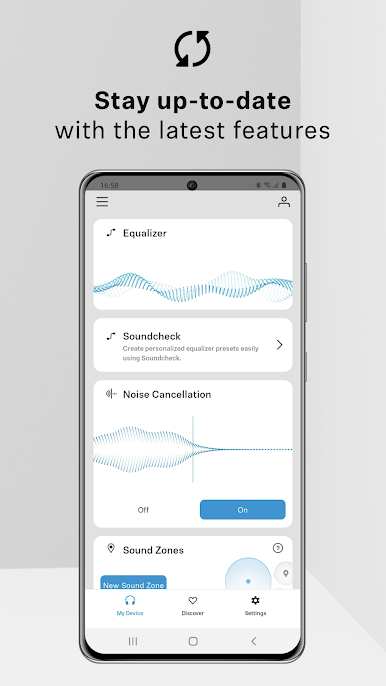
Personalized Sound Control
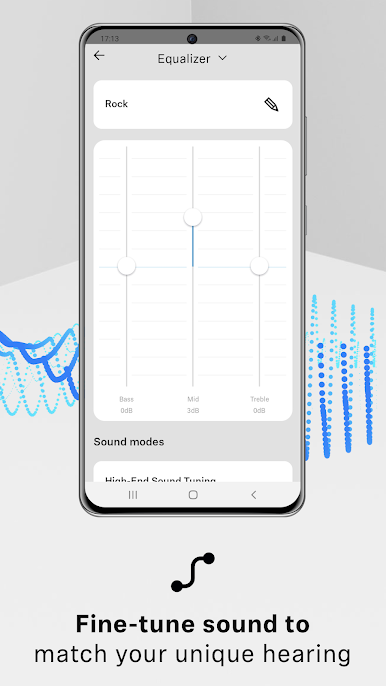
Choose how you want your music and calls to sound. Adjust your EQ settings and switch between different sound modes with just a tap. -
Sound Check
Not sure what settings work best for you? Sound Check guides you through a few steps to find the perfect audio balance for your ears. -
Sound Zones
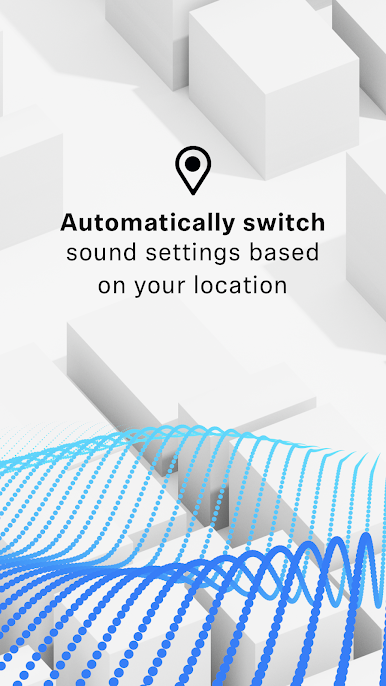
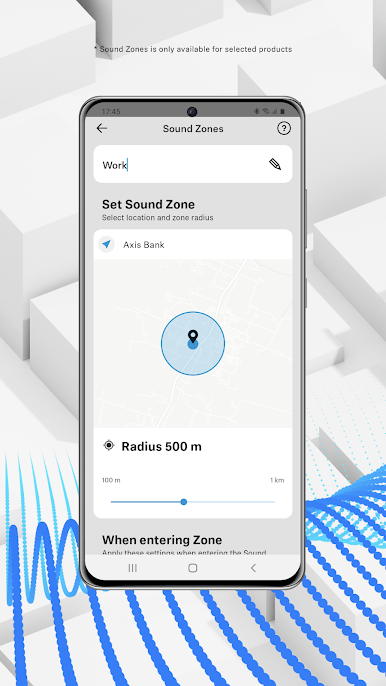
Heading home, to the gym, or somewhere new? Create custom Sound Zones that automatically change your sound settings depending on where you are. -
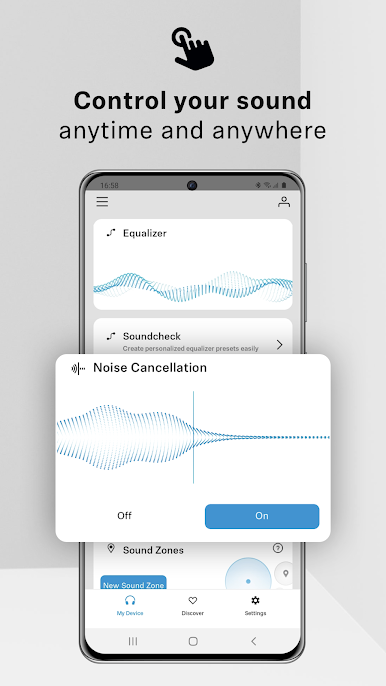
Noise Control & Transparency
Activate noise cancellation or let in ambient sounds when needed. Swap modes without even pausing your playlist. -
Seamless User Accounts
Set up an account to save your preferences and move them easily across all your Sennheiser devices. Switch headphones? No problem—your settings come with you. -
Discovery Section
Stay updated with the latest Sennheiser news, product tips, and the occasional surprise right inside the app. -
Product Info On Hand
Need a manual or want to check out all the features of your headphones or soundbar? Access digital user guides anytime. -
Easy Updates
Push a button and get the newest firmware or software for your device. No more guessing if your headphones are up-to-date.
Plus, Sennheiser Smart Control works with a huge list of products, and yes, you can use it on your PC too with BlueStacks if you want a bigger screen to play with.
BlueStacks gives you the much-needed freedom to experience your favorite apps on a bigger screen. Get it now.


เล่น Sennheiser Smart Control บน PC ได้ง่ายกว่า
-
ดาวน์โหลดและติดตั้ง BlueStacks บน PC ของคุณ
-
ลงชื่อเข้าใช้แอคเคาท์ Google เพื่อเข้าสู่ Play Store หรือทำในภายหลัง
-
ค้นหา Sennheiser Smart Control ในช่องค้นหาด้านขวาบนของโปรแกรม
-
คลิกเพื่อติดตั้ง Sennheiser Smart Control จากผลการค้นหา
-
ลงชื่อเข้าใช้บัญชี Google Account (หากยังไม่ได้ทำในขั้นที่ 2) เพื่อติดตั้ง Sennheiser Smart Control
-
คลิกที่ไอคอน Sennheiser Smart Control ในหน้าจอเพื่อเริ่มเล่น

