


Shure PLAY
เล่นบน PC ผ่าน BlueStacks - Android Gaming Platform ที่ได้รับความไว้วางใจจากเกมเมอร์ 500 ล้านคนทั่วโลก

Page Modified on: Oct 16, 2025
เล่น Shure PLAY on PC
คุณสมบัติ:
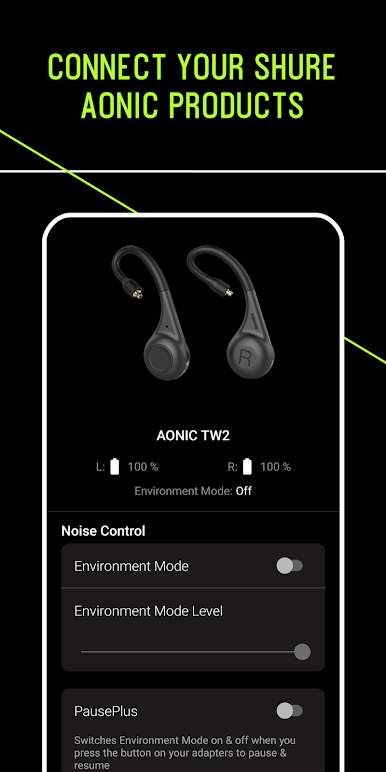
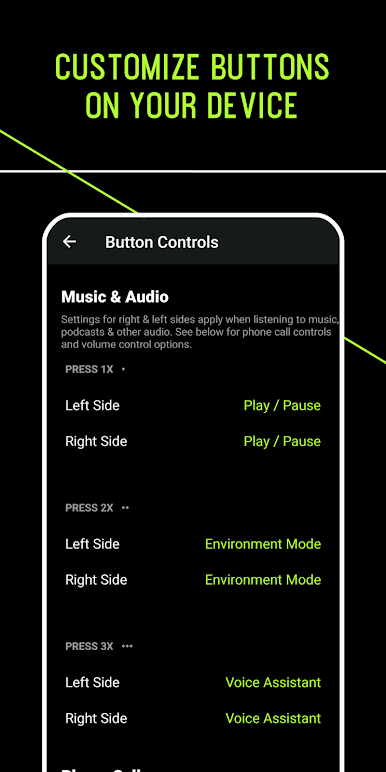
• ปรับแต่งผลิตภัณฑ์ฟังเพลงไร้สาย Shure AONIC ของคุณ — เลือกฟังก์ชันปุ่ม เลือกเสียงเตือนและโทนเสียง และอื่นๆ
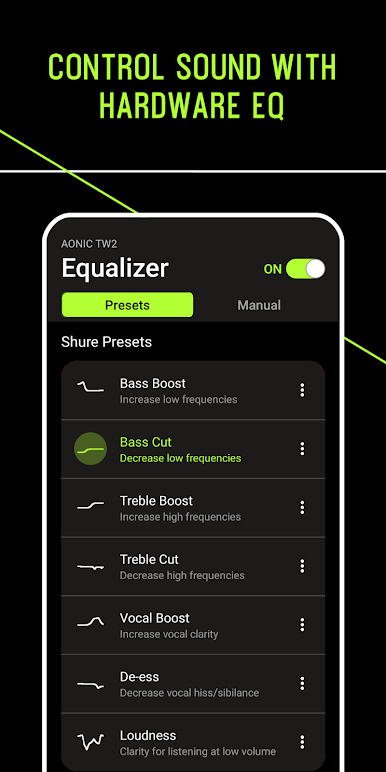
• ปรับแต่ง EQ ได้ในแอปหรือบนอุปกรณ์ — เลือกพรีเซ็ตหรือสร้างของคุณเอง
• ปรับแต่งโหมดสภาพแวดล้อมเพื่อโต้ตอบกับสภาพแวดล้อมของคุณ
• ตัดเสียงรบกวนด้วยระบบตัดเสียงรบกวนแบบแอคทีฟที่ปรับได้
• คู่มือผู้ใช้แบบอินเทอร์แอคทีฟ — ทำความรู้จักกับผลิตภัณฑ์ของคุณ
• เครื่องเล่นเพลงความละเอียดสูง — นำเข้าและเล่นไฟล์เพลงของคุณ
* มี ANC, การปรับแต่งปุ่ม และ EQ ฮาร์ดแวร์ให้เลือกในผลิตภัณฑ์บางรุ่น
เล่น Shure PLAY บน PC ได้ง่ายกว่า
-
ดาวน์โหลดและติดตั้ง BlueStacks บน PC ของคุณ
-
ลงชื่อเข้าใช้แอคเคาท์ Google เพื่อเข้าสู่ Play Store หรือทำในภายหลัง
-
ค้นหา Shure PLAY ในช่องค้นหาด้านขวาบนของโปรแกรม
-
คลิกเพื่อติดตั้ง Shure PLAY จากผลการค้นหา
-
ลงชื่อเข้าใช้บัญชี Google Account (หากยังไม่ได้ทำในขั้นที่ 2) เพื่อติดตั้ง Shure PLAY
-
คลิกที่ไอคอน Shure PLAY ในหน้าจอเพื่อเริ่มเล่น

