


SignNow Signature Electronique
Jouez sur PC avec BlueStacks - la plate-forme de jeu Android, approuvée par + 500M de joueurs.

Page Modifiée le: Dec 17, 2025
Run signNow: Sign & Fill PDF Docs on PC or Mac
What’s better than using signNow: Sign & Fill PDF Docs by SignNow? Well, try it on a big screen, on your PC or Mac, with BlueStacks to see the difference.
About the App
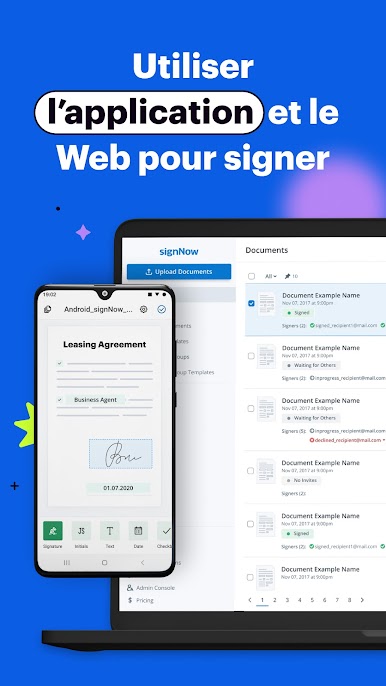
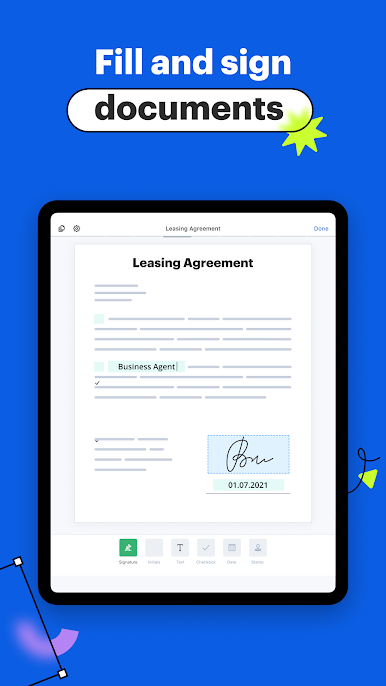
Need a faster, easier way to sign documents on your Android device? signNow: Sign & Fill PDF Docs, created by SignNow, lets you handle paperwork straight from your phone or tablet—no more printing or scanning just to get a contract signed. Whether you’re in the office, working from home, or juggling business on the move, this productivity app makes signing, sending, and managing PDFs surprisingly simple. You can even check on your document status whenever you feel like it.
App Features
-
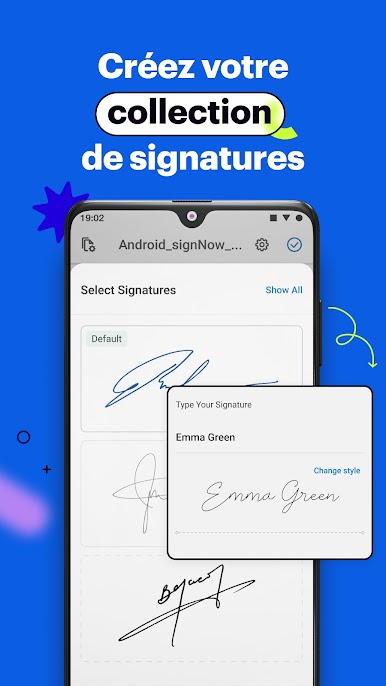
Multiple Ways to Sign
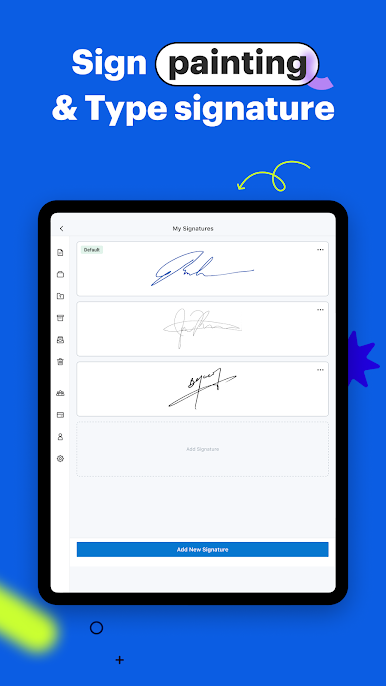
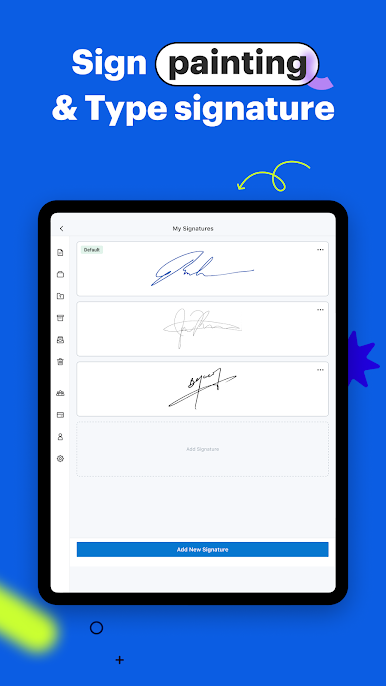
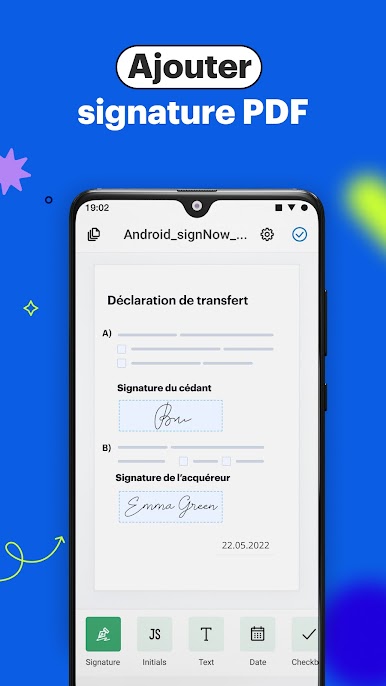
Choose how you sign—draw your signature, upload an image, or type it out. You’ve got options for making your mark on any document. -
Organize and Store Documents
Sort your files into folders that make sense for you, archive old forms for reference, and never lose track of what you’ve sent or signed. -
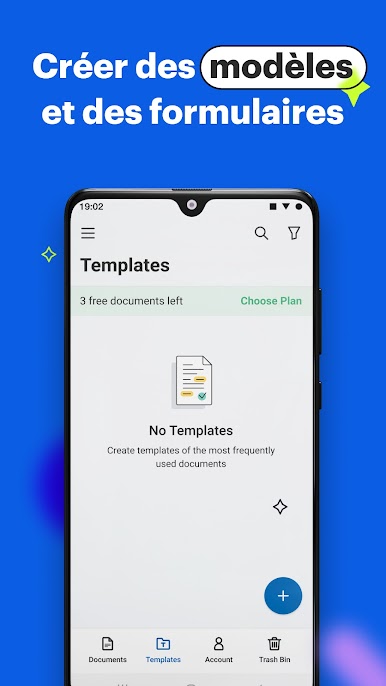
Create and Reuse Templates
Save time on repeated tasks by turning frequently used forms or contracts into reusable templates. -
Team Collaboration
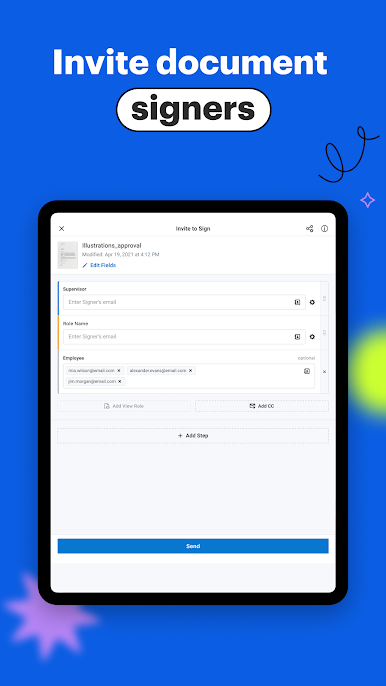
Share documents and collaborate with coworkers or clients. Assign roles, set the signing order, and let everyone know what they need to do. -
Automated Notifications
Get pinged when it’s your turn to sign, when someone else finishes, or when a reminder is needed. The app handles the nudge so you don’t have to. -
Document Tracking
See the status of every file at a glance—know who’s signed, what’s pending, and what still needs your attention. -
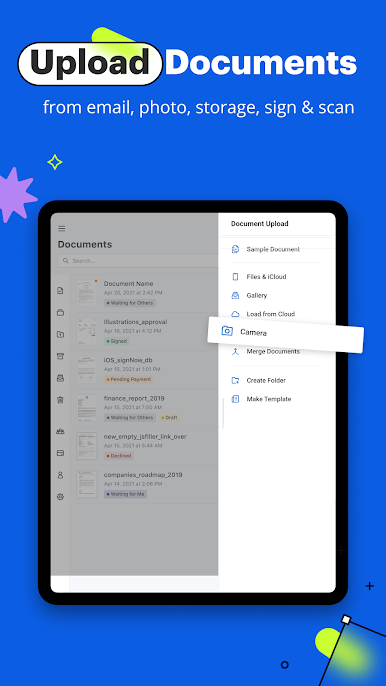
Import from Anywhere
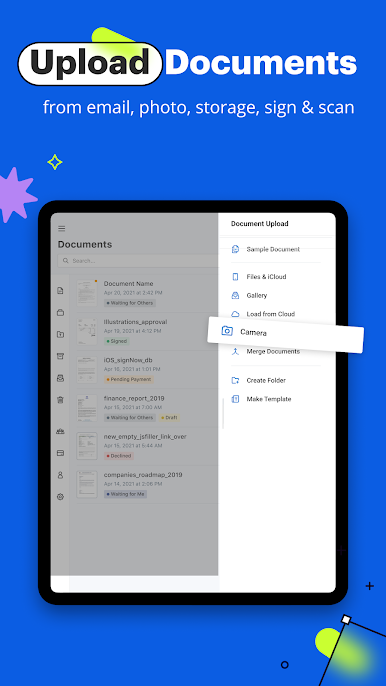
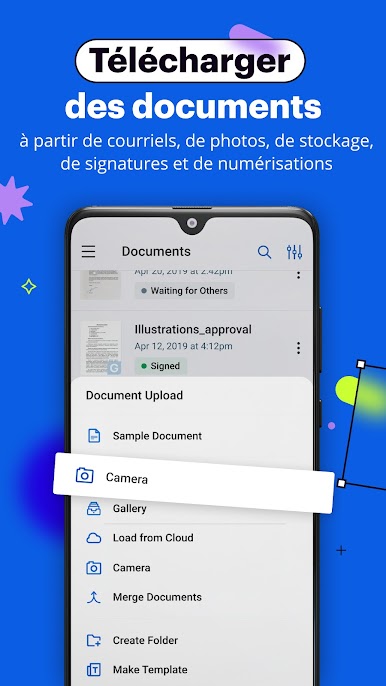
Pull in documents directly from your email or Google Drive, or snap a quick photo of a physical form. -
Kiosk Mode
Collect in-person signatures in settings like your office front-desk or retail location with an easy, guided signing experience. -
Security You Can Trust
Advanced data protection keeps your information safe while you handle sensitive contracts and forms. -
Custom Branding
Want to personalize the look? Add your company logo or images to give your documents a professional finish.
signNow: Sign & Fill PDF Docs really makes remote document workflows a whole lot smoother—especially handy for productivity fans or professionals using BlueStacks on their computer. Whether you’re a solo entrepreneur or part of a big team, the tools here help you keep paperwork under control without the hassle.
BlueStacks brings your apps to life on a bigger screen—seamless and straightforward.
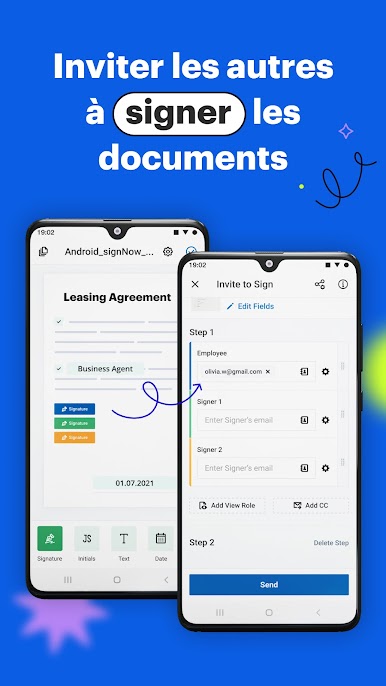
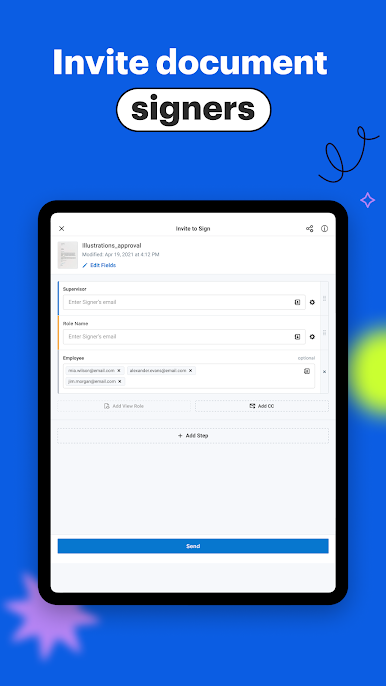
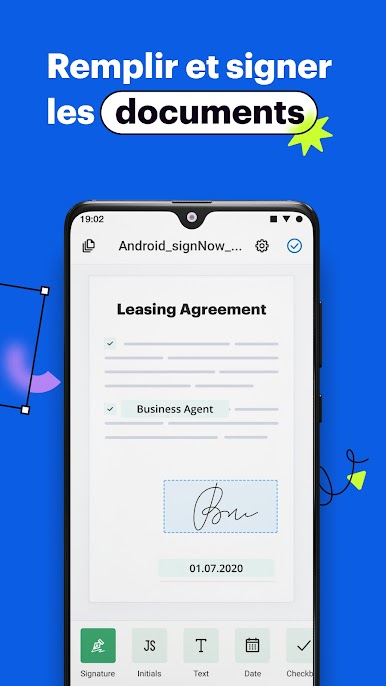
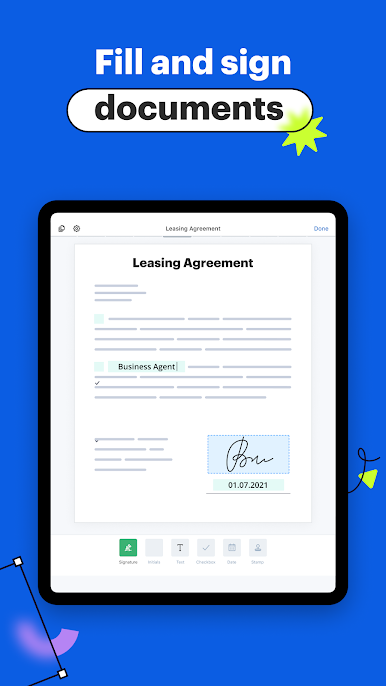
Jouez à SignNow Signature Electronique sur PC. C'est facile de commencer.
-
Téléchargez et installez BlueStacks sur votre PC
-
Connectez-vous à Google pour accéder au Play Store ou faites-le plus tard
-
Recherchez SignNow Signature Electronique dans la barre de recherche dans le coin supérieur droit
-
Cliquez pour installer SignNow Signature Electronique à partir des résultats de la recherche
-
Connectez-vous à Google (si vous avez ignoré l'étape 2) pour installer SignNow Signature Electronique
-
Cliquez sur l'icône SignNow Signature Electronique sur l'écran d'accueil pour commencer à jouer

