


เรียนภาษาเยอรมันกับมาสเตอร์ลิง
เล่นบน PC ผ่าน BlueStacks - Android Gaming Platform ที่ได้รับความไว้วางใจจากเกมเมอร์ 500 ล้านคนทั่วโลก

Page Modified on: Oct 23, 2025
Run Learn German Language with Master Ling on PC or Mac
What’s better than using Learn German Language with Master Ling by Simya Solutions Ltd.? Well, try it on a big screen, on your PC or Mac, with BlueStacks to see the difference.
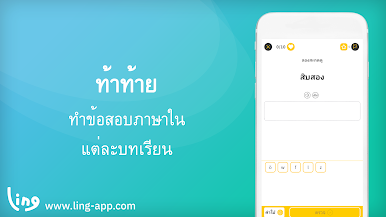
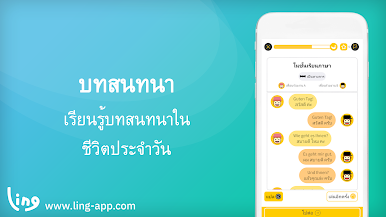
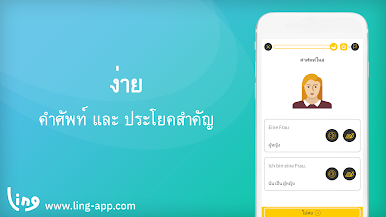
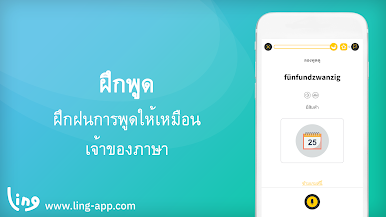
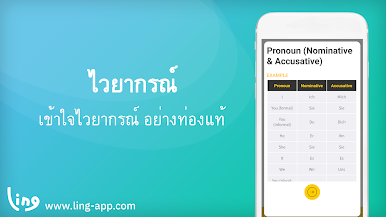
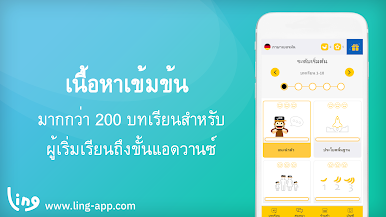
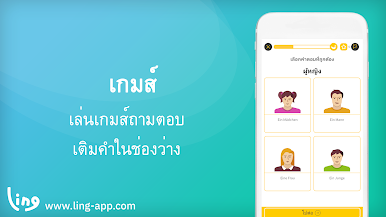
So, this Learn German with Master Ling app feels a lot less like sitting through a stuffy language class and more like playing around with mini games. It kind of mixes flashcards, matching pictures, little writing challenges, and quizzes, so everything switches up just when things could get repetitive. Anyone from a total beginner up to someone who already knows some German could find stuff at their level—it’s not just basics. What stands out is there’s a bunch of short activities, so even if you don’t have a lot of time or your attention wanders, another game or quiz is always right there.
The whole app is set up to be super simple to get around—no endless menus or confusing icons. People can jump between different lessons or even assess how they’re pronouncing words, which is nice if speaking is something to work on. Grammar doesn’t slow things down; you end up picking up pieces through the games rather than having to memorize rules. Even writing the German alphabet shows up, but it never feels overwhelming. Playing it on PC with BlueStacks makes the games and practice screens a bit bigger, too, so you catch every detail. Anyone looking for a relaxed way to get a handle on German—just doing a few games and picking up words and grammar along the way—could have a decent time with this setup.
Switch to BlueStacks and make the most of your apps on your PC or Mac.
เล่น เรียนภาษาเยอรมันกับมาสเตอร์ลิง บน PC ได้ง่ายกว่า
-
ดาวน์โหลดและติดตั้ง BlueStacks บน PC ของคุณ
-
ลงชื่อเข้าใช้แอคเคาท์ Google เพื่อเข้าสู่ Play Store หรือทำในภายหลัง
-
ค้นหา เรียนภาษาเยอรมันกับมาสเตอร์ลิง ในช่องค้นหาด้านขวาบนของโปรแกรม
-
คลิกเพื่อติดตั้ง เรียนภาษาเยอรมันกับมาสเตอร์ลิง จากผลการค้นหา
-
ลงชื่อเข้าใช้บัญชี Google Account (หากยังไม่ได้ทำในขั้นที่ 2) เพื่อติดตั้ง เรียนภาษาเยอรมันกับมาสเตอร์ลิง
-
คลิกที่ไอคอน เรียนภาษาเยอรมันกับมาสเตอร์ลิง ในหน้าจอเพื่อเริ่มเล่น

