


PDF Reader - PDF Viewer App
Jouez sur PC avec BlueStacks - la plate-forme de jeu Android, approuvée par + 500M de joueurs.

Page Modifiée le: Feb 26, 2025
Play PDF Reader - PDF Viewer App on PC
Looking for a small, fast, and simple PDF Viewer? Meet PDF Reader – the ultimate lightweight app to open, view, and manage PDFs easily! 🚀
Main Features:
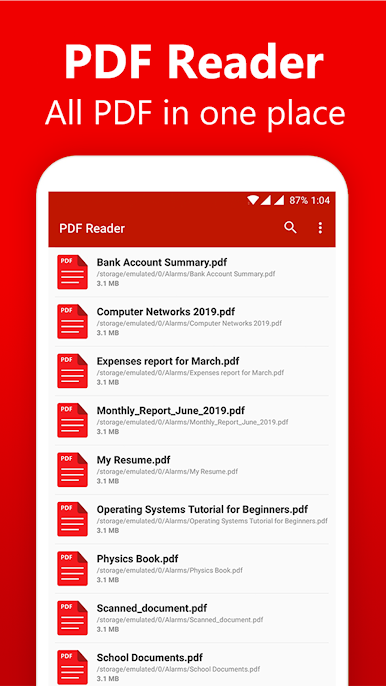
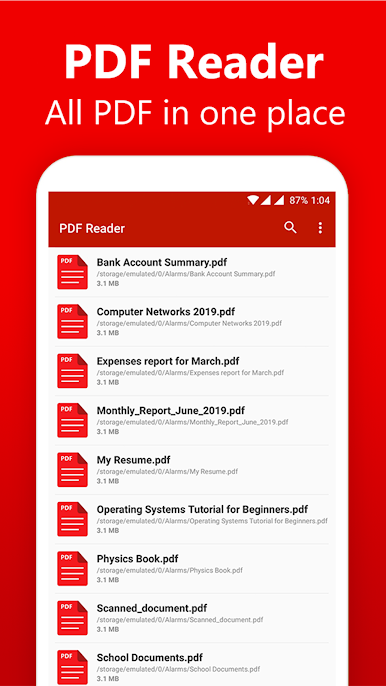
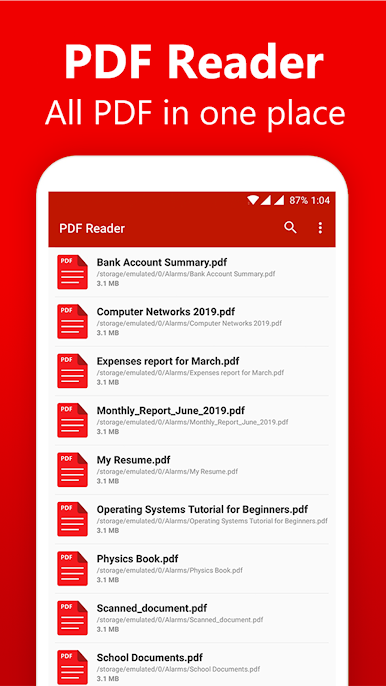
📂 All PDFs in One Place – Automatically lists all PDF files on your device for quick access.
⚡ Ultra-Fast & Small Size – Just 5MB in size, ensuring smooth performance without slowing down your device.
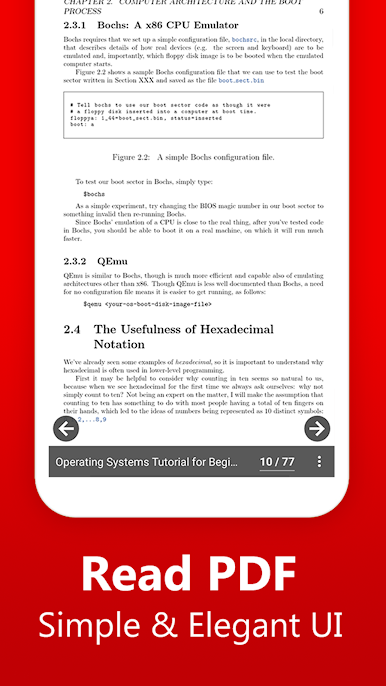
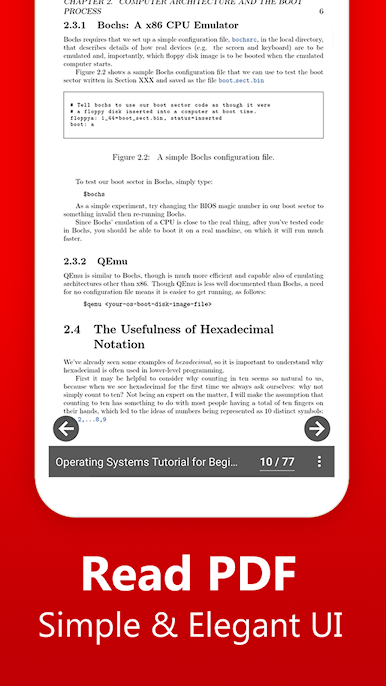
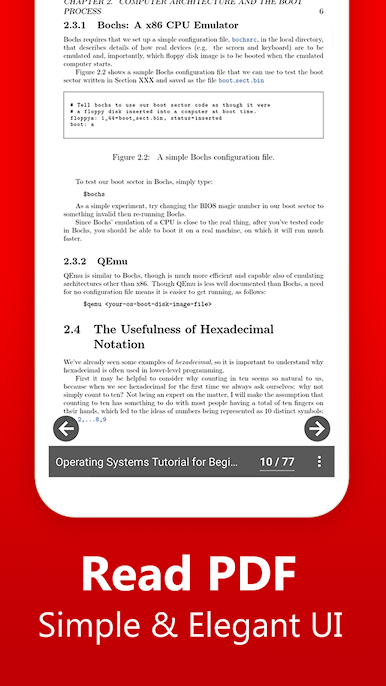
📑 Simple & Elegant Interface – Clean reader screen with essential controls for distraction-free reading.
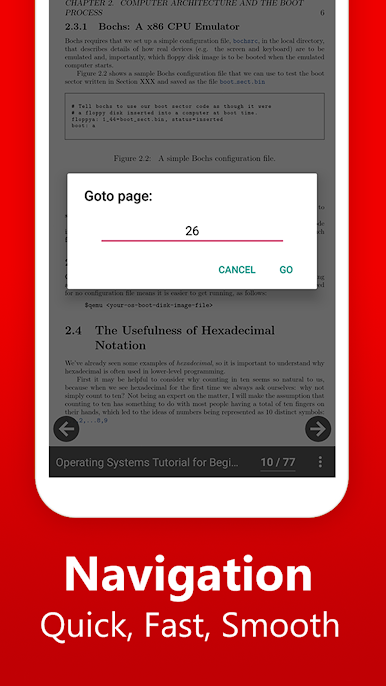
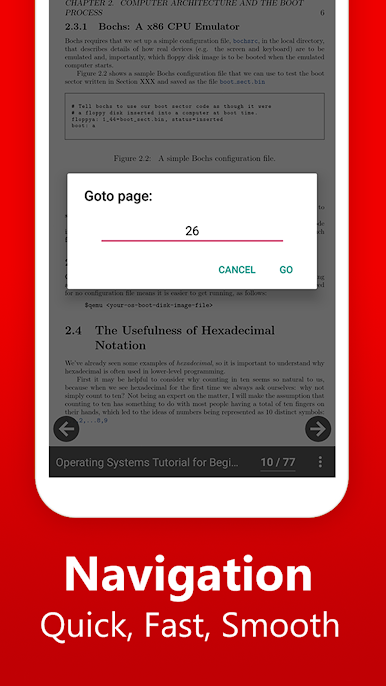
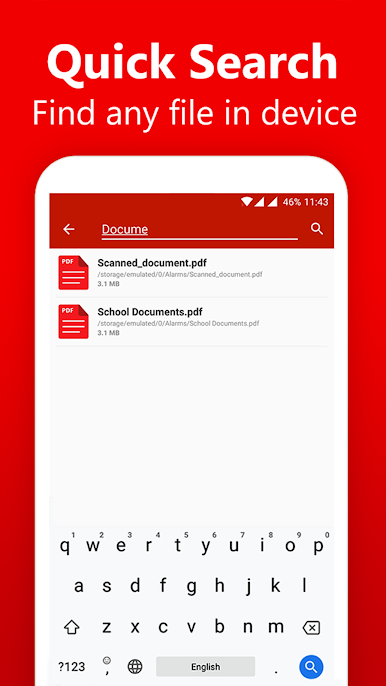
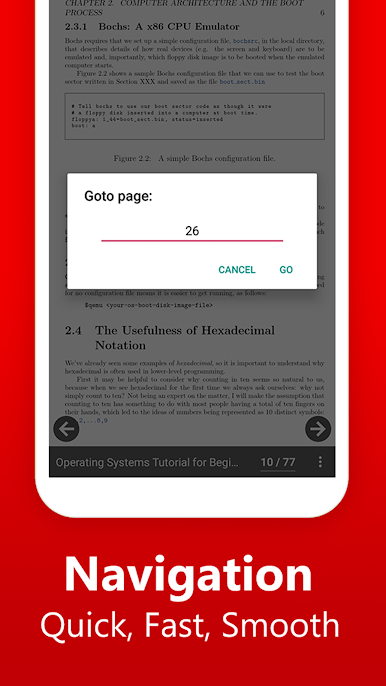
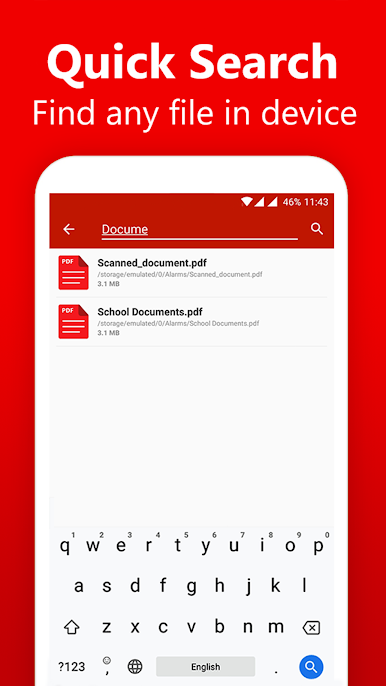
🔍 Quick Search & Navigation – Jump to any page instantly or find PDFs using the search function.
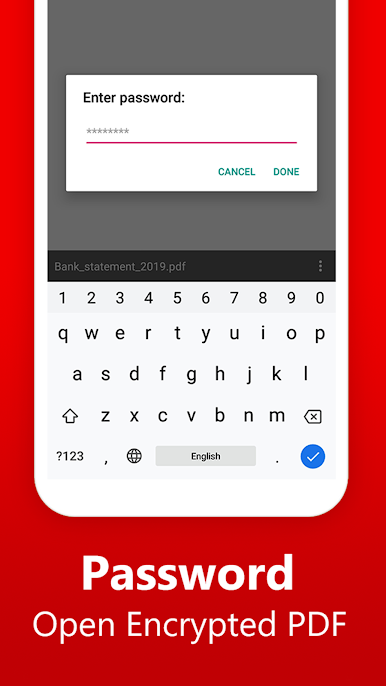
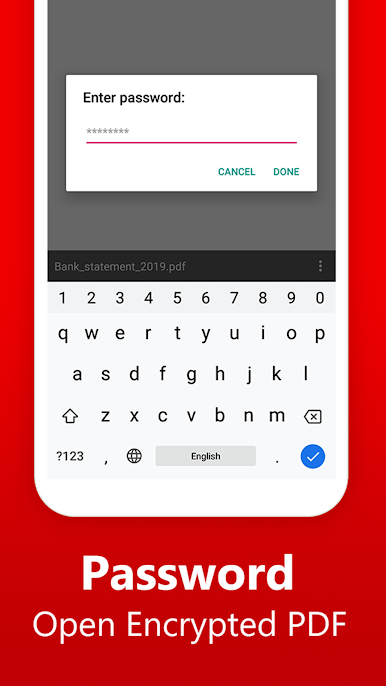
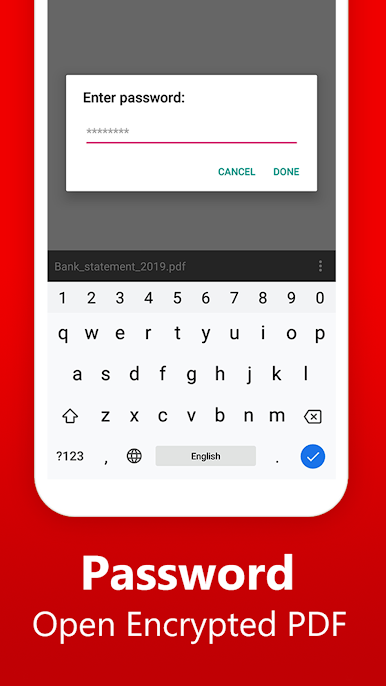
🔒 Open Password-Protected PDFs – Securely unlock encrypted PDFs by entering the correct password.
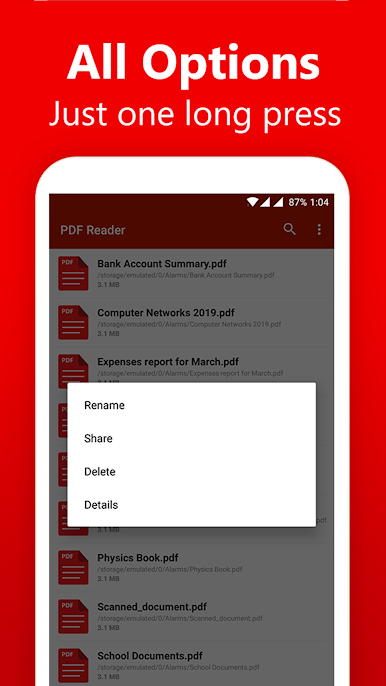
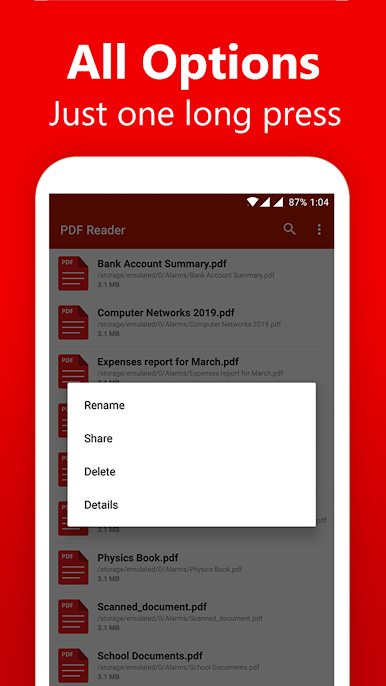
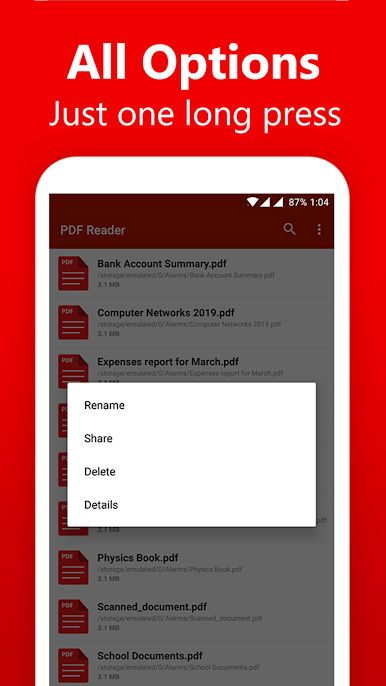
🛠️ Manage PDFs Easily – Rename, delete, and share PDFs directly from the app.
📌 Sort & Organize PDFs – Sort by name, date, or size for better organization.
🔄 Auto Refresh & PDF Details – Easily update the list and check file details.
Why Choose This PDF Reader?
✔ Fast, lightweight, and efficient
✔ No internet required – Works completely offline
✔ Perfect for students, professionals & everyday users
📥 Download PDF Reader now and enjoy a smooth PDF reading experience!
💡 We'd love your feedback! Contact us at feedback@skydot.tech.
Jouez à PDF Reader - PDF Viewer App sur PC. C'est facile de commencer.
-
Téléchargez et installez BlueStacks sur votre PC
-
Connectez-vous à Google pour accéder au Play Store ou faites-le plus tard
-
Recherchez PDF Reader - PDF Viewer App dans la barre de recherche dans le coin supérieur droit
-
Cliquez pour installer PDF Reader - PDF Viewer App à partir des résultats de la recherche
-
Connectez-vous à Google (si vous avez ignoré l'étape 2) pour installer PDF Reader - PDF Viewer App
-
Cliquez sur l'icône PDF Reader - PDF Viewer App sur l'écran d'accueil pour commencer à jouer

