


MijiaTemp
Jouez sur PC avec BlueStacks - la plate-forme de jeu Android, approuvée par + 500M de joueurs.

Page Modifiée le: Sep 8, 2025
Play MijiaTemp on PC
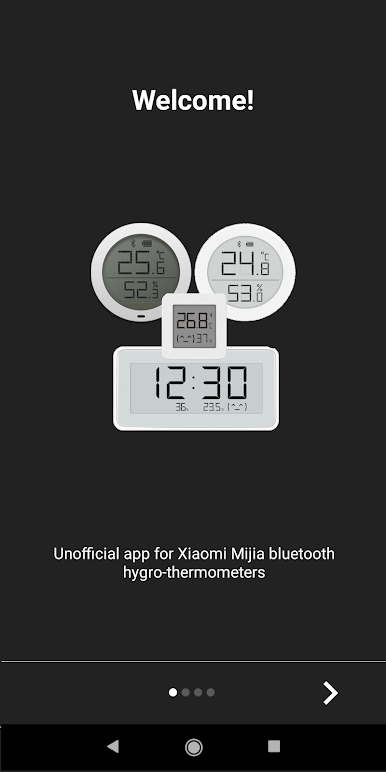
Use it on a Bluetooth capable Android phone/tablet/tvbox.
FEATURES:
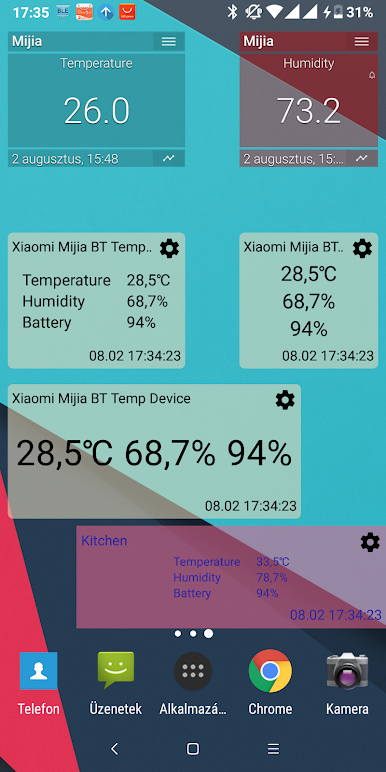
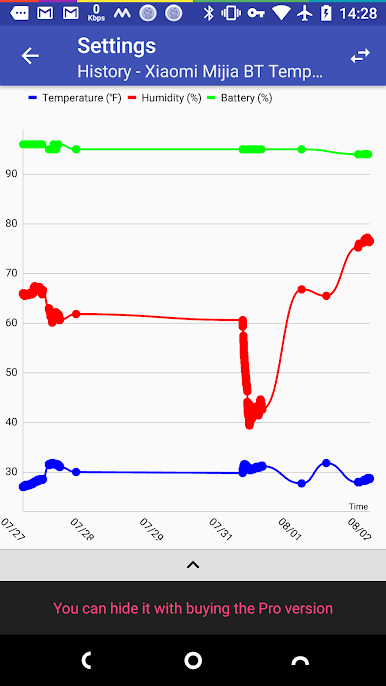
• show real-time temperature/humidity/battery(/moisture/illuminanance/conductivity) values in list/chart/widget
• save the values into local database
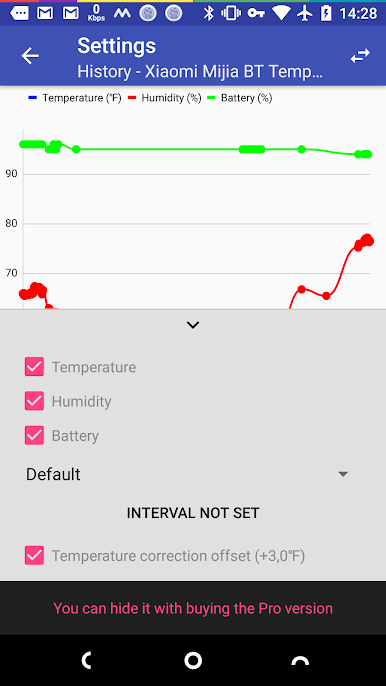
see these database saved values in chart
• sync sensor history values to database (Pro exclusive, only supported sensors)
• set offset values to fix sensor inaccuracies
• alarm if temperature/humidity/battery above/below the configured threshold values (Pro version exclusive)
• get the original binding key for decrypt the received data (e g. 3rd party smart home projects) (Pro version only)
• send the values into your private free ThingSpeak account * (you can follow the values with 3rd party apps far away from the sensor and/or integrate it to IFTTT automatization system)
• Pushover and Pushbulllet services to receive instant push notifications on your clients (Pro version exclusive)
• Kustom KWGT widget creator support for unique widgets. Widgets have the values you want and look as you like (Pro version exclusive)
* after one week trial it only works with ThingSpeak Integration (available in app)
DEVELOPMENT CONTRIBUTION
You can help to fix or create a new translation:
Prefered: https://github.com/smrtprjcts/mijiatemp
https://docs.google.com/spreadsheets/d/1FBpxywrQzG75sAlHX4yEgPcveYdoAF82vlQ_cUbaY1I/edit#gid=1808642273
Alpha test group:
https://groups.google.com/d/forum/mijiatemp-alpha
Feedback
Please drop a mail if you have a problem, have an unsupported sensor or have an idea



Jouez à MijiaTemp sur PC. C'est facile de commencer.
-
Téléchargez et installez BlueStacks sur votre PC
-
Connectez-vous à Google pour accéder au Play Store ou faites-le plus tard
-
Recherchez MijiaTemp dans la barre de recherche dans le coin supérieur droit
-
Cliquez pour installer MijiaTemp à partir des résultats de la recherche
-
Connectez-vous à Google (si vous avez ignoré l'étape 2) pour installer MijiaTemp
-
Cliquez sur l'icône MijiaTemp sur l'écran d'accueil pour commencer à jouer

