


Space - Spaced Repetition
Jouez sur PC avec BlueStacks - la plate-forme de jeu Android, approuvée par + 500M de joueurs.

Page Modifiée le: May 5, 2024
Run Space: Spaced Repetition System for Flashcards on PC or Mac
Let BlueStacks turn your PC, Mac, or laptop into the perfect home for Space: Spaced Repetition System for Flashcards, a fun Education app from Space Flashcards App.
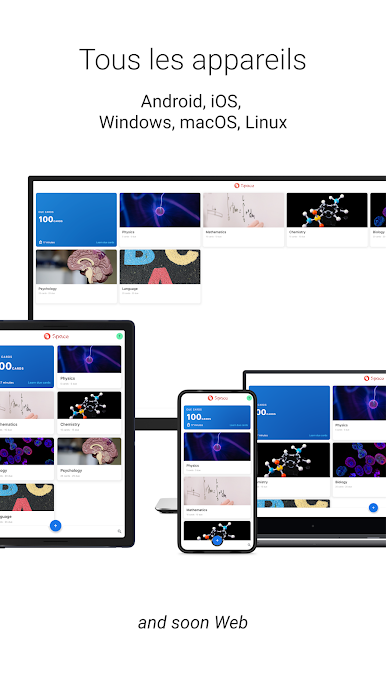
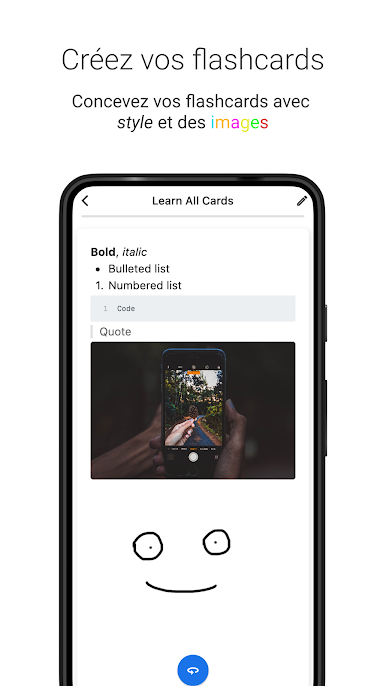
Space is one of those flashcard apps that feels instantly familiar but actually does a bit more than the usual. The main thing that stands out is how simple it is to make new decks and organize stuff, whether it’s for exams or just random facts. The way it lets users create, edit, and manage decks is straightforward—no getting lost in menus or extra steps. On PC, especially through BlueStacks, everything feels big and easy to handle, and the syncing between devices means users can swap from phone to desktop seamlessly, which is actually kind of important if there’s a lot to study.
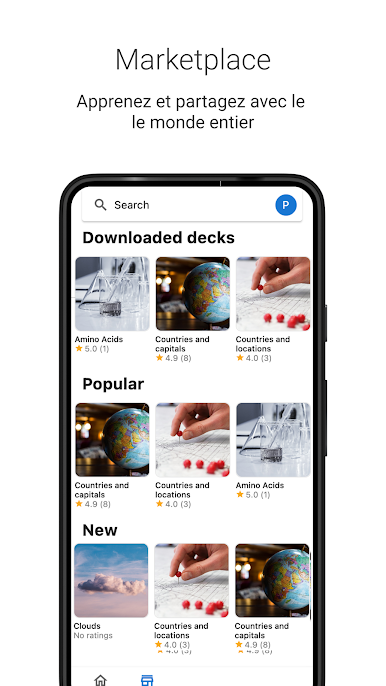
People seem to like the style options as well—there’s a light and dark mode switch, and even cover images to make decks easy to spot at a glance. Space Mode is a cool touch; it uses the Sans Forgetica font to help with remembering things, and that actually makes it look different from other flashcard apps. There’s a sense that this was built for making study time less of a chore—organized, quick to set up, and easy on the eyes—but still focused on actually helping with memorization. For anyone who needs to cram info, or just wants to remember something unusual, this setup keeps things moving without feeling overwhelming or fussy.
Eager to take your app experience to the next level? Start right away by downloading BlueStacks on your PC or Mac.


Jouez à Space - Spaced Repetition sur PC. C'est facile de commencer.
-
Téléchargez et installez BlueStacks sur votre PC
-
Connectez-vous à Google pour accéder au Play Store ou faites-le plus tard
-
Recherchez Space - Spaced Repetition dans la barre de recherche dans le coin supérieur droit
-
Cliquez pour installer Space - Spaced Repetition à partir des résultats de la recherche
-
Connectez-vous à Google (si vous avez ignoré l'étape 2) pour installer Space - Spaced Repetition
-
Cliquez sur l'icône Space - Spaced Repetition sur l'écran d'accueil pour commencer à jouer

