

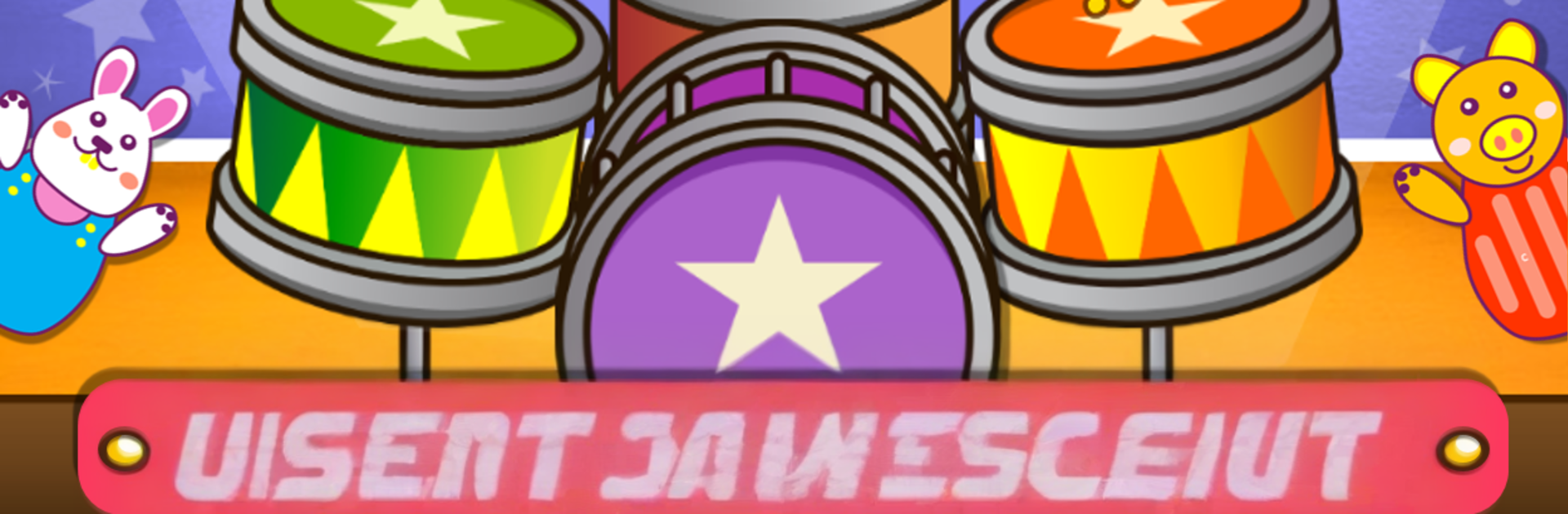
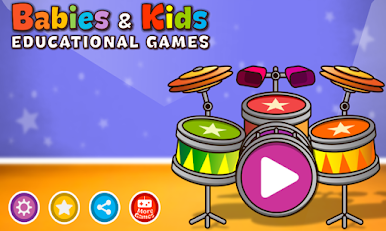
Babies & Kids educational game
Jouez sur PC avec BlueStacks - la plate-forme de jeu Android, approuvée par + 500M de joueurs.

Page Modifiée le: Aug 11, 2025
Run Babies & Kids educational game on PC or Mac
Why limit yourself to your small screen on the phone? Run Babies & Kids educational game, an app by Sunny Kid Games, best experienced on your PC or Mac with BlueStacks, the world’s #1 Android emulator.
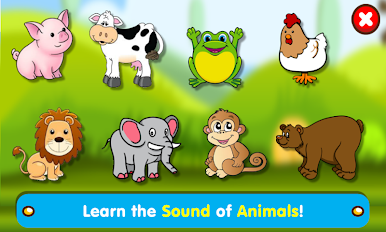
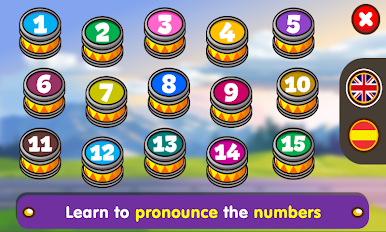
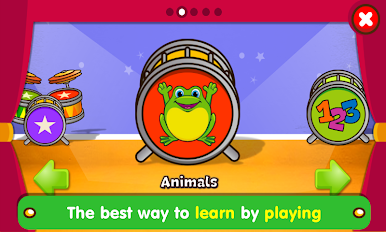
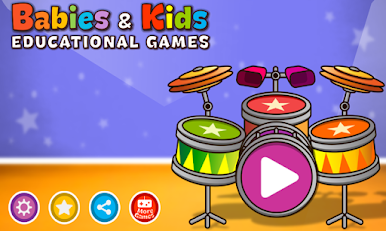
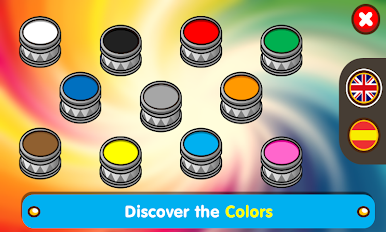
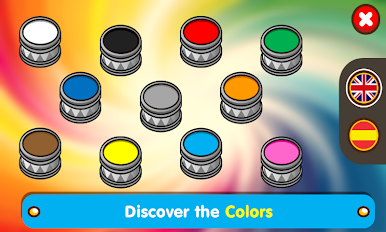
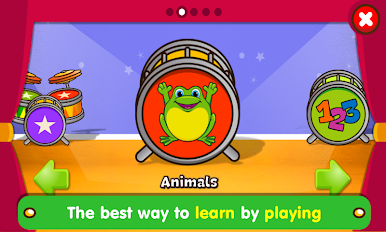
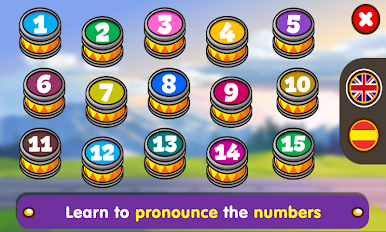
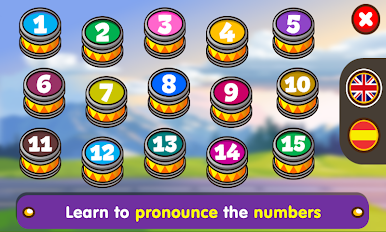
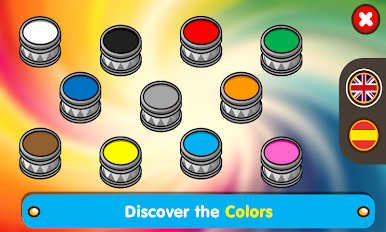
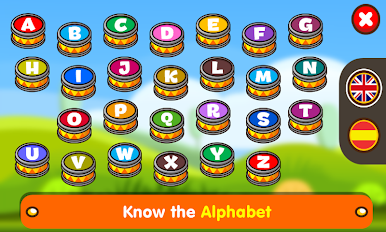
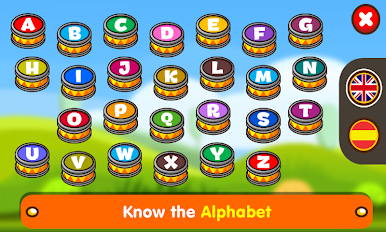
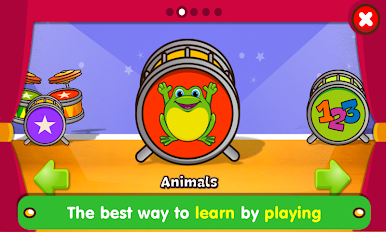
Babies & Kids educational game feels like a bright little playroom on the screen where learning sneaks in while everyone is having fun. It is full of simple mini activities for young kids, with clear voices that say letters, numbers, colors, and animal sounds. Everything is big, colorful, and easy to tap, so a toddler does not get lost in menus. The lessons are short and very clear, so attention stays on the game instead of fighting the interface. Parents can sit next to their kid and go through a few sections together, and it tends to make those quick learning moments feel relaxed, not stressful. There is a language switch for English and Spanish, so they can hear how things sound in both, which is nice for families teaching two languages or just curious kids.
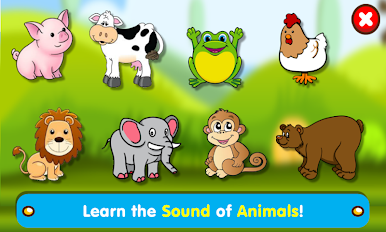
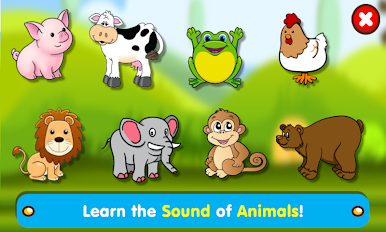
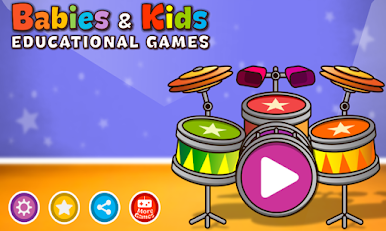
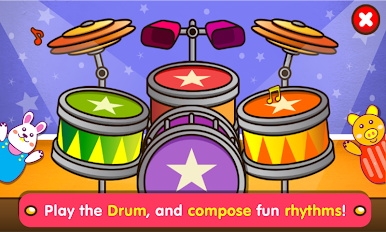
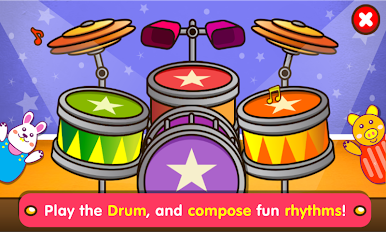
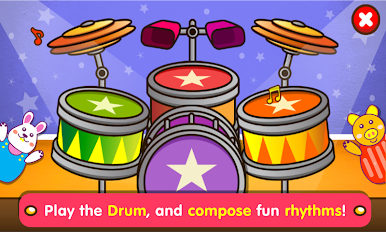
What stands out most is the Drum mode. It uses punchy, real drum sounds, and kids end up making little beats and messing with rhythm without needing any instructions. Animal sounds are loud and silly in the best way, which keeps the screen from turning into a boring flashcard set. Everything is open right away, there is no locked content wall to get around. On PC with BlueStacks, the larger screen and mouse clicks make it even calmer for small hands, and it looks crisp. The whole thing aims at memory, listening, and focus while still feeling like play, and it mostly nails that balance.
Switch to BlueStacks and make the most of your apps on your PC or Mac.

Jouez à Babies & Kids educational game sur PC. C'est facile de commencer.
-
Téléchargez et installez BlueStacks sur votre PC
-
Connectez-vous à Google pour accéder au Play Store ou faites-le plus tard
-
Recherchez Babies & Kids educational game dans la barre de recherche dans le coin supérieur droit
-
Cliquez pour installer Babies & Kids educational game à partir des résultats de la recherche
-
Connectez-vous à Google (si vous avez ignoré l'étape 2) pour installer Babies & Kids educational game
-
Cliquez sur l'icône Babies & Kids educational game sur l'écran d'accueil pour commencer à jouer

