

The Lost Treasure Lite
เล่นบน PC ผ่าน BlueStacks - Android Gaming Platform ที่ได้รับความไว้วางใจจากเกมเมอร์ 500 ล้านคนทั่วโลก

Page Modified on: Jan 23, 2025
Play Start the Hunt for the Lost Treasure on PC or Mac
Bring your A-game to Start the Hunt for the Lost Treasure, the Puzzle game sensation from Syntaxity. Give your gameplay the much-needed boost with precise game controls, high FPS graphics, and top-tier features on your PC or Mac with BlueStacks.
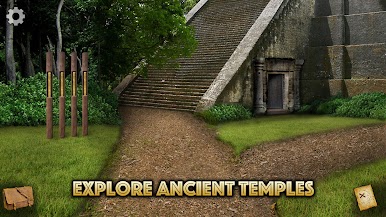
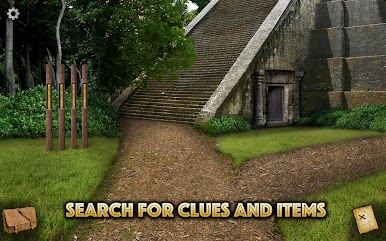
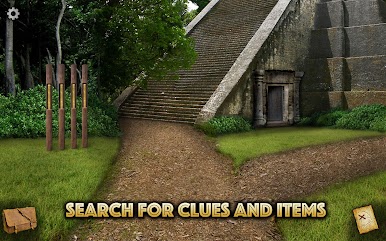
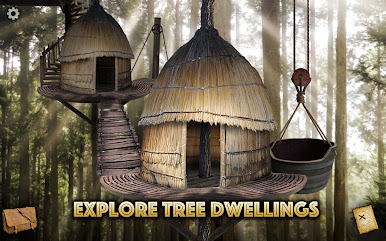
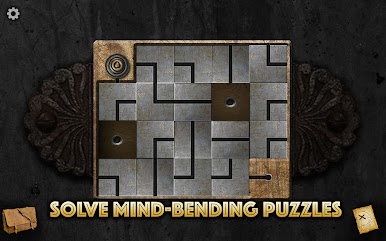
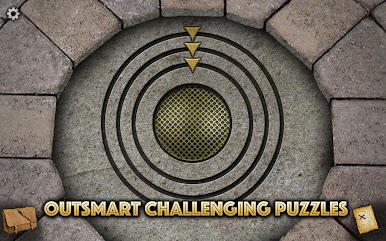
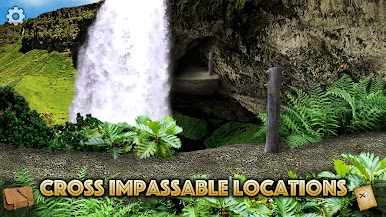
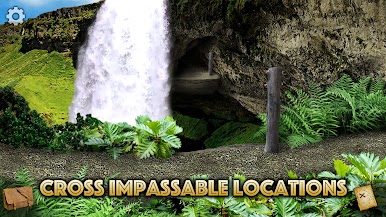
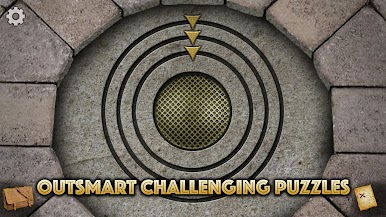
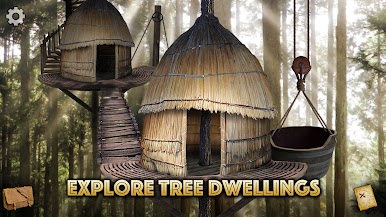
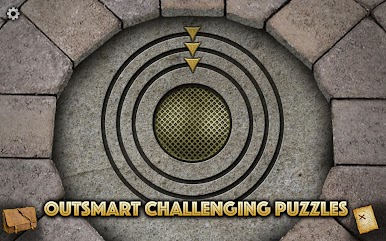
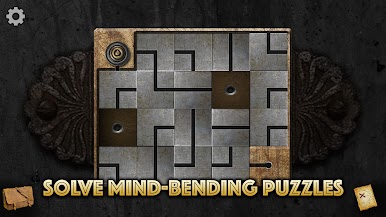
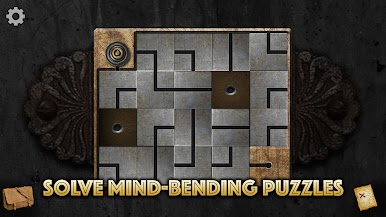
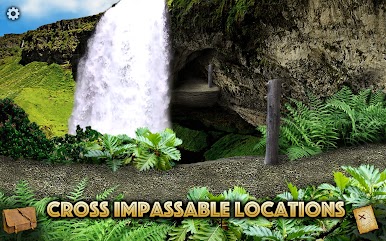
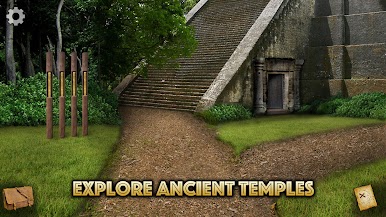
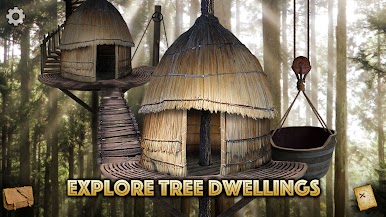
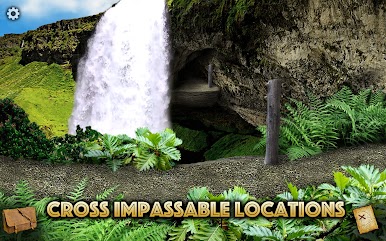
Start the Hunt for the Lost Treasure feels like one of those classic point and click adventures, but with that extra polish you expect from modern games. The story leans into that familiar treasure-hunting vibe — there’s a bit of family backstory, an old map, and a pirate’s cove waiting to be explored. Most of the game is about poking around lush environments, uncovering little clues, and figuring out the sort of puzzles that make you stop and really think for a moment. There’s an ancient temple, hidden passages, treehouse ruins, all connected in a way that keeps you curious about what’s around the next corner.
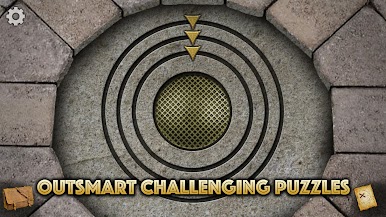
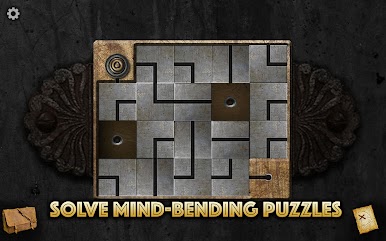
On PC, especially with BlueStacks, the game feels bigger and it’s easy to navigate — the graphics really stand out on a larger screen. There’s a map to keep track of where you’ve been (which helps, because there’s a good amount of backtracking and piecing things together), plus a camera for snapping photos of anything that might be important later. The puzzles range from simple to head-scratching, but it never feels unfair. If someone gets stuck, there are hints for a bit of help. And, just to note, this version lets you start the adventure for free, but there’s a point where you’ll need to pay if you want to see how everything plays out. It’s a solid pick for anyone who likes hunting for clues, taking in nice visuals, and solving puzzles at their own pace.
Make your gaming sessions memorable with precise controls that give you an edge in close combats and visuals that pop up, bringing every character to life.













เล่น The Lost Treasure Lite บน PC ได้ง่ายกว่า
-
ดาวน์โหลดและติดตั้ง BlueStacks บน PC ของคุณ
-
ลงชื่อเข้าใช้แอคเคาท์ Google เพื่อเข้าสู่ Play Store หรือทำในภายหลัง
-
ค้นหา The Lost Treasure Lite ในช่องค้นหาด้านขวาบนของโปรแกรม
-
คลิกเพื่อติดตั้ง The Lost Treasure Lite จากผลการค้นหา
-
ลงชื่อเข้าใช้บัญชี Google Account (หากยังไม่ได้ทำในขั้นที่ 2) เพื่อติดตั้ง The Lost Treasure Lite
-
คลิกที่ไอคอน The Lost Treasure Lite ในหน้าจอเพื่อเริ่มเล่น

