

Relic Match 3: Mystery Society
เล่นบน PC ผ่าน BlueStacks - Android Gaming Platform ที่ได้รับความไว้วางใจจากเกมเมอร์ 500 ล้านคนทั่วโลก

Page Modified on: Aug 21, 2024
Play Relic Match 3: Mystery Society on PC or Mac
Relic Match 3: Mystery Society brings the Casual genre to life, and throws up exciting challenges for gamers. Developed by Tamalaki, this Android game is best experienced on BlueStacks, the World’s #1 app player for PC and Mac users.
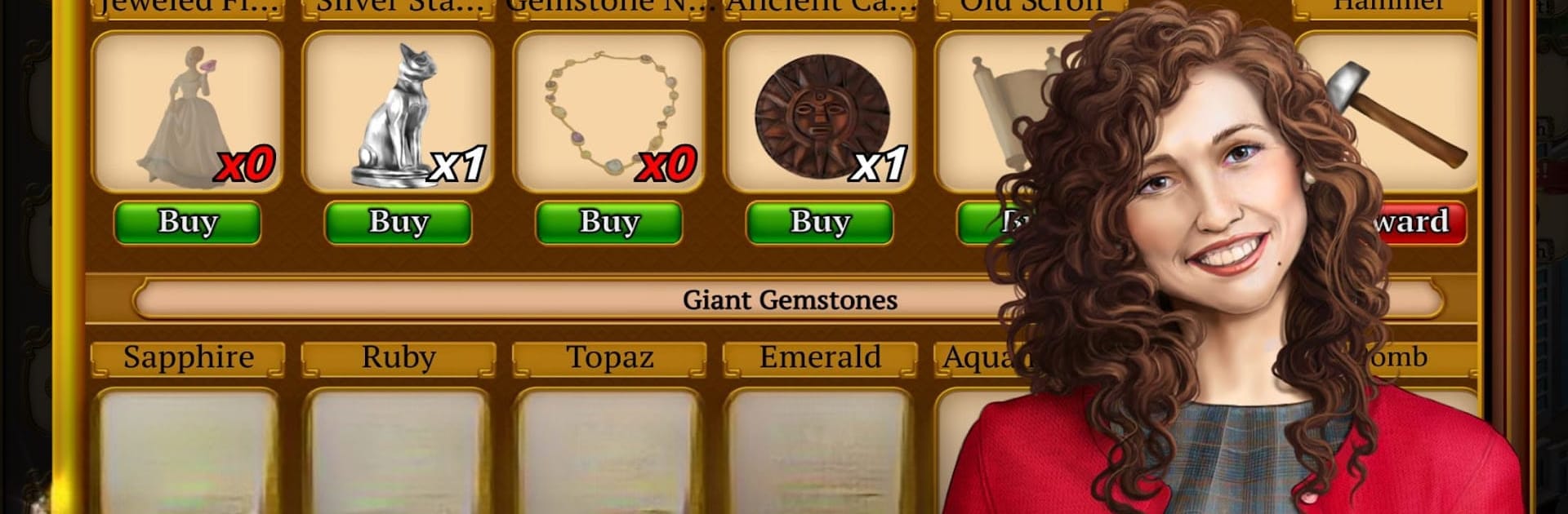
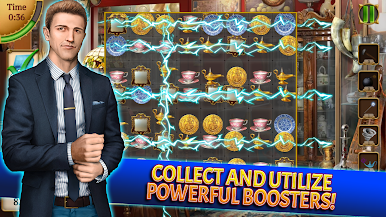
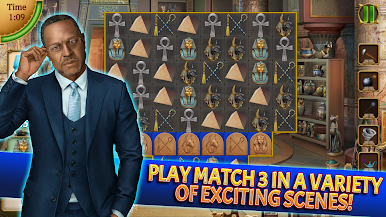
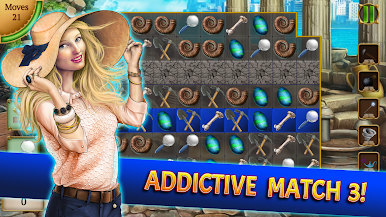
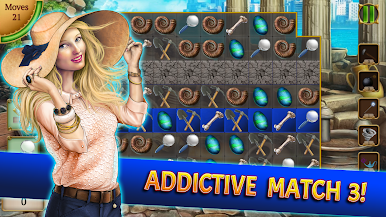
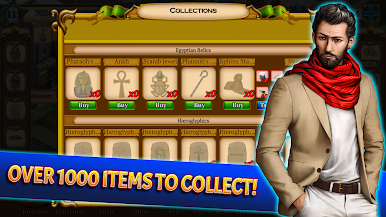
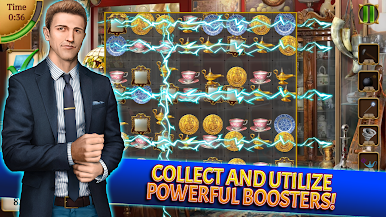
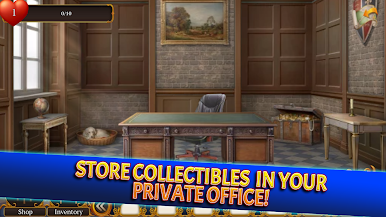
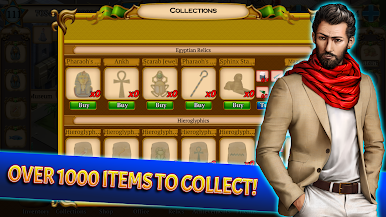
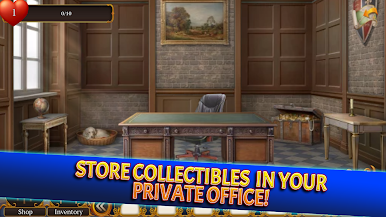
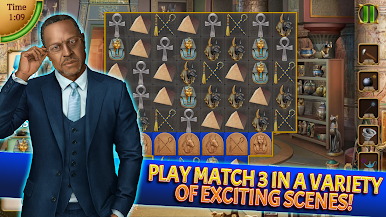
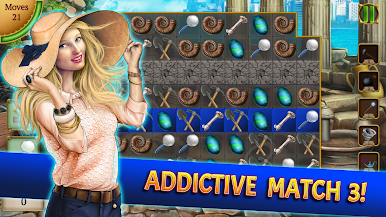
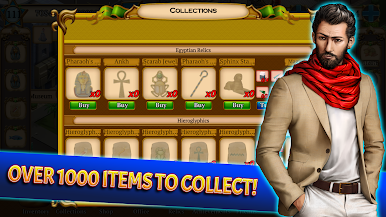
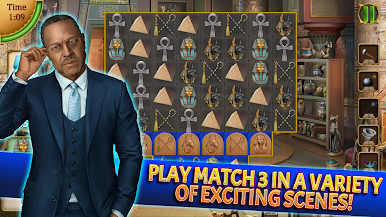
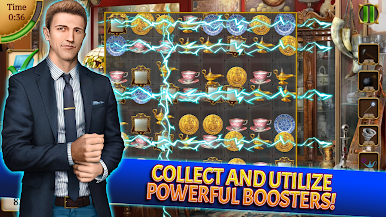
Relic Match 3: Mystery Society plays like a cozy detective show wrapped around a classic match-3. It starts simple, with a rookie investigator poking around crime scenes, and then grows into a routine of swapping tiles to uncover stolen jewels, completing collections, and slowly turning a little detective office into something that looks legit. The story is light but it keeps things moving, with a secret society vibe, quirky characters, and new locations opening as ranks go up. Boards are not just color matches either. There are crates to break, bubbles to pop, and locks that block paths until the right moves or boosters clear them. Boosters matter, and chaining big matches feels good when the whole screen sparks.
There is a steady loop of finding relics, trading or collecting sets for rewards, and chasing score targets. Friends can send energy and bonuses, and there are leaderboards if someone enjoys a bit of friendly one-up. It works offline, which is handy, and it looks clean on a larger screen. On PC with BlueStacks the mouse makes swaps precise, the board is easier to read, and long sessions do not roast a battery. This suits players who like a relaxed puzzle grind with a light mystery thread, rather than heavy strategy or twitch action. The pace can get chewy later, but the variety of goals and modes keeps it from feeling stale.
Ready to top the leaderboard? We bet you do. Let precise controls and sharp visuals optimized on BlueStacks lead you to victory.

เล่น Relic Match 3: Mystery Society บน PC ได้ง่ายกว่า
-
ดาวน์โหลดและติดตั้ง BlueStacks บน PC ของคุณ
-
ลงชื่อเข้าใช้แอคเคาท์ Google เพื่อเข้าสู่ Play Store หรือทำในภายหลัง
-
ค้นหา Relic Match 3: Mystery Society ในช่องค้นหาด้านขวาบนของโปรแกรม
-
คลิกเพื่อติดตั้ง Relic Match 3: Mystery Society จากผลการค้นหา
-
ลงชื่อเข้าใช้บัญชี Google Account (หากยังไม่ได้ทำในขั้นที่ 2) เพื่อติดตั้ง Relic Match 3: Mystery Society
-
คลิกที่ไอคอน Relic Match 3: Mystery Society ในหน้าจอเพื่อเริ่มเล่น

