


Happy Match 3D: ASMR Blast
Jouez sur PC avec BlueStacks - la plate-forme de jeu Android, approuvée par + 500M de joueurs.

Page Modifiée le: Mar 7, 2025
Play Happy Match 3D: ASMR Blast on PC
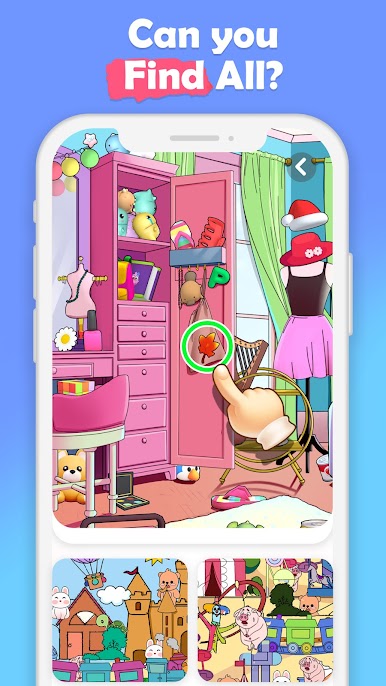
It's the brand new time-killer🔥 with 3D visual effects! If you are a super fan of Matching Puzzle Games, you will not miss Happy Match 3D! Use your fingers✌️ to match the same items as fast as you can! Notice the time⌚️ on the top and beat the challenge! You will be the best match Master👩🎓👨🎓!
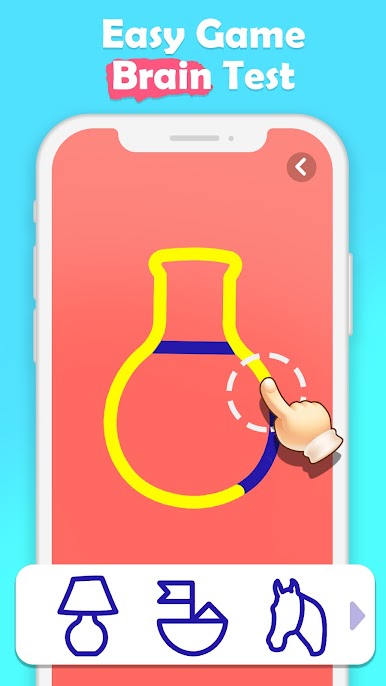
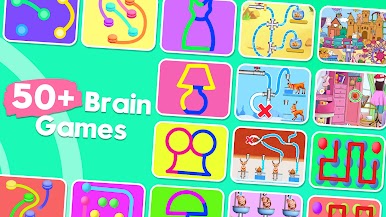
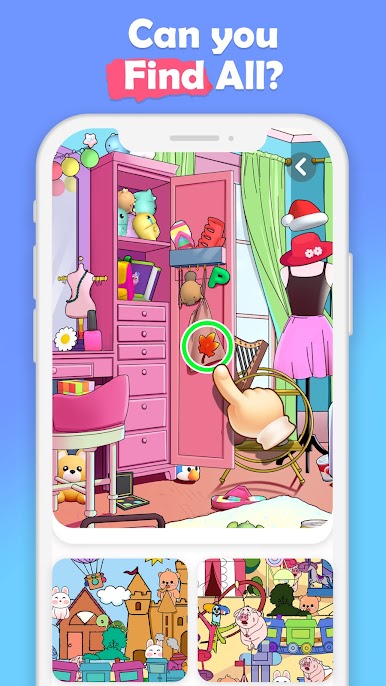
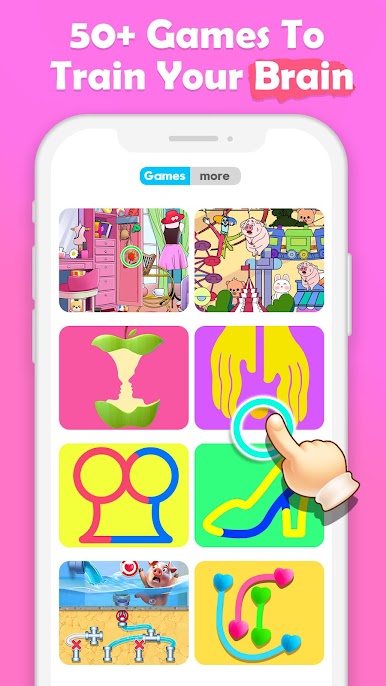
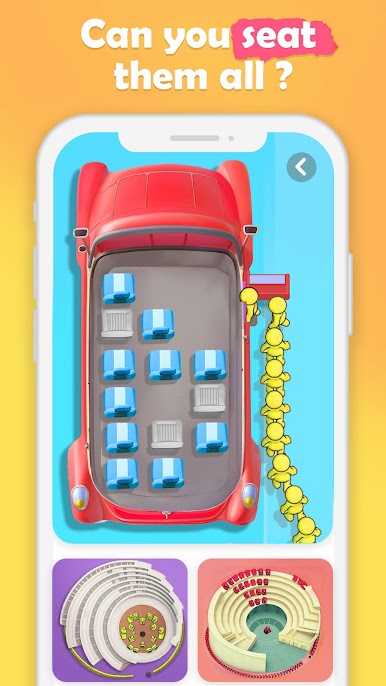
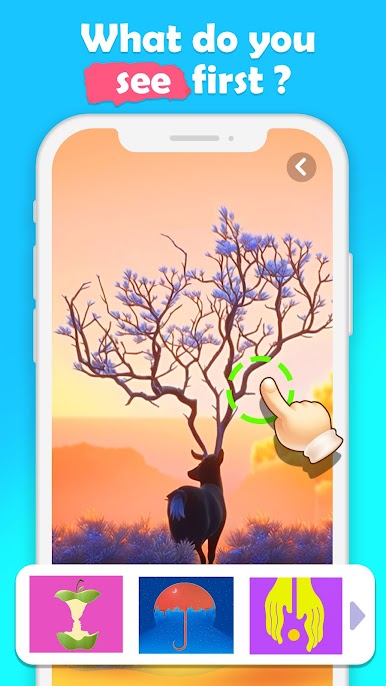
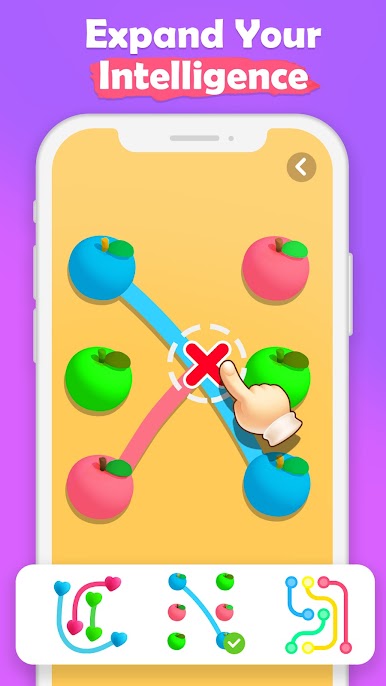
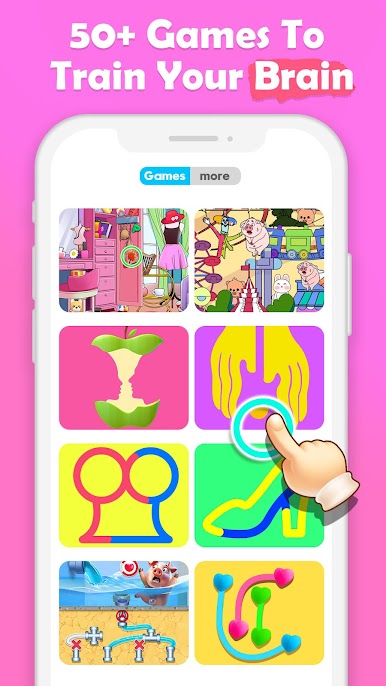
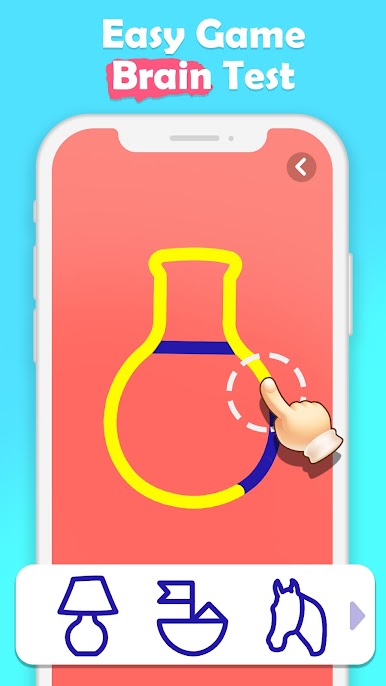
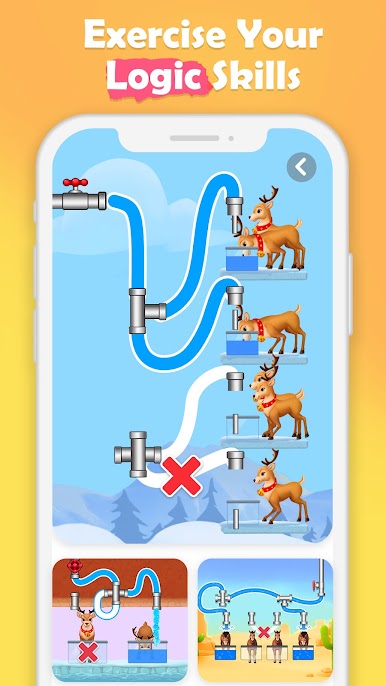
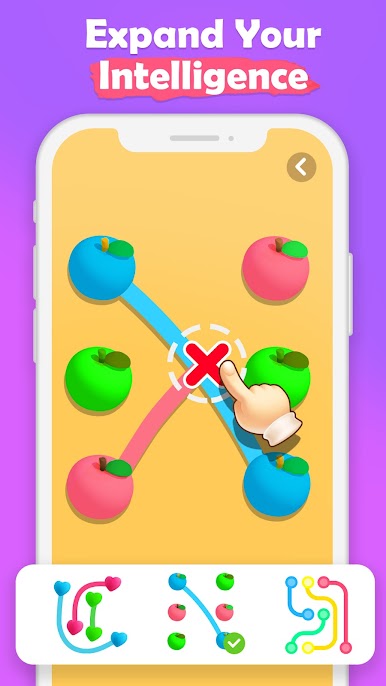
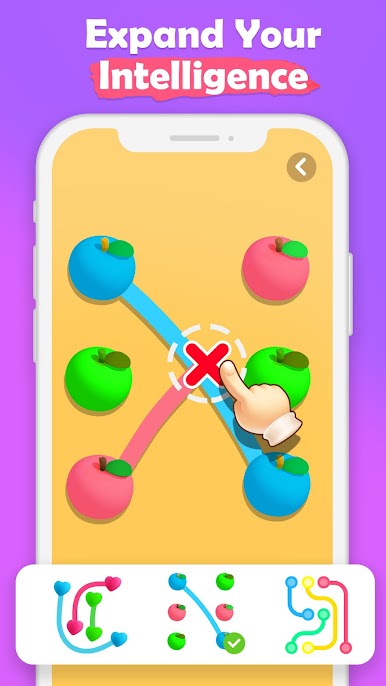
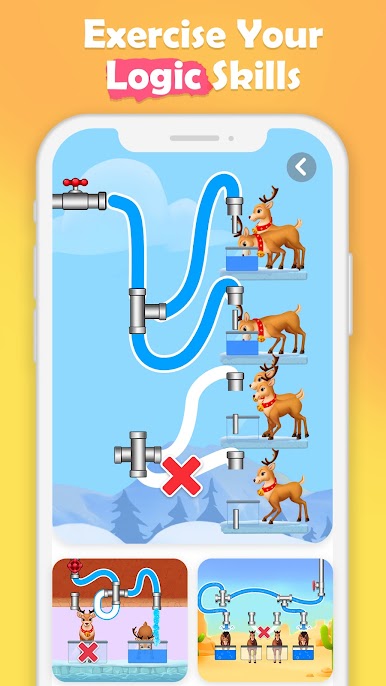
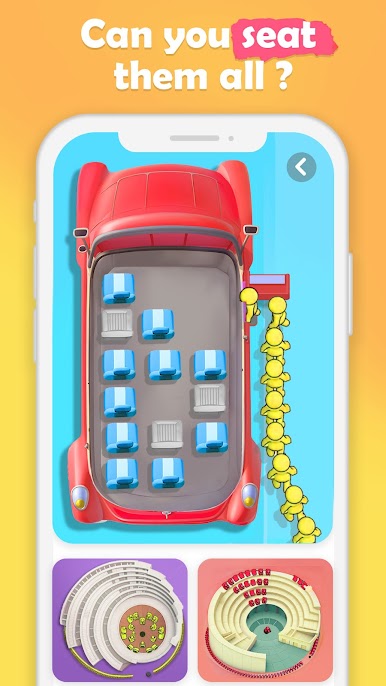
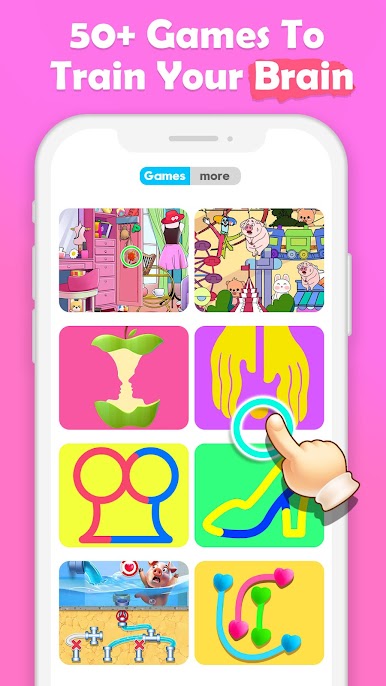
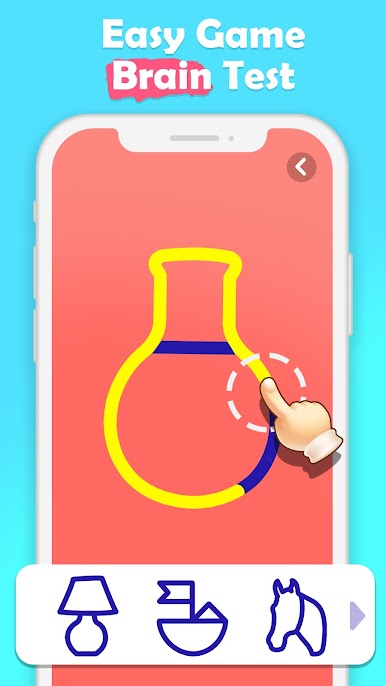
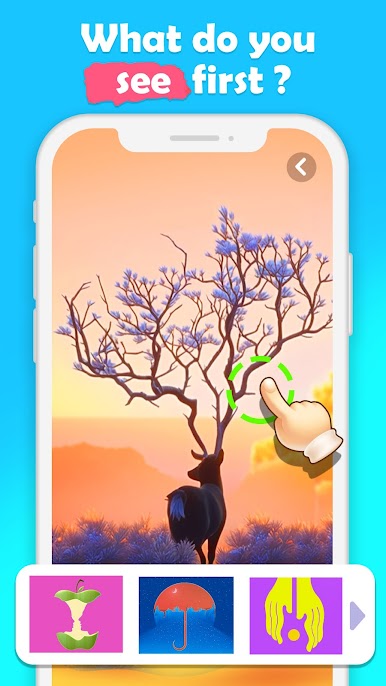
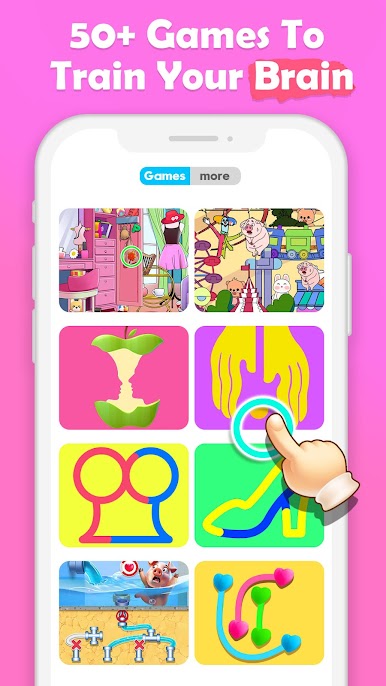
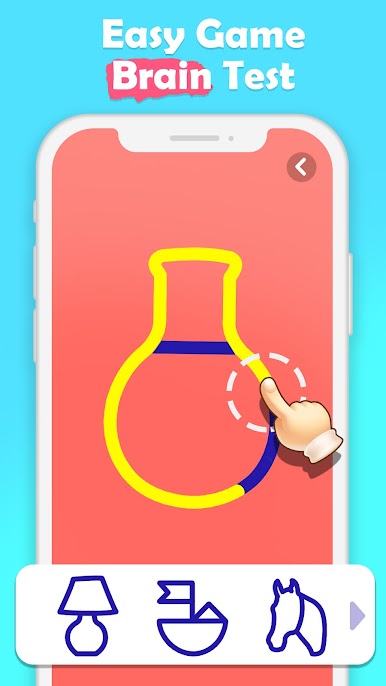
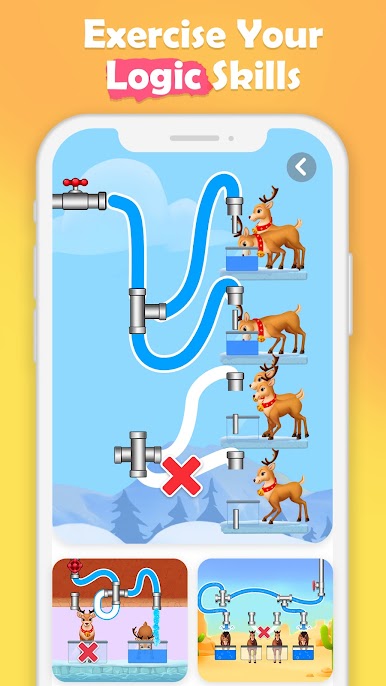
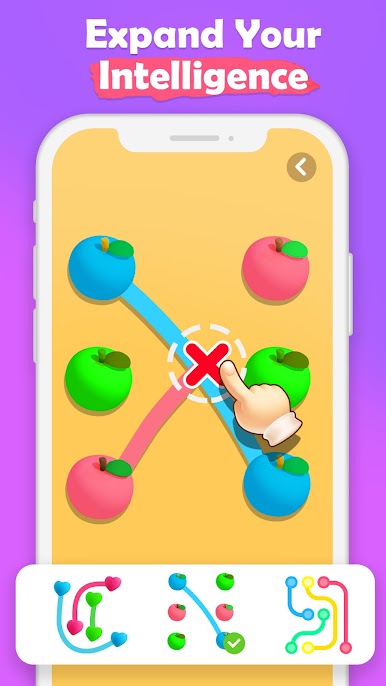
Besides, more different puzzle games are inside the game if you would like to relax. Challenge the drawing with only One-line whether it’s a simple or complicated picture. Or connect colored dots without breaking the rule. You will enjoy the process of solving the puzzles.
Amazing 3D visual effects will bring you an extraordinary feeling🤗. Imagine it, Hundreds of objects scatter on your phone screen📱, and they look no different from the one in your real home🏠 . You throw them anywhere to find the one you want to match and clear the items one by one! The clean screen will release your pressure😌!
Not just for fun, this game will practice your time management ability, develop your Acuity to observe things, and increase your memory speed. The most important one is that your brain🧠 will be powered up and always active.
Features:
🏅Fun puzzle games are here to play.
🏅Thousands of levels make you never bored.
🏅Realistic 3D visual effects and objects make you immersive.
🏅Bonus system makes you progress faster.
🏅Various types of objects satisfy your needs.
🏅Completely free & no energy limited.
Thank you for playing Happy Match 3D. We will keep working hard to improve the game and provide the best experience. If you have any feedback, feel free to contact us in the game🥰.
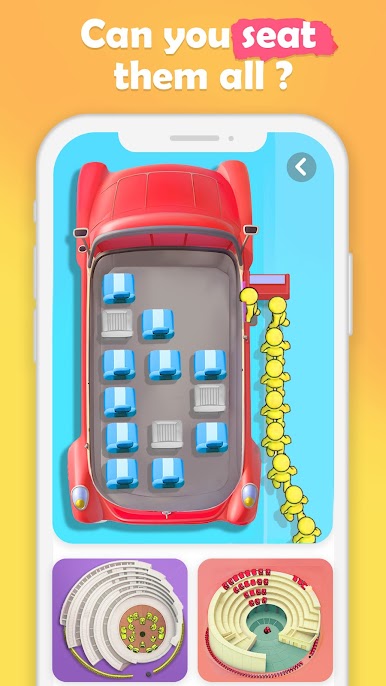
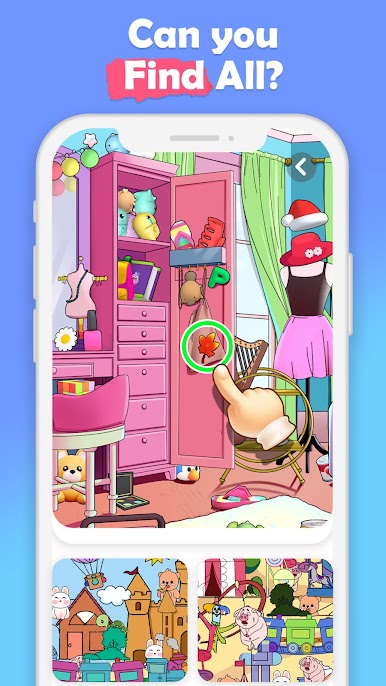
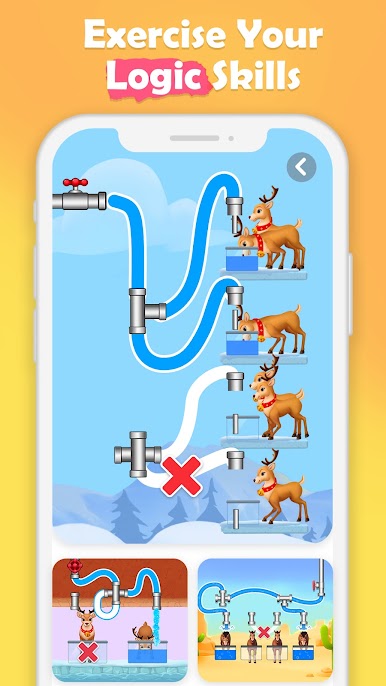
Jouez à Happy Match 3D: ASMR Blast sur PC. C'est facile de commencer.
-
Téléchargez et installez BlueStacks sur votre PC
-
Connectez-vous à Google pour accéder au Play Store ou faites-le plus tard
-
Recherchez Happy Match 3D: ASMR Blast dans la barre de recherche dans le coin supérieur droit
-
Cliquez pour installer Happy Match 3D: ASMR Blast à partir des résultats de la recherche
-
Connectez-vous à Google (si vous avez ignoré l'étape 2) pour installer Happy Match 3D: ASMR Blast
-
Cliquez sur l'icône Happy Match 3D: ASMR Blast sur l'écran d'accueil pour commencer à jouer

