


ไพ่รัมมี่
เล่นบน PC ผ่าน BlueStacks - Android Gaming Platform ที่ได้รับความไว้วางใจจากเกมเมอร์ 500 ล้านคนทั่วโลก

Page Modified on: Feb 19, 2026
เล่น ไพ่รัมมี่ on PC
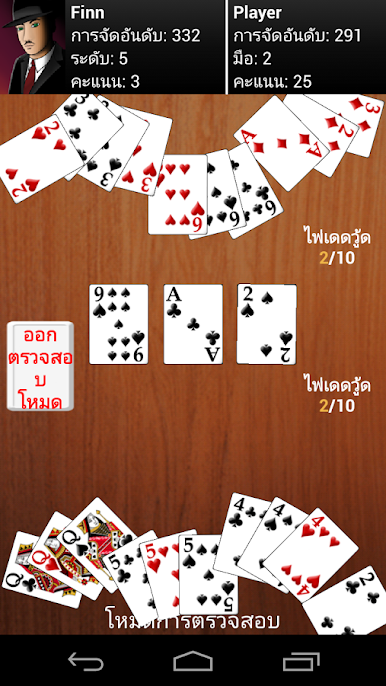
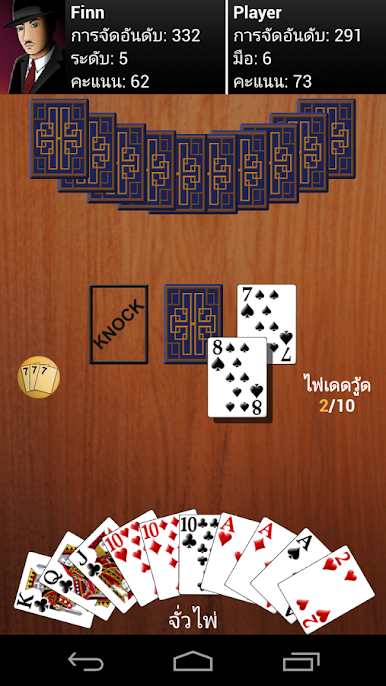
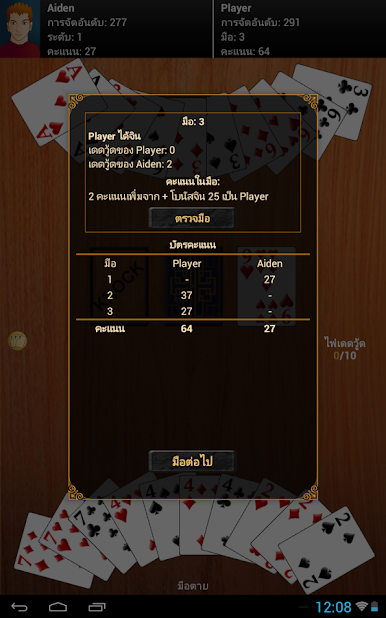
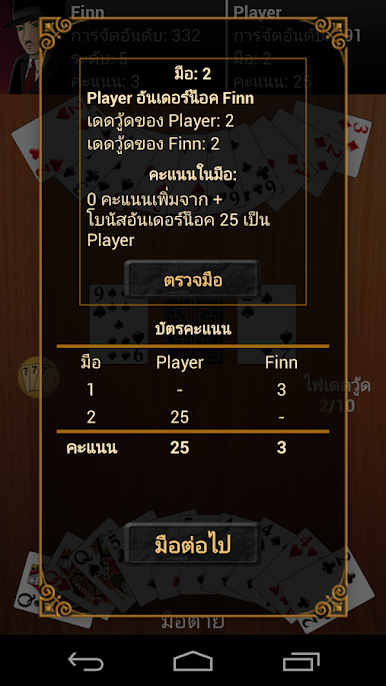
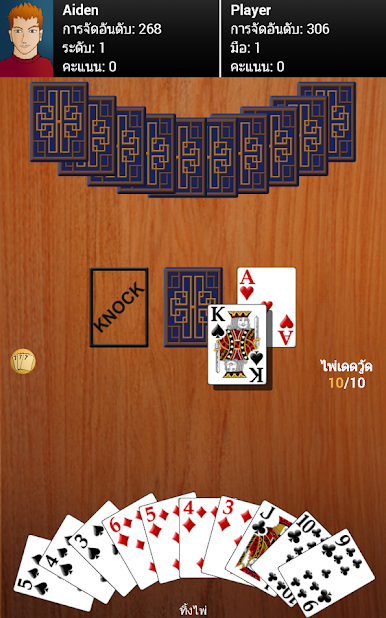
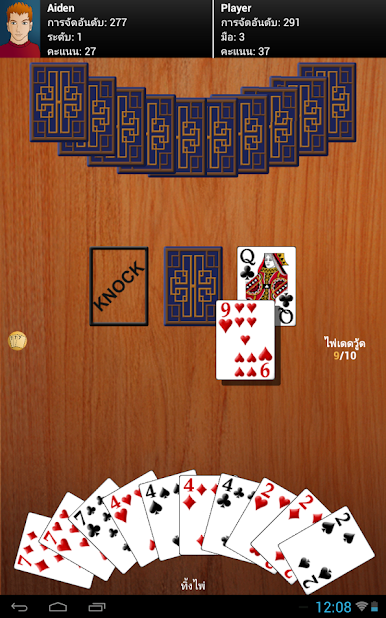
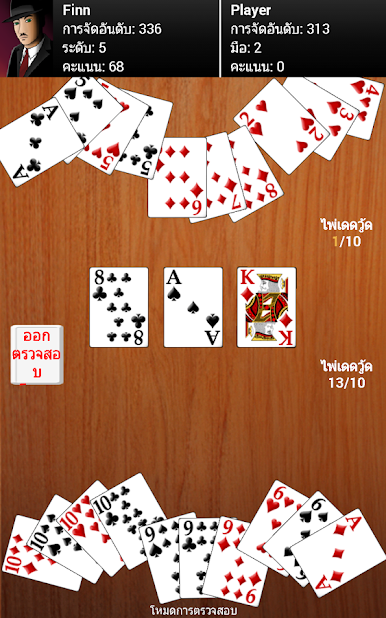
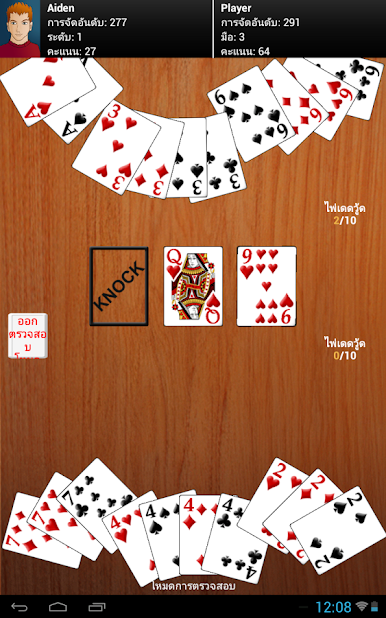
- ตัวเลือกง่าย ๆ ในการจัดเรียงไพ่ของคุณ "แตะปุ่ม" เรียงมือ เพื่อจัดเรียงตามอันดับชุดไพ่หรือ ตอง หรือคุณสามารถลากและวางไพ่เพื่อจัดเรียงด้วยตัวเอง แตะ "เรียงตาม" เพื่อเปลี่ยนวิธีการเรียงลำดับ ระบบอัตโนมัติจะเรียงลำดับไพ่ใหม่ไว้ในมือของคุณโดยอัตโนมัติ
- ฝ่ายตรงข้าม 12 ฝ่ายไม่ซ้ำกันให้เลือก
- เล่นเกมแต่ละเกมกับฝ่ายตรงข้ามของคุณ หรือ เล่นทัวร์นาเมนต์ตามทักษะความสามารถของคุณกับฝ่ายตรงข้ามแต่ละราย โปรดดูที่ "ชนิดของเกม" ในเมนูตัวเลือก
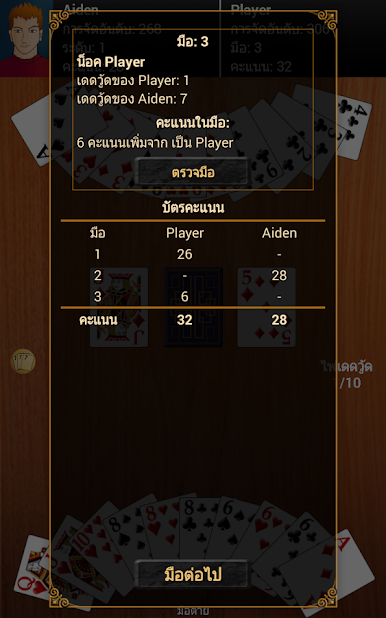
- ตัวเลือกสำหรับเสียง การนับแต้มตาย และอื่น ๆ !
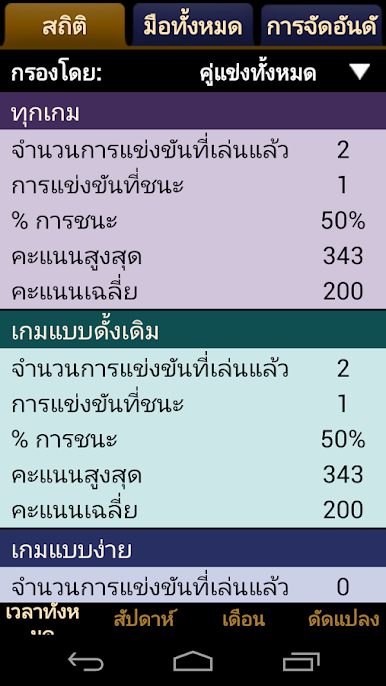
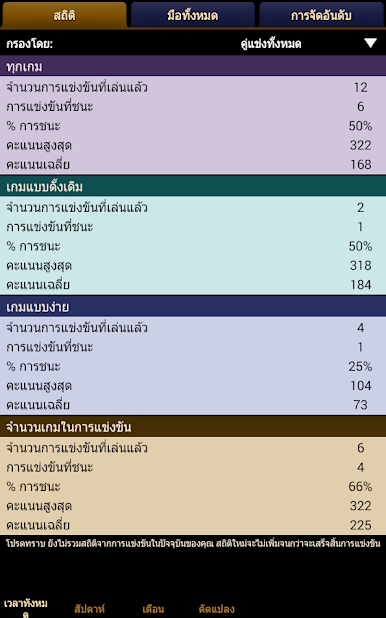
- สถิติการติดตามการชนะของคุณ, คะแนน, ผลและอื่น ๆ ตามฝ่ายตรงข้ามและ / หรือตามวันที่!
- เก็บไพ่ที่ทิ้งโดยไม่ได้ตั้งใจได้ถ้าฝ่ายตรงข้ามยังไม่ได้ทำอะไร
- ระบบการจัดอันดับเพื่อให้คุณสามารถวัดทักษะและติดตามความคืบหน้าของคุณ
- ส่วนกลยุทธ์ในการช่วยเหลือ
- เล่นอย่างราบลื่น
- เวลาของความบันเทิง!
รัมมี่ จินเป็นเกมที่ยอดเยี่ยมที่คุณจะสนุกกับมันอย่างแน่นอน
คำถามที่พบบ่อย
1) ฝ่ายตรงข้ามมีความโดดเด่นอย่างไร
ฝ่ายตรงข้ามแต่ละคนมีกลยุทธ์และเป้าหมายที่แตกต่าง ฝ่ายตรงข้ามที่อยู่ระดับที่สูงขึ้นไปมีแนวโน้มที่จะน็อค ในขณะที่คนที่อยู่ในระดับที่ต่ำกว่าชอบที่จะเล่นให้ได้จิน ฝ่ายตรงข้ามระดับที่สูงขึ้นไปไม่ค่อยเก็บไพ่จากกองทิ้งเพื่อหลีกเลี่ยงการเปิดเผยไพ่ในมือของพวกเขา และเช่นเดียวกับผู้เล่นมือโปรตัวจริง ฝ่ายตรงข้ามในระดับสูงสุดติดตามไพ่ที่ถูกทิ้งเพื่อที่จะทราบว่าไพ่อะไรยังคงมี "ชีวิต"
2) ฝ่ายตรงข้ามโกงไหม
ไม่อย่างแน่นอน! พวกเขาไม่ได้รับไพ่ดีกว่า พวกเขาไม่สามารถมองเห็นไพ่ในมือของคุณ มันจะสนุกสำหรับคุณผู้ที่เป็นลูกค้าที่มีค่าของเราแค่ไหน
3) วิธีการสับและแจกไพ่เป็นอย่างไร
ไพ่จะแจกแบบสุ่มเช่นเดียวกับใช้ไพ่สำรับจริง
4) แล้วทำไมฉันไม่ชนะ
รัมมี่ จินเป็นเกมที่มีความซับซ้อน ในขณะที่ง่ายในการเรียนรู้แต่ก็จะต้องมีทักษะและกลยุทธ์ที่จะเก่ง ลองดูที่ส่วน "กลยุทธ์" ใต้ส่วนความช่วยเหลือสำหรับเคล็ดลับและเทคนิคบางอย่าง
5) แต่บางครั้งฝ่ายตรงข้ามน็อคทันที
ในเกมไพ่คุณยังต้อมีโชค ถ้าคุณเล่นไปสักพัก คุณจะได้รับโชคดีเช่นกัน!
6) ทำไมเกมของฉันไม่ดาวน์โหลด
บางครั้งระบบมีข้อบกพร่องที่ขัดขวางการดาวน์โหลดและทำให้ไม่สามารถดาวน์โหลดได้ โดยปกติถ้าคุณเพียงแค่ลองอีกครั้งมันจะทำงานได้ดี ถ้าไม่ได้ คุณอาจต้องล้างมาร์เก็ตแคชโดยไปที่ ตั้งค่า -> แอพพลิเคชั่น -> จัดการแอพพลิเคชั่น -> ทั้งหมด -> การตลาด -> ล้างแคชและบังคับการหยุด แล้วลองดาวน์โหลดอีกครั้ง หากยังไม่ได้ผล โปรดส่งอีเมล์ถึงเราที่ contact@maplemedia.io.



เล่น ไพ่รัมมี่ บน PC ได้ง่ายกว่า
-
ดาวน์โหลดและติดตั้ง BlueStacks บน PC ของคุณ
-
ลงชื่อเข้าใช้แอคเคาท์ Google เพื่อเข้าสู่ Play Store หรือทำในภายหลัง
-
ค้นหา ไพ่รัมมี่ ในช่องค้นหาด้านขวาบนของโปรแกรม
-
คลิกเพื่อติดตั้ง ไพ่รัมมี่ จากผลการค้นหา
-
ลงชื่อเข้าใช้บัญชี Google Account (หากยังไม่ได้ทำในขั้นที่ 2) เพื่อติดตั้ง ไพ่รัมมี่
-
คลิกที่ไอคอน ไพ่รัมมี่ ในหน้าจอเพื่อเริ่มเล่น

