

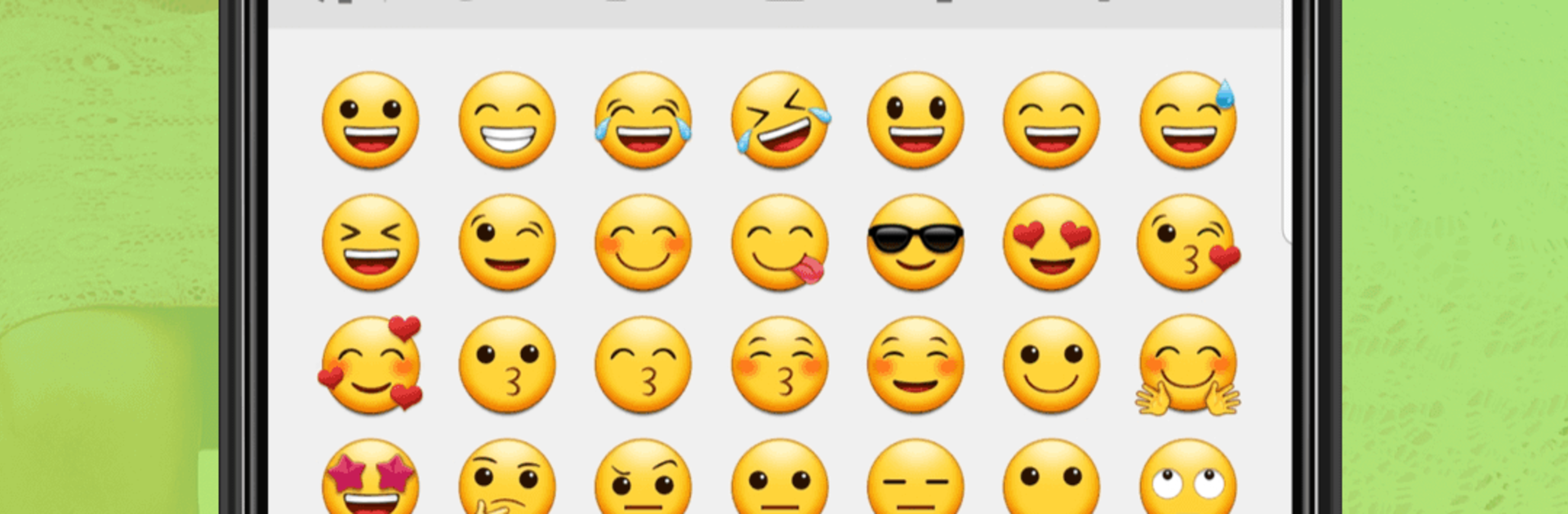
Message Cls - SMS Messenger
เล่นบน PC ผ่าน BlueStacks - Android Gaming Platform ที่ได้รับความไว้วางใจจากเกมเมอร์ 500 ล้านคนทั่วโลก

Page Modified on: Jul 31, 2025
Run Messaging Classic on PC or Mac
Multitask effortlessly on your PC or Mac as you try out Messaging Classic, a Communication app by Smart Protect Mobile on BlueStacks.
About the App
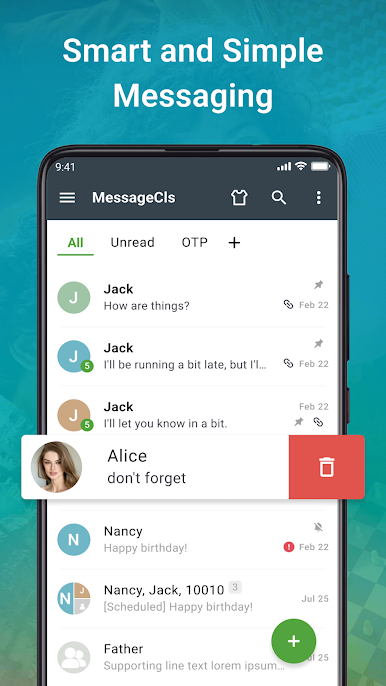
If you’re searching for that original Android messaging vibe, Messaging Classic by Smart Protect Mobile brings it right to your device. This handy Communication app sticks to the roots, giving you the familiar look and feel of the old-school SMS and MMS experience, minus the modern-day clutter. Whether you’re feeling nostalgic or just want a straightforward way to chat, Messaging Classic keeps things simple (in a good way).
App Features
-
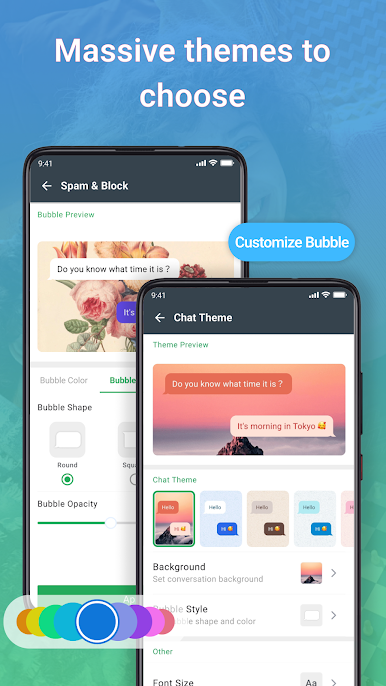
Authentic Android Messaging Feel
Enjoy that clean, intuitive design you might remember from early Android devices—no confusing extras, just straightforward texting. -
Full SMS & MMS Support
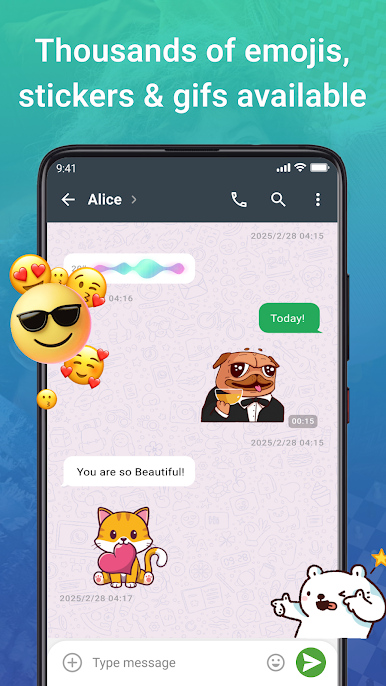
Sending photos, group texts, or basic messages? Messaging Classic’s got your back for both SMS and MMS, keeping all your conversations in one familiar place. -
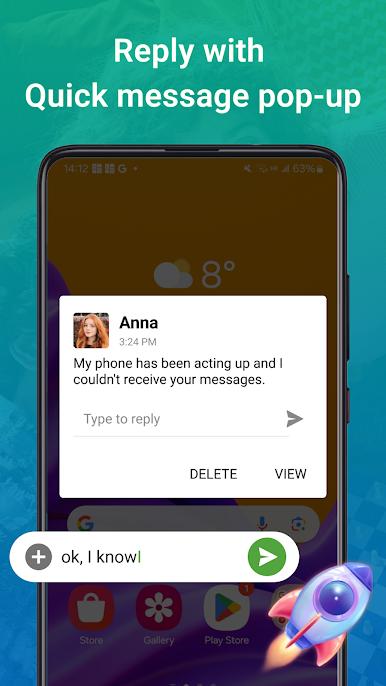
Quick Reply Pop-ups
Busy or just can’t be bothered to switch apps? Respond to messages instantly using convenient pop-ups—no extra steps needed. -
Handy Notification Actions
Get more done straight from your notifications. Messaging Classic lets you take action (like reply) without diving into the whole app. -
Works on Android 4.4 and Up
Got an older device or love that classic OS setup? You’re covered—the app fits right in with Android 4.4 and newer. -
Easy on the Wallet
The app’s totally free, so there’s no cost to recapture that classic texting feel. -
Works Smoothly with BlueStacks
Prefer managing texts from your computer? Messaging Classic plays nicely with BlueStacks, giving you that familiar messaging experience on a bigger screen if you want.
BlueStacks gives you the much-needed freedom to experience your favorite apps on a bigger screen. Get it now.

เล่น Message Cls - SMS Messenger บน PC ได้ง่ายกว่า
-
ดาวน์โหลดและติดตั้ง BlueStacks บน PC ของคุณ
-
ลงชื่อเข้าใช้แอคเคาท์ Google เพื่อเข้าสู่ Play Store หรือทำในภายหลัง
-
ค้นหา Message Cls - SMS Messenger ในช่องค้นหาด้านขวาบนของโปรแกรม
-
คลิกเพื่อติดตั้ง Message Cls - SMS Messenger จากผลการค้นหา
-
ลงชื่อเข้าใช้บัญชี Google Account (หากยังไม่ได้ทำในขั้นที่ 2) เพื่อติดตั้ง Message Cls - SMS Messenger
-
คลิกที่ไอคอน Message Cls - SMS Messenger ในหน้าจอเพื่อเริ่มเล่น

