


Tigerhall
Jouez sur PC avec BlueStacks - la plate-forme de jeu Android, approuvée par + 500M de joueurs.

Page Modifiée le: Sep 23, 2025
Play Tigerhall on PC
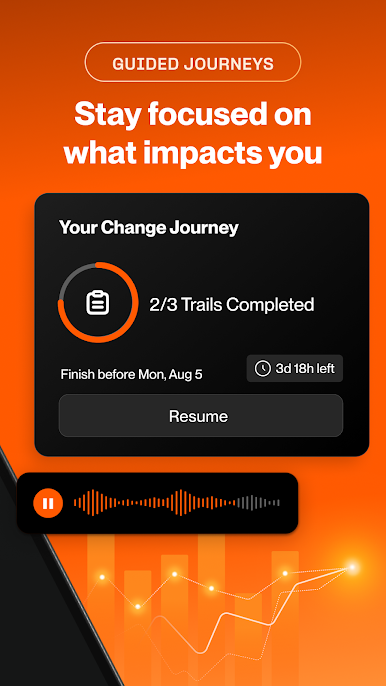
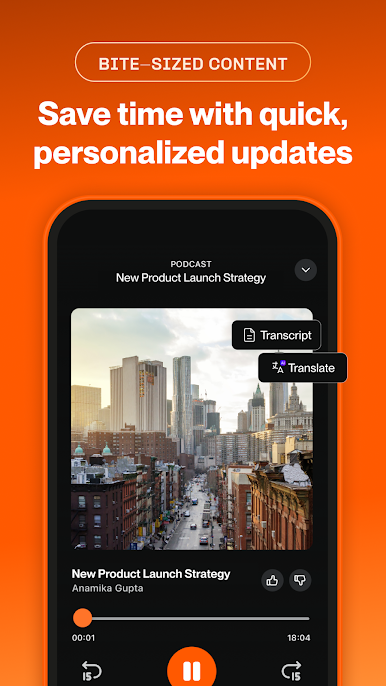
With Tigerhall, organizations are driving efficient change initiatives at scale through a unified knowledge infrastructure.
From strategic alignment and real-time feedback loops to knowledge sharing with both internal and external experts, Tigerhall enables large organizations to do it all in one place. It’s the chosen change accelerator of key strategic initiatives at Fortune 500 firms like Bloomberg, HP, and Adobe.
Supported on multiple devices and Microsoft Teams, this is transformation done with speed and agility – right in your people’s flow of work.





Jouez à Tigerhall sur PC. C'est facile de commencer.
-
Téléchargez et installez BlueStacks sur votre PC
-
Connectez-vous à Google pour accéder au Play Store ou faites-le plus tard
-
Recherchez Tigerhall dans la barre de recherche dans le coin supérieur droit
-
Cliquez pour installer Tigerhall à partir des résultats de la recherche
-
Connectez-vous à Google (si vous avez ignoré l'étape 2) pour installer Tigerhall
-
Cliquez sur l'icône Tigerhall sur l'écran d'accueil pour commencer à jouer

