


Extreme Rolling Ball Game
เล่นบน PC ผ่าน BlueStacks - Android Gaming Platform ที่ได้รับความไว้วางใจจากเกมเมอร์ 500 ล้านคนทั่วโลก

Page Modified on: Oct 3, 2025
Play Extreme Rolling Ball Game on PC or Mac
Extreme Rolling Ball Game brings the Arcade genre to life, and throws up exciting challenges for gamers. Developed by Timuz Games, this Android game is best experienced on BlueStacks, the World’s #1 app player for PC and Mac users.
About the Game
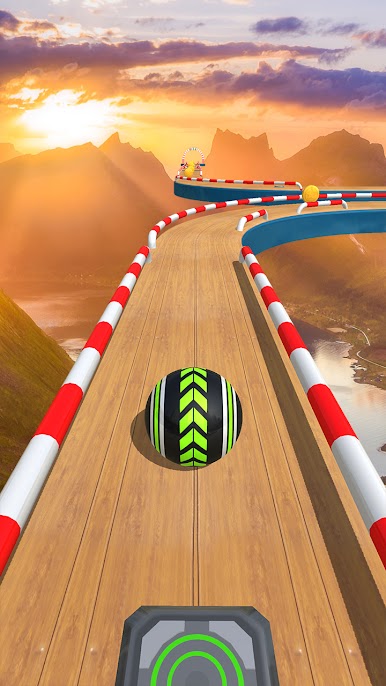
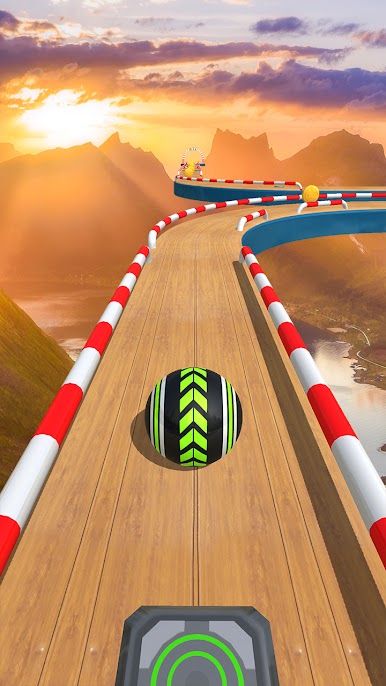
Extreme Rolling Ball Game takes a simple idea—guide a ball from A to B—and turns it into a tense, satisfying Arcade challenge. Built by Timuz Games, it blends steady-handed precision with quick decisions across sky-high paths, tight tunnels, and clever maze layouts. It nails that balance ball 3D feel where patience, timing, and a calm touch matter way more than mashing buttons.
Game Features
- Precision Balance: Steer a rolling ball along skinny beams, suspended routes, and twisting tunnels without slipping off. Every nudge counts.
- Real Physics Feel: Momentum, slopes, and curves change how the sphere behaves, so smart movement beats rushing every time.
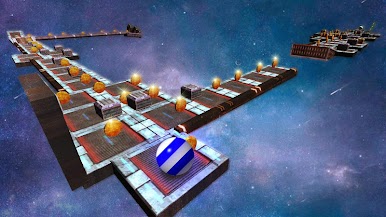
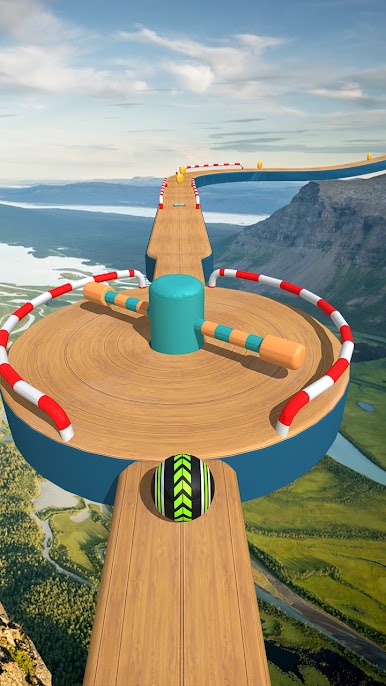
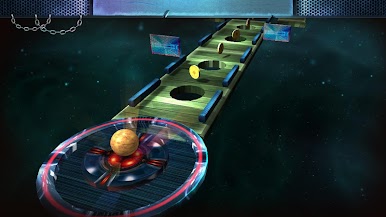
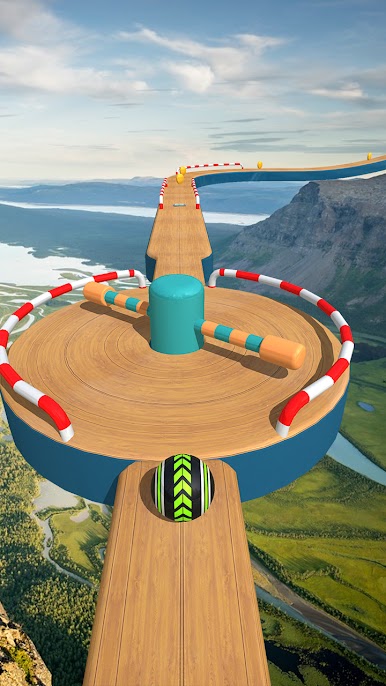
- Varied Challenges: One stage might be a tight ball maze, the next a fast runway, then a puzzle-like detour with traps and moving hazards.
- Clean 3D Presentation: Crisp visuals and punchy audio make it easy to read the track and react in time.
- Responsive Controls: Simple, smooth input keeps the focus on skillful balancing, not fighting the controls.
- Rewards & Unlocks: Collect coins as you go to unlock fresh rolling ball designs and keep the run feeling new.
- Built for Arcade Fans: From speed-focused stretches to thoughtful maze sections, each level brings a different twist to master.
- Play on PC, Too: Prefer a bigger screen and keyboard controls? You can also run Extreme Rolling Ball Game with BlueStacks for a comfy desktop setup.
Make your gaming sessions memorable with precise controls that give you an edge in close combats and visuals that pop up, bringing every character to life.










เล่น Extreme Rolling Ball Game บน PC ได้ง่ายกว่า
-
ดาวน์โหลดและติดตั้ง BlueStacks บน PC ของคุณ
-
ลงชื่อเข้าใช้แอคเคาท์ Google เพื่อเข้าสู่ Play Store หรือทำในภายหลัง
-
ค้นหา Extreme Rolling Ball Game ในช่องค้นหาด้านขวาบนของโปรแกรม
-
คลิกเพื่อติดตั้ง Extreme Rolling Ball Game จากผลการค้นหา
-
ลงชื่อเข้าใช้บัญชี Google Account (หากยังไม่ได้ทำในขั้นที่ 2) เพื่อติดตั้ง Extreme Rolling Ball Game
-
คลิกที่ไอคอน Extreme Rolling Ball Game ในหน้าจอเพื่อเริ่มเล่น

