


Cours de CLARINETTE | tonestro
Jouez sur PC avec BlueStacks - la plate-forme de jeu Android, approuvée par + 500M de joueurs.

Page Modifiée le: Nov 19, 2025
Run Clarinet Lessons - tonestro on PC or Mac
Get freedom from your phone’s obvious limitations. Use Clarinet Lessons – tonestro, made by tonestro, a Education app on your PC or Mac with BlueStacks, and level up your experience.
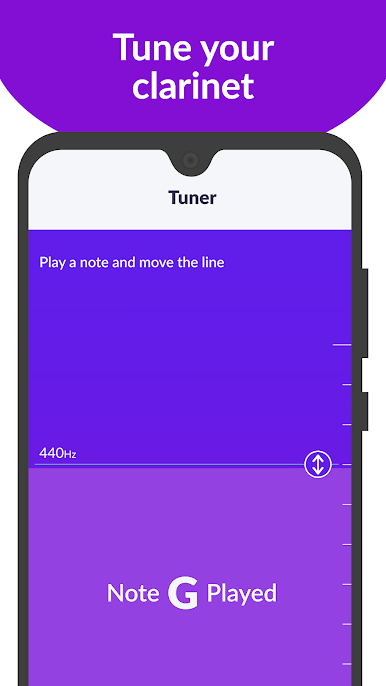
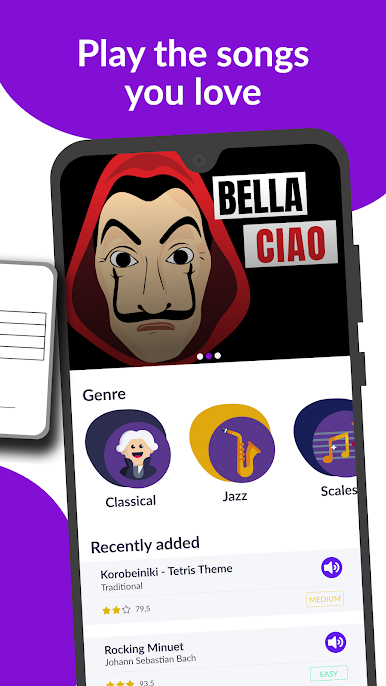
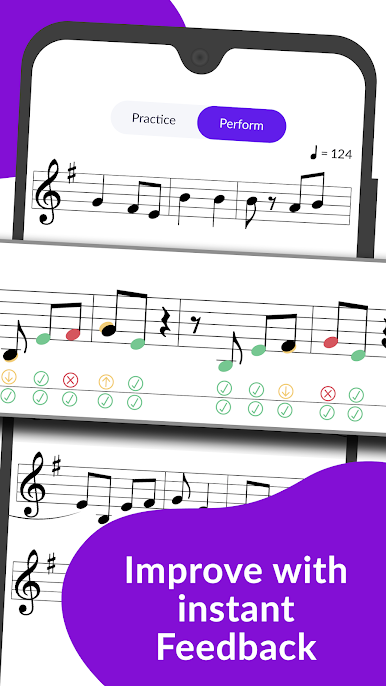
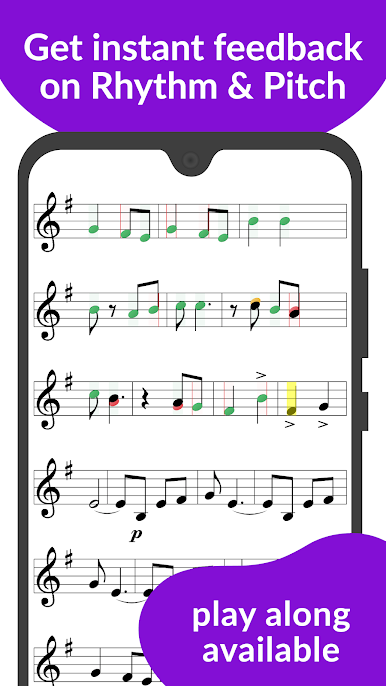
Clarinet Lessons – tonestro feels like having a calm teacher in the room who listens and nudges the player in the right direction. The app hears the clarinet through the mic and gives instant notes on rhythm and pitch, so mistakes do not pile up. A built-in tuner gets the instrument in tune first, then the metronome and backing tracks keep time while the sheet music scrolls. Running it on PC with BlueStacks is nice, since the bigger screen makes the notes and fingering charts easier to read, and the feedback is easier to follow while holding the horn. It is friendly and step by step, not pushy, and the song list ranges from beginner pieces to more advanced stuff, classical to jazz and more.
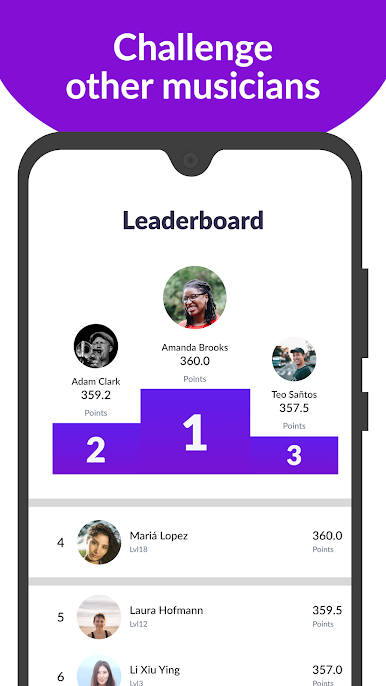
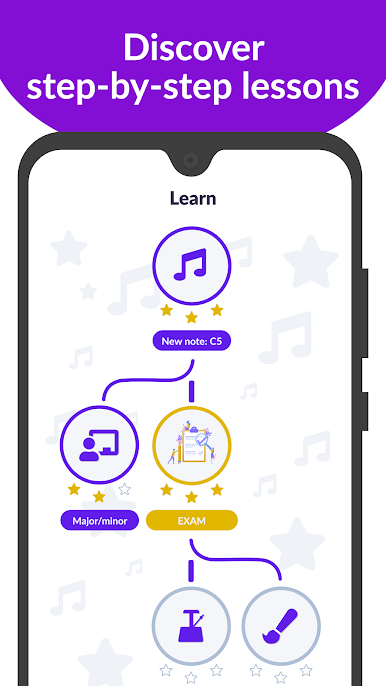
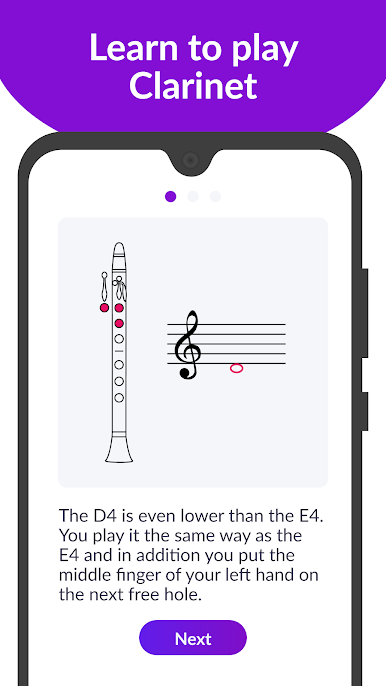
The lessons explain note reading and fingerings clearly, with simple diagrams that pop in when needed. Practice mode lets the player slow things down and really lock in tricky rhythms, and the tuner is useful during pieces too for checking notes that tend to go sharp or flat. There are small exams to see progress, and weekly challenges if someone wants motivation or to compare scores with other clarinet players. The play along tracks help a lot with counting rests and feeling the groove, so it does not feel like practicing alone all the time. For total starters or returning players who want structure, or anyone who just needs accurate feedback without guessing, it covers alot without getting complicated.
BlueStacks brings your apps to life on a bigger screen—seamless and straightforward.

Jouez à Cours de CLARINETTE | tonestro sur PC. C'est facile de commencer.
-
Téléchargez et installez BlueStacks sur votre PC
-
Connectez-vous à Google pour accéder au Play Store ou faites-le plus tard
-
Recherchez Cours de CLARINETTE | tonestro dans la barre de recherche dans le coin supérieur droit
-
Cliquez pour installer Cours de CLARINETTE | tonestro à partir des résultats de la recherche
-
Connectez-vous à Google (si vous avez ignoré l'étape 2) pour installer Cours de CLARINETTE | tonestro
-
Cliquez sur l'icône Cours de CLARINETTE | tonestro sur l'écran d'accueil pour commencer à jouer

