


Model Constructor 3D
เล่นบน PC ผ่าน BlueStacks - Android Gaming Platform ที่ได้รับความไว้วางใจจากเกมเมอร์ 500 ล้านคนทั่วโลก

Page Modified on: Oct 8, 2025
Play Model Constructor 3D on PC
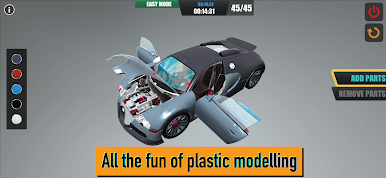
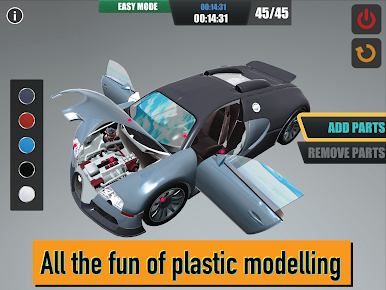
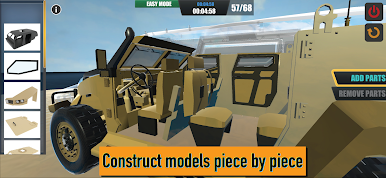
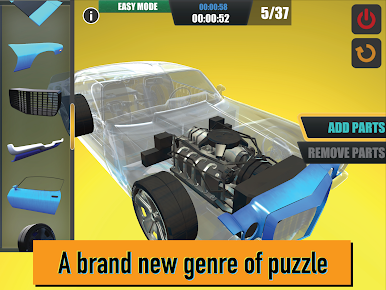
Now you can try your hand at constructing a high quality 3D plastic model on your smart device.
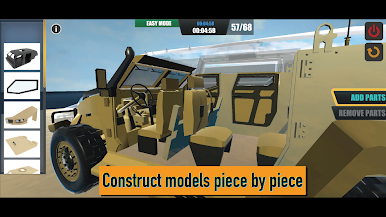
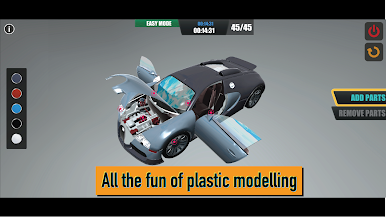
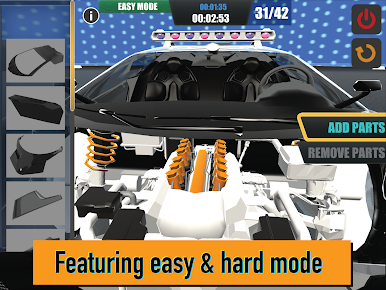
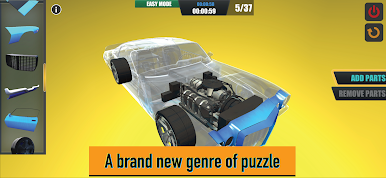
Featuring a very straightforward part snapping system, anyone can begin building a model piece by piece. It has never been easier or more fun for adults and children alike to build an exciting plastic model.
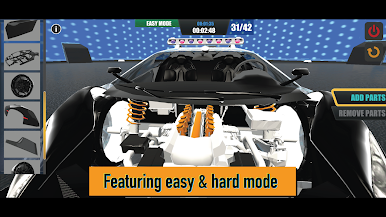
This app also includes ‘Easy’ and ‘Hard’ puzzle modes.
In ‘Hard’ mode, parts such as the interior need to be placed before the roof and windows. Placing parts in the correct order of construction makes building a model even more fun and challenging.
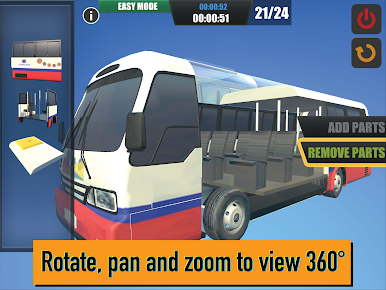
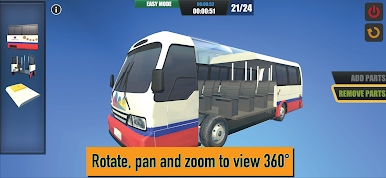
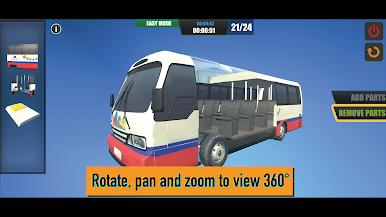
Once the model is completed, you can change its colors, play animations and sounds, and watch as parts of the model move and operate. Of course, you can also pan, zoom and rotate to view the model from all angles in great detail. Additionally, the parts menu is randomized allow you to try your hand at the model again and again.
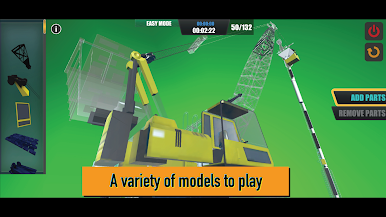
We currently plan to add many more models.
Please feel free to contact us with any suggestions of what you would like to see added.



เล่น Model Constructor 3D บน PC ได้ง่ายกว่า
-
ดาวน์โหลดและติดตั้ง BlueStacks บน PC ของคุณ
-
ลงชื่อเข้าใช้แอคเคาท์ Google เพื่อเข้าสู่ Play Store หรือทำในภายหลัง
-
ค้นหา Model Constructor 3D ในช่องค้นหาด้านขวาบนของโปรแกรม
-
คลิกเพื่อติดตั้ง Model Constructor 3D จากผลการค้นหา
-
ลงชื่อเข้าใช้บัญชี Google Account (หากยังไม่ได้ทำในขั้นที่ 2) เพื่อติดตั้ง Model Constructor 3D
-
คลิกที่ไอคอน Model Constructor 3D ในหน้าจอเพื่อเริ่มเล่น

