


Lecteur vidéo
Jouez sur PC avec BlueStacks - la plate-forme de jeu Android, approuvée par + 500M de joueurs.

Page Modifiée le: Nov 21, 2025
Play Video player on PC
* Feature:
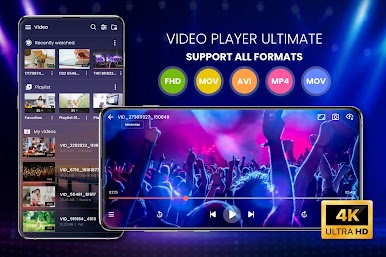
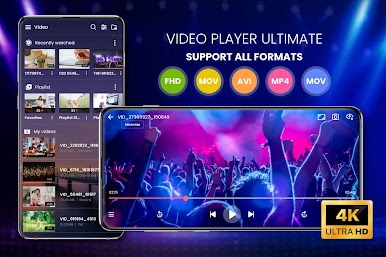
• Mp4 player on most popular video formats: MKV, MP4, M4V, AVI, MOV, 3GP, FLV, WMV, RMVB, TS ...
• Full HD video player with 1080p resolution, supports 4K
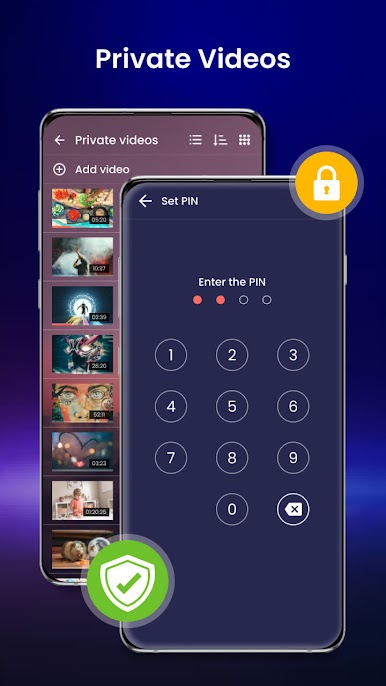
• Detects and displays all videos on your device or SD card, external memory.
• Feature guide: makes it easy for the first time to use.
• Smart video manager: sort videos by name, capacity, update date ...
• Create playlists, video management folders.
• Easily find and view the most recently played video
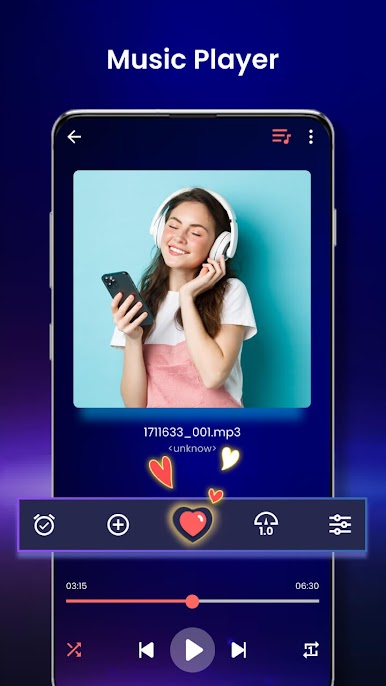
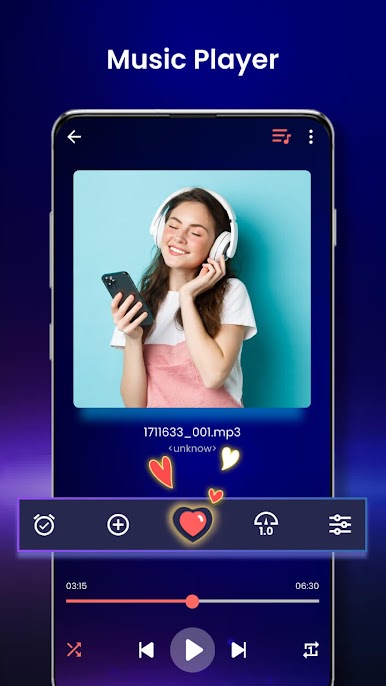
• Play video as audio with media player classic
• Movie video player, mp4 HD player
• See video HD via URL
• Wide variety of video aspect ratios: full HD, default, 16: 9, 4: 3 ...
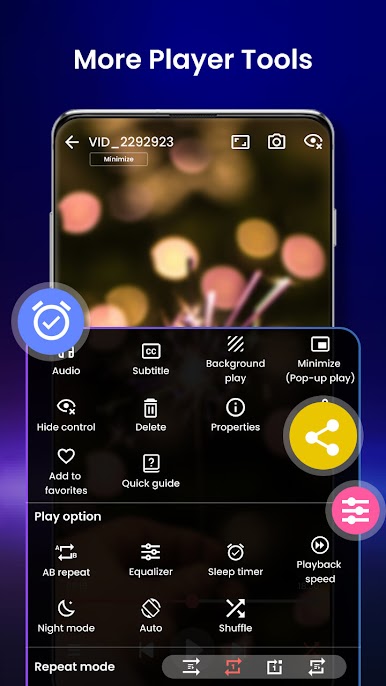
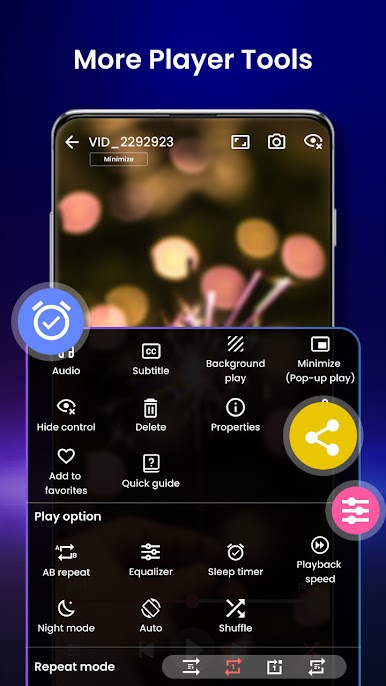
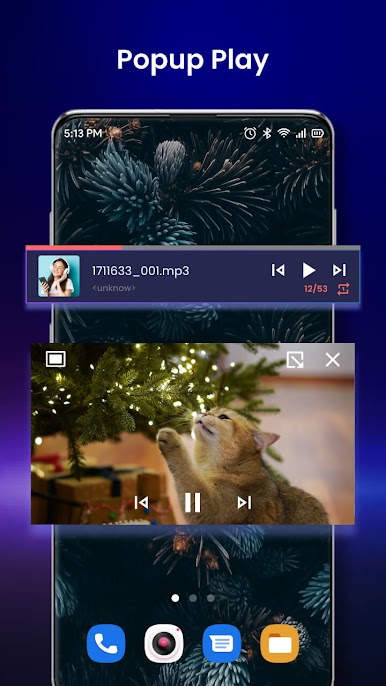
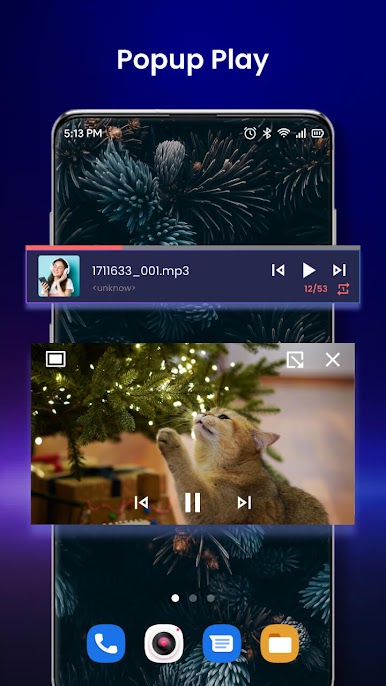
• Mp4 HD player with background mode
• Self-timer off video.
• Media player have title support
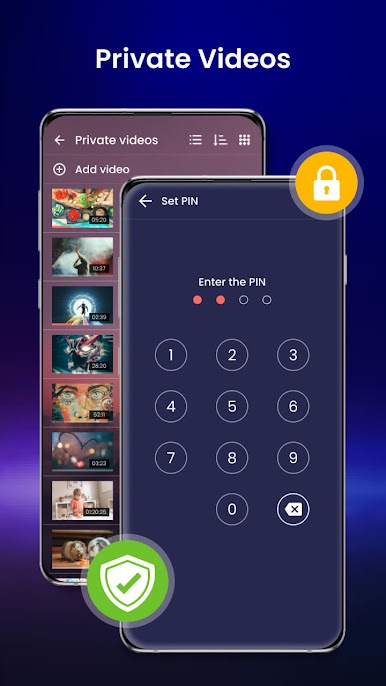
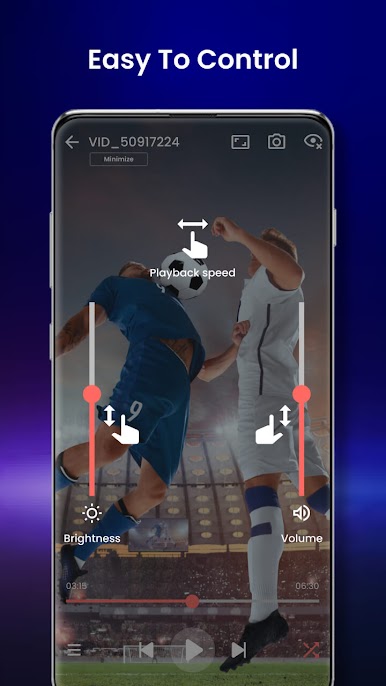
• Locked up mode: do not turn off the screen while watching
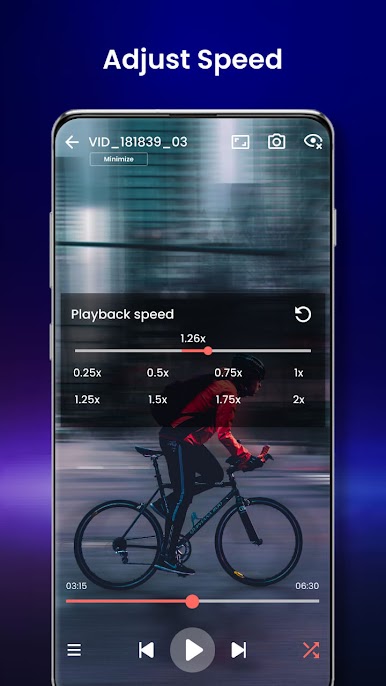
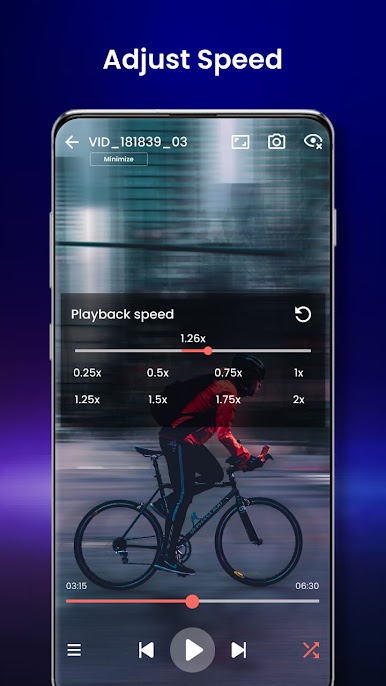
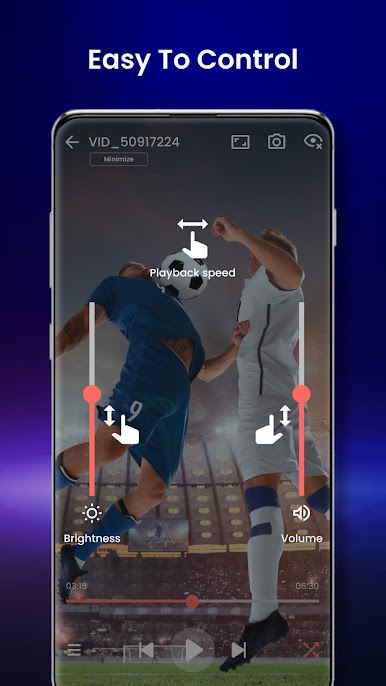
• Improve the quality of video and audio with the control set.
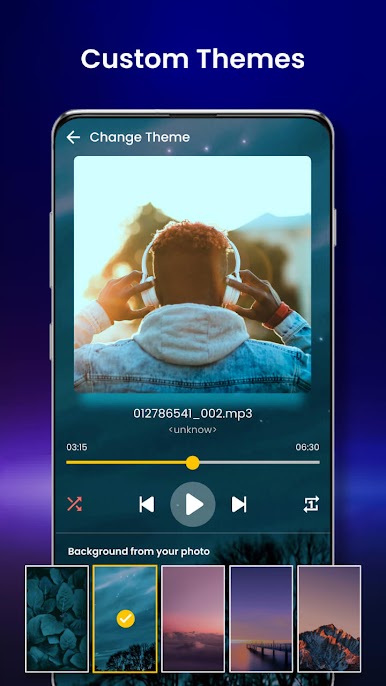
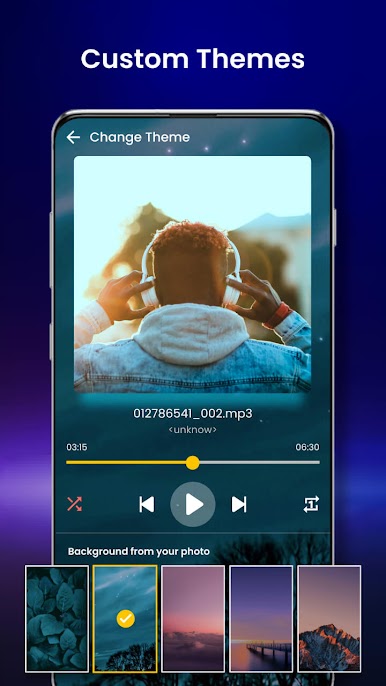
• Diverse background color themes.
• See video HD with detail informations of the video: creation date, size, duration ...
• Enjoy sharing videos for everyone via email, facebook, zalo, dropbox, bluetooth ...
If you already own a smartphone, you should definitely have a useful mp4 player like an HD video player. This is the app to meet all the needs of the media player and along with attractive interface will bring you the best experience.
Share the full HD video player with your friends to enjoy great movies together anytime and anywhere. In particular, good reviews and user feedback is the biggest motivation for us.
Jouez à Lecteur vidéo sur PC. C'est facile de commencer.
-
Téléchargez et installez BlueStacks sur votre PC
-
Connectez-vous à Google pour accéder au Play Store ou faites-le plus tard
-
Recherchez Lecteur vidéo dans la barre de recherche dans le coin supérieur droit
-
Cliquez pour installer Lecteur vidéo à partir des résultats de la recherche
-
Connectez-vous à Google (si vous avez ignoré l'étape 2) pour installer Lecteur vidéo
-
Cliquez sur l'icône Lecteur vidéo sur l'écran d'accueil pour commencer à jouer

