


UPRIGHT
Jouez sur PC avec BlueStacks - la plate-forme de jeu Android, approuvée par + 500M de joueurs.

Page Modifiée le: Aug 13, 2025
Play UPRIGHT on PC
Stand tall, strengthen your core, and breathe better with UPRIGHT.
Wish someone would give you a heads up when you’re slouching and remind you to stand up straight? Enter UPRIGHT.
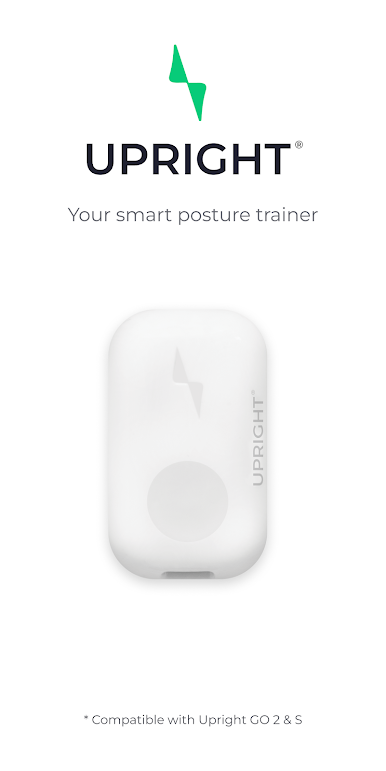
The UPRIGHT GO is a small personal posture trainer that is worn discreetly on your upper back and provides you with immediate posture feedback. When you slouch, your UPRIGHT GO vibrates gently to remind you to return to your upright position.
Coupled with the app that provides daily training and personalized goals, the UPRIGHT GO helps you build posture awareness, strengthen your core muscles, and create good long-term posture habits for better health and confidence.
Here’s what you’ll find in the app:
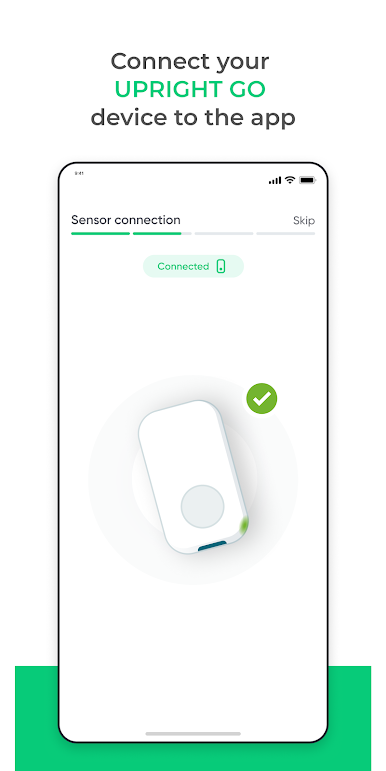
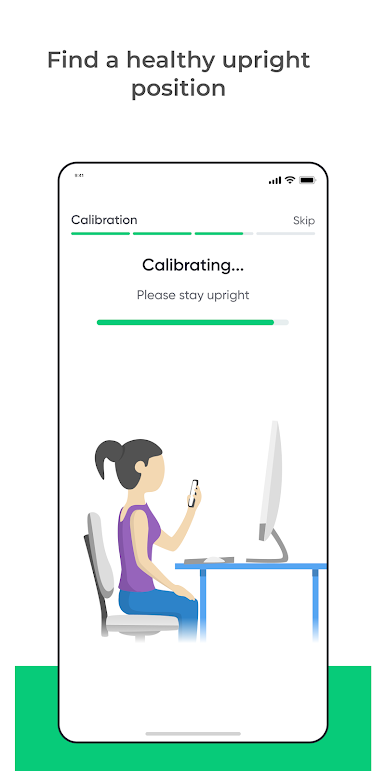
- A step-by-step tutorial to help you get started with posture training
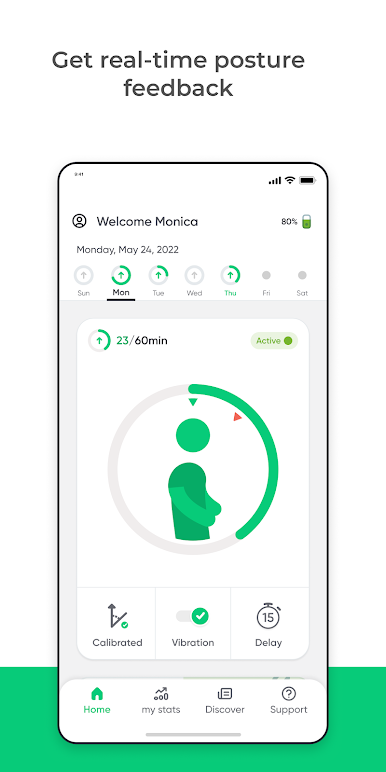
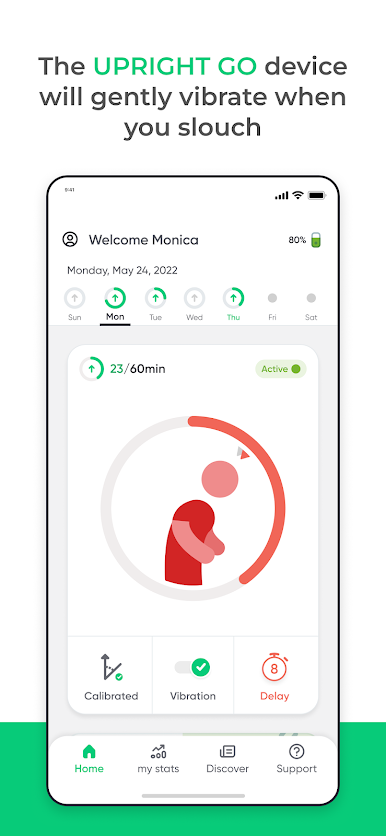
- Your own avatar, which shows your posture in real-time and helps you develop your posture awareness
- Personalized performance-based daily goals
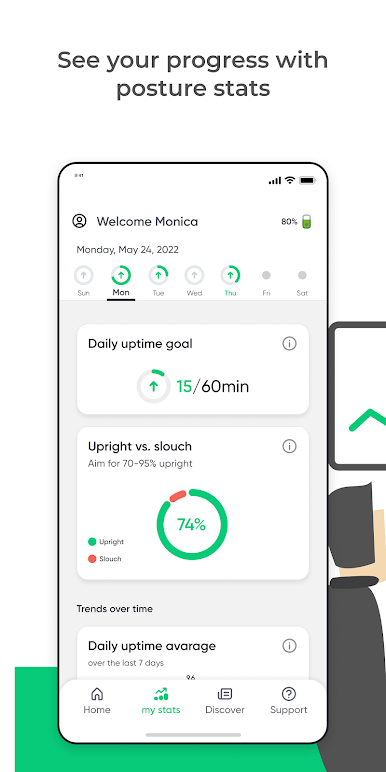
- A profile and stats screen to help you track your progress and keep improving
Jouez à UPRIGHT sur PC. C'est facile de commencer.
-
Téléchargez et installez BlueStacks sur votre PC
-
Connectez-vous à Google pour accéder au Play Store ou faites-le plus tard
-
Recherchez UPRIGHT dans la barre de recherche dans le coin supérieur droit
-
Cliquez pour installer UPRIGHT à partir des résultats de la recherche
-
Connectez-vous à Google (si vous avez ignoré l'étape 2) pour installer UPRIGHT
-
Cliquez sur l'icône UPRIGHT sur l'écran d'accueil pour commencer à jouer

