
CameraFi Live
เล่นบน PC ผ่าน BlueStacks - Android Gaming Platform ที่ได้รับความไว้วางใจจากเกมเมอร์ 500 ล้านคนทั่วโลก

Page Modified on: Apr 6, 2025
Run CameraFi Live on PC or Mac
Let BlueStacks turn your PC, Mac, or laptop into the perfect home for CameraFi Live, a fun Video Players & Editors app from Vault Micro, Inc..
About the App
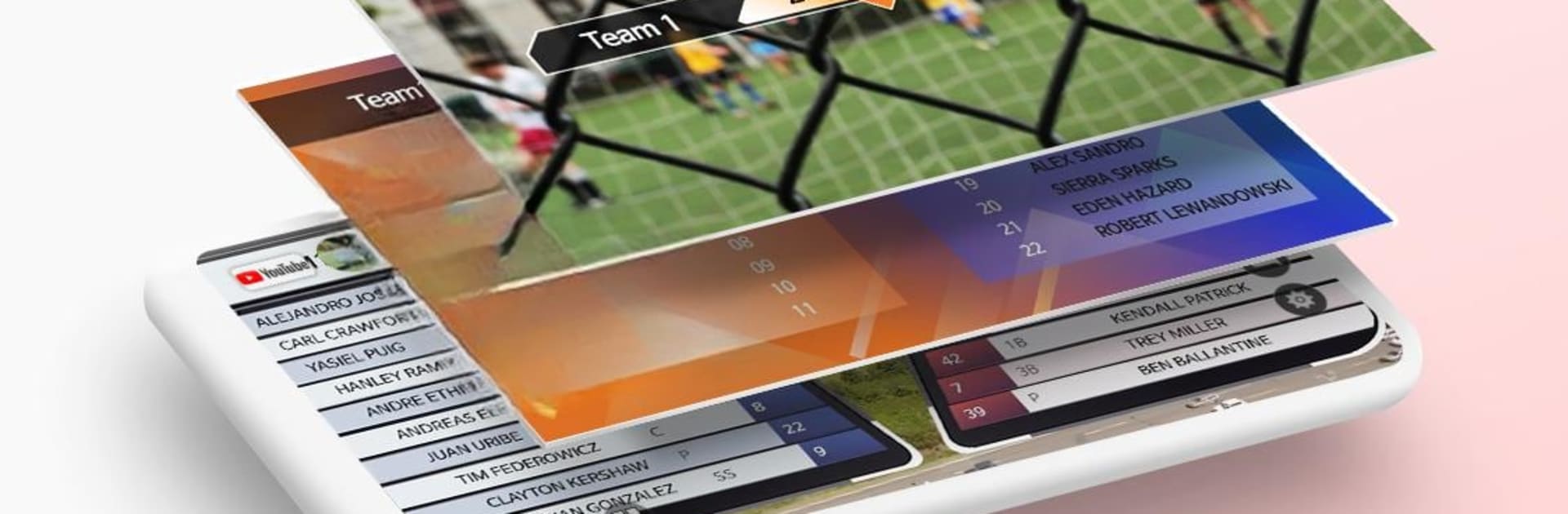
CameraFi Live by Vault Micro, Inc. is your go-to app for recording and broadcasting high-quality videos straight from your smartphone. Seamlessly integrate sports scoreboards, instant replays, and external cameras to create professional-grade sports videos and live streams.
App Features
Camera and Screen Mode
– Choose between broadcasting your camera feed or your smartphone screen.
External Camera Connection
– Live stream with high-quality using USB cameras like camcorders or DSLRs.
Instant Replay
– Highlight moments during streams, or use as a review tool for sports and other activities.
Image, Text, Video, Audio Overlay
– Easily add multimedia overlays to enhance your live broadcast.
Video Filter
– Apply engaging filters like emboss, mosaic, and cartoon.
Chat Overlay
– Engage with viewers through live chat; Super Chat supported.
Web Browser Overlay
– Monetize your stream using platforms like Streamlabs for alerts.
Motion Effect
– Add dynamic effects from sports graphics to news designs.
Picture in Picture (PIP)
– Display two video sources simultaneously.
Audio Mixer
– Enrich streams with background music using free tracks.
Preset
– Quickly set up overlays for efficient broadcasting.
Multiple Shot
– Create varying shots using your smartphone as multiple cameras.
Multi-stream
– Stream to over 30 platforms via Restream.
Screen Capture Live
– Broadcast any game genre with ease.
Save a Live Video
– Store your live streams for future editing or highlights.
Ready to experience CameraFi Live on a bigger screen, in all its glory? Download BlueStacks now.


เล่น CameraFi Live บน PC ได้ง่ายกว่า
-
ดาวน์โหลดและติดตั้ง BlueStacks บน PC ของคุณ
-
ลงชื่อเข้าใช้แอคเคาท์ Google เพื่อเข้าสู่ Play Store หรือทำในภายหลัง
-
ค้นหา CameraFi Live ในช่องค้นหาด้านขวาบนของโปรแกรม
-
คลิกเพื่อติดตั้ง CameraFi Live จากผลการค้นหา
-
ลงชื่อเข้าใช้บัญชี Google Account (หากยังไม่ได้ทำในขั้นที่ 2) เพื่อติดตั้ง CameraFi Live
-
คลิกที่ไอคอน CameraFi Live ในหน้าจอเพื่อเริ่มเล่น