

Vkids Dinosaurs: Jurassic Worl
เล่นบน PC ผ่าน BlueStacks - Android Gaming Platform ที่ได้รับความไว้วางใจจากเกมเมอร์ 500 ล้านคนทั่วโลก

Page Modified on: Feb 26, 2023
Play Dino Farm - Dinosaur games for kids on PC or Mac
Join millions to experience Dino Farm – Dinosaur games for kids, an exciting Educational game from VKids. With BlueStacks App Player, you are always a step ahead of your opponent, ready to outplay them with faster gameplay and better control with the mouse and keyboard on your PC or Mac.
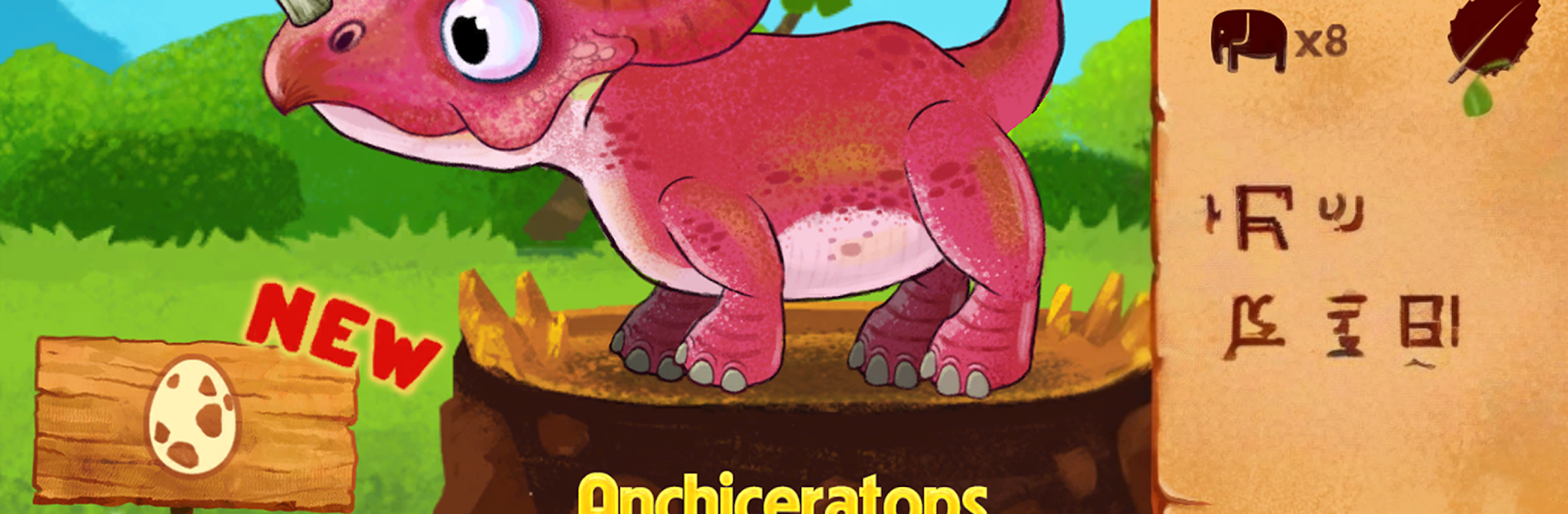
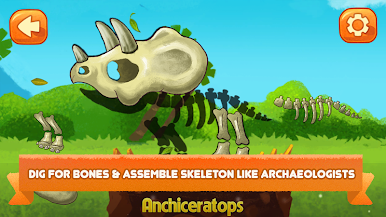
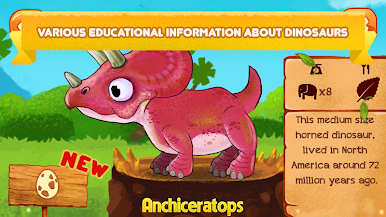
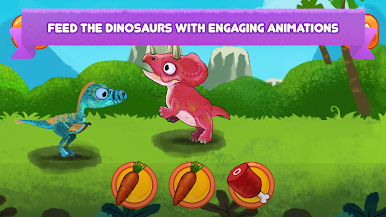
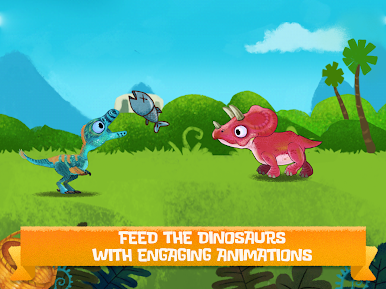
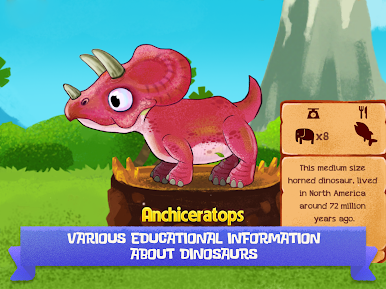
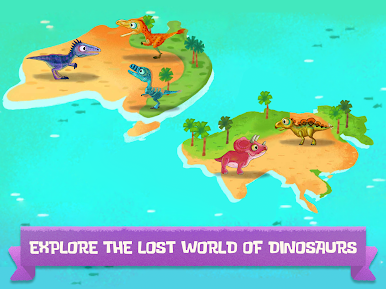
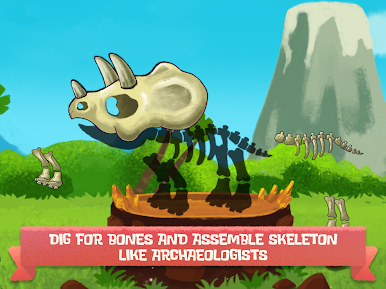
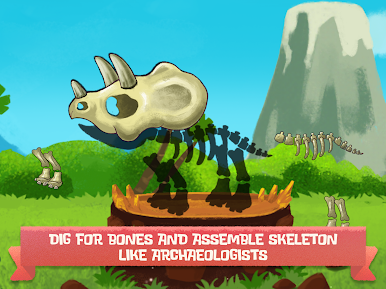
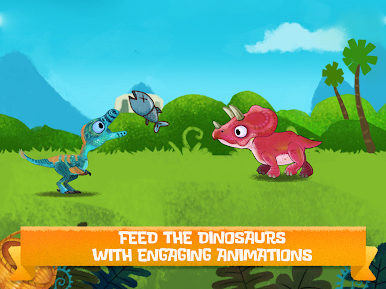
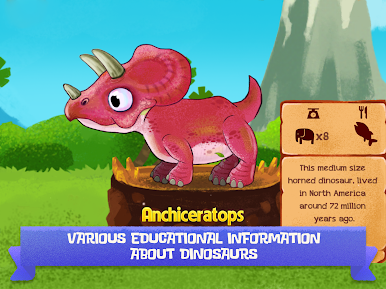
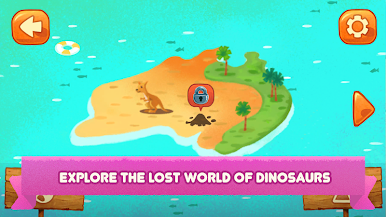
Dino Farm is a gentle, kid-first take on dinosaurs where players act like a tiny archaeologist and go on little trips to places like a jungle or a snowy area to find bones. Each stop has the same simple flow that works well for young kids: brush and tap to excavate the bones, drag pieces to assemble the skeleton, then feed the dinosaur the right food. There are ten dinosaurs to discover, and finished skeletons go into a collection book with short facts, so it feels like a sticker album that grows over time. The dinosaurs wiggle, blink, chomp, and generally act goofy, which keeps it lively without any stress or score chasing.
The presentation is bright and clean, with snug sound effects and a clear voice guide that explains what to do step by step. No internet is needed, so it is easy to hand over during car rides or quiet time. On PC with BlueStacks, the mouse makes brushing dirt and placing bones feel very precise, and the bigger screen helps kids match shapes faster. There are no timers, no failure screens, just repeatable little tasks that build confidence. It is best for preschoolers and early readers, and works nicely as a sit-together activity for friends or family who want something calm and a bit educational. Anyone hoping for wild action or complex systems will not find that here, but for gentle dinosaur fun, it lands exactly where it should.
Slay your opponents with your epic moves. Play it your way on BlueStacks and dominate the battlefield.
เล่น Vkids Dinosaurs: Jurassic Worl บน PC ได้ง่ายกว่า
-
ดาวน์โหลดและติดตั้ง BlueStacks บน PC ของคุณ
-
ลงชื่อเข้าใช้แอคเคาท์ Google เพื่อเข้าสู่ Play Store หรือทำในภายหลัง
-
ค้นหา Vkids Dinosaurs: Jurassic Worl ในช่องค้นหาด้านขวาบนของโปรแกรม
-
คลิกเพื่อติดตั้ง Vkids Dinosaurs: Jurassic Worl จากผลการค้นหา
-
ลงชื่อเข้าใช้บัญชี Google Account (หากยังไม่ได้ทำในขั้นที่ 2) เพื่อติดตั้ง Vkids Dinosaurs: Jurassic Worl
-
คลิกที่ไอคอน Vkids Dinosaurs: Jurassic Worl ในหน้าจอเพื่อเริ่มเล่น

