


Dream Catcher: Lucid Journal
เล่นบน PC ผ่าน BlueStacks - Android Gaming Platform ที่ได้รับความไว้วางใจจากเกมเมอร์ 500 ล้านคนทั่วโลก

Page Modified on: Sep 10, 2025
Play Dream Catcher: Lucid Journal on PC
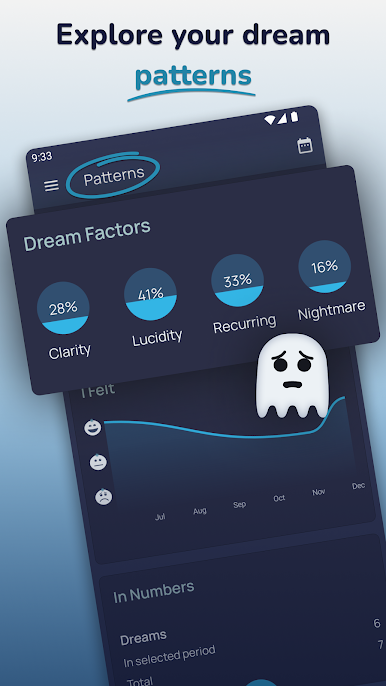
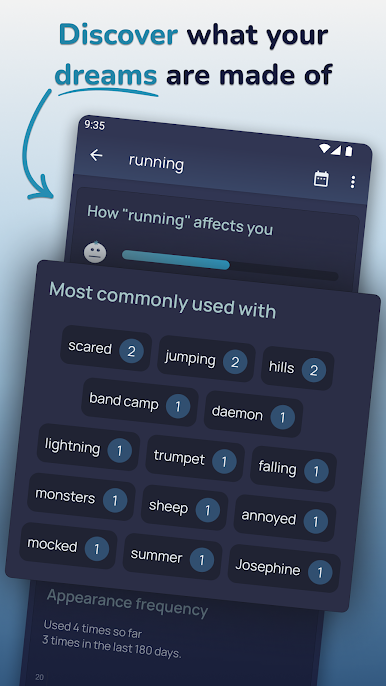
The more dream logs you create, the more detailed your dream patterns will become. Patterns show what you dream about and how you felt in most of the dreams.
APP FEATURES
Descriptions and Tags
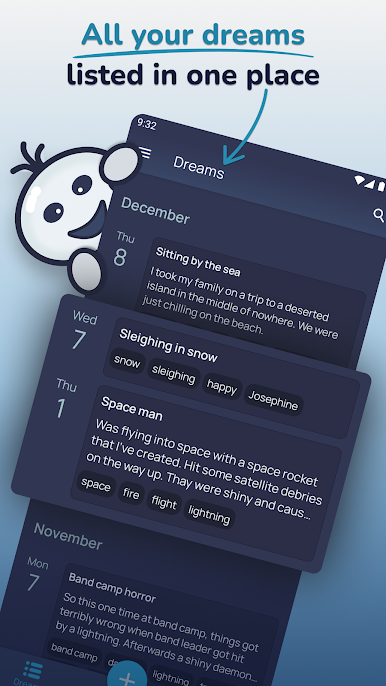
Unlimited space to describe your dream in detail and option to tag important parts.
Dream patterns
Analyse your dreams based on information you provide by combining parameters like emotions, tags, lucidity and nightmare factors.
Reminders
Have a reminder to help you log in a dream ready as soon as you wake up.
Lucid Dreams
Tools to help you achieve lucid dreaming and mark them when they happen.
Dream Cloud
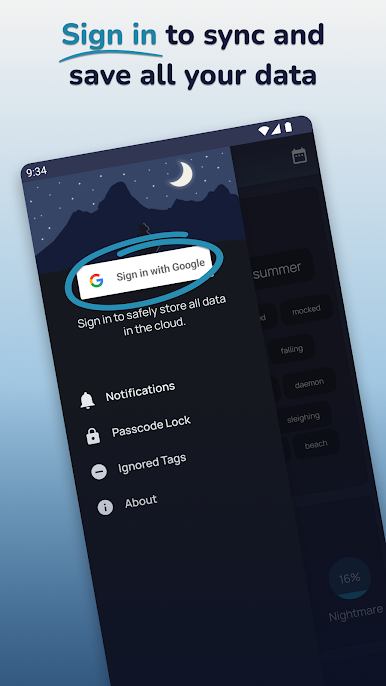
Log in with Google to always keep your dreams safe and secure in the cloud. Log in to as many devices as you want and all your dreams will stay in sync.
Passcode Lock
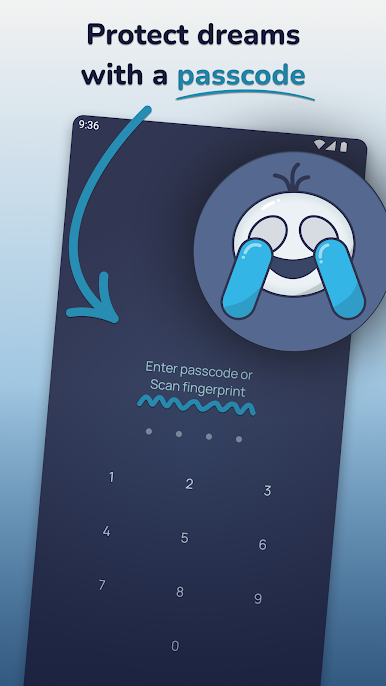
Extra layer of security for your dreams with passcode or fingerprint lock.
เล่น Dream Catcher: Lucid Journal บน PC ได้ง่ายกว่า
-
ดาวน์โหลดและติดตั้ง BlueStacks บน PC ของคุณ
-
ลงชื่อเข้าใช้แอคเคาท์ Google เพื่อเข้าสู่ Play Store หรือทำในภายหลัง
-
ค้นหา Dream Catcher: Lucid Journal ในช่องค้นหาด้านขวาบนของโปรแกรม
-
คลิกเพื่อติดตั้ง Dream Catcher: Lucid Journal จากผลการค้นหา
-
ลงชื่อเข้าใช้บัญชี Google Account (หากยังไม่ได้ทำในขั้นที่ 2) เพื่อติดตั้ง Dream Catcher: Lucid Journal
-
คลิกที่ไอคอน Dream Catcher: Lucid Journal ในหน้าจอเพื่อเริ่มเล่น

