

Vox Tools: Learn to Sing
เล่นบน PC ผ่าน BlueStacks - Android Gaming Platform ที่ได้รับความไว้วางใจจากเกมเมอร์ 500 ล้านคนทั่วโลก

Page Modified on: Dec 5, 2025
Run Vox Tools: Learn to Sing on PC or Mac
Upgrade your experience. Try Vox Tools: Learn to Sing, the fantastic Education app from Vox Vocal Studio, from the comfort of your laptop, PC, or Mac, only on BlueStacks.
About the App
Ever wished you could sing with more confidence—or maybe just hit those tricky notes without straining? Vox Tools: Learn to Sing is designed to make your singing journey easier, whether you’re a complete beginner or have a bit of practice under your belt. Created by real vocal coaches from Vox Vocal Studio, this Education app offers an interactive way to get the most out of your voice.
App Features
-
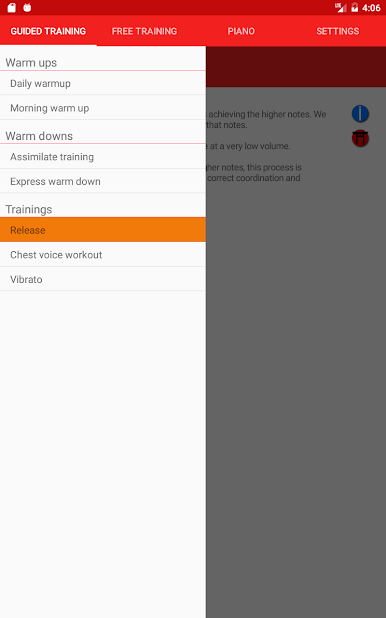
Guided Vocal Exercises:
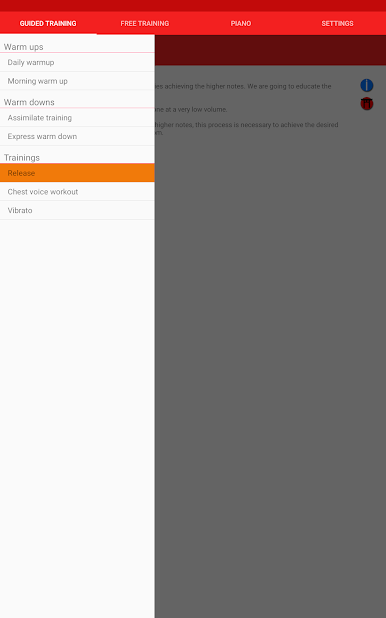
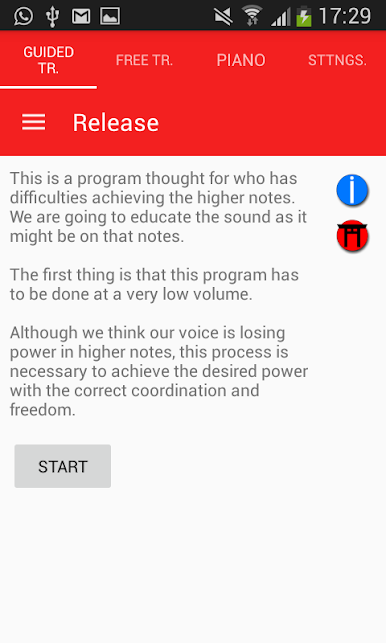
Dive into step-by-step training sessions created by experienced instructors. Each exercise includes real examples, with separate programs for different voice types. -
Personalized Training:
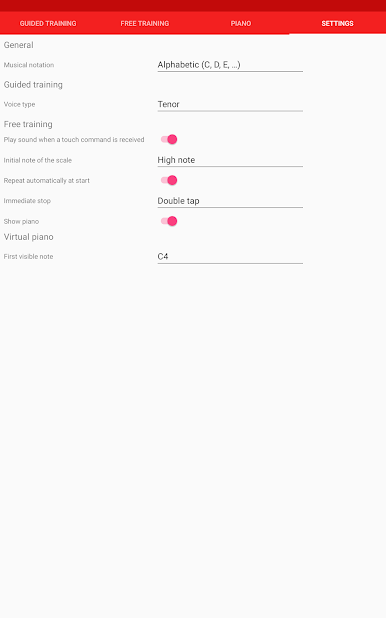
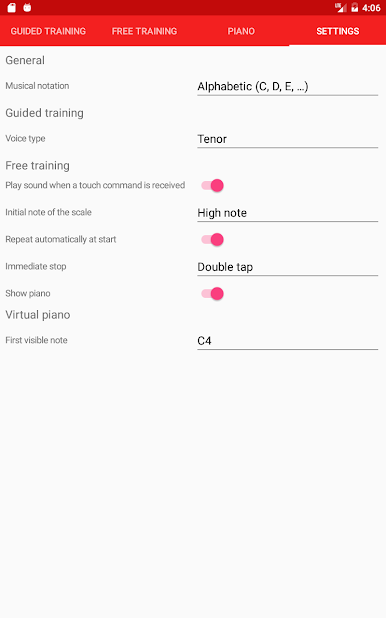
Not all voices are the same! Pick your exact voice type—male or female—so every exercise matches your range and style. -
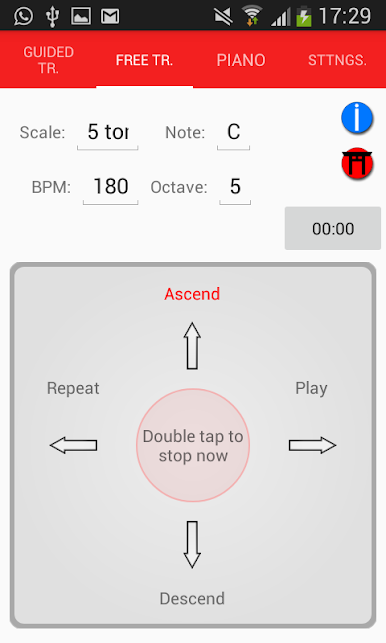
Custom Practice Tools:
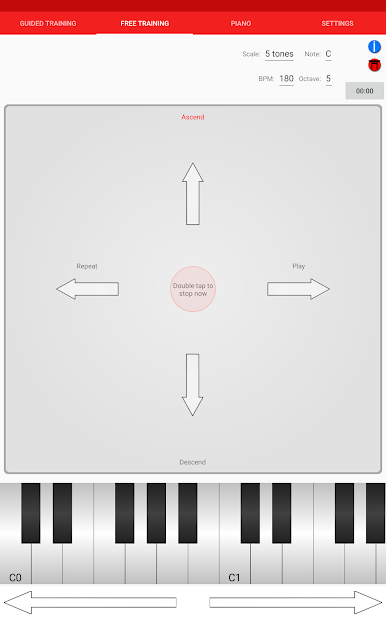
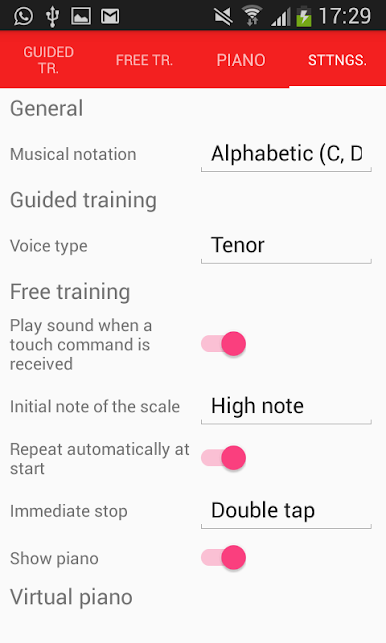
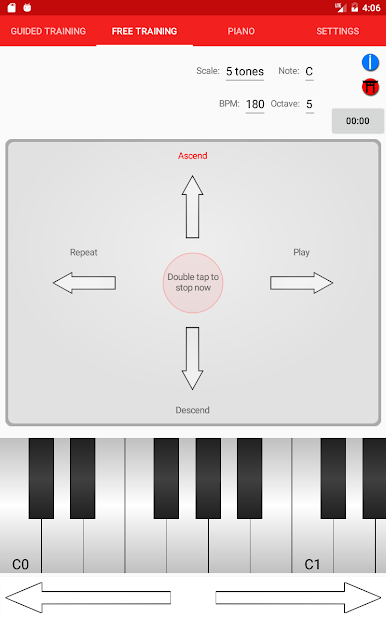
For folks who like extra flexibility, there’s an advanced section where singers and teachers can build their own routines. Set things up just the way you need. -
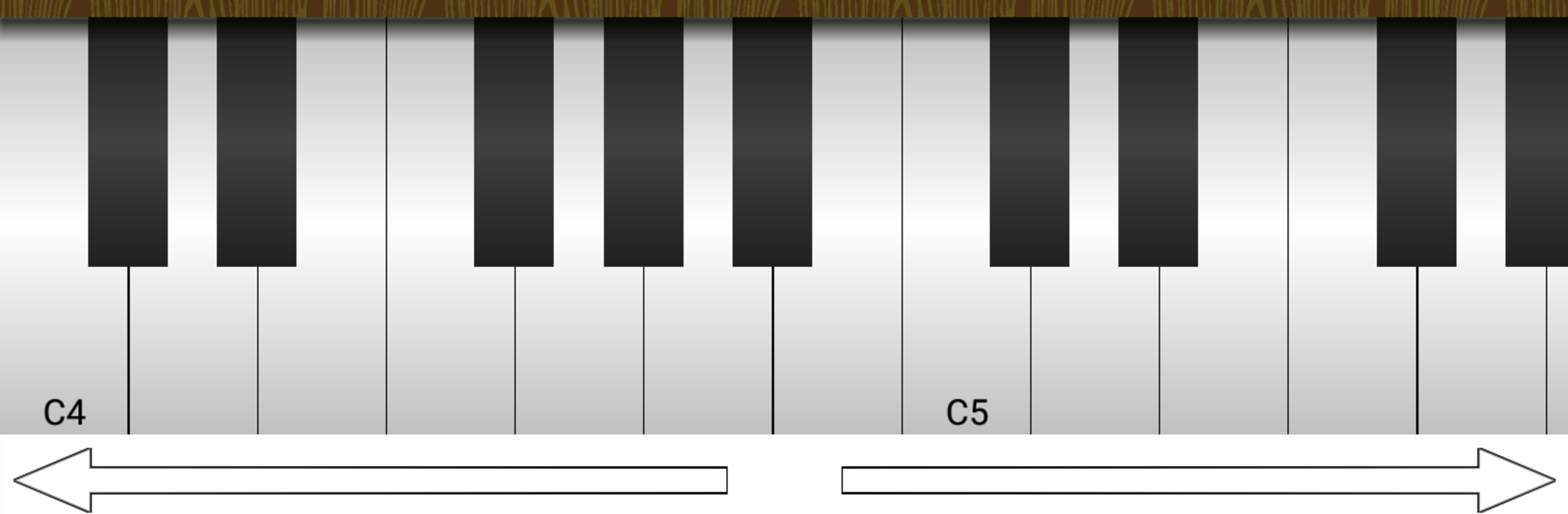
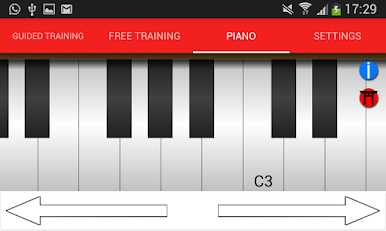
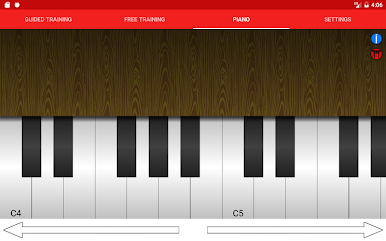
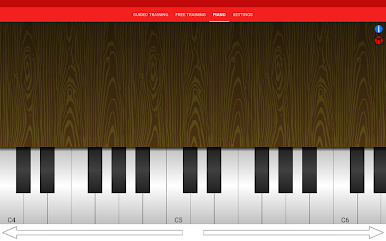
Built-In Virtual Piano:
Work on scales or pitch anytime, anywhere. The virtual piano comes in handy when you’re practicing on your own or need a quick reference. -
Created by Singers, for Singers:
Every feature is designed by folks who really get what singing is all about. You’ll notice the difference in the details.
You can also run Vox Tools: Learn to Sing on your computer with BlueStacks if you prefer a bigger screen for your vocal sessions.
Big screen. Bigger performance. Use BlueStacks on your PC or Mac to run your favorite apps.
เล่น Vox Tools: Learn to Sing บน PC ได้ง่ายกว่า
-
ดาวน์โหลดและติดตั้ง BlueStacks บน PC ของคุณ
-
ลงชื่อเข้าใช้แอคเคาท์ Google เพื่อเข้าสู่ Play Store หรือทำในภายหลัง
-
ค้นหา Vox Tools: Learn to Sing ในช่องค้นหาด้านขวาบนของโปรแกรม
-
คลิกเพื่อติดตั้ง Vox Tools: Learn to Sing จากผลการค้นหา
-
ลงชื่อเข้าใช้บัญชี Google Account (หากยังไม่ได้ทำในขั้นที่ 2) เพื่อติดตั้ง Vox Tools: Learn to Sing
-
คลิกที่ไอคอน Vox Tools: Learn to Sing ในหน้าจอเพื่อเริ่มเล่น

