

คำอวยพรวันเกิด
เล่นบน PC ผ่าน BlueStacks - Android Gaming Platform ที่ได้รับความไว้วางใจจากเกมเมอร์ 500 ล้านคนทั่วโลก

Page Modified on: Sep 22, 2025
Run Happy Birthday Wishes & Status on PC or Mac
Multitask effortlessly on your PC or Mac as you try out Happy Birthday Wishes & Status, a Social app by Touchzing Media Private Limited on BlueStacks.
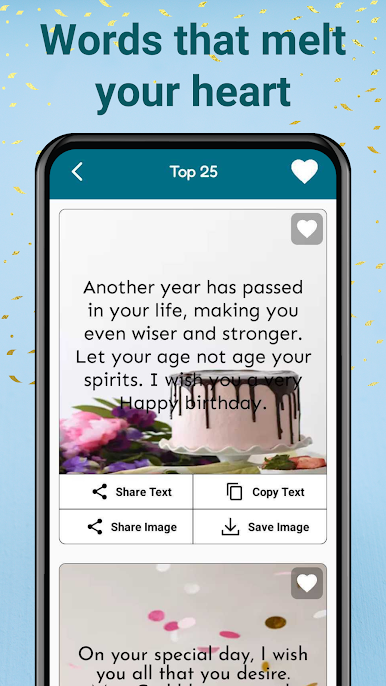
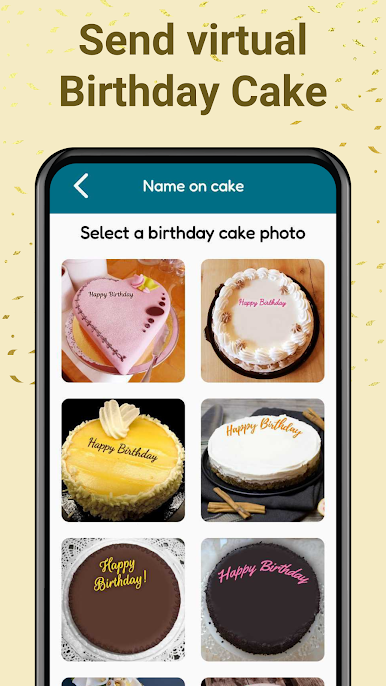
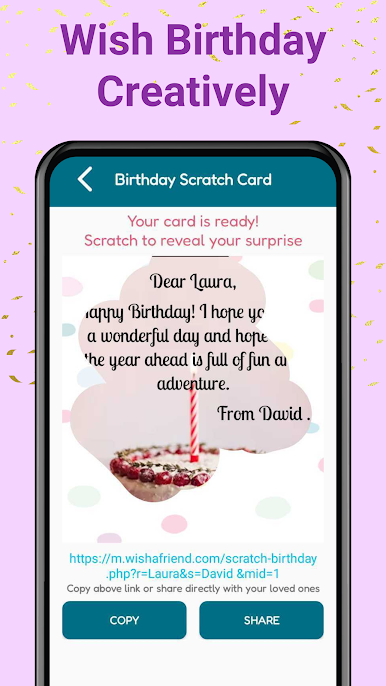
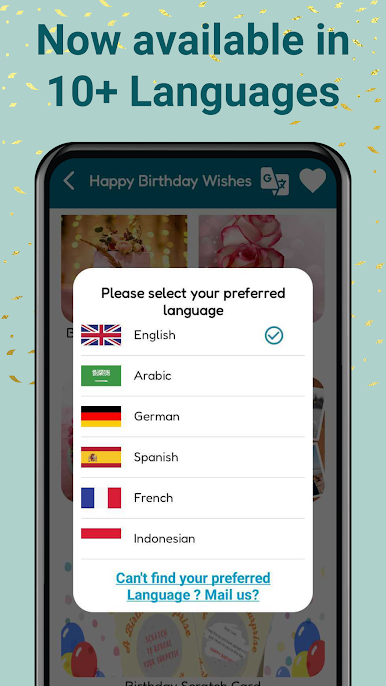
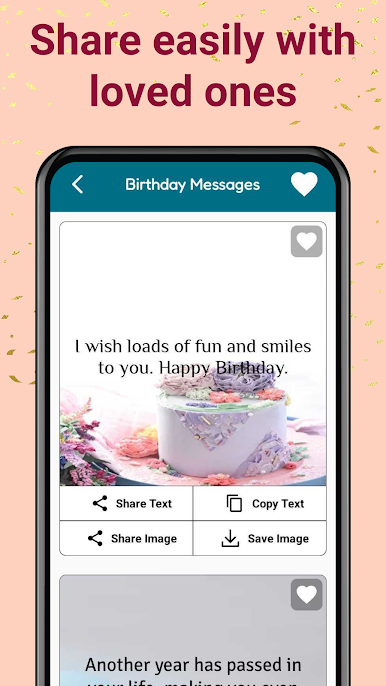
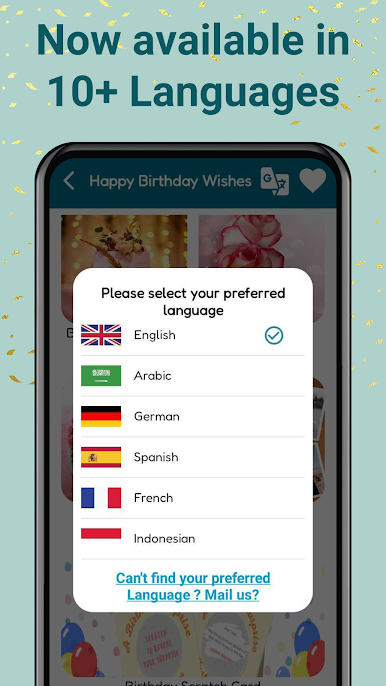
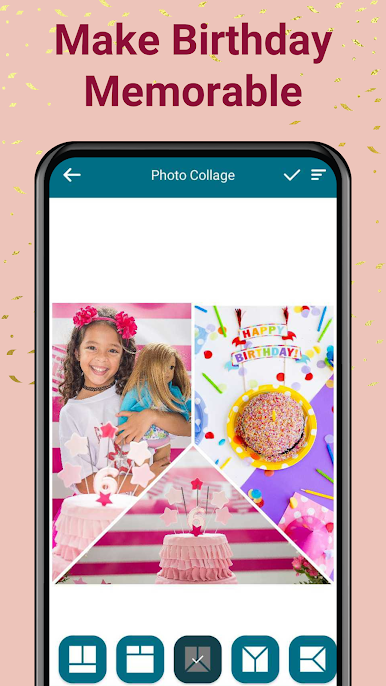
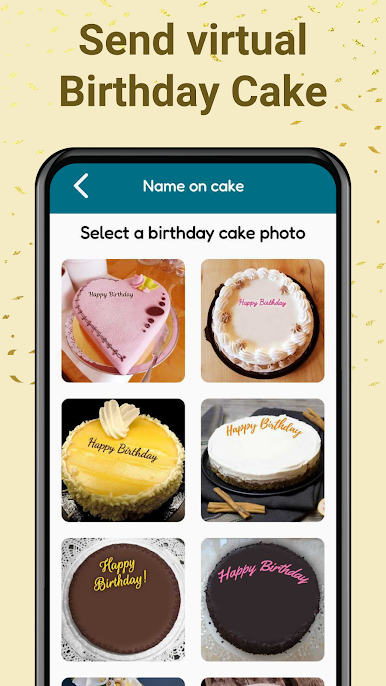
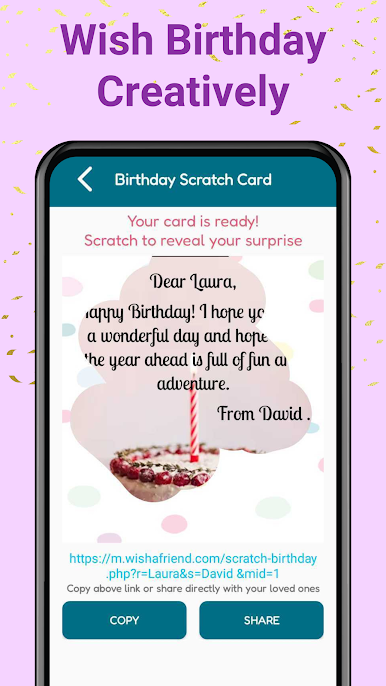
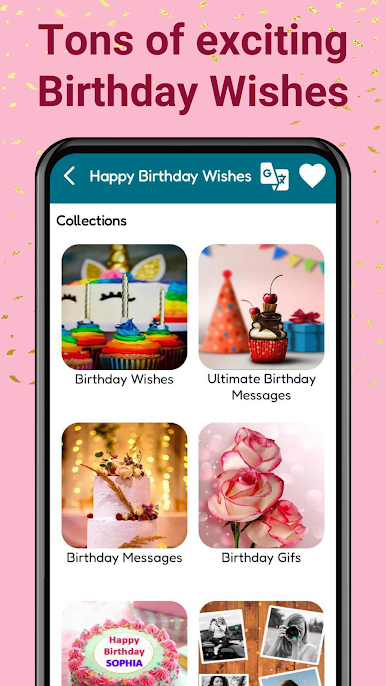
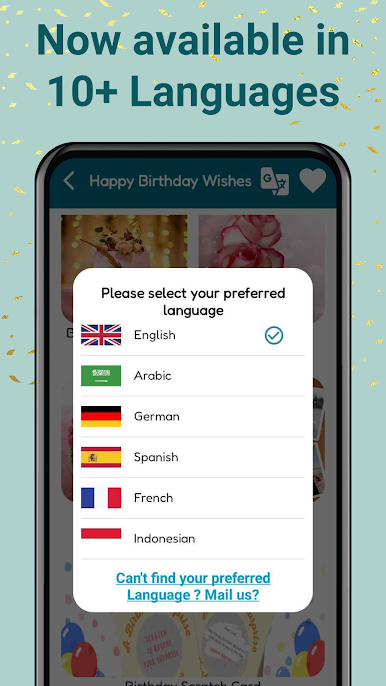
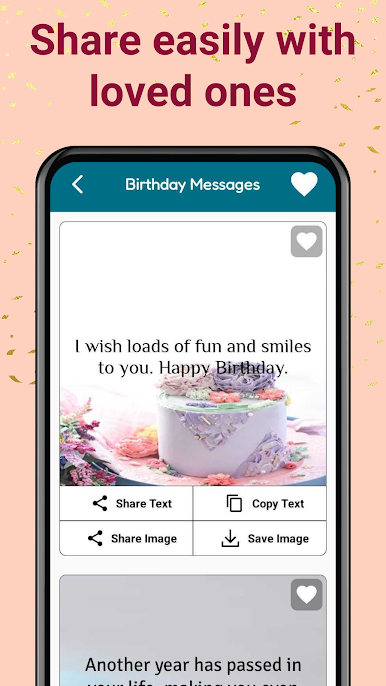
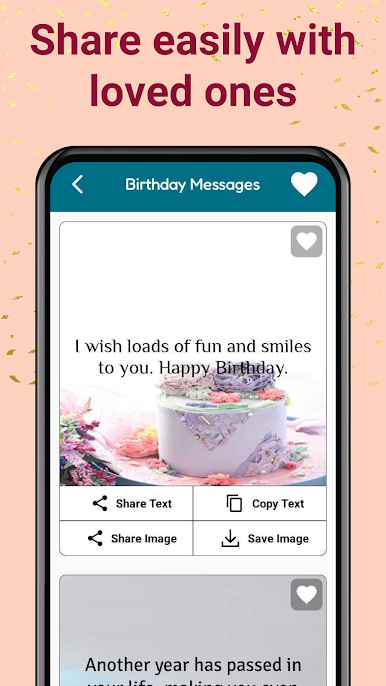
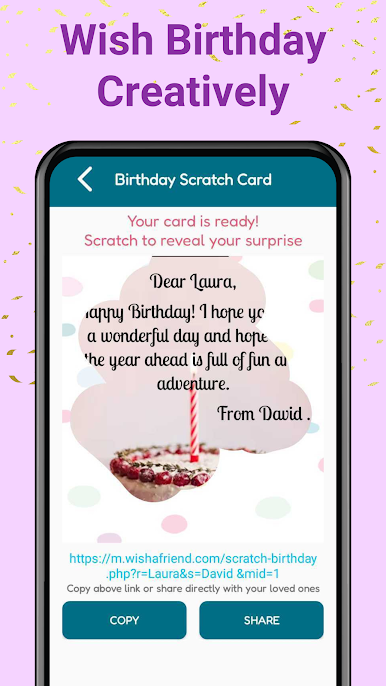
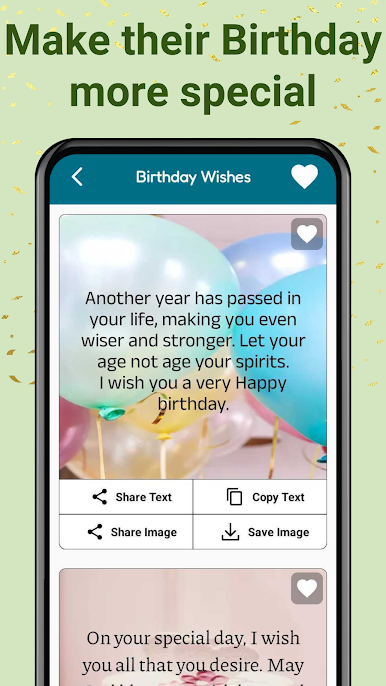
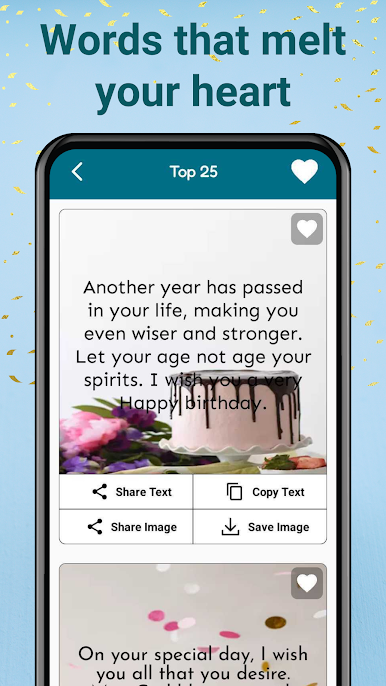
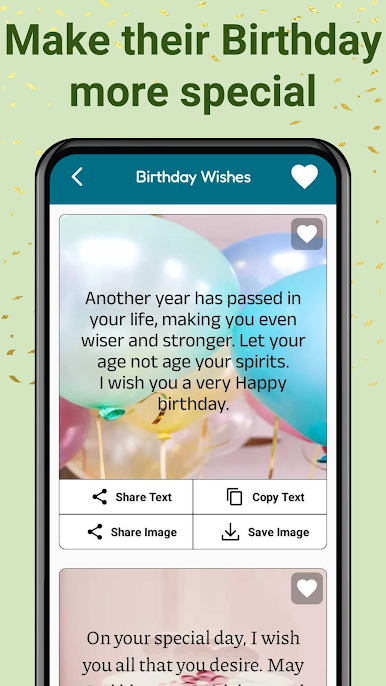
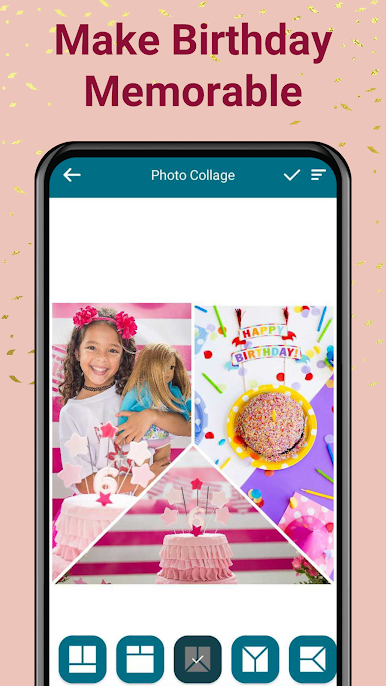
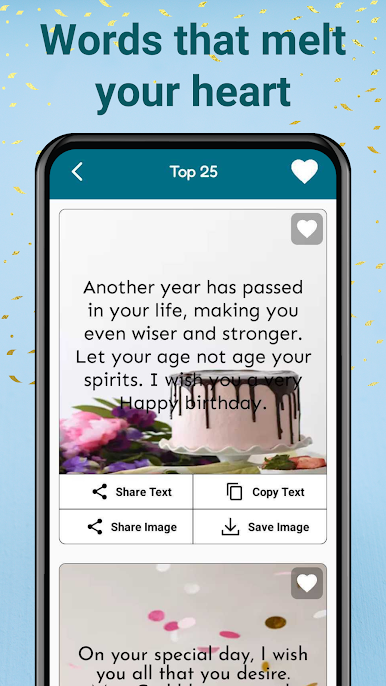
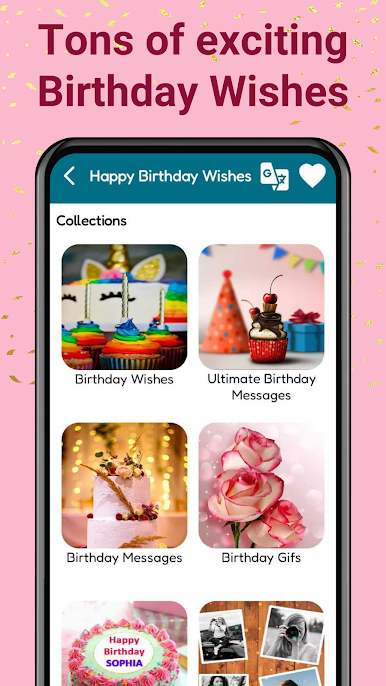
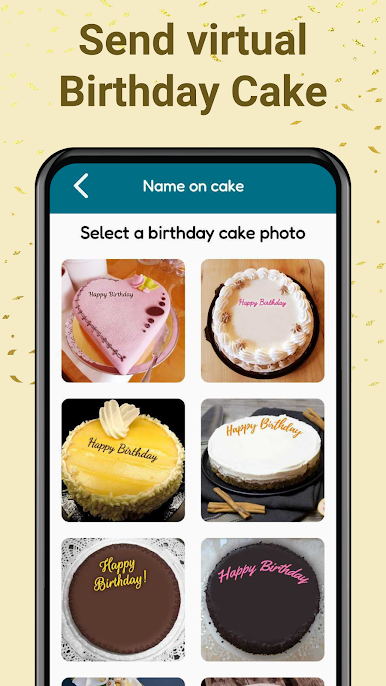
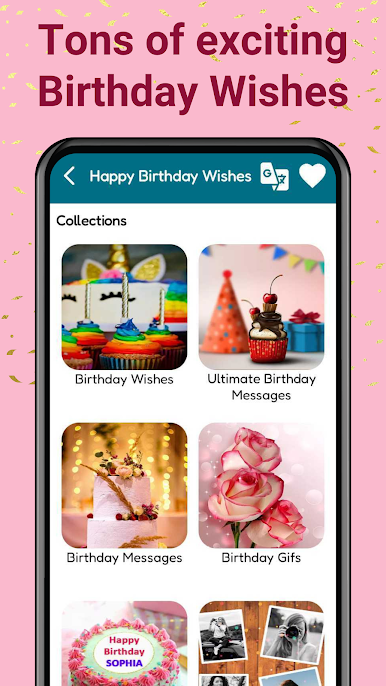
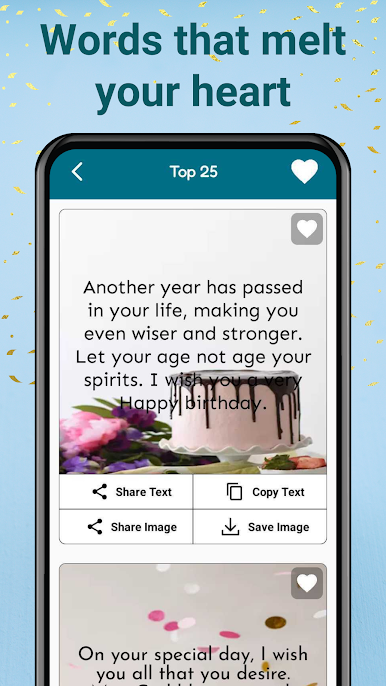
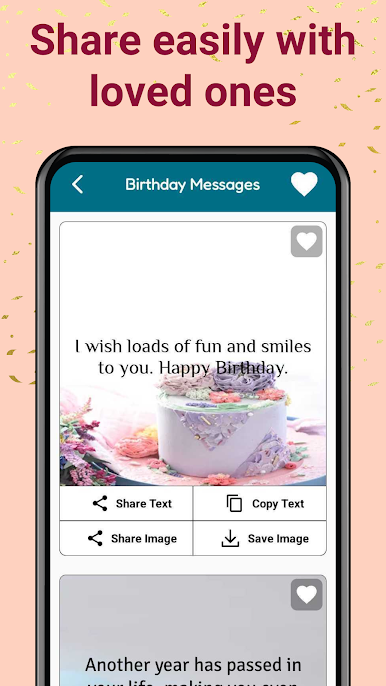
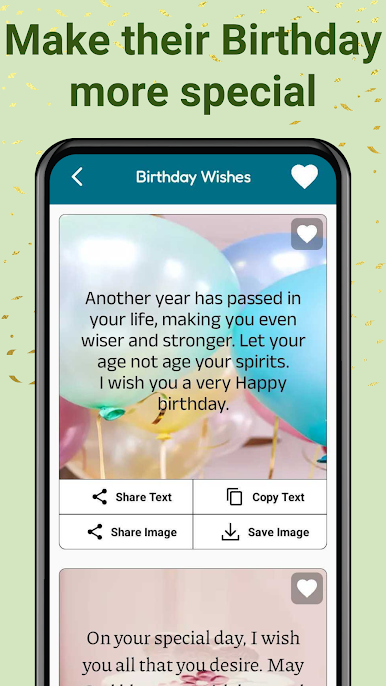
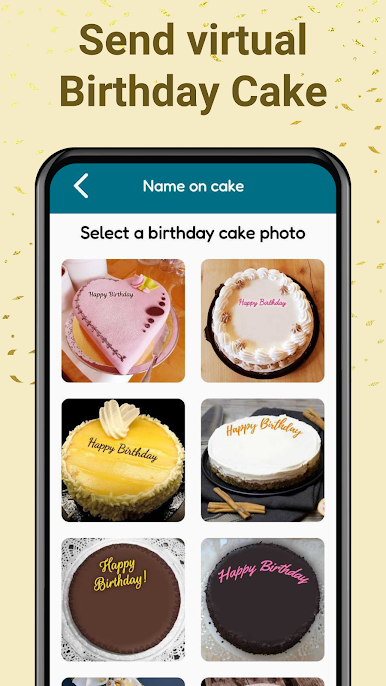
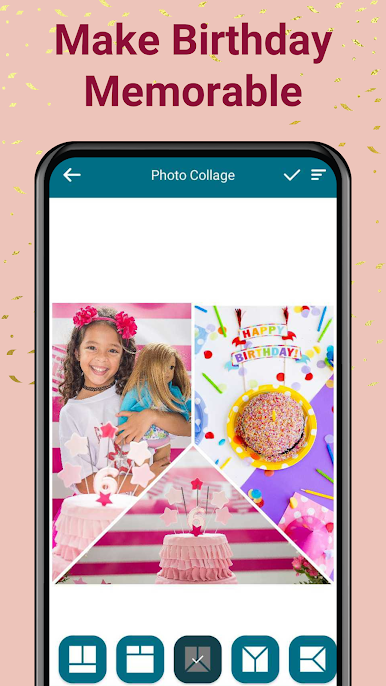
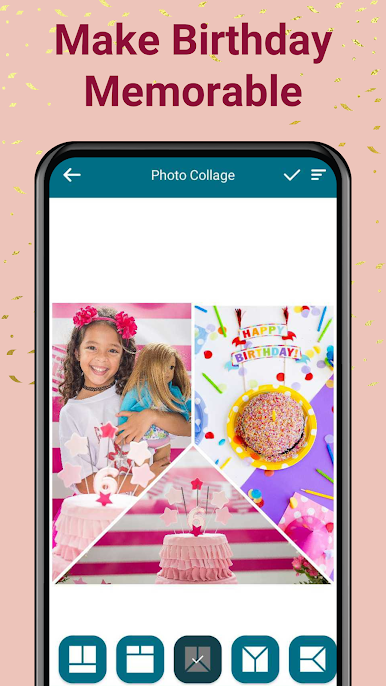
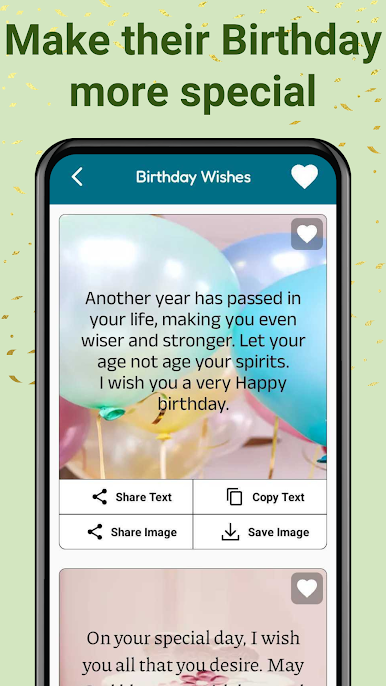
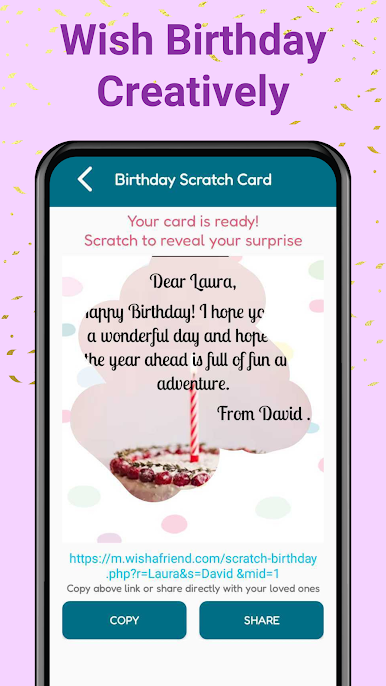
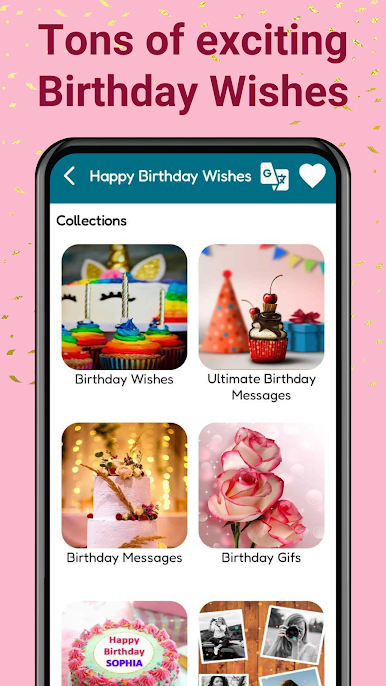
Happy Birthday Wishes & Status feels like a big box of ready to use birthday messages and images that saves time when words do not come easy. It opens to a bunch of categories so someone can find wishes for parents, friends, partner, colleagues, grandparents, and even the goofy ones. Pick a card or a simple text wish, personalize it, and it is ready. The neat trick is the name on cake feature, where a name gets placed right on a birthday cake image so it looks like a quick custom design without any effort. There is a Favorites tab to stash the best ones for later, and everything can be downloaded as an image or shared straight into WhatsApp, Instagram, Facebook, email, whatever works.
Using it on PC with BlueStacks actually makes it nicer. The bigger screen shows more of the designs at once, typing longer messages with a keyboard feels less fussy, and saving images to the computer is easy for posting or printing. The app is simple, no complicated editor, just scroll, choose, tweak a line, and send. There are a lot of cute and warm templates, some cheesy but in a charming birthday way, and the collection is huge so it rarely repeats. It is free to use, quick to learn, and very handy when someone wants something thoughtful without spending all night writing.
Ready to experience Happy Birthday Wishes & Status on a bigger screen, in all its glory? Download BlueStacks now.

เล่น คำอวยพรวันเกิด บน PC ได้ง่ายกว่า
-
ดาวน์โหลดและติดตั้ง BlueStacks บน PC ของคุณ
-
ลงชื่อเข้าใช้แอคเคาท์ Google เพื่อเข้าสู่ Play Store หรือทำในภายหลัง
-
ค้นหา คำอวยพรวันเกิด ในช่องค้นหาด้านขวาบนของโปรแกรม
-
คลิกเพื่อติดตั้ง คำอวยพรวันเกิด จากผลการค้นหา
-
ลงชื่อเข้าใช้บัญชี Google Account (หากยังไม่ได้ทำในขั้นที่ 2) เพื่อติดตั้ง คำอวยพรวันเกิด
-
คลิกที่ไอคอน คำอวยพรวันเกิด ในหน้าจอเพื่อเริ่มเล่น

