


별 헤는 밤
Jouez sur PC avec BlueStacks - la plate-forme de jeu Android, approuvée par + 500M de joueurs.

Page Modifiée le: May 19, 2023
Play 별 헤는 밤 on PC
🏆 2019 OGN G-RANK Challenge Seoul Award Winner
🏆 2018 Busan Indie Connect Festival (BIC) TOP 20 selection.
🏆 2018 BIC Narrative Award nominations
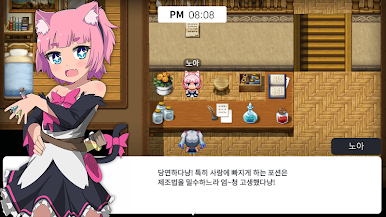
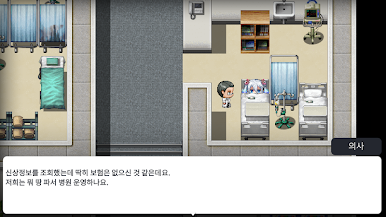
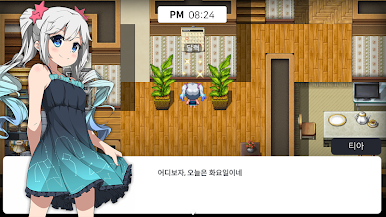
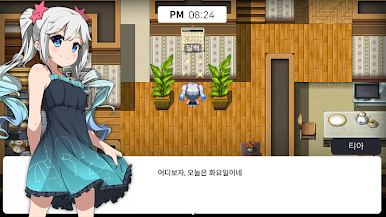
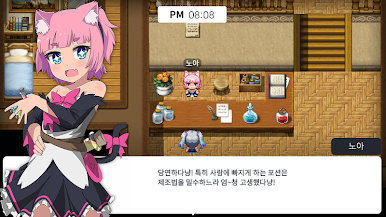
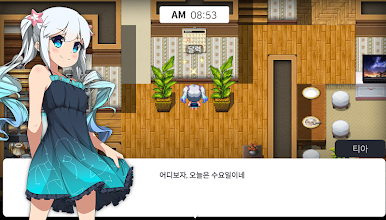
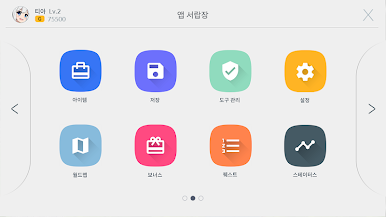
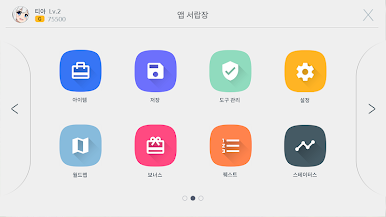
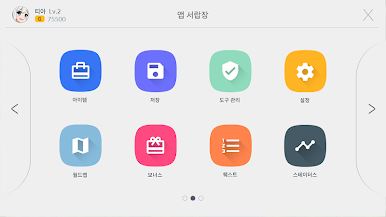
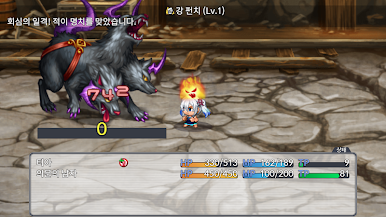
● Side-view single turn-based RPG
- In-app payment X, advertisement X
- This is a single story RPG game.
● Cultivate your character and study your skills
- Make Tia a stronger girl through training as well as leveling up
- You can study magic books in the library to learn new skills!
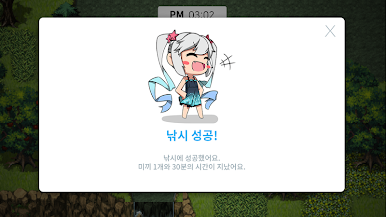
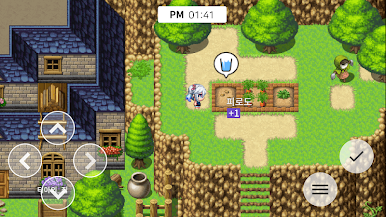
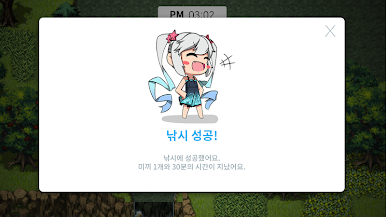
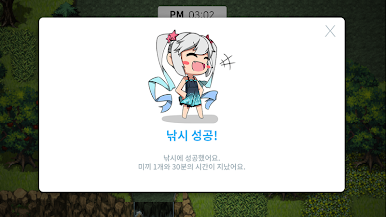
● Includes tycoon elements such as fishing, farming and cultivation
- The era of earning gold only through battle is over!
● Tsukur game on mobile!
- A separate emulator is not required to run the game.
- Install, run. End!
● No paid DLC! No extra charge! No in-app purchases!
- Also, all additional content updates are provided free of charge.
:: Go to Official Cafe ::
https://cafe.naver.com/wafflegames
:: Go to the official website ::
https://waffle.games/
※ Precautions and Minimum & Recommended Specifications ※
- In this game, save data belongs to the device. So, if you delete the game, the save file will be deleted.
- 『Counting the Stars』 runs on Android 5.0 (Lollipop) or higher OS. Therefore, it cannot be run on older OSs under Android 5.0.
- Unreported issues may occur in certain models.
- There is currently an issue with certain Huawei devices not running.
- This game does not support PC app players such as NOX.
[Minimum Specifications]
CPU: Qualcomm Snapdragon 800 or higher
RAM: 2 GB or more
Display: 1280x720 pixel resolution
[Recommended Specifications]
CPU: Qualcomm Snapdragon 820 or higher
RAM: 3 GB or more
Display: Resolution of 1920x1080 pixels
© 2019 WAFFLE GAMES. All rights reserved. Distributed by PsychoFlux Entertainment.

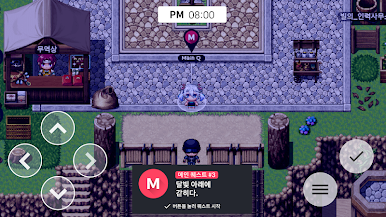
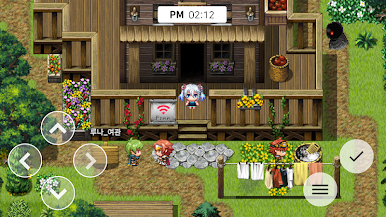
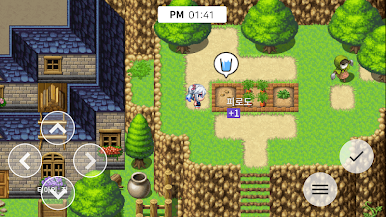
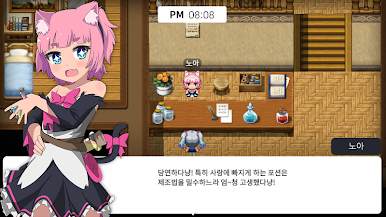
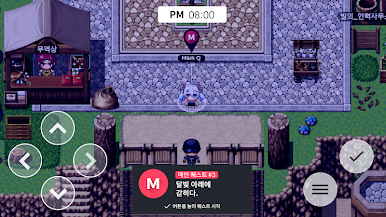
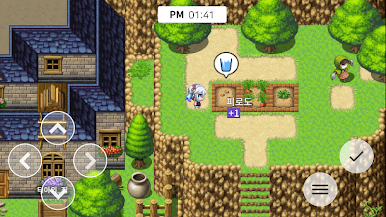
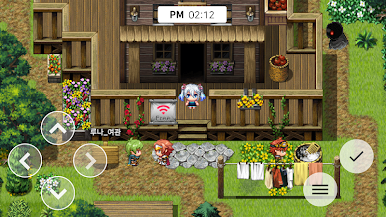
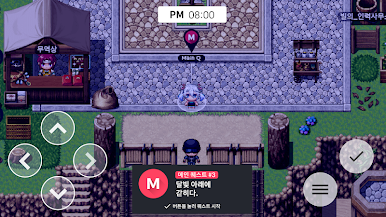
Jouez à 별 헤는 밤 sur PC. C'est facile de commencer.
-
Téléchargez et installez BlueStacks sur votre PC
-
Connectez-vous à Google pour accéder au Play Store ou faites-le plus tard
-
Recherchez 별 헤는 밤 dans la barre de recherche dans le coin supérieur droit
-
Cliquez pour installer 별 헤는 밤 à partir des résultats de la recherche
-
Connectez-vous à Google (si vous avez ignoré l'étape 2) pour installer 별 헤는 밤
-
Cliquez sur l'icône 별 헤는 밤 sur l'écran d'accueil pour commencer à jouer

