

Test du signal WiFi Pro
Jouez sur PC avec BlueStacks - la plate-forme de jeu Android, approuvée par + 500M de joueurs.

Page Modifiée le: Oct 13, 2025
Run WiFi Signal Strength Meter Pro on PC or Mac
Why limit yourself to your small screen on the phone? Run WiFi Signal Strength Meter Pro, an app by Network Scanner – WiFi Scanner & Network Monitor, best experienced on your PC or Mac with BlueStacks, the world’s #1 Android emulator.
About the App
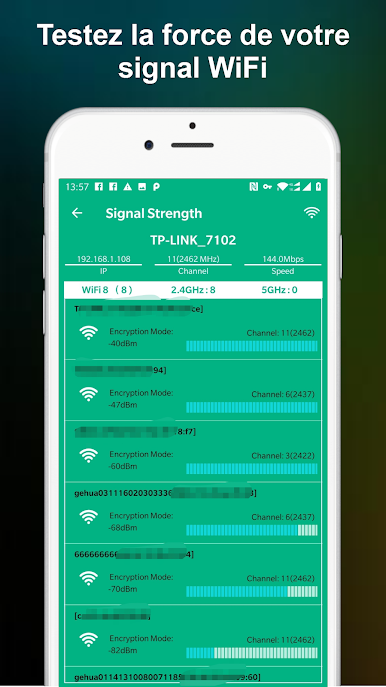
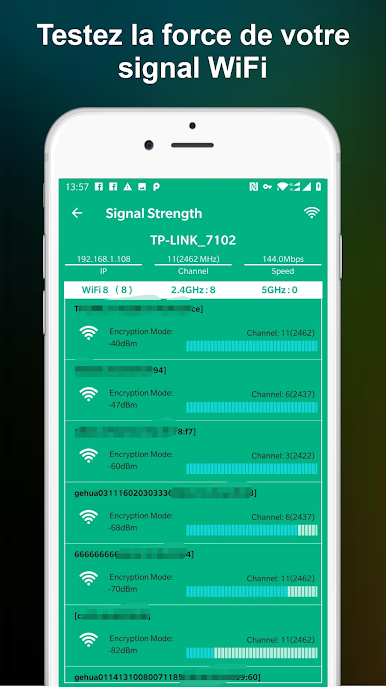
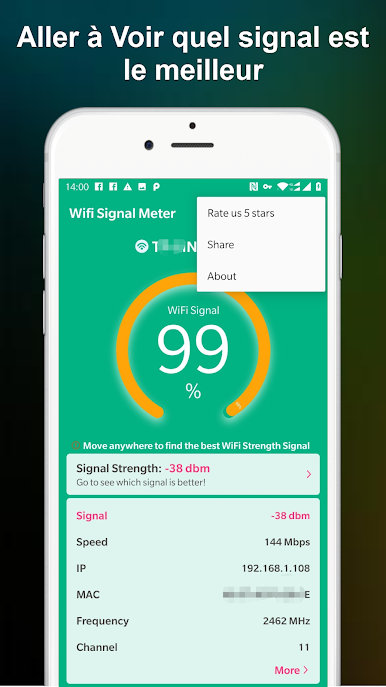
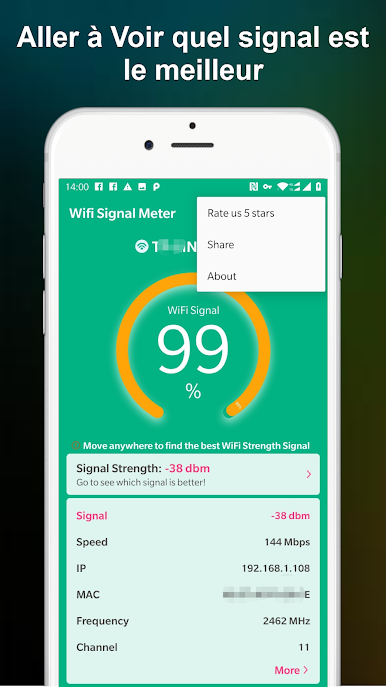
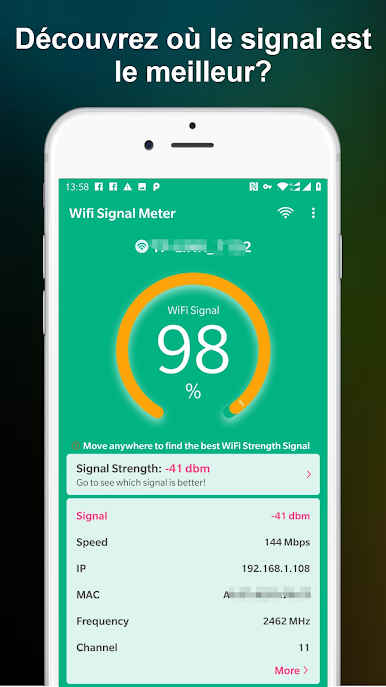
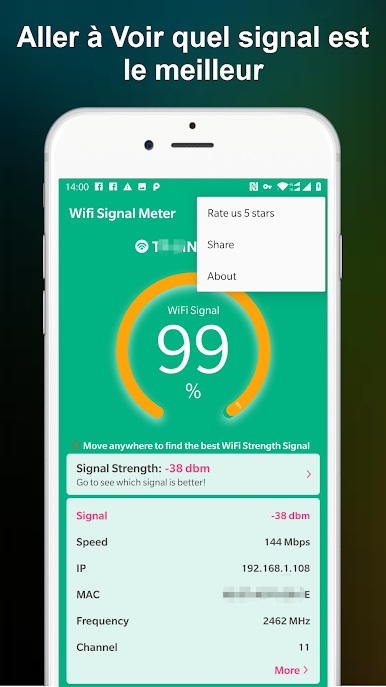
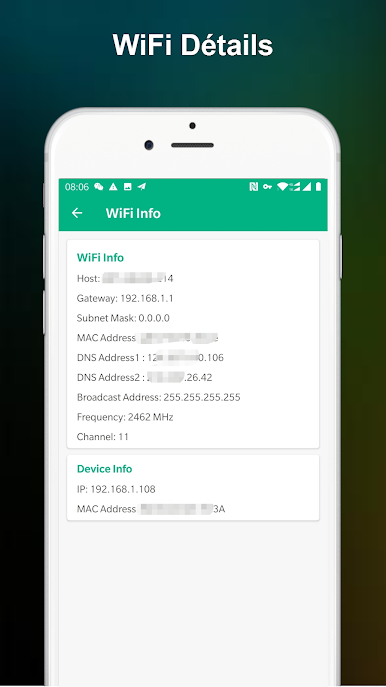
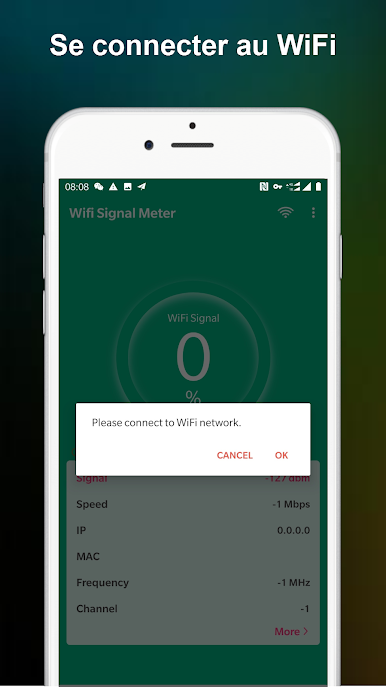
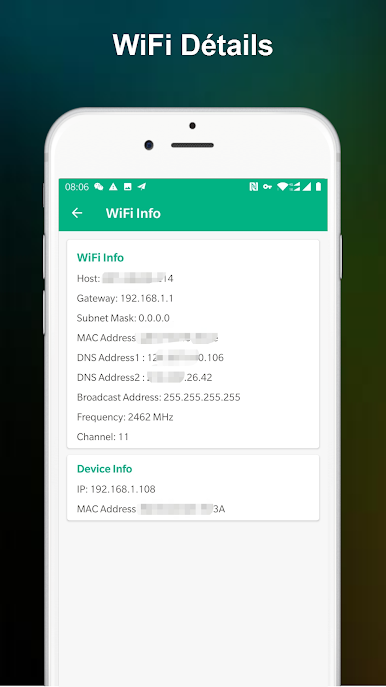
WiFi Signal Strength Meter Pro is a straightforward way to see how strong your Wi‑Fi connection is at any moment. Open it, watch the numbers update in real time, and move around to figure out where your connection holds steady. It’s a handy Tools pick from Network Scanner – WiFi Scanner & Network Monitor that keeps things simple and useful—great at home, the office, or anywhere you rely on Wi‑Fi. Prefer a larger view? It also feels right at home on BlueStacks.
App Features
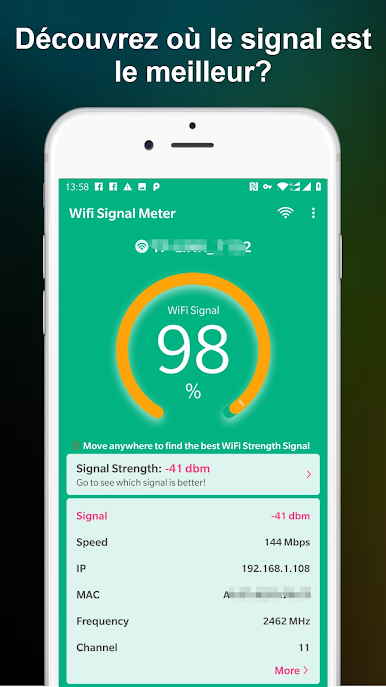
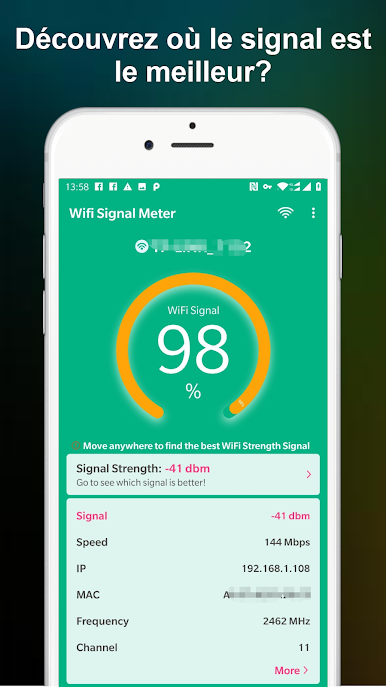
- Live readings: See your current Wi‑Fi signal strength update instantly as you move.
- Walk-and-check: Stroll around your space and watch the meter change to pinpoint the strongest spot.
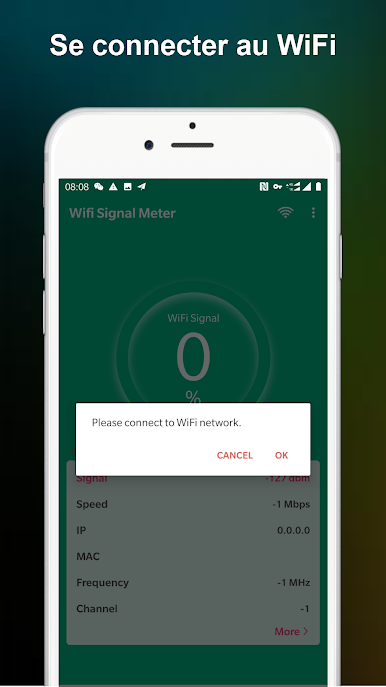
- Quick start: Launch the app and get a clear signal readout in seconds—no setup or fluff.
- Practical guidance: Understand at a glance when your signal might be too weak; staying above roughly 60% helps avoid drop‑offs.
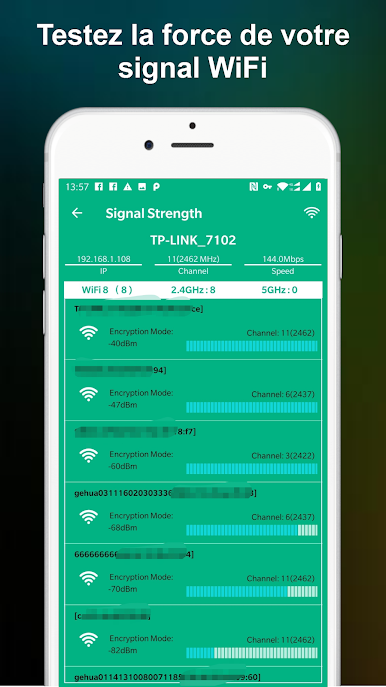
- Real-time monitoring: Continuous updates make it easy to test different rooms, hallways, or desks without stopping.
- Simple interface: Clean, no‑nonsense design focuses on the signal so you can make fast decisions.
- Use it anywhere: Home Wi‑Fi, office networks, shared spaces—if there’s a network, it helps you find the reliable zone.
- Reliable feedback: Keep an eye on stability before video calls, streaming, or big downloads, so you’re not caught off guard.
BlueStacks brings your apps to life on a bigger screen—seamless and straightforward.
Jouez à Test du signal WiFi Pro sur PC. C'est facile de commencer.
-
Téléchargez et installez BlueStacks sur votre PC
-
Connectez-vous à Google pour accéder au Play Store ou faites-le plus tard
-
Recherchez Test du signal WiFi Pro dans la barre de recherche dans le coin supérieur droit
-
Cliquez pour installer Test du signal WiFi Pro à partir des résultats de la recherche
-
Connectez-vous à Google (si vous avez ignoré l'étape 2) pour installer Test du signal WiFi Pro
-
Cliquez sur l'icône Test du signal WiFi Pro sur l'écran d'accueil pour commencer à jouer

