

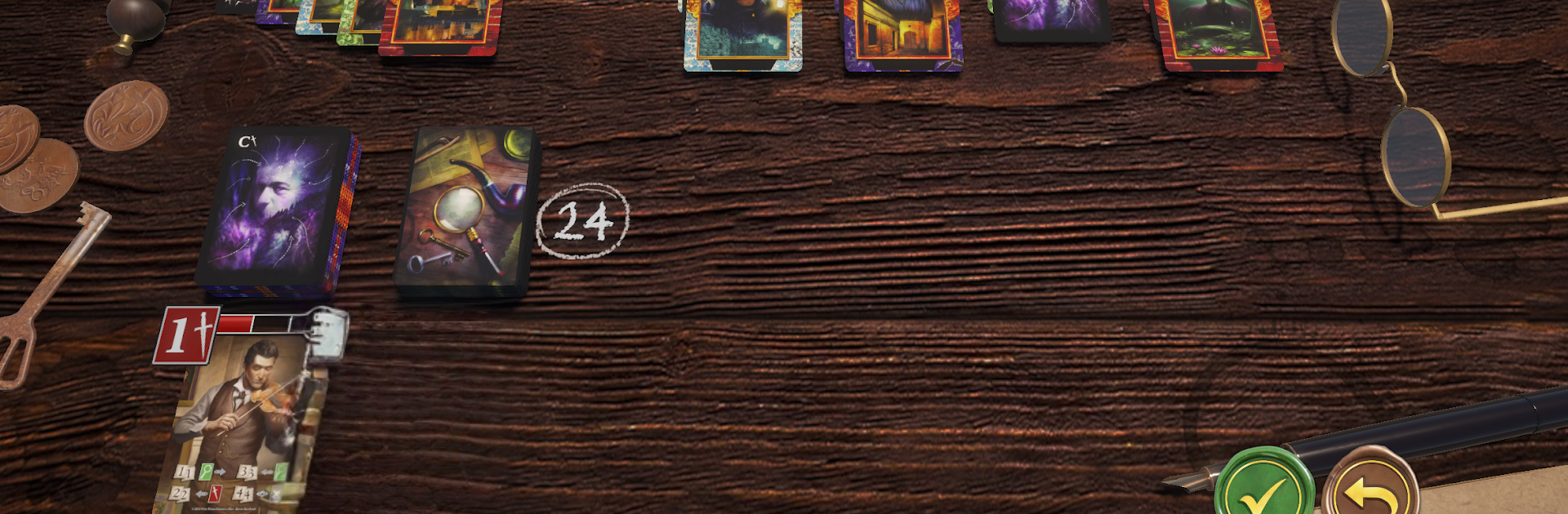
Sherlock Solitaire
Jouez sur PC avec BlueStacks - la plate-forme de jeu Android, approuvée par + 500M de joueurs.

Page Modifiée le: Jun 10, 2025
Play Sherlock Solitaire on PC or Mac
Explore a whole new adventure with Sherlock Solitaire, a Card game created by Wise Wizard Games. Experience great gameplay with BlueStacks, the most popular gaming platform to play Android games on your PC or Mac.
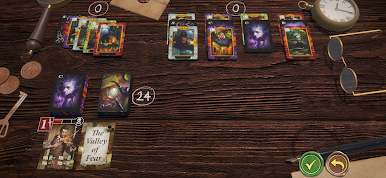
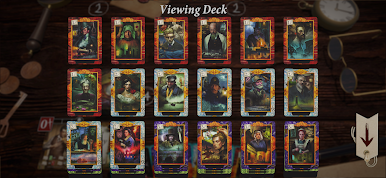
Sherlock Solitaire is a clever little solo puzzle that mixes classic stacking rules with a Sherlock Holmes theme. A player is chasing leads, flipping cards, and trying to outmaneuver bad draws while Professor Moriarty lurks in the background. It plays fast, turns are snappy, and there is this nice balance of planning and luck where a small decision early can make the endgame feel tight. The mystery flavor is light but present, more like a frame over a smart card puzzle than a heavy story. It works offline, so it is good for quick sessions, and on PC with BlueStacks the mouse clicks feel clean and the board is easy to read.
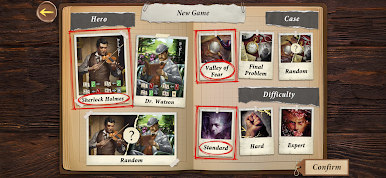
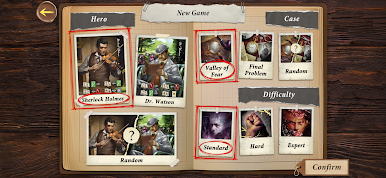
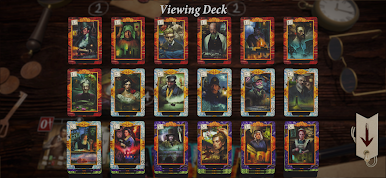
The free demo keeps things simple. There is one case, one difficulty, and runs cut off after the first reshuffle, so it works as a taste of the pace and tension. The paid version opens up the interesting stuff. Multiple detectives come with their own deck tricks, like peeking, rearranging, or otherwise bending the order to squeeze out a win, and that changes how a player approaches each setup. Difficulty settings add bite without turning it into a grind. There is also another case with different win conditions, so it does not feel like solving the same table every time. Someone who enjoys solitaire that asks for a bit of calculation, short runs, and that feeling of barely solving the case will find the loop satisfying.
Get ready for a buttery smooth, high-performance gaming action only on BlueStacks.
Jouez à Sherlock Solitaire sur PC. C'est facile de commencer.
-
Téléchargez et installez BlueStacks sur votre PC
-
Connectez-vous à Google pour accéder au Play Store ou faites-le plus tard
-
Recherchez Sherlock Solitaire dans la barre de recherche dans le coin supérieur droit
-
Cliquez pour installer Sherlock Solitaire à partir des résultats de la recherche
-
Connectez-vous à Google (si vous avez ignoré l'étape 2) pour installer Sherlock Solitaire
-
Cliquez sur l'icône Sherlock Solitaire sur l'écran d'accueil pour commencer à jouer

