


Woblink
เล่นบน PC ผ่าน BlueStacks - Android Gaming Platform ที่ได้รับความไว้วางใจจากเกมเมอร์ 500 ล้านคนทั่วโลก

Page Modified on: Dec 2, 2025
Play Woblink on PC
Use the app in the way that suits you best:
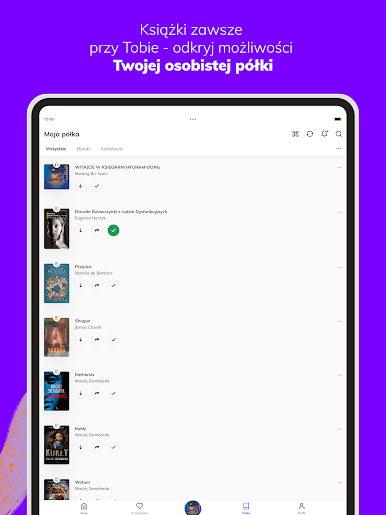
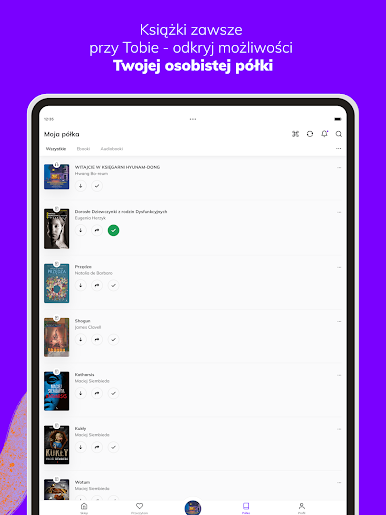
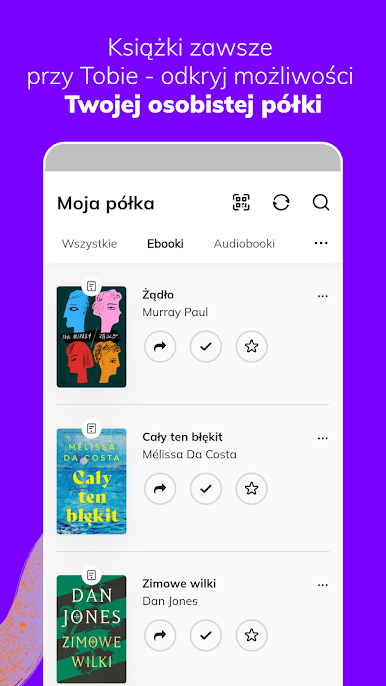
- Enjoy reading immediately after purchase - all titles are available on your personal shelf.
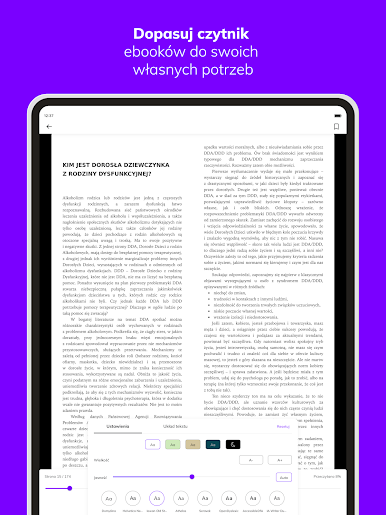
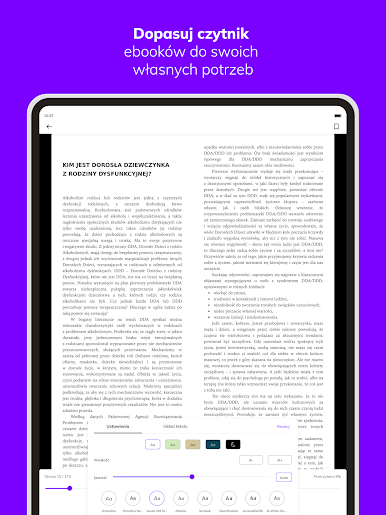
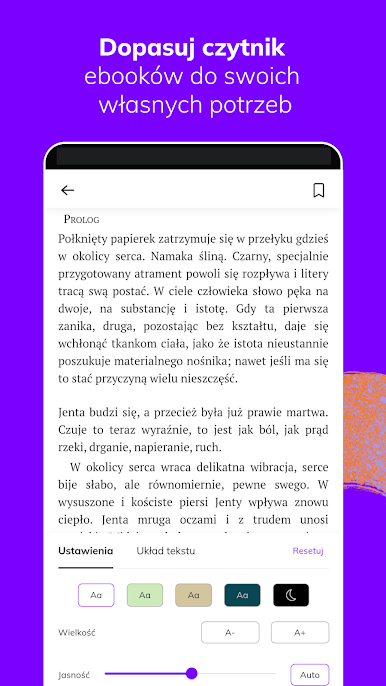
- Customize the e-book reader to your preferences: change the brightness settings, font type and size, margins and background color.
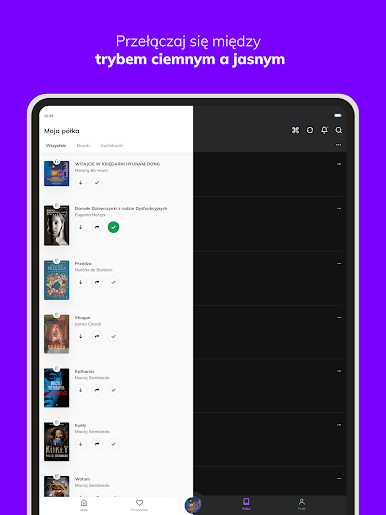
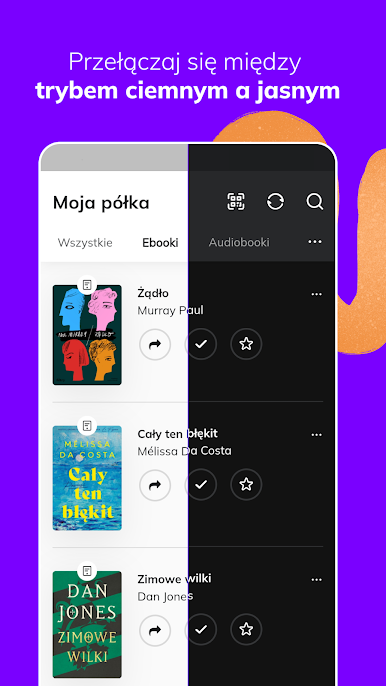
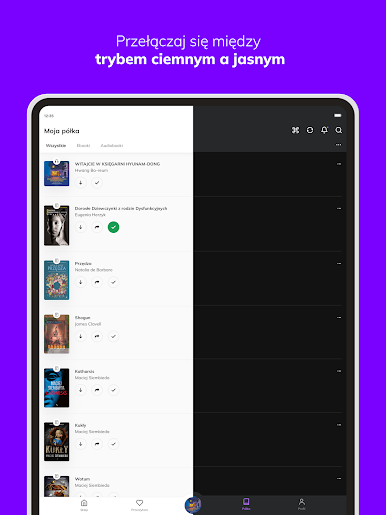
- Organize your library and track your reading progress.
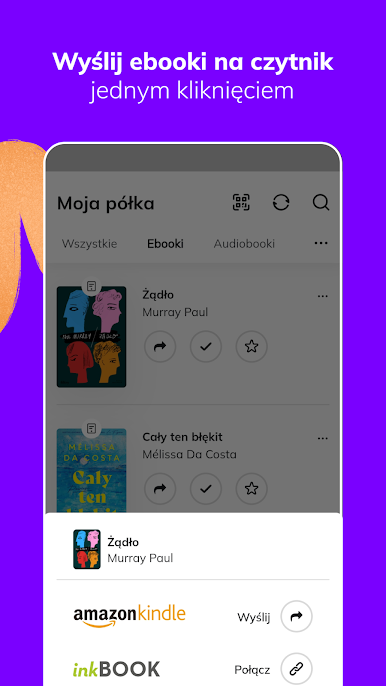
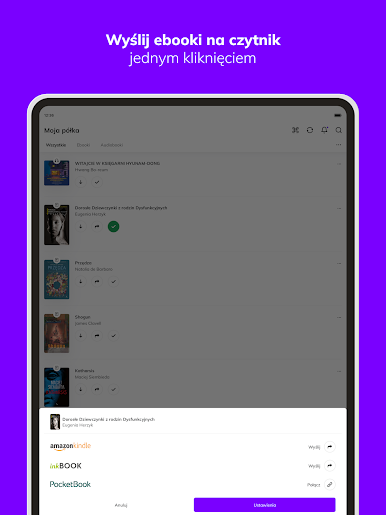
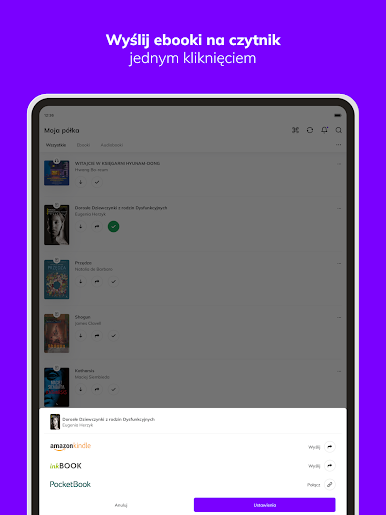
- Transfer your e-books to your e-reader with one click.
Read and listen to what you like:
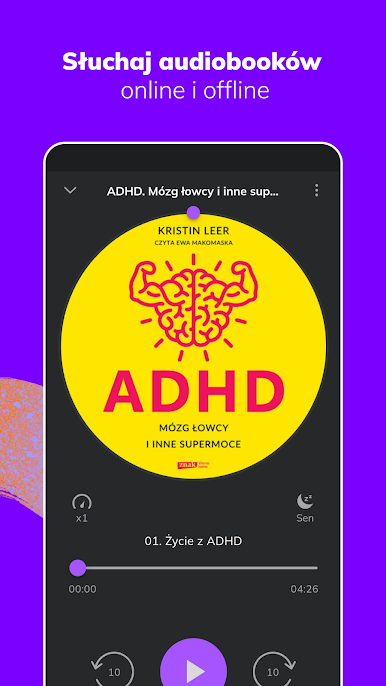
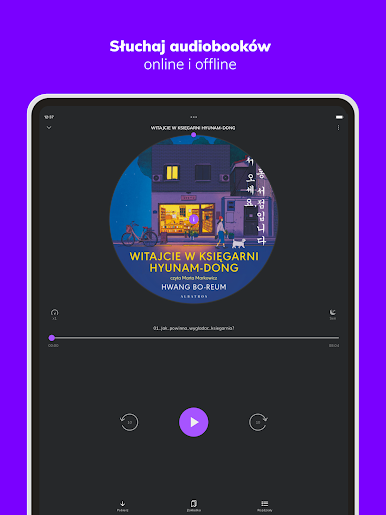
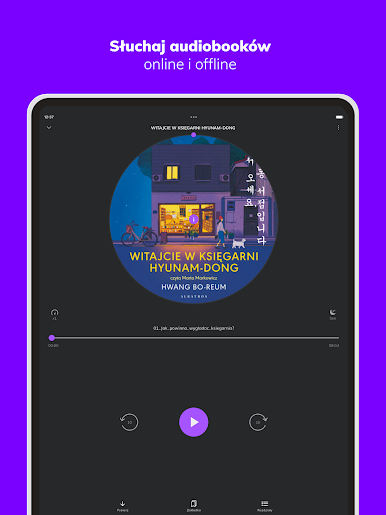
- Choose from more than 80,000 e-books and audiobooks and explore different genres.
- Use our recommendations and tips.
- Rate and review the books you read - share your opinion with the community.
- Add books to your favorites.
- We love to read and realize that reading can accompany us everywhere. That's why since 2010 we have been providing books to hundreds of thousands of readers in Poland and abroad in every available format - e-book (EPUB, MOBI, PDF), audiobook, as well as traditional book. Our customers can buy books and read them on many devices, such as readers, smartphones, tablets, laptops. Read where you want and how you want


เล่น Woblink บน PC ได้ง่ายกว่า
-
ดาวน์โหลดและติดตั้ง BlueStacks บน PC ของคุณ
-
ลงชื่อเข้าใช้แอคเคาท์ Google เพื่อเข้าสู่ Play Store หรือทำในภายหลัง
-
ค้นหา Woblink ในช่องค้นหาด้านขวาบนของโปรแกรม
-
คลิกเพื่อติดตั้ง Woblink จากผลการค้นหา
-
ลงชื่อเข้าใช้บัญชี Google Account (หากยังไม่ได้ทำในขั้นที่ 2) เพื่อติดตั้ง Woblink
-
คลิกที่ไอคอน Woblink ในหน้าจอเพื่อเริ่มเล่น

