


Word Swipe Pic - Brain Game
Jouez sur PC avec BlueStacks - la plate-forme de jeu Android, approuvée par + 500M de joueurs.

Page Modifiée le: Oct 17, 2025
Play Word Swipe Pic on PC or Mac
From the innovators and creators at Wordfun Games, Word Swipe Pic is another fun addition to the World of Word games. Go beyond your mobile screen and play it bigger and better on your PC or Mac. An immersive experience awaits you.
About the Game
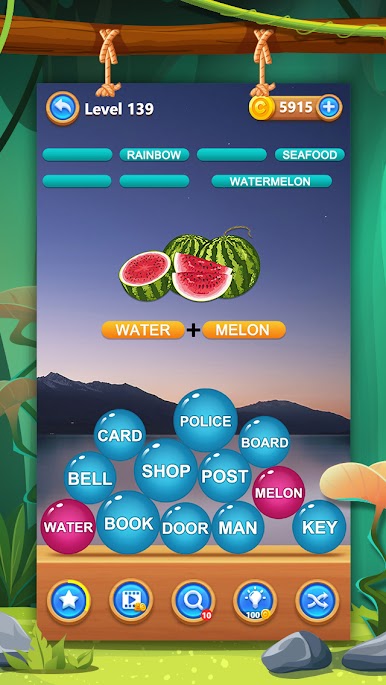
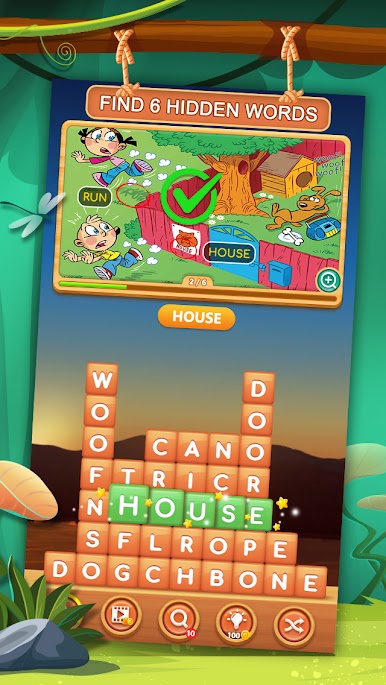
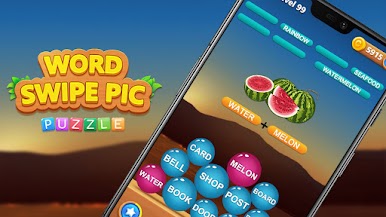
Word Swipe Pic from Wordfun Games brings a fresh twist to word puzzles by mixing visual clues with classic word search mechanics. Instead of just juggling letters, you’ll be puzzling over intriguing pictures, hunting for words that can be obvious objects—or a little more abstract. It’s a word game where every level feels a bit like a riddle and a scavenger hunt at the same time. Think you know your way around a word scramble? Word Swipe Pic just might surprise you.
Game Features
-
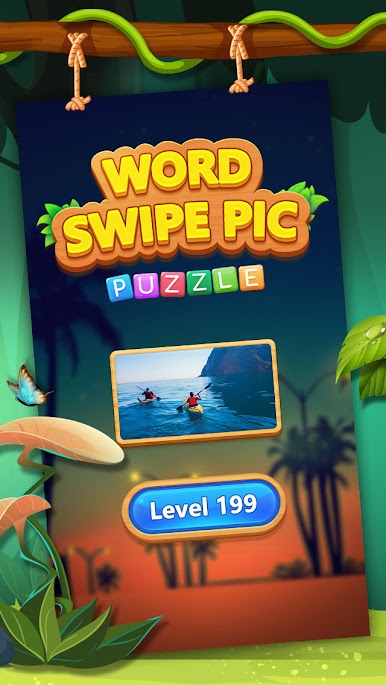
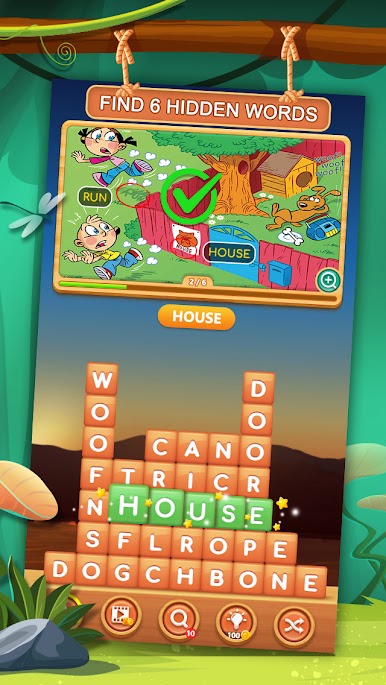
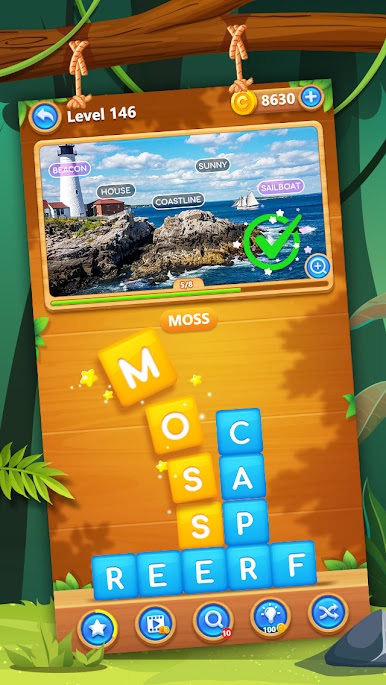
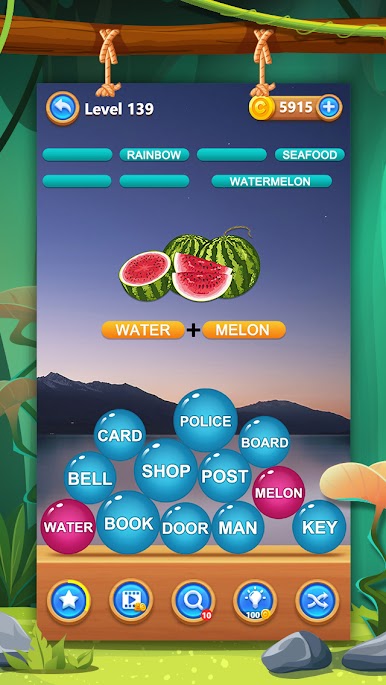
Picture-Driven Challenges
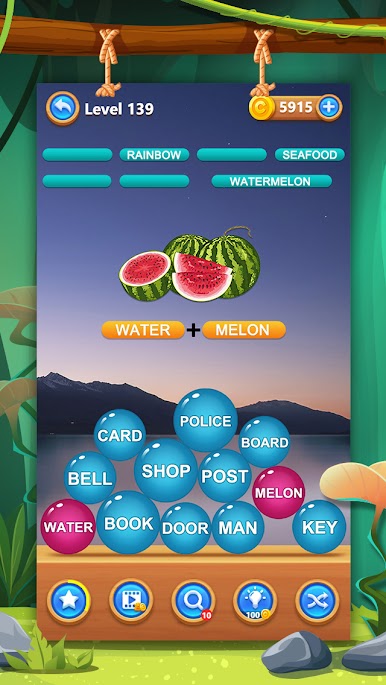
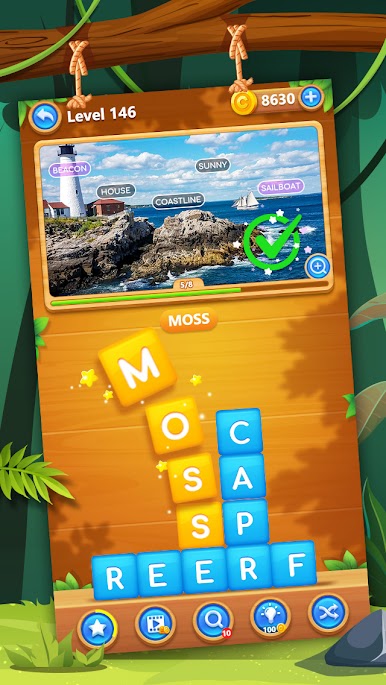
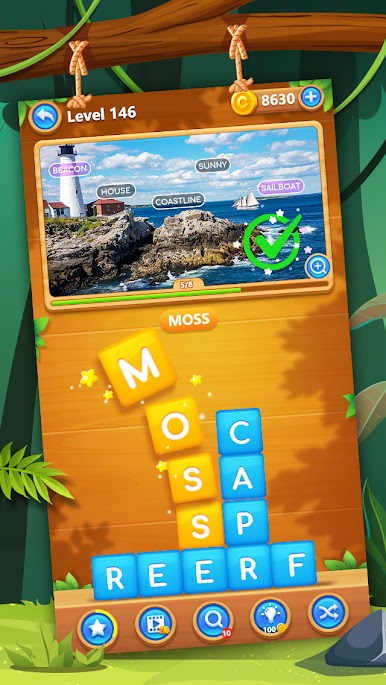
Each level opens with a unique photo, and your task is to figure out all the words connected to that image. Sometimes it’s what you see, other times it’s about spotting a feeling or a theme hiding in plain sight. -
Swipe to Solve
Just drag your finger across the letter board—swipe up, down, or sideways—to discover words. Nailing the right word causes letters to drop, which might reveal even more new possibilities. -
Satisfying Animations
Every swipe, tap, and new word pops onto the screen with crisp animation. The interface keeps things easy on the eyes and lets you focus on cracking each puzzle. -
Hundreds of Levels
From super simple photos to brain-bending picture clues, the difficulty ramps up quickly. There’s plenty of content to keep your inner word nerd happy. -
Hint and Shuffle Tools
Stuck? No stress. Helpful features like Search, Hint, or Shuffle buttons are just a tap away to get you moving again. -
Bonus Words and Hidden Extras
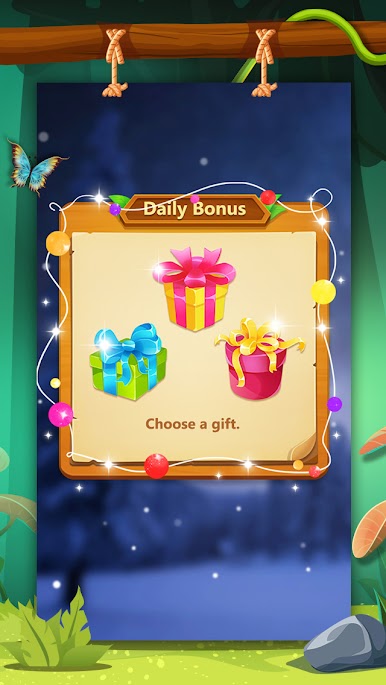
Catch words that aren’t needed to solve the main puzzle? You’ll pick up extra points for being clever and thinking outside the box.
If you want even more room for word-hunting action, you can enjoy Word Swipe Pic on your PC with BlueStacks and really spread out those puzzles.
Ready to top the leaderboard? We bet you do. Let precise controls and sharp visuals optimized on BlueStacks lead you to victory.



Jouez à Word Swipe Pic - Brain Game sur PC. C'est facile de commencer.
-
Téléchargez et installez BlueStacks sur votre PC
-
Connectez-vous à Google pour accéder au Play Store ou faites-le plus tard
-
Recherchez Word Swipe Pic - Brain Game dans la barre de recherche dans le coin supérieur droit
-
Cliquez pour installer Word Swipe Pic - Brain Game à partir des résultats de la recherche
-
Connectez-vous à Google (si vous avez ignoré l'étape 2) pour installer Word Swipe Pic - Brain Game
-
Cliquez sur l'icône Word Swipe Pic - Brain Game sur l'écran d'accueil pour commencer à jouer

