


Codibook - Online Fashion
Jouez sur PC avec BlueStacks - la plate-forme de jeu Android, approuvée par + 500M de joueurs.

Page Modifiée le: Nov 24, 2025
Play Codibook - Online Fashion on PC
Shop with us, we bet you’d LOVE it.
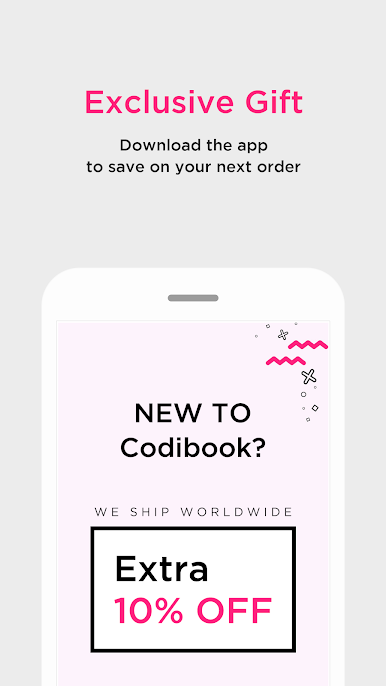
Download out app, exclusive discount is waiting for you.
--------------------------------
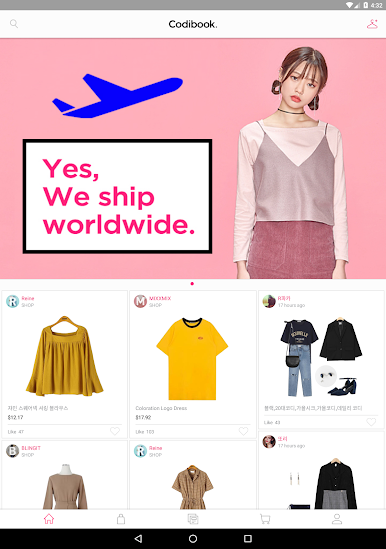
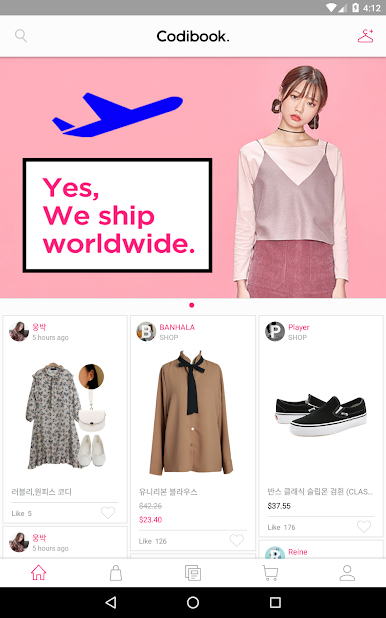
[Worldwide Free shipping]
Via DHL, EMS or SF Express. It’s fast & reliable.
And you can shipping status right on our app.
※ Free Shipping Policy vary depending on the country and weight of package being shipped.
[10% off of your first order]
So...Why not give it a try?
Discount also applied for sale items.
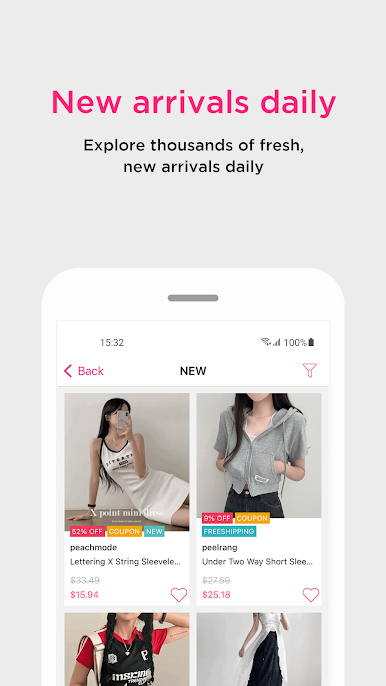
[New arrivals extra 10% off]
Only within 24 hours.
Don’t miss out!
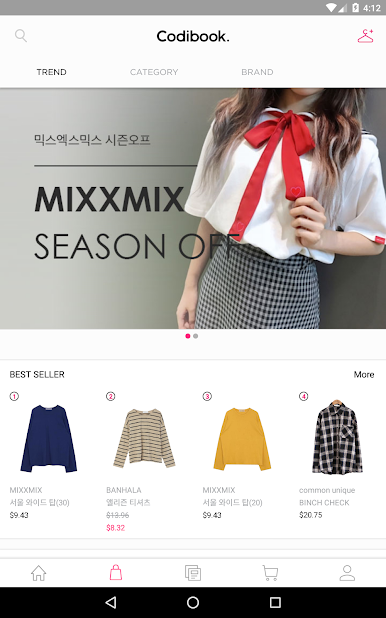
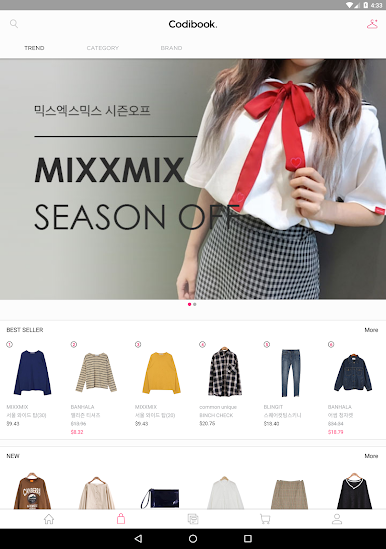
[100 thousands of stylish items!]
We have the most popular K-fashion brand in house!
No matter what color, what style you want, We have something that fits you.
Still have some concerns? Contact our Customer Service Center for immediate help.
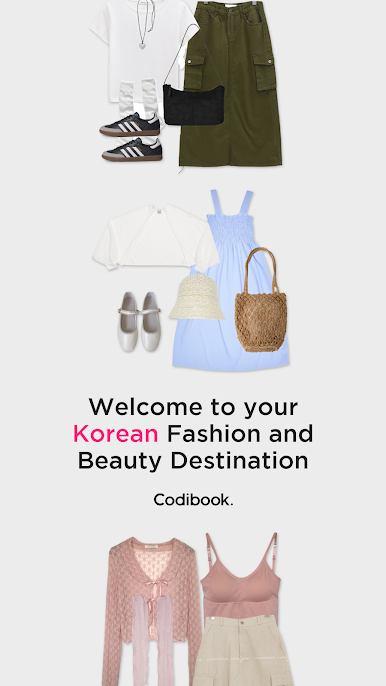
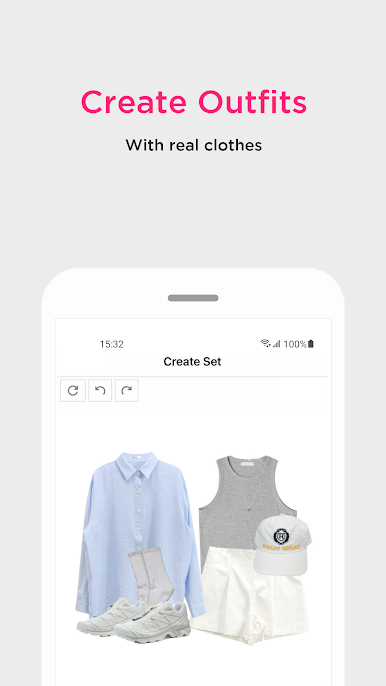
[1 million of outfit sets shown]
Explore the possibilities of your outfit look.
We’ve prepared tons of outfit tips for you.
[Be your own stylist]
Make your own stunning outfit style, and share it on your social media directly!
Permission Details
• WRITE_EXTERNAL_STORAGE : to save design set images.
• READ_EXTERNAL_STORAGE : to load images.
• GET_ACCOUNTS : to check abuse on reward systems.
Jouez à Codibook - Online Fashion sur PC. C'est facile de commencer.
-
Téléchargez et installez BlueStacks sur votre PC
-
Connectez-vous à Google pour accéder au Play Store ou faites-le plus tard
-
Recherchez Codibook - Online Fashion dans la barre de recherche dans le coin supérieur droit
-
Cliquez pour installer Codibook - Online Fashion à partir des résultats de la recherche
-
Connectez-vous à Google (si vous avez ignoré l'étape 2) pour installer Codibook - Online Fashion
-
Cliquez sur l'icône Codibook - Online Fashion sur l'écran d'accueil pour commencer à jouer

