

Zoho Sheet - แอปสเปรดชีต
เล่นบน PC ผ่าน BlueStacks - Android Gaming Platform ที่ได้รับความไว้วางใจจากเกมเมอร์ 500 ล้านคนทั่วโลก

Page Modified on: Dec 17, 2025
Run Zoho Sheet - Spreadsheet App on PC or Mac
Let BlueStacks turn your PC, Mac, or laptop into the perfect home for Zoho Sheet – Spreadsheet App, a fun Productivity app from Zoho Corporation.
About the App
Handling spreadsheets on your phone doesn’t have to be a hassle—Zoho Sheet – Spreadsheet App from Zoho Corporation makes it surprisingly easy to manage everything from budgets to reports, even when you’re away from your desk. Whether you’re quickly checking numbers between meetings or working side-by-side with your team, this app covers all the basics and throws in a few extra tricks too. Android users get a productivity boost, and, if you like working on a bigger screen now and then, Zoho Sheet is right at home on BlueStacks as well.
App Features
-
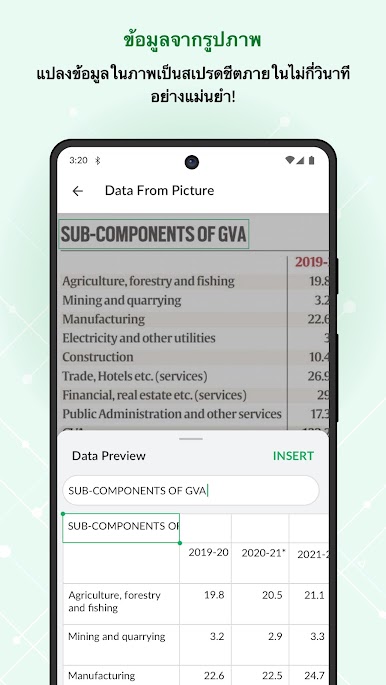
Snap and Import
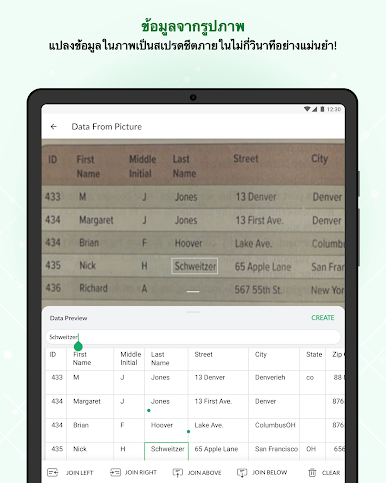
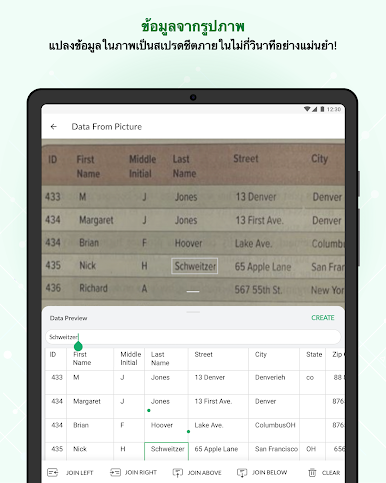
Got a printed table? Use the Data from Picture tool to photograph it and turn it into editable spreadsheet rows—no extra typing required. -
Smart Data Entry
Make entering data painless with handy auto-suggestions, picklists, and validation, so you don’t accidentally mix up numbers or text. -
Powerful Formulas
Tackle everything from basic sums to advanced calculations with over 400 built-in functions like SUM, AVERAGE, and XLOOKUP—plus handy formula suggestions and tips. -
Data Visualization
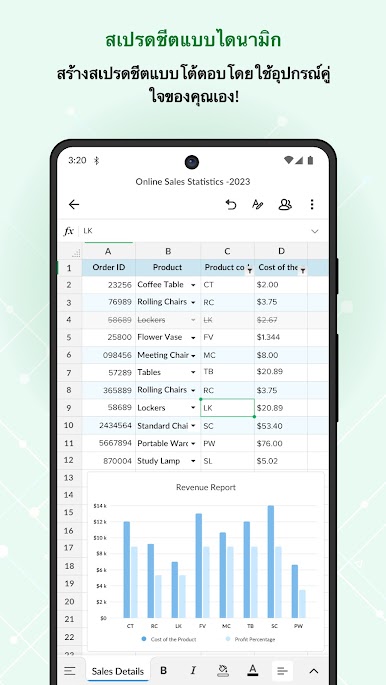
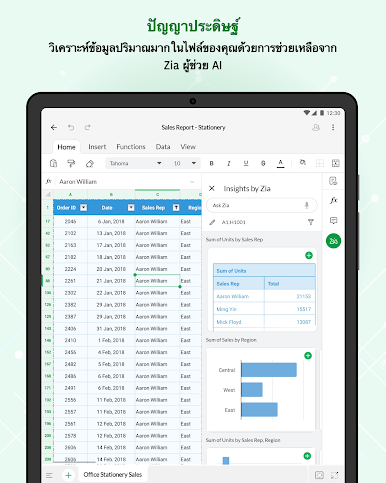
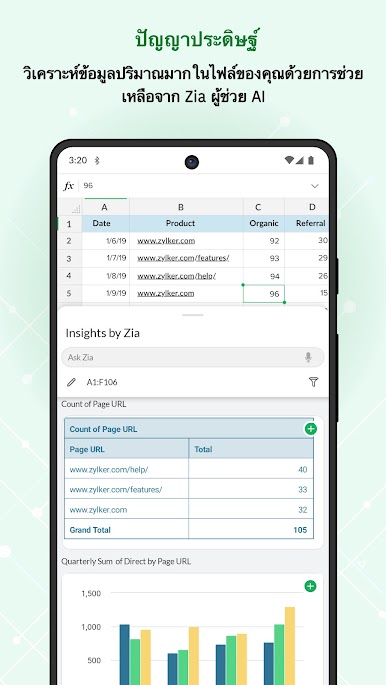
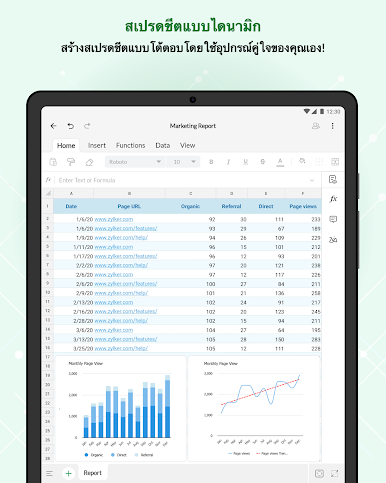
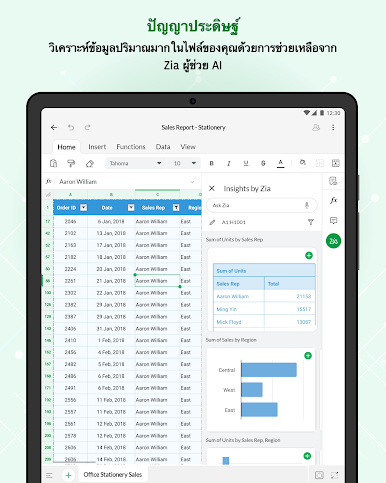
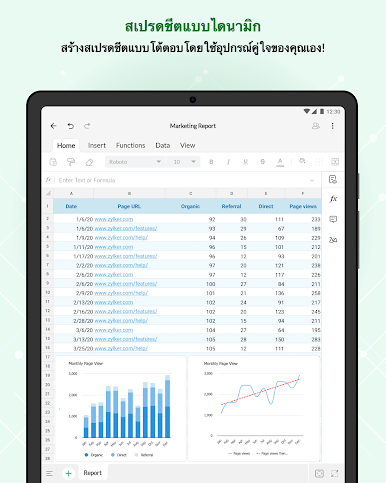
Bring your numbers to life using over 35 chart types, including animated bar chart races. If you’re not sure what type of graph works best, Insights by Zia gives smart recommendations and can even handle voice commands. -
Real-Time Collaboration
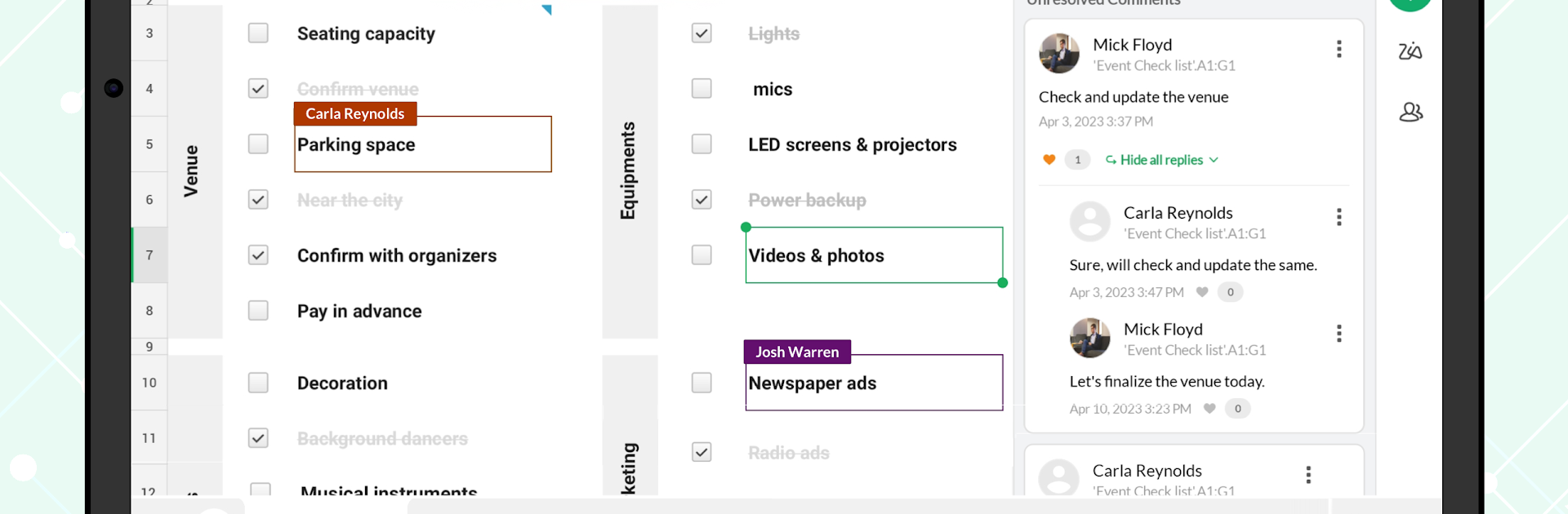
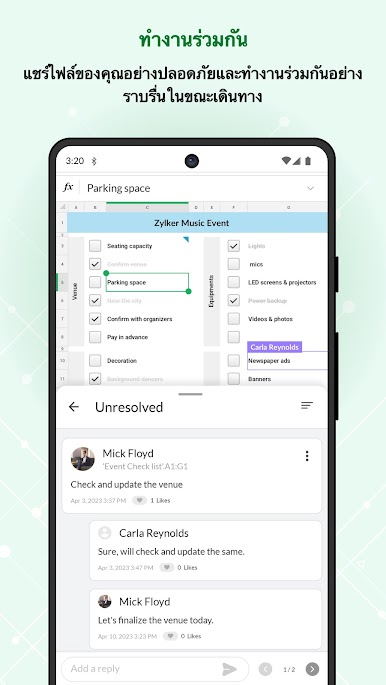
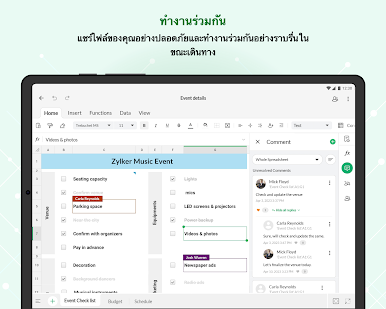
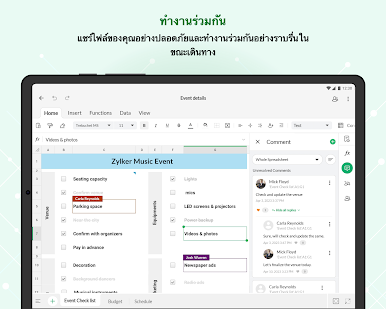
Working with a team? Share files, set different levels of permissions, add comments directly in cells, or publish links for broader access—all with instant updates. -
File Flexibility
Open, edit, or export files in all the key formats, including XLSX, CSV, ODS, and even PDFs. -
On-the-Go Organization
Create checklists, set up formats for dates and phone numbers, or manage links straight from your spreadsheet. Data validation and custom picklists help keep your information tidy. -
Mobile-Friendly Design
Enjoy a smooth experience with an interface designed for both smartphones and tablets. Need to multitask? Split-screen mode lets you juggle more than one file at a time. -
Quick Access
Convenient widgets and shortcuts make sure your key spreadsheets are never more than a tap away.
Zoho Sheet – Spreadsheet App fits right into your workflow, whether you’re using it solo or as part of the Zoho Office Suite, and switching between your mobile device and BlueStacks is seamless.
Big screen. Bigger performance. Use BlueStacks on your PC or Mac to run your favorite apps.

เล่น Zoho Sheet - แอปสเปรดชีต บน PC ได้ง่ายกว่า
-
ดาวน์โหลดและติดตั้ง BlueStacks บน PC ของคุณ
-
ลงชื่อเข้าใช้แอคเคาท์ Google เพื่อเข้าสู่ Play Store หรือทำในภายหลัง
-
ค้นหา Zoho Sheet - แอปสเปรดชีต ในช่องค้นหาด้านขวาบนของโปรแกรม
-
คลิกเพื่อติดตั้ง Zoho Sheet - แอปสเปรดชีต จากผลการค้นหา
-
ลงชื่อเข้าใช้บัญชี Google Account (หากยังไม่ได้ทำในขั้นที่ 2) เพื่อติดตั้ง Zoho Sheet - แอปสเปรดชีต
-
คลิกที่ไอคอน Zoho Sheet - แอปสเปรดชีต ในหน้าจอเพื่อเริ่มเล่น

