


FlowerChecker+, plant identify
Jouez sur PC avec BlueStacks - la plate-forme de jeu Android, approuvée par + 500M de joueurs.

Page Modifiée le: Dec 21, 2025
Aperçu
Each installation includes three prepaid identifications, but each other is paid. We use Google's in-app purchase.
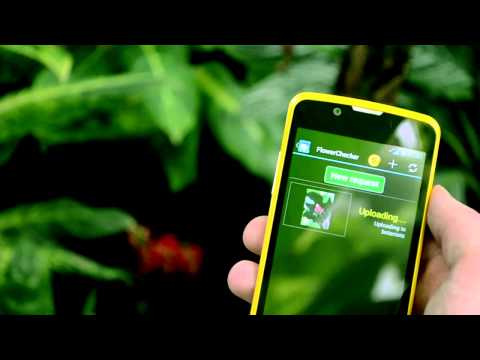
The identification process is not computer-based, it requires human involvement. Therefore we ask for a payment to maintain quality of the service. If we can't identify your plant, you don't pay anything.
Our team will respond as soon as possible, but the identification usually takes minutes or hours. We can identify more than 90% plants.
The app is add-free.


Jouez à FlowerChecker+, plant identify sur PC. C'est facile de commencer.
-
Téléchargez et installez BlueStacks sur votre PC
-
Connectez-vous à Google pour accéder au Play Store ou faites-le plus tard
-
Recherchez FlowerChecker+, plant identify dans la barre de recherche dans le coin supérieur droit
-
Cliquez pour installer FlowerChecker+, plant identify à partir des résultats de la recherche
-
Connectez-vous à Google (si vous avez ignoré l'étape 2) pour installer FlowerChecker+, plant identify
-
Cliquez sur l'icône FlowerChecker+, plant identify sur l'écran d'accueil pour commencer à jouer

