


Routes
เล่นบน PC ผ่าน BlueStacks - Android Gaming Platform ที่ได้รับความไว้วางใจจากเกมเมอร์ 500 ล้านคนทั่วโลก

Page Modified on: Dec 7, 2025
Play Routes on PC
- Load GPX (route, track & geocache) and KML files in a clear and modern design without advertising.
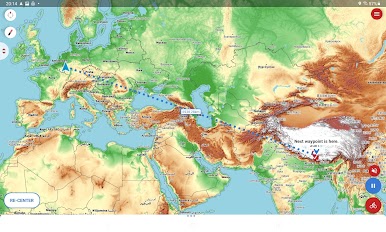
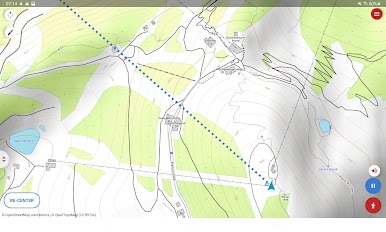
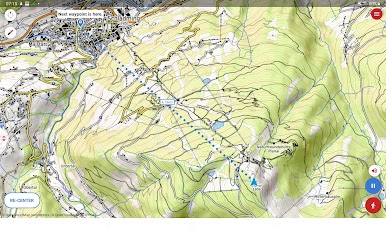
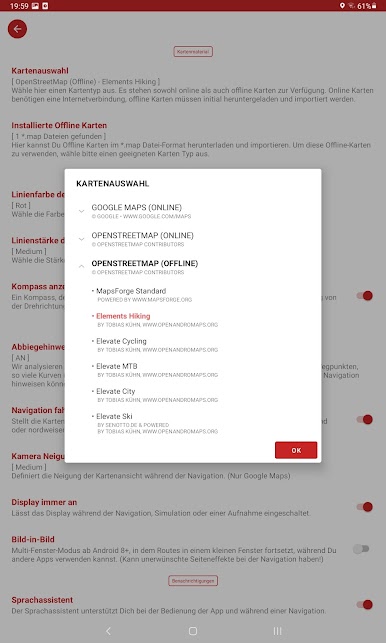
- On selected offline and online maps you can explore the environment.
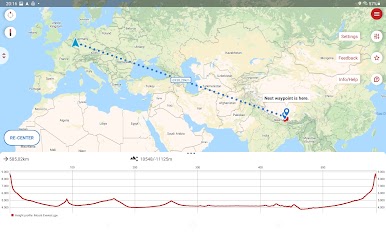
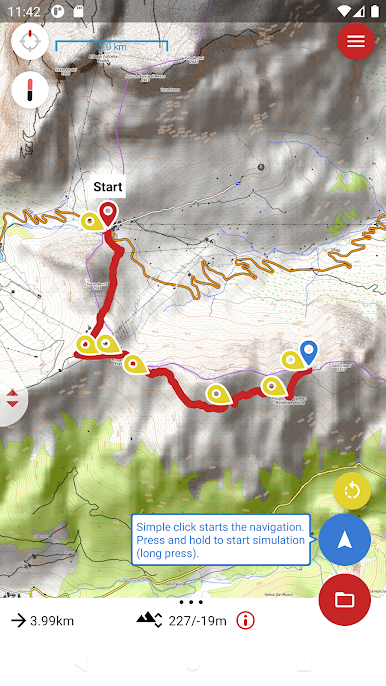
- Start a simulation to get a preview about the environment, plan your tour and preload online maps.
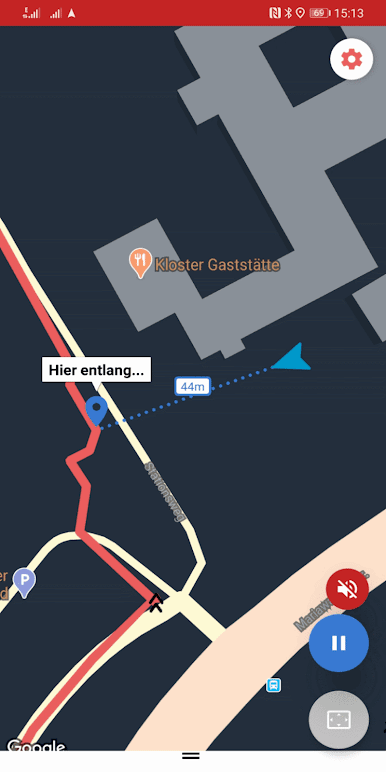
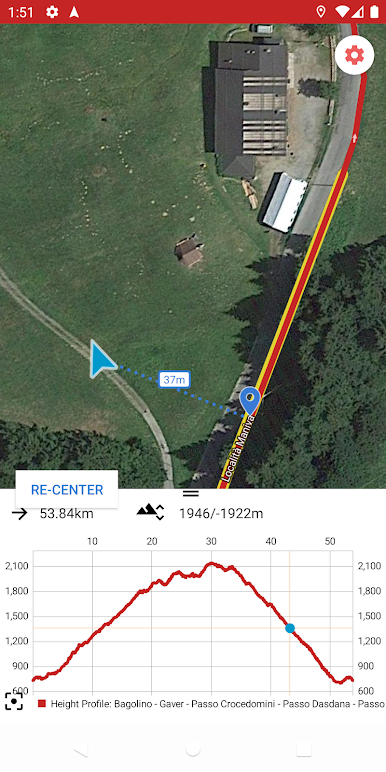
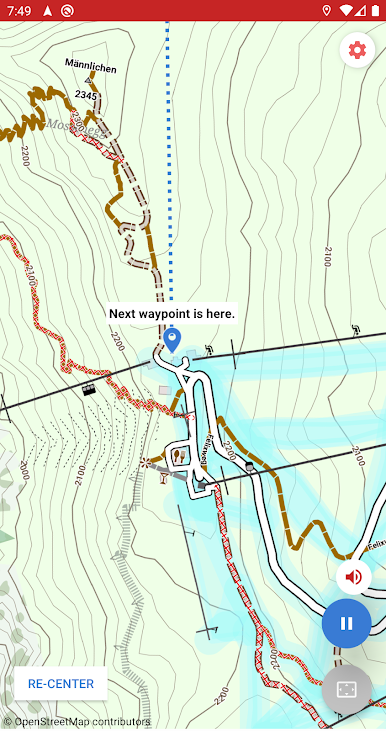
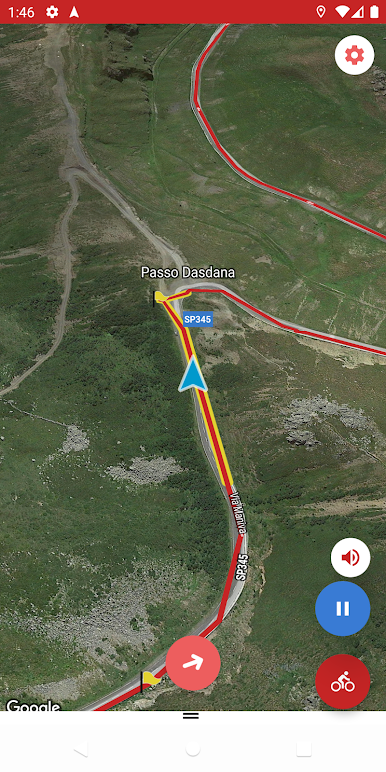
- Start the navigation - Routes guides you along the loaded route and informs you immediately when the route has left. A recording is running at the same time.
- Navigation can run in background, with headphones or alternatively with display always on.
- The Voice Assistant supports you in handling this app and during a navigation.
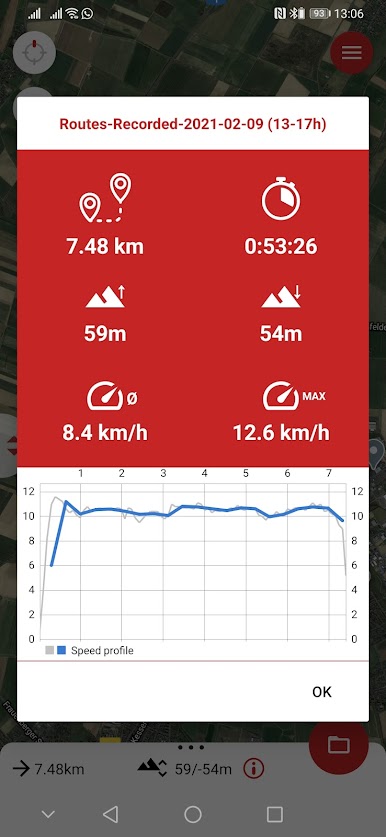
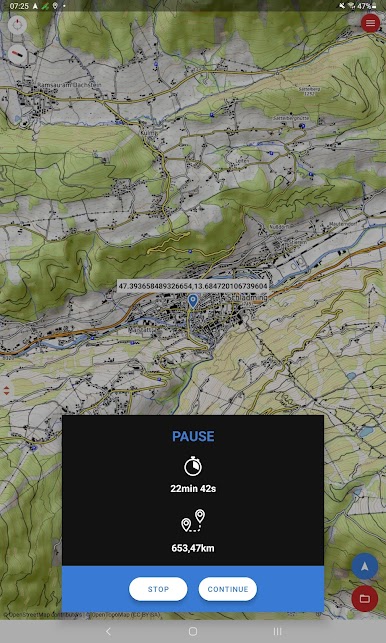
- Recorder function to find the right way without a preloaded route and to save the completed track for later.
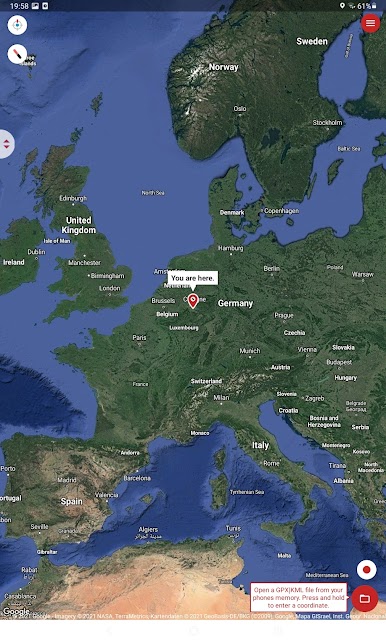
- Enter a coordinate (latitude/longitude) to navigate to a specific location.
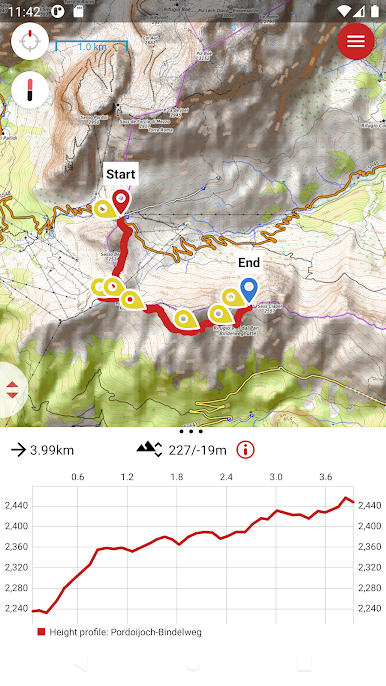
- Many useful features like altitude profile, auto gpx interpretation, individual display settings, landscape and portrait mode, picture in picture navigation, geocaching, dark mode and much more…
Whether hiking, biking, skiing or other outdoor activities ... with Routes you will never lose the right path! Routes allows you to load your own planned or otherwise provided routes from your favorite portals such as Goolge, AllTrails (Gpsies), Polar, Garmin (and many others). Routes supports the file formats GPX and KML. After opening a file in Routes, you can start a simulation or start navigating directly. In any case, Routes guides you along the track. If you ever lose the track, Routes will notify you visually and by alarm. It is not necessary to always keep an eye on the display. You can concentrate fully on your route and enjoy the beautiful things on it.
For more Information please visit: http://routes-navigation.de
Have fun with Routes!
- We like your feedback (mail@routes-navigation.de) rather than a bad rating much better! :)
If you like Routes, then we look forward to your positive rating.
Routes is powered by: Android, Google Play Services, Google Firebase, GitLab, Deepl Translator (https://www.deepl.com), Renderforest (https://www.renderforest.com), Freepik (https://de.freepik.com), Wordpress (Theme: SoSimple by http://www.fernandovillamorjr.com), Google Maps, OpenStreetMaps, OpenTopoMap, Hike & Bike Map, CyclOSM, Mapsforge, OpenAndroMaps, Elevate Theme by Tobias Kühn



เล่น Routes บน PC ได้ง่ายกว่า
-
ดาวน์โหลดและติดตั้ง BlueStacks บน PC ของคุณ
-
ลงชื่อเข้าใช้แอคเคาท์ Google เพื่อเข้าสู่ Play Store หรือทำในภายหลัง
-
ค้นหา Routes ในช่องค้นหาด้านขวาบนของโปรแกรม
-
คลิกเพื่อติดตั้ง Routes จากผลการค้นหา
-
ลงชื่อเข้าใช้บัญชี Google Account (หากยังไม่ได้ทำในขั้นที่ 2) เพื่อติดตั้ง Routes
-
คลิกที่ไอคอน Routes ในหน้าจอเพื่อเริ่มเล่น

