


Timebox Timer
Jouez sur PC avec BlueStacks - la plate-forme de jeu Android, approuvée par + 500M de joueurs.

Page Modifiée le: Jul 28, 2025
Play Timebox Timer on PC
For Business
Keep an eye on times in meetings, increase productivity and stay focused; ideal also for Scrum Masters.
For Education/Learning
Children can more easily recognize and understand the passage of time when using Timebox Timer.
At Home
Use Timebox Timer at home for everyday work such as cooking, learning or sports. Ideal also for board games.
We keep this app free by showing ads. For a small fee, you can hide the ads on all of your devices.
Timebox provides:
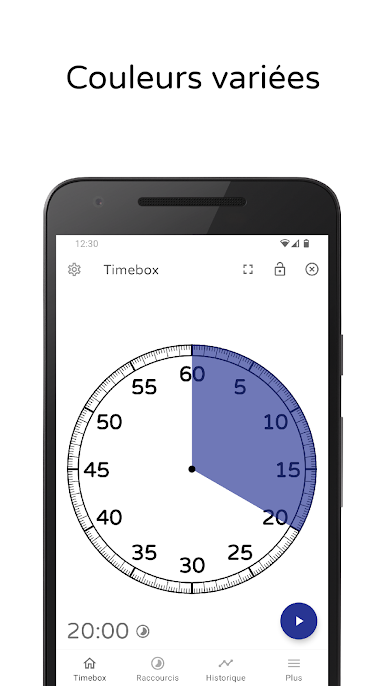
✓ Times from one second to up to three hours
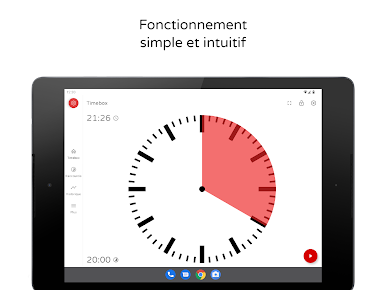
✓ Optimized also for tablets and large displays
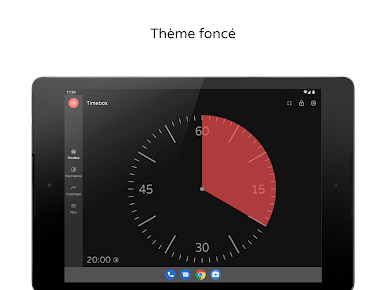
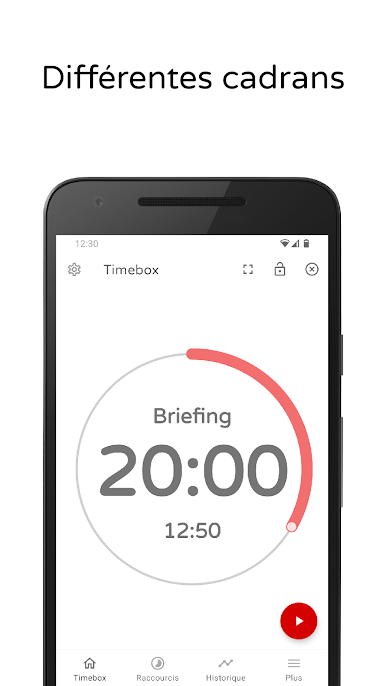
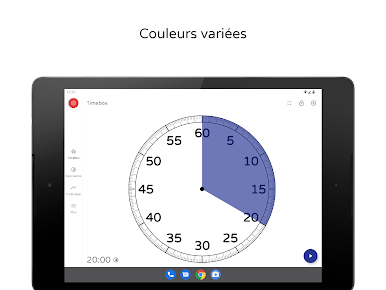
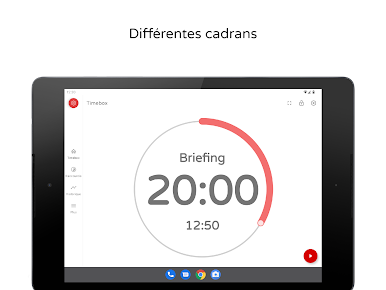
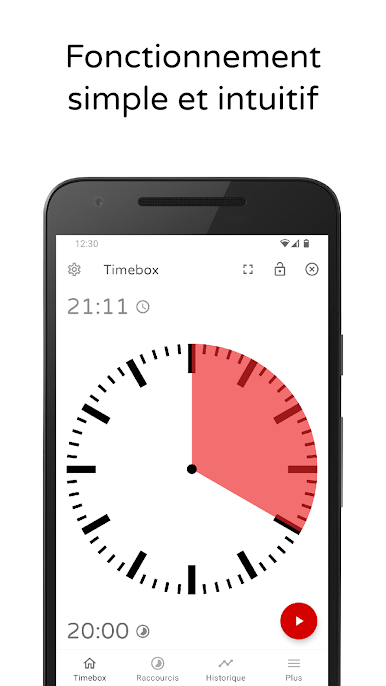
✓ Different watch faces
✓ Stays on as long as the app is in foreground
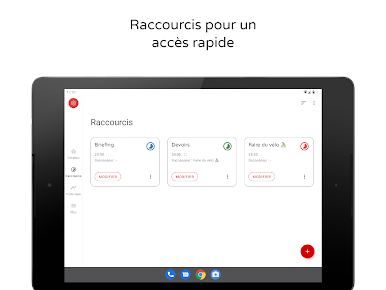
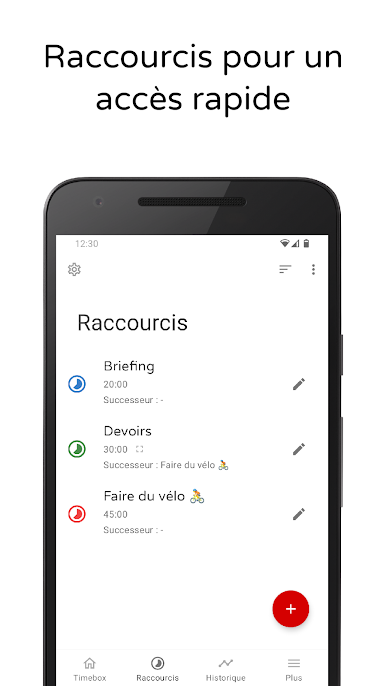
✓ Shortcuts for faster access
✓ Works great as a pomodoro timer
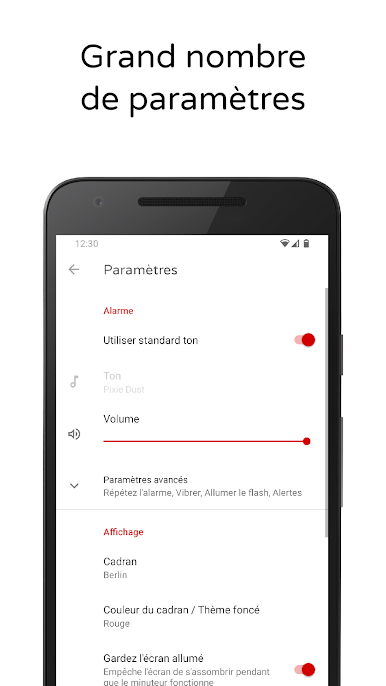
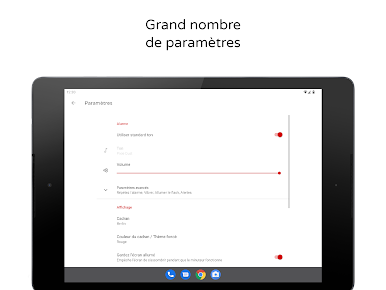
✓ Many other customization options

Jouez à Timebox Timer sur PC. C'est facile de commencer.
-
Téléchargez et installez BlueStacks sur votre PC
-
Connectez-vous à Google pour accéder au Play Store ou faites-le plus tard
-
Recherchez Timebox Timer dans la barre de recherche dans le coin supérieur droit
-
Cliquez pour installer Timebox Timer à partir des résultats de la recherche
-
Connectez-vous à Google (si vous avez ignoré l'étape 2) pour installer Timebox Timer
-
Cliquez sur l'icône Timebox Timer sur l'écran d'accueil pour commencer à jouer

