

TV Cast Pro for LG webOS
เล่นบน PC ผ่าน BlueStacks - Android Gaming Platform ที่ได้รับความไว้วางใจจากเกมเมอร์ 500 ล้านคนทั่วโลก

Page Modified on: Aug 20, 2025
Run TV Cast Pro for LG webOS on PC or Mac
Get freedom from your phone’s obvious limitations. Use TV Cast Pro for LG webOS, made by 2kit consulting, a Video Players & Editors app on your PC or Mac with BlueStacks, and level up your experience.
About the App
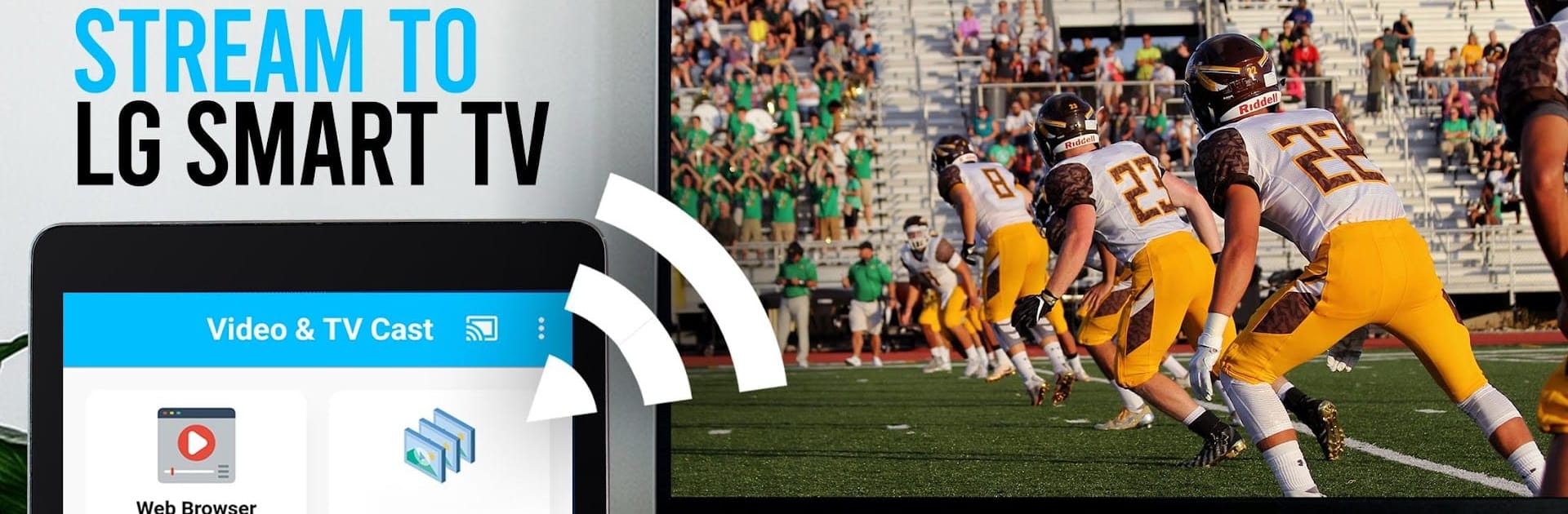
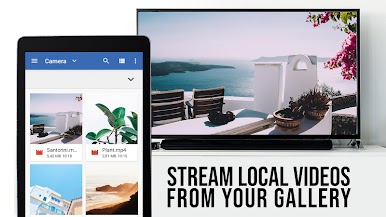
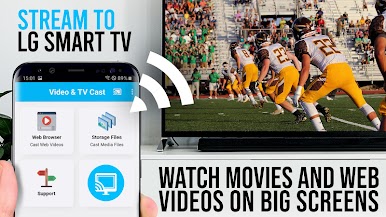
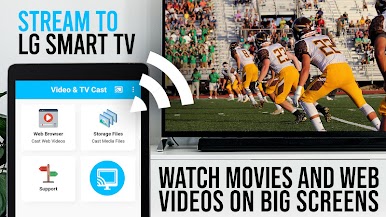
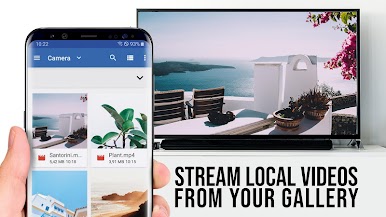
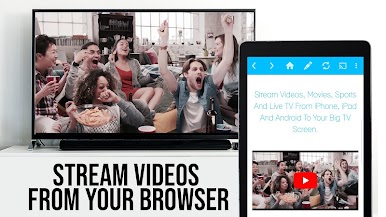
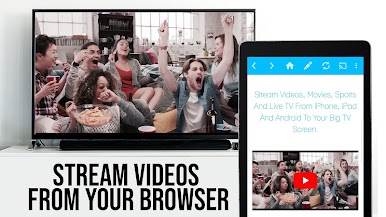
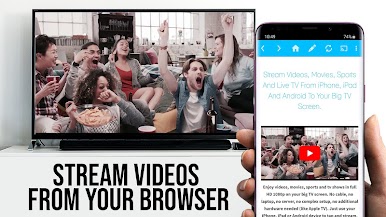
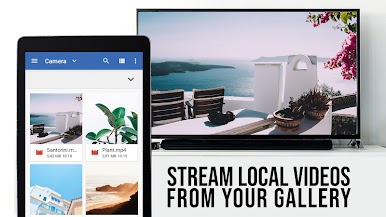
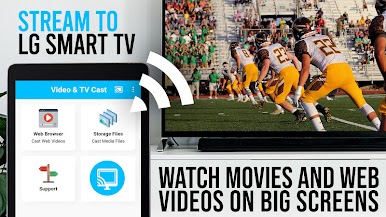
TV Cast Pro for LG webOS by 2kit consulting is a cutting-edge video player that transforms your LG TV into a digital entertainment hub. Stream web-videos, online movies, livestreams, and live-TV shows directly to your big screen without any additional hardware. It’s all about enjoying premium content in an easy, seamless way.
App Features
-
Seamless Streaming: Close the app or multitask on your phone while casting your favorite content—calls and texts won’t interrupt your viewing.
-
Full HD Experience: Stream videos in full HD quality, even on devices with lower resolution—get the cinema feel right in your living room.
-
Optimized Connectivity: Enjoy robust performance with less Wi-Fi usage. Your device handles minimal data, allowing for more stable streaming.
-
Advanced Video Control: Use the remote playbar for scrubbing, navigating, pausing, and stopping videos effortlessly.
-
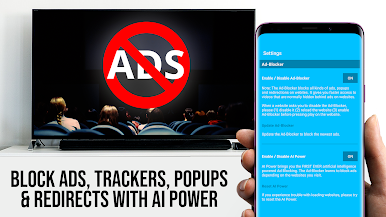
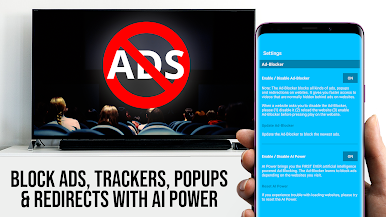
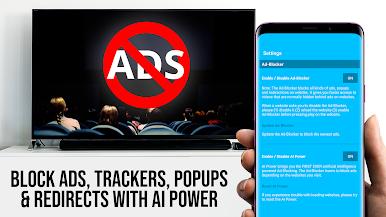
Ad-Free Browsing: The integrated Ad-Blocker ensures a smooth experience by eliminating unwanted ads on most websites you visit.
-
Customizable Interface: Manage bookmarks, switch to desktop mode, and personalize your homepage for a tailored browsing experience.
Supported by BlueStacks, this app ensures a flexible and uninterrupted viewing adventure.
BlueStacks brings your apps to life on a bigger screen—seamless and straightforward.
เล่น TV Cast Pro for LG webOS บน PC ได้ง่ายกว่า
-
ดาวน์โหลดและติดตั้ง BlueStacks บน PC ของคุณ
-
ลงชื่อเข้าใช้แอคเคาท์ Google เพื่อเข้าสู่ Play Store หรือทำในภายหลัง
-
ค้นหา TV Cast Pro for LG webOS ในช่องค้นหาด้านขวาบนของโปรแกรม
-
คลิกเพื่อติดตั้ง TV Cast Pro for LG webOS จากผลการค้นหา
-
ลงชื่อเข้าใช้บัญชี Google Account (หากยังไม่ได้ทำในขั้นที่ 2) เพื่อติดตั้ง TV Cast Pro for LG webOS
-
คลิกที่ไอคอน TV Cast Pro for LG webOS ในหน้าจอเพื่อเริ่มเล่น

