


Aves Gallery
เล่นบน PC ผ่าน BlueStacks - Android Gaming Platform ที่ได้รับความไว้วางใจจากเกมเมอร์ 500 ล้านคนทั่วโลก

Page Modified on: Nov 19, 2025
Run Aves Gallery on PC or Mac
Get freedom from your phone’s obvious limitations. Use Aves Gallery, made by Thibault Deckers, a Photography app on your PC or Mac with BlueStacks, and level up your experience.
About the App
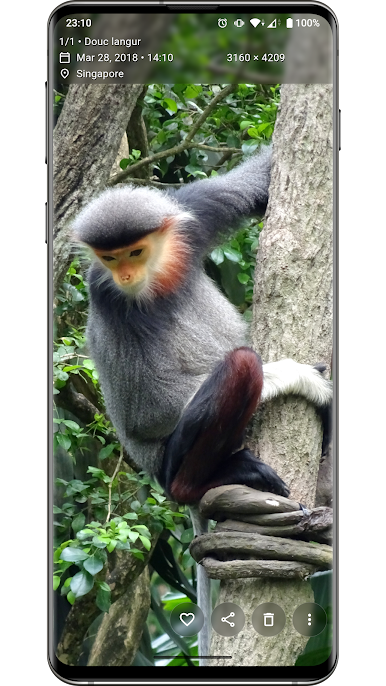
Aves Gallery is all about bringing your photo and video collections to life. Whether you’re a casual photographer or you’ve got folders full of creative work, this app makes exploring your memories simple and fun. Expect a smooth, thoughtfully designed experience where you can flip through everything from vacation snaps to quirky old videos—plus, it doesn’t matter if they’re common files or something a little out of the ordinary.
App Features
-
Wide Format Support
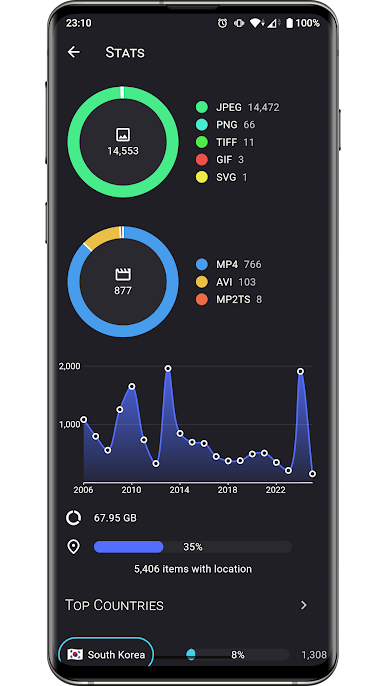
Open just about anything you have stored. Standard files like JPEGs or MP4s? No problem. Got a multi-page TIFF, an SVG, or some retro AVIs? Those work smoothly, too. -
Smart Media Detection
No more guesswork—Aves Gallery scans your collection to highlight special items like motion photos, immersive panoramas, 360° videos, or even detailed GeoTIFF maps. -
Intuitive Browsing
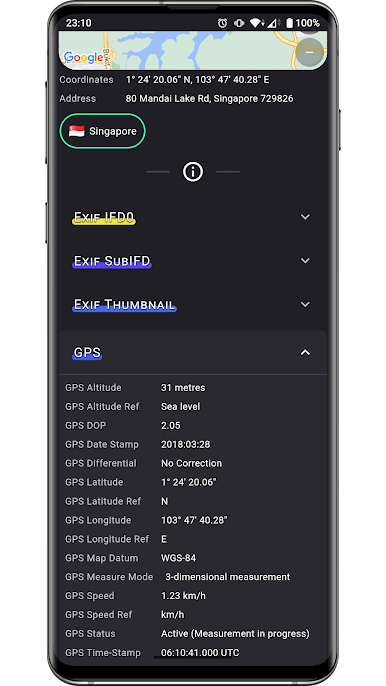
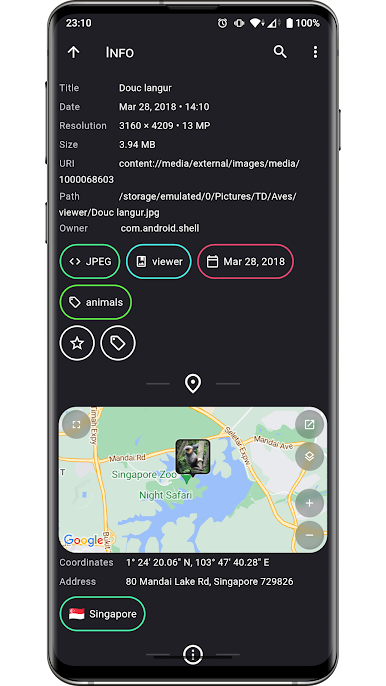
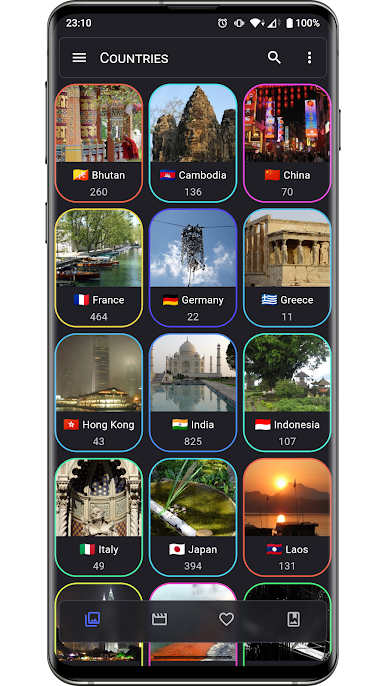
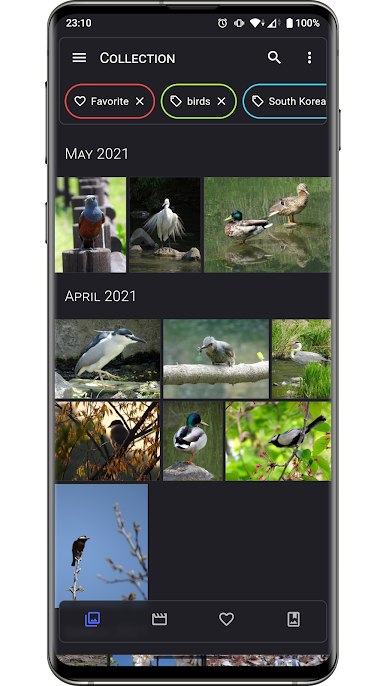
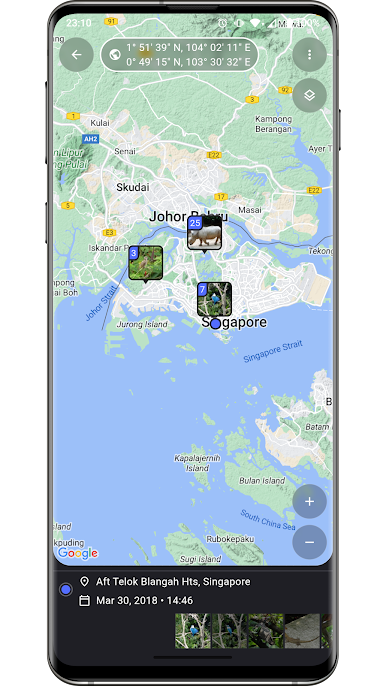
Jump from a big-picture overview of albums right into individual moments, switch over to tags, or check out where that road trip photo was taken on the map—all in a couple of taps. -
Deep Android Integration
Use app shortcuts and enjoy global search options, making it easy to find what you’re looking for fast. Runs seamlessly whether you’re on newer or older Android devices—yes, even Android TV! -
Versatile Media Viewer & Picker
Preview and select your images or videos whenever you need them. And if you want to enjoy your collection on a bigger display, Aves Gallery pairs well with BlueStacks.
Eager to take your app experience to the next level? Start right away by downloading BlueStacks on your PC or Mac.
เล่น Aves Gallery บน PC ได้ง่ายกว่า
-
ดาวน์โหลดและติดตั้ง BlueStacks บน PC ของคุณ
-
ลงชื่อเข้าใช้แอคเคาท์ Google เพื่อเข้าสู่ Play Store หรือทำในภายหลัง
-
ค้นหา Aves Gallery ในช่องค้นหาด้านขวาบนของโปรแกรม
-
คลิกเพื่อติดตั้ง Aves Gallery จากผลการค้นหา
-
ลงชื่อเข้าใช้บัญชี Google Account (หากยังไม่ได้ทำในขั้นที่ 2) เพื่อติดตั้ง Aves Gallery
-
คลิกที่ไอคอน Aves Gallery ในหน้าจอเพื่อเริ่มเล่น

