


7op TV Launcher 2
Jouez sur PC avec BlueStacks - la plate-forme de jeu Android, approuvée par + 500M de joueurs.

Page Modifiée le: Jun 28, 2018
Play 7op TV Launcher 2 on PC
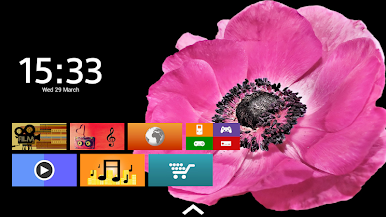
7op TV Launcher 2 puts you in control of your Android TV device.
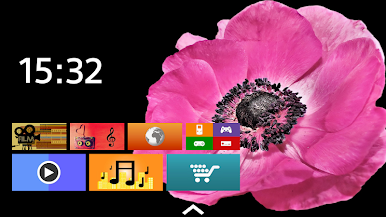
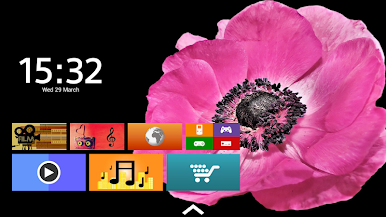
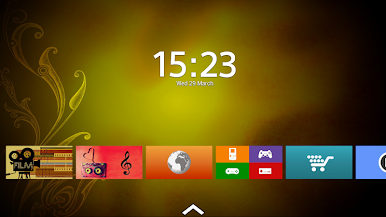
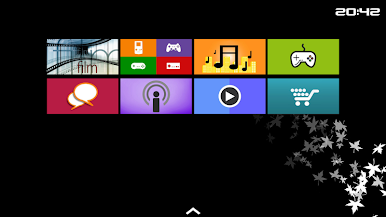
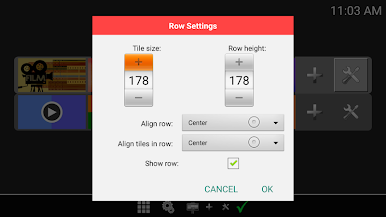
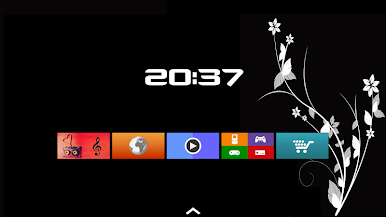
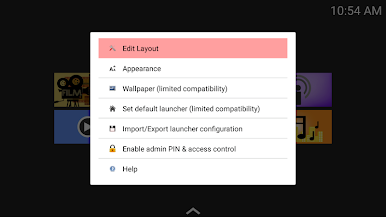
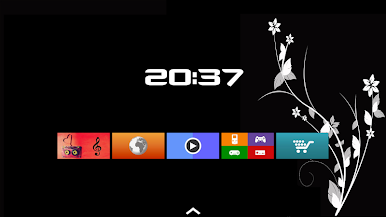
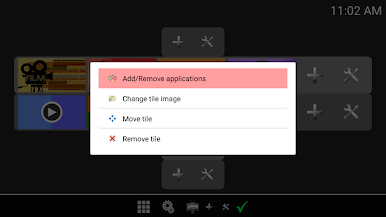
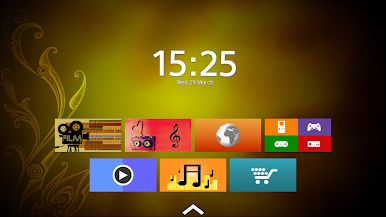
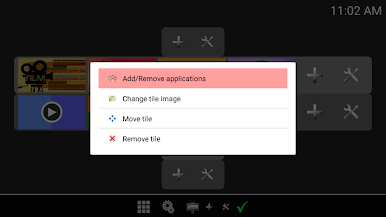
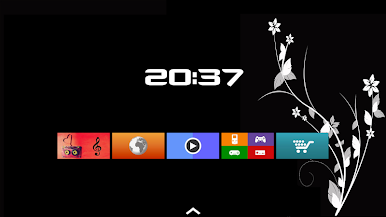
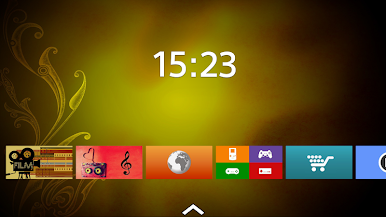
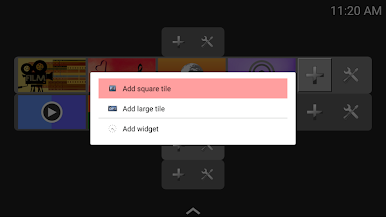
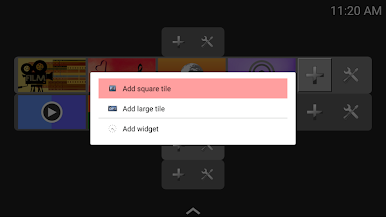
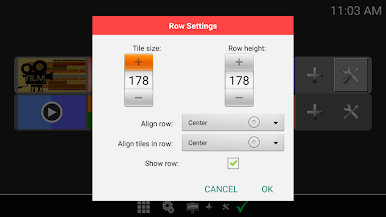
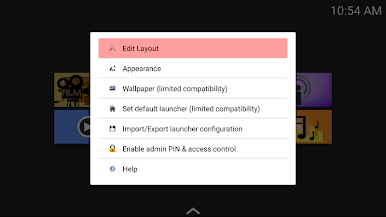
Put your apps where you want them using our custom built in layout editor which allows you to customize your home screen with widgets and tiles.
With the included ability to design tiles using an applications icon, an icon pack, an image, or alternatively choose one of our included tiles, you can create a truly unique home screen.
Our launcher is fully controllable and configurable using only your remotes navigation keys; controlling our TV launcher has never been so easy.
TP TV Launcher 2 features:
* Customizable layouts.
* Widget support.
* Custom tile support, you can design tiles using:
• The applications icon.
• Any icon within an icon pack.
• An image.
* A selection of pre-made tiles.
* Ability to add multiple apps to a tile.
* Ability to set an admin PIN to protect your setup from little ones.
* Import and export of your configuration.
* Custom wallpaper support.
* No ads.
Please rate if you like our launcher.
Important note: Third party widgets can only be added on devices without leanback launcher. You will find a clock widget included within 7op TV Launcher 2 which will work on all devices.
Jouez à 7op TV Launcher 2 sur PC. C'est facile de commencer.
-
Téléchargez et installez BlueStacks sur votre PC
-
Connectez-vous à Google pour accéder au Play Store ou faites-le plus tard
-
Recherchez 7op TV Launcher 2 dans la barre de recherche dans le coin supérieur droit
-
Cliquez pour installer 7op TV Launcher 2 à partir des résultats de la recherche
-
Connectez-vous à Google (si vous avez ignoré l'étape 2) pour installer 7op TV Launcher 2
-
Cliquez sur l'icône 7op TV Launcher 2 sur l'écran d'accueil pour commencer à jouer

