


Decision Roulette
เล่นบน PC ผ่าน BlueStacks - Android Gaming Platform ที่ได้รับความไว้วางใจจากเกมเมอร์ 500 ล้านคนทั่วโลก

Page Modified on: Nov 20, 2025
Run Decision Roulette on PC or Mac
What’s better than using Decision Roulette by Treebit Technologies? Well, try it on a big screen, on your PC or Mac, with BlueStacks to see the difference.
About the App
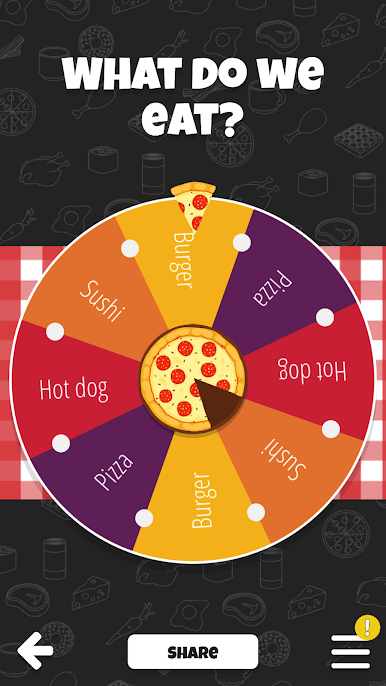
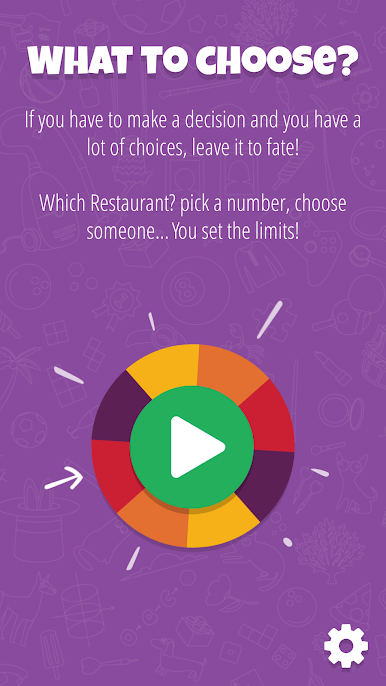
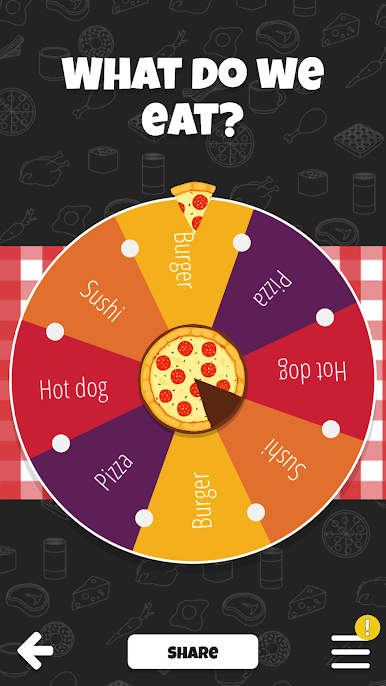
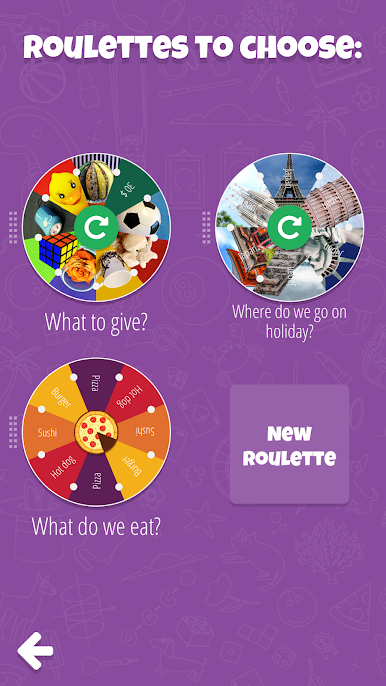
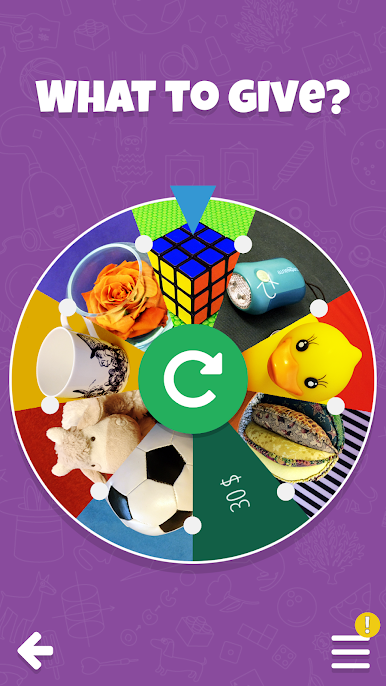
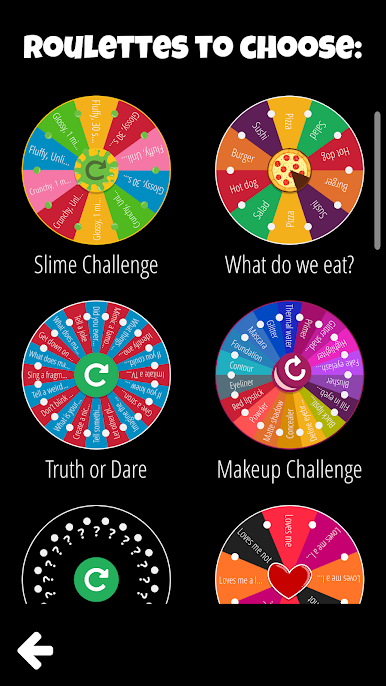
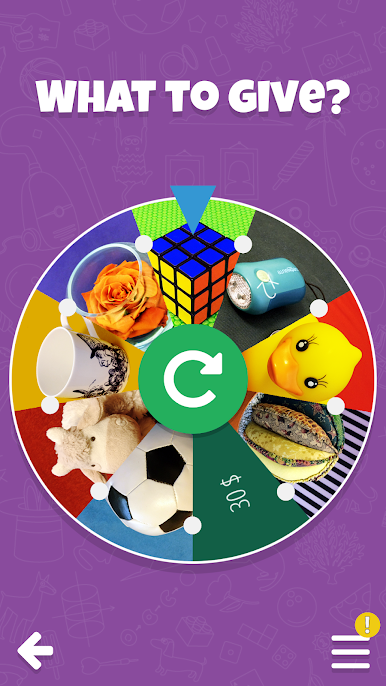
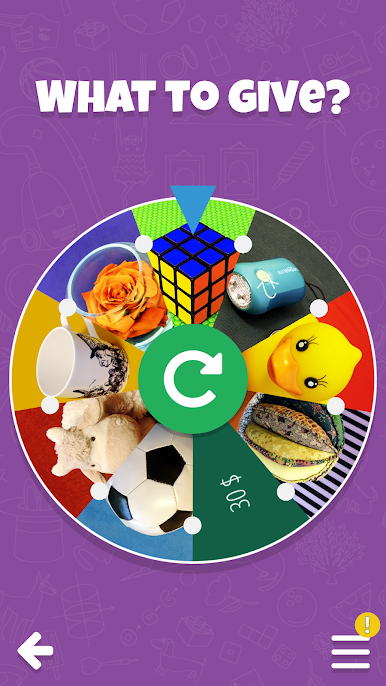
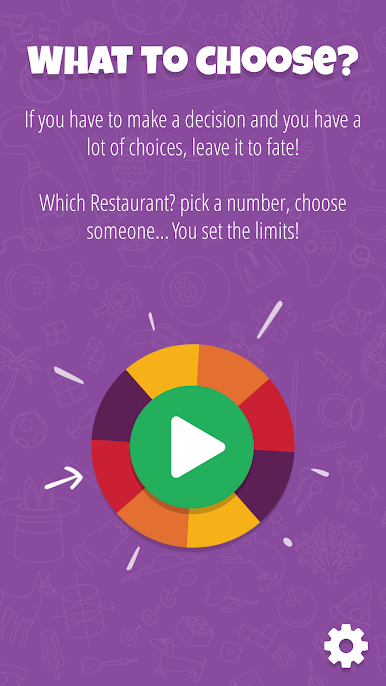
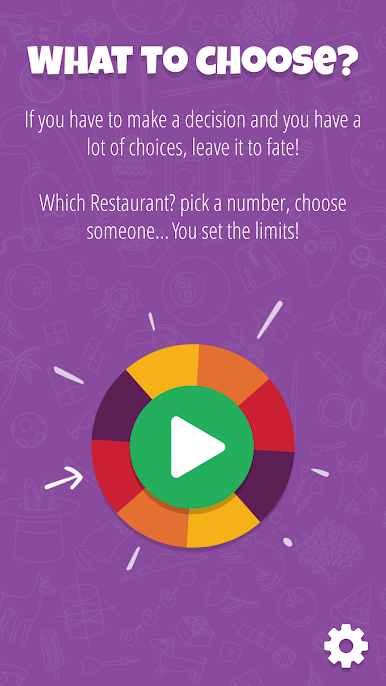
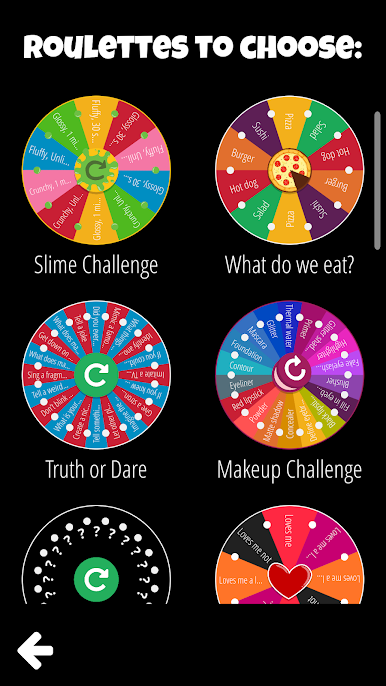
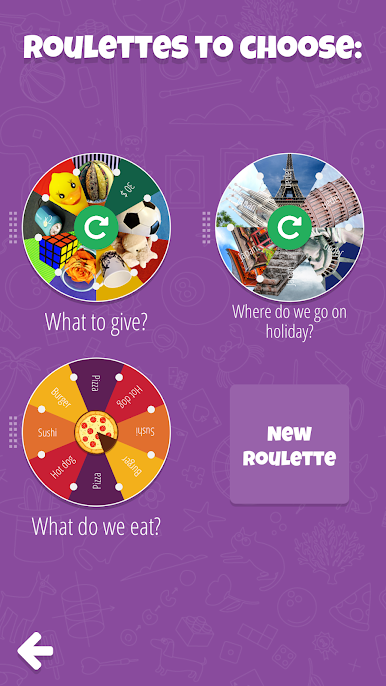
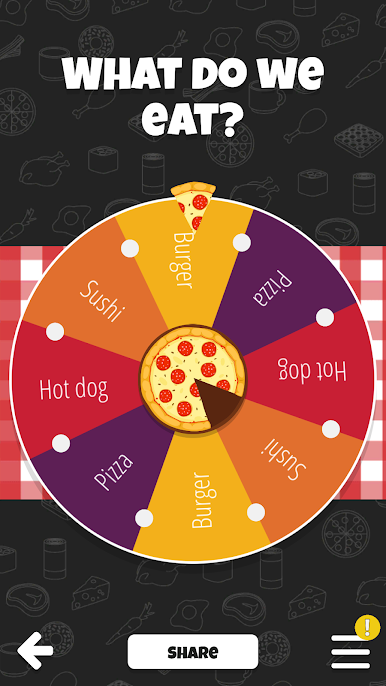
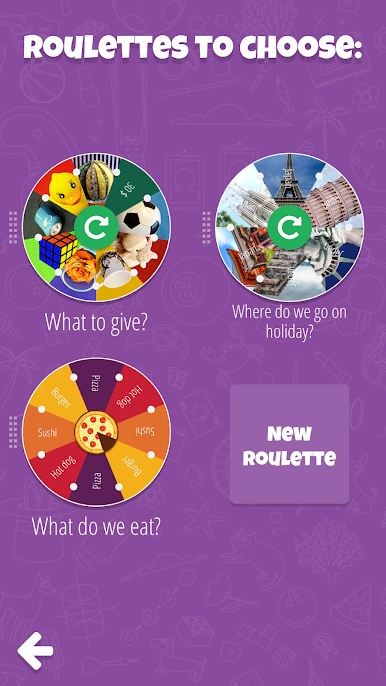
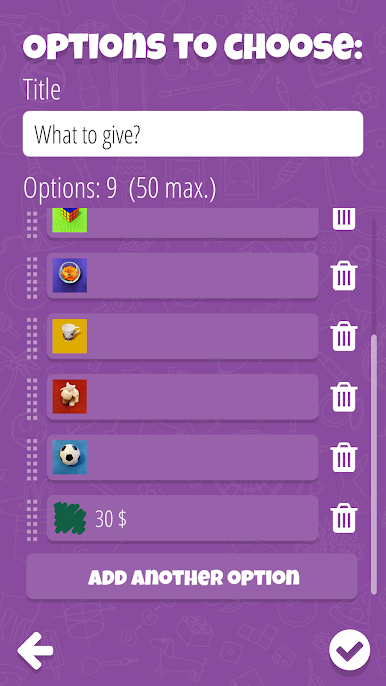
Can’t decide what to do? Let fate decide with Decision Roulette by Treebit Technologies! This simple yet versatile app helps you choose from 2 to 50 options. Craft your custom roulettes and add images to make them visually interesting. From deciding where to eat to setting up fun challenges like truth or dare, the choice is yours—literally!
App Features
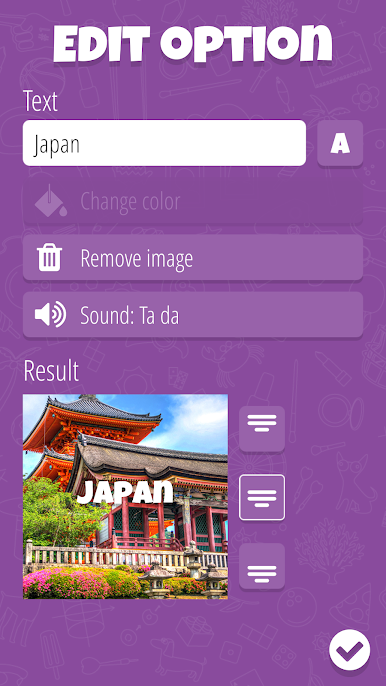
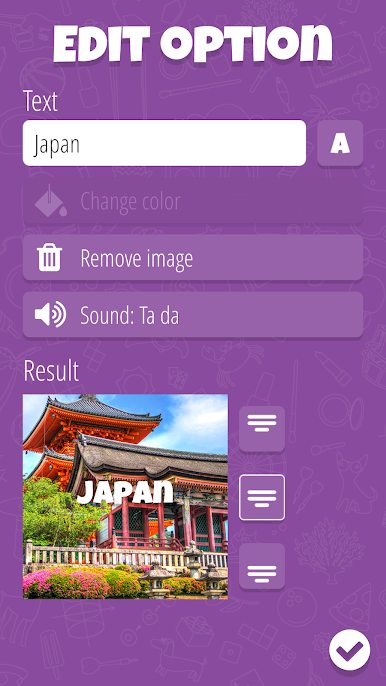
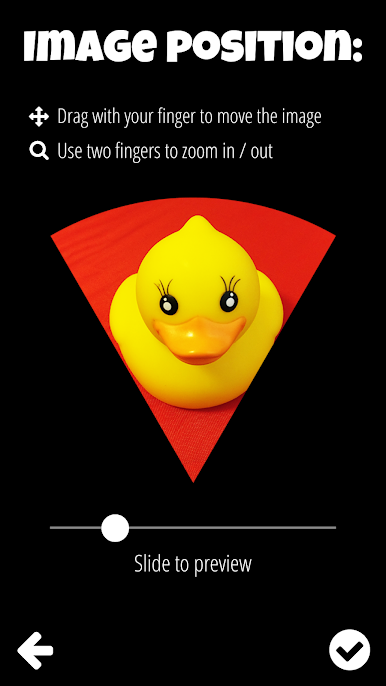
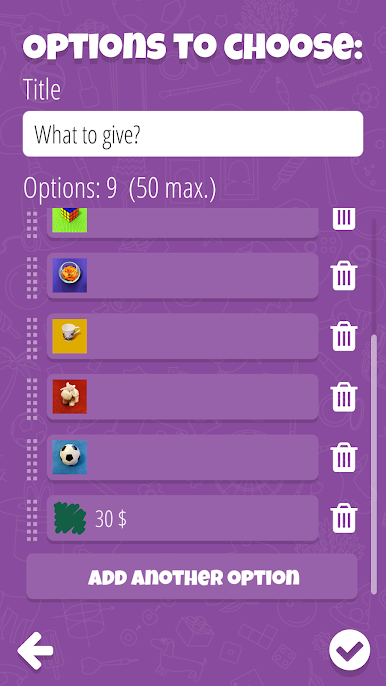
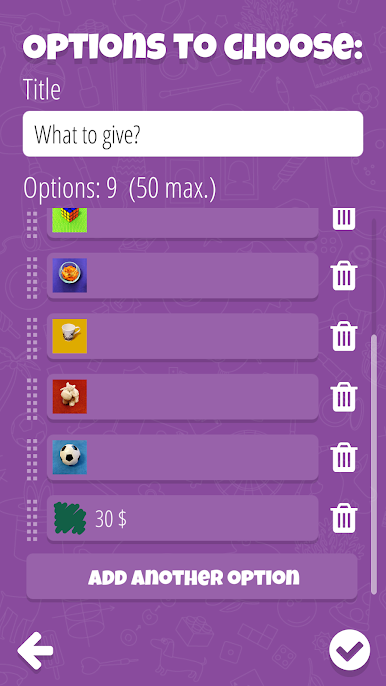
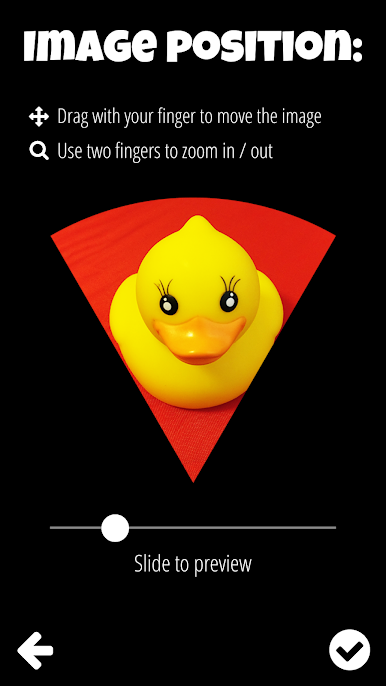
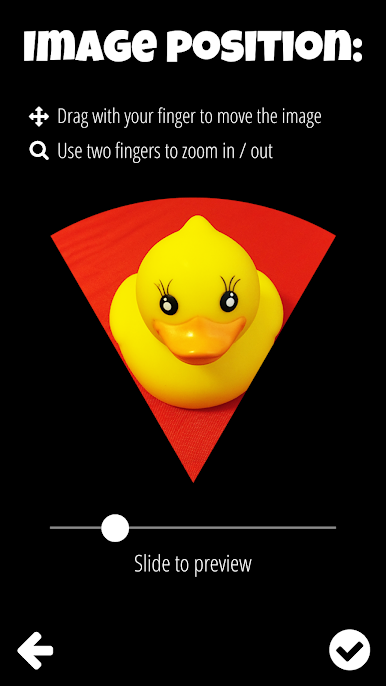
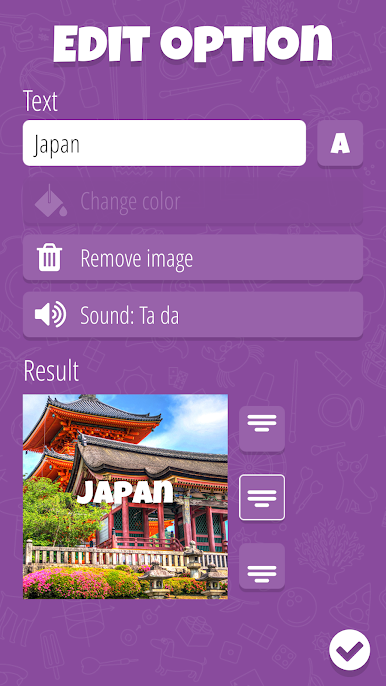
- Flexible Choices: Create roulettes with up to 50 options and add images to each choice for a personalized touch. All data is saved on your device, not in the cloud.
- Multiple Uses: Perfect for fun activities like raffles, spin the bottle, or even creating your own challenges. You determine the boundaries!
- Language Support: Missing your language in the app? Reach out to us, and you might just help bring it to life!
- Simple & Free: Easy to use without any cost involved. Enjoy it seamlessly, especially on a bigger screen with BlueStacks.
Good luck!
Switch to BlueStacks and make the most of your apps on your PC or Mac.

เล่น Decision Roulette บน PC ได้ง่ายกว่า
-
ดาวน์โหลดและติดตั้ง BlueStacks บน PC ของคุณ
-
ลงชื่อเข้าใช้แอคเคาท์ Google เพื่อเข้าสู่ Play Store หรือทำในภายหลัง
-
ค้นหา Decision Roulette ในช่องค้นหาด้านขวาบนของโปรแกรม
-
คลิกเพื่อติดตั้ง Decision Roulette จากผลการค้นหา
-
ลงชื่อเข้าใช้บัญชี Google Account (หากยังไม่ได้ทำในขั้นที่ 2) เพื่อติดตั้ง Decision Roulette
-
คลิกที่ไอคอน Decision Roulette ในหน้าจอเพื่อเริ่มเล่น

