


MEA Smart Life
เล่นบน PC ผ่าน BlueStacks - Android Gaming Platform ที่ได้รับความไว้วางใจจากเกมเมอร์ 500 ล้านคนทั่วโลก

Page Modified on: Jan 21, 2026
เล่น MEA Smart Life on PC
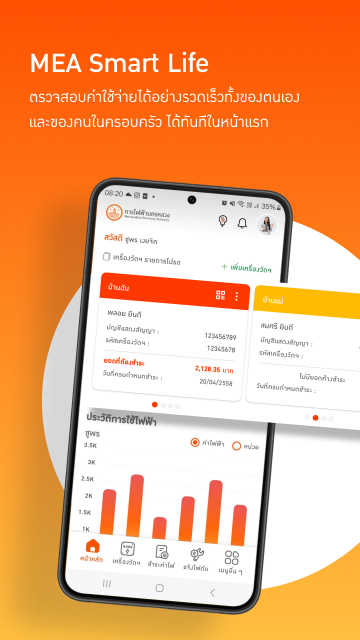
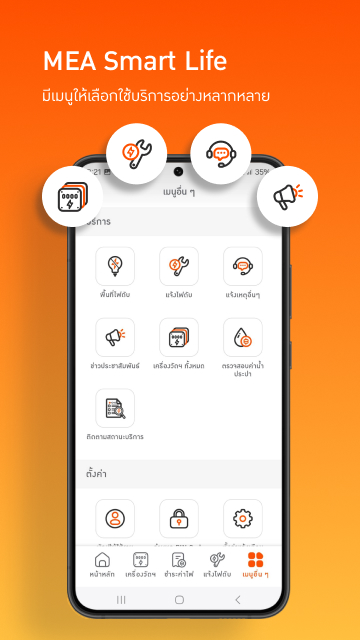
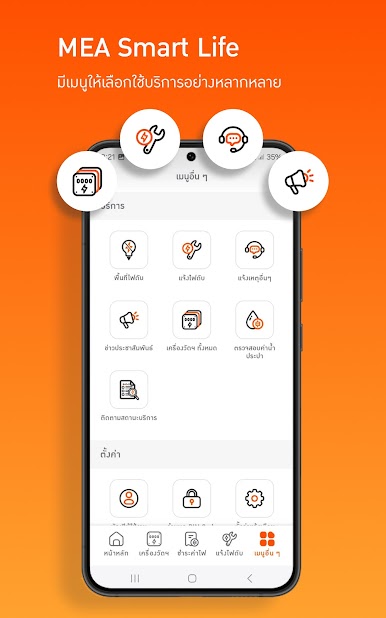
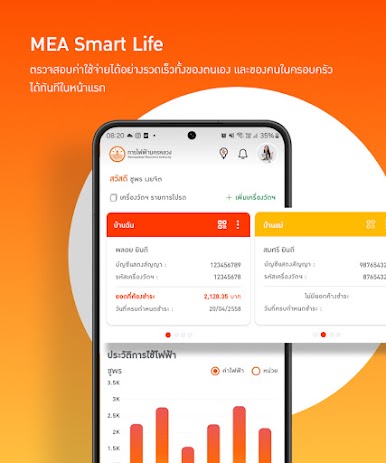
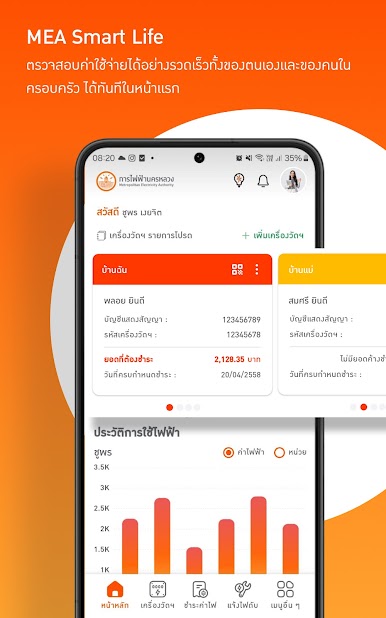
• ตรวจสอบค่าไฟฟ้า ผู้ใช้สามารถสอบถามค่าไฟฟ้า โดยระบุหมายเลขบัญชีแสดงสัญญาณ และรหัสเครื่องวัด หรือสแกน QR Code
• แสดงรายละเอียดเบื้องต้นของผู้ใช้ไฟฟ้า
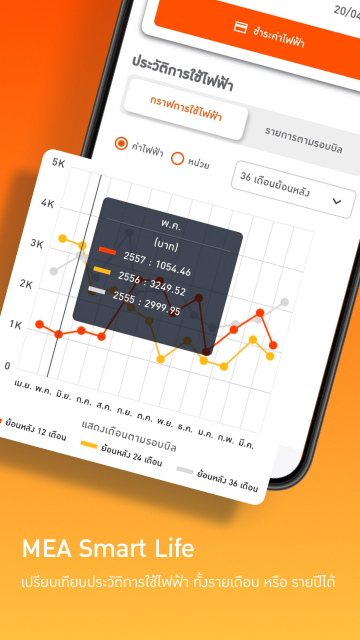
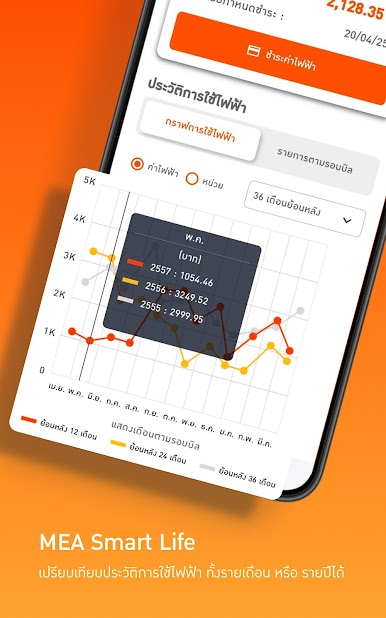
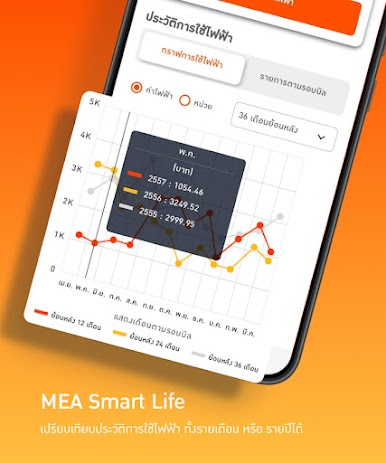
• แสดงรายละเอียดค่าไฟฟ้า โดยมีรายละเอยดดังนี้
- แสดงวันที่จดหน่วยของยอดแต่ละเครื่องวัดไฟฟ้า
- แสดงวันที่ครบกำหนดชำระค่าไฟฟ้า
- แสดงค่าใบแจ้งการจ่ายค่าไฟฟ้า
- แสดงเลขที่บิล
- แสดงจำนวนเงินในแต่ละรอบบิล เรียงตามจำนวนบิลที่ค้างชำระ
- แสดงบาร์โค้ด และ QR Code สำหรับชำระเงิน
• ชำระค่าไฟฟ้า พร้อมบันทึกช่องทางชำระค่าไฟฟ้า
• แสดงข้อมูลประกาศดับไฟ ผู้ใช้สามารถติดตามข่าวสารการประกาศดับไฟ เพื่อทำการบำรุงรักษาระบบ ฯ ได้ผ่านทางแอปพลิเคชัน
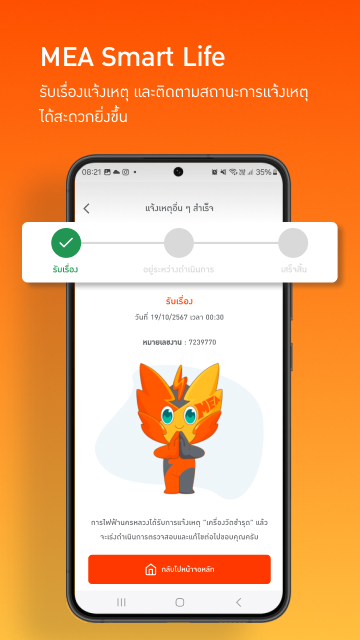
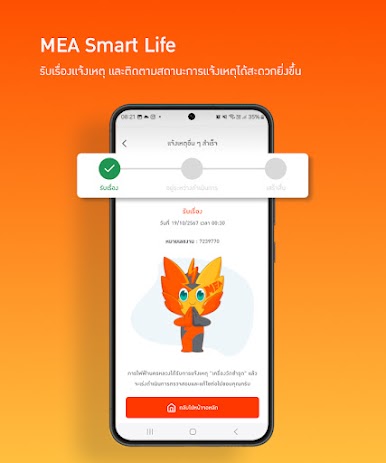
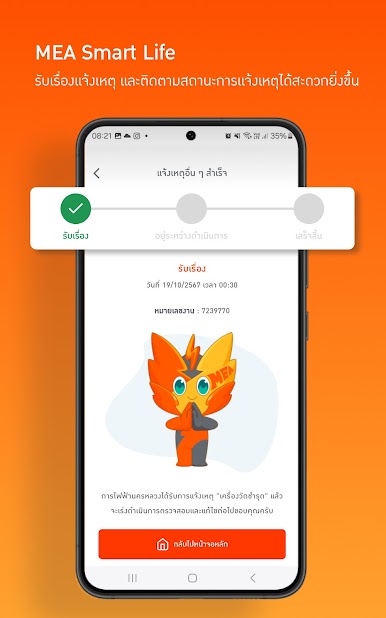
• สามารถแจ้งเหตุการณ์ไฟฟ้าขัดข้อง เรื่องร้องเรียน หรือข้อมูลข่าวสารเกี่ยวกับการไฟฟ้านครหลวง ด้วยภาพถ่ายพร้อมพิกัดบอกตำแหน่ง
เล่น MEA Smart Life บน PC ได้ง่ายกว่า
-
ดาวน์โหลดและติดตั้ง BlueStacks บน PC ของคุณ
-
ลงชื่อเข้าใช้แอคเคาท์ Google เพื่อเข้าสู่ Play Store หรือทำในภายหลัง
-
ค้นหา MEA Smart Life ในช่องค้นหาด้านขวาบนของโปรแกรม
-
คลิกเพื่อติดตั้ง MEA Smart Life จากผลการค้นหา
-
ลงชื่อเข้าใช้บัญชี Google Account (หากยังไม่ได้ทำในขั้นที่ 2) เพื่อติดตั้ง MEA Smart Life
-
คลิกที่ไอคอน MEA Smart Life ในหน้าจอเพื่อเริ่มเล่น

