


Headphones Loud Volume Booster
Jouez sur PC avec BlueStacks - la plate-forme de jeu Android, approuvée par + 500M de joueurs.

Page Modifiée le: Sep 4, 2023
Run Headphones Loud Volume Booster on PC or Mac
Multitask effortlessly on your PC or Mac as you try out Headphones Loud Volume Booster, a Music & Audio app by AbyKaby on BlueStacks.
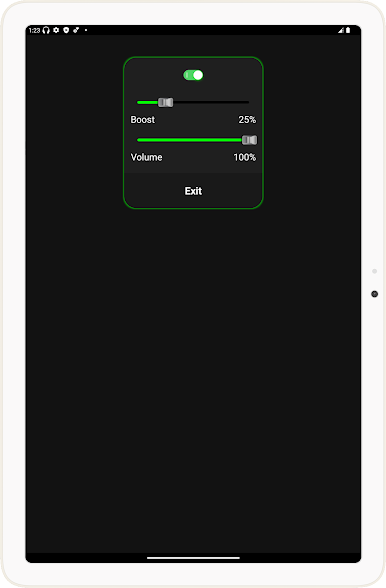
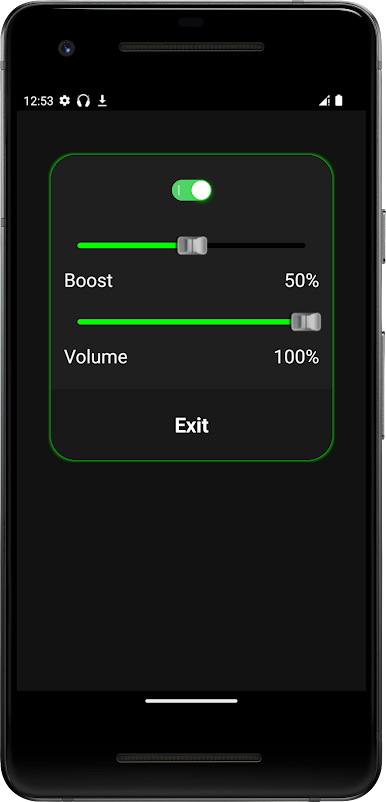
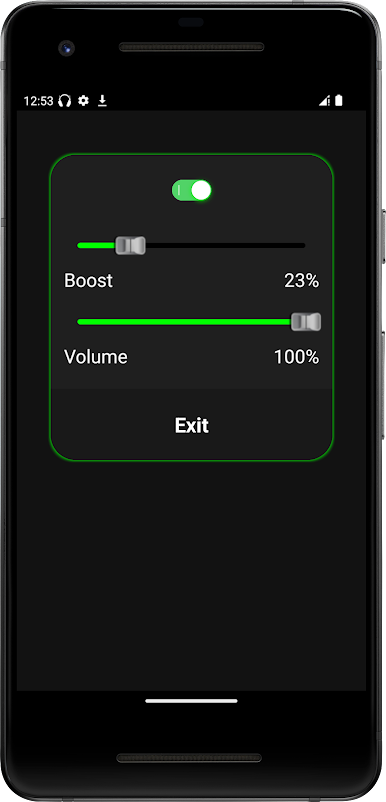
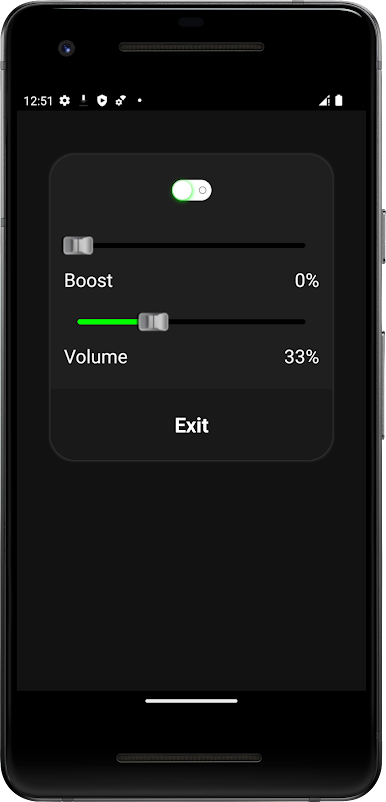
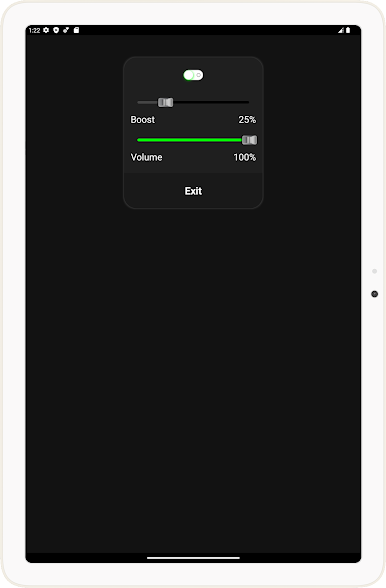
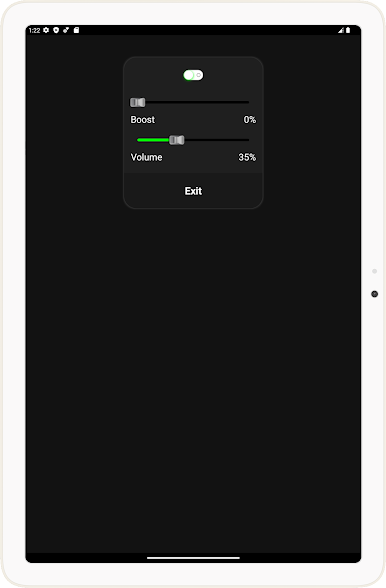
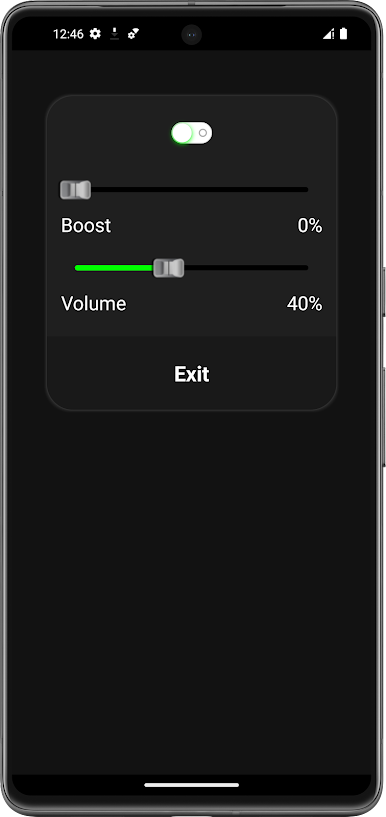
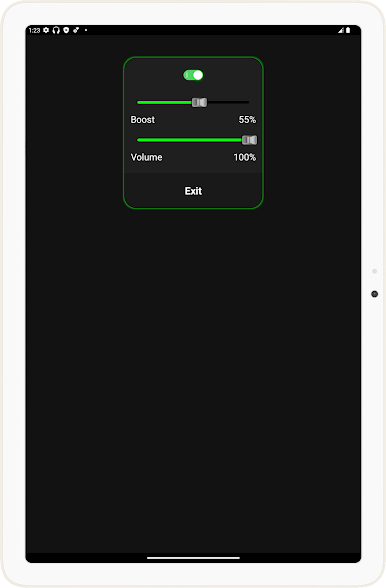
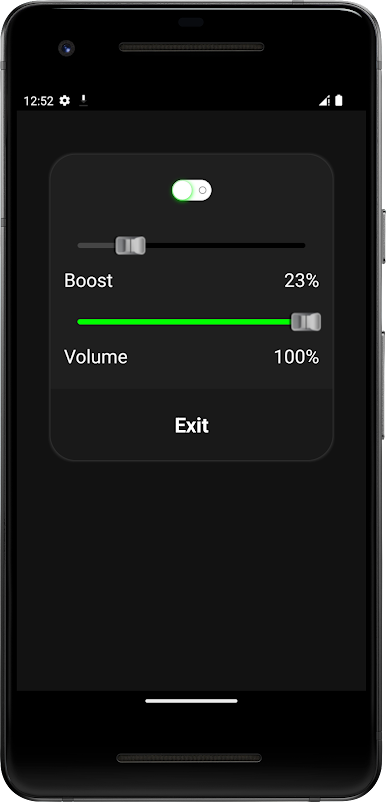
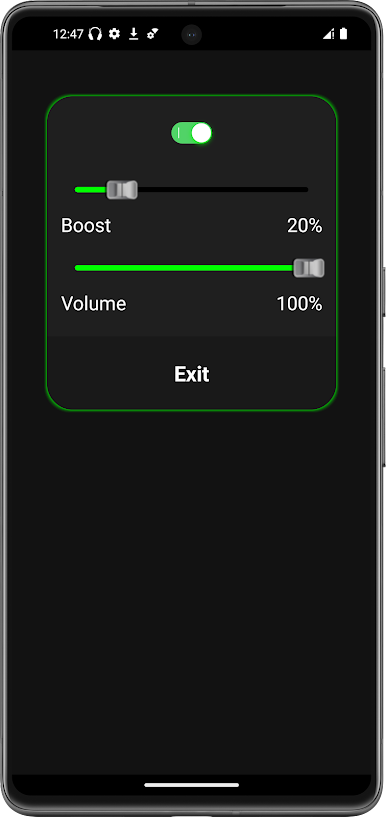
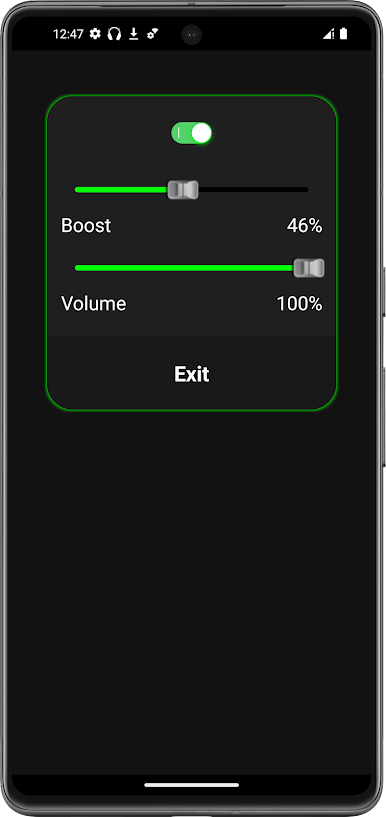
Headphones Loud Volume Booster is a straight-to-the-point tool for anyone who thinks their headphones are just too quiet. It bumps up sound for pretty much anything that plays through the device, so music, videos, podcasts, and audiobooks all get the same treatment. The layout is clean and simple, no maze of settings. Open it, slide the level up, and that is it. Push it high and things can get loud fast, and sometimes a bit crunchy if the audio source is already packed, so it feels best when nudged to a sensible middle ground. It is not trying to be an equalizer or a studio mixer. It is a loudness helper, plain and simple.
On PC with BlueStacks, it works like a tiny volume turbo for whatever is running inside the emulator, which is handy when a video is too quiet or a narrator whispers through half a chapter. The mouse makes small adjustments easy while multitasking, and swapping between apps still feels smooth. It shines with headphones or earbuds rather than speakers, and it is smart to keep an eye on volume because hearing is not replaceable. For anyone dealing with quiet laptops or low output tracks, this gives a quick fix without fuss. No fluff, no extra menus, just a fast way to make stuff audible when the default max is not enough.
BlueStacks brings your apps to life on a bigger screen—seamless and straightforward.

Jouez à Headphones Loud Volume Booster sur PC. C'est facile de commencer.
-
Téléchargez et installez BlueStacks sur votre PC
-
Connectez-vous à Google pour accéder au Play Store ou faites-le plus tard
-
Recherchez Headphones Loud Volume Booster dans la barre de recherche dans le coin supérieur droit
-
Cliquez pour installer Headphones Loud Volume Booster à partir des résultats de la recherche
-
Connectez-vous à Google (si vous avez ignoré l'étape 2) pour installer Headphones Loud Volume Booster
-
Cliquez sur l'icône Headphones Loud Volume Booster sur l'écran d'accueil pour commencer à jouer

