


NRJ Belgique
Jouez sur PC avec BlueStacks - la plate-forme de jeu Android, approuvée par + 500M de joueurs.

Page Modifiée le: Jun 24, 2025
Run NRJ Belgique on PC or Mac
Upgrade your experience. Try NRJ Belgique, the fantastic Music & Audio app from NRJ BE, from the comfort of your laptop, PC, or Mac, only on BlueStacks.
About the App
Looking to keep the latest hits and fresh podcasts right at your fingertips? With NRJ Belgique, you can tune in to a world of music and audio, served up just the way you like it. Whether you’re at home, at work, or on the go using BlueStacks, this app brings endless tunes and show moments straight to your device, no fuss.
App Features
-
Nonstop Music
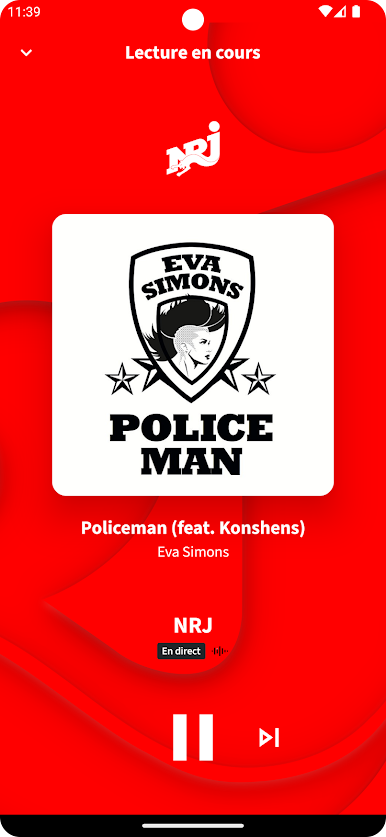
Stream all the hottest songs completely free—no limits, no awkward breaks. It’s your go-to spot for listening to what’s buzzing right now in the world of music. -
Loads of Digital Stations
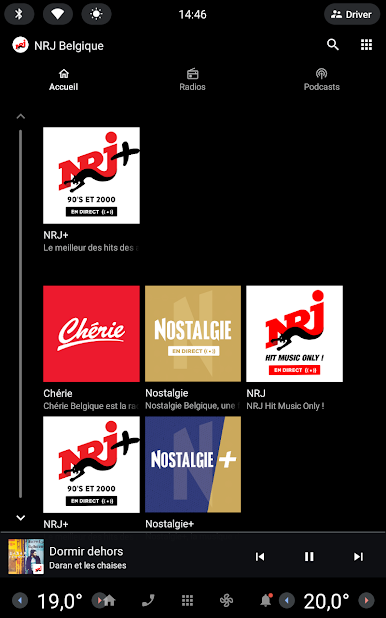
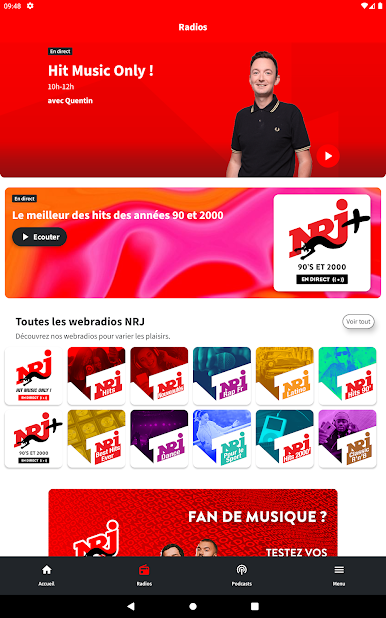
Can’t decide what to put on? Choose from NRJ and a seriously wide lineup of 17 digital radios. Feeling nostalgic? There’s a 2000’s playlist. Want to focus? Try “At Work.” Into hip-hop or dance tracks? There are stations for those too. Really, there’s something for every mood. -
Fresh Podcasts On Demand
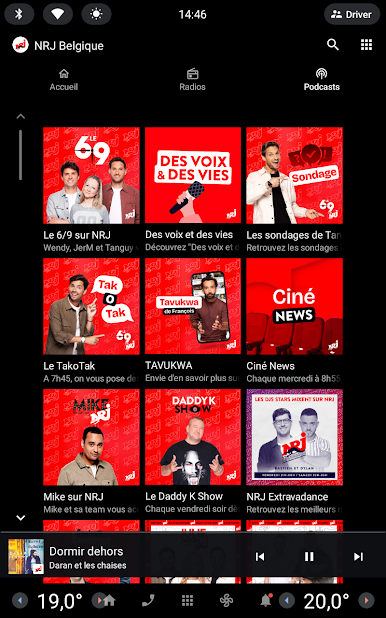
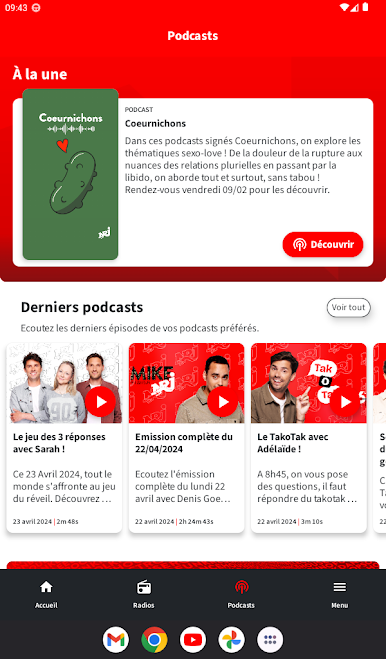
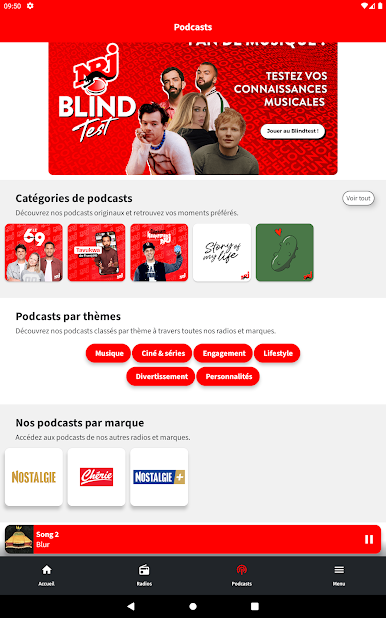
Catch up on your favorite NRJ Belgique shows anytime you want. Relive the funniest bits from the Wake Up Show, hear the latest C’Cauet antics, or rewind highlights from the Fous du soir. DJ fans can also find the latest resident sets from Extravadance. -
Listen Where and When You Want
Hit play whenever the vibe strikes, whether you’re chilling at home or sneaking in a quick music break using BlueStacks on your PC. -
Stay in Control of Your Tunes
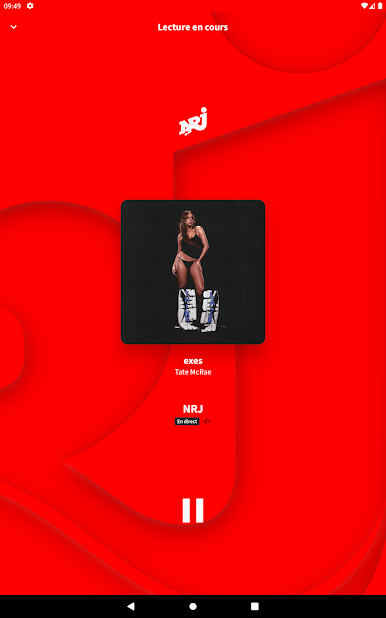
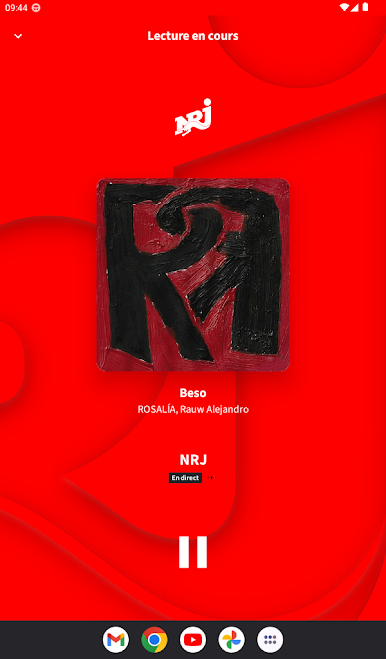
Easy-to-use controls make switching stations, browsing podcasts, or replaying a favorite track quick and smooth. If you’re jumping between tasks or just need some background beats, you’re covered. -
Friendly Heads-Up About Data
Since NRJ Belgique serves up nonstop audio, keep an eye on your data if you’re not on WiFi. Streaming eats up quite a bit, so check your plan if you’re using mobile data—just a good thing to remember.
Switch to BlueStacks and make the most of your apps on your PC or Mac.



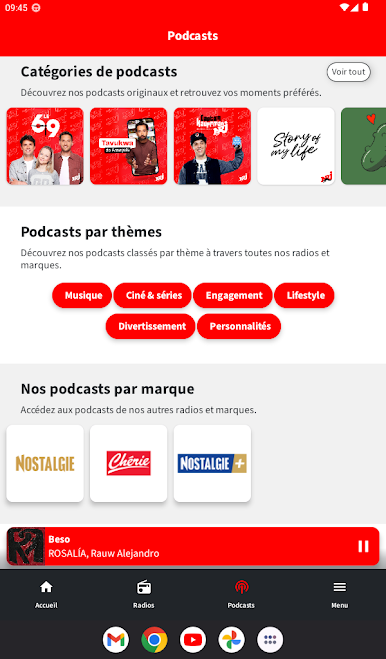
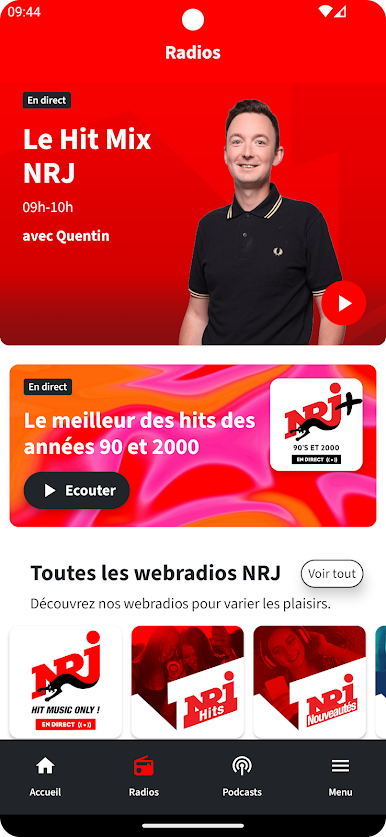
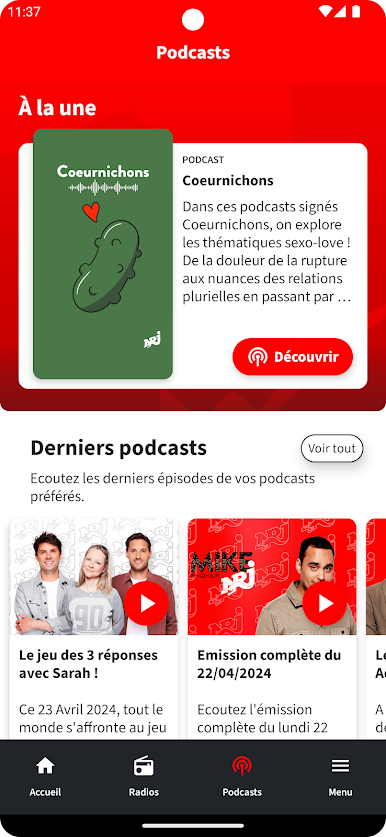

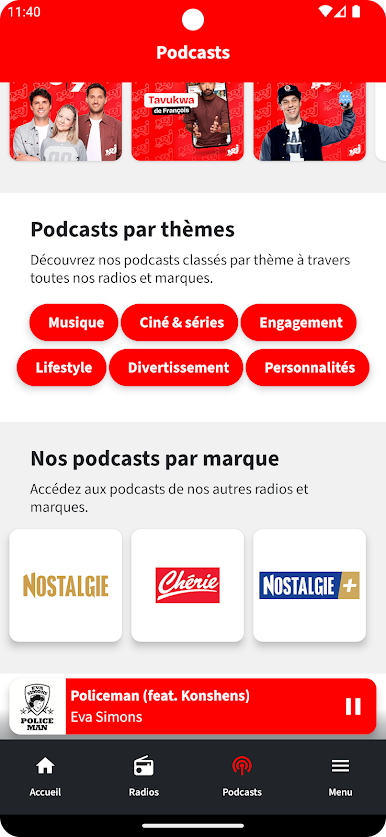

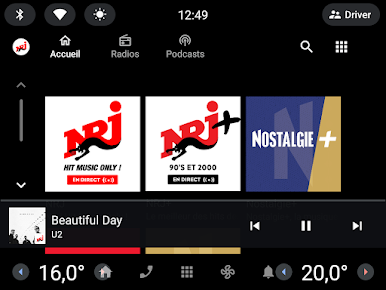


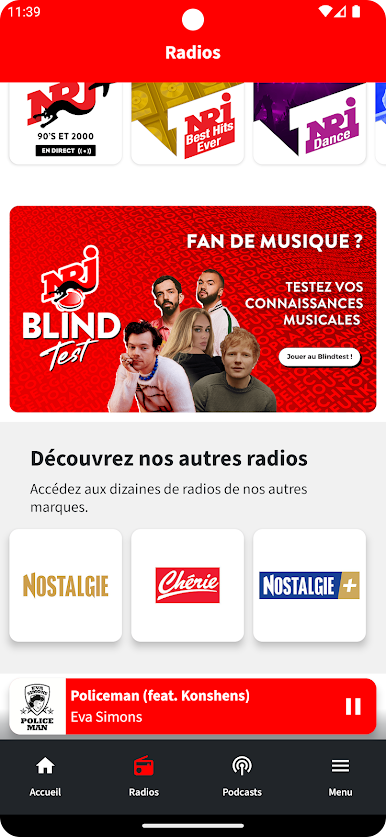
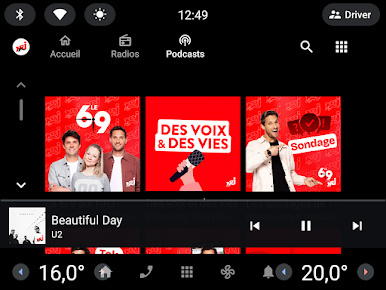
Jouez à NRJ Belgique sur PC. C'est facile de commencer.
-
Téléchargez et installez BlueStacks sur votre PC
-
Connectez-vous à Google pour accéder au Play Store ou faites-le plus tard
-
Recherchez NRJ Belgique dans la barre de recherche dans le coin supérieur droit
-
Cliquez pour installer NRJ Belgique à partir des résultats de la recherche
-
Connectez-vous à Google (si vous avez ignoré l'étape 2) pour installer NRJ Belgique
-
Cliquez sur l'icône NRJ Belgique sur l'écran d'accueil pour commencer à jouer

