


FreeCell Solitaire - cartes
Jouez sur PC avec BlueStacks - la plate-forme de jeu Android, approuvée par + 500M de joueurs.

Page Modifiée le: Oct 28, 2025
Jouez FreeCell Solitaire - cartes sur PC
LE FREECELL CLASSIQUE SUR MOBILE
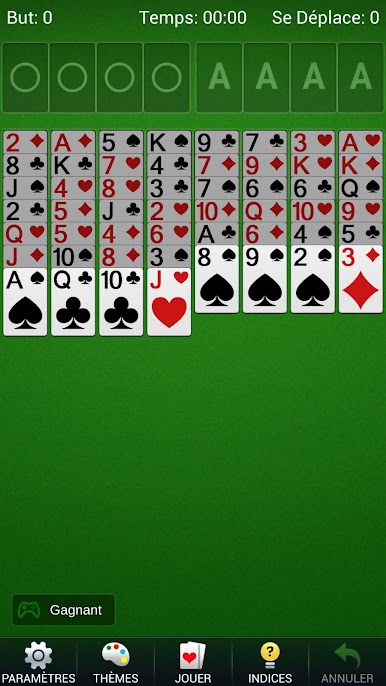
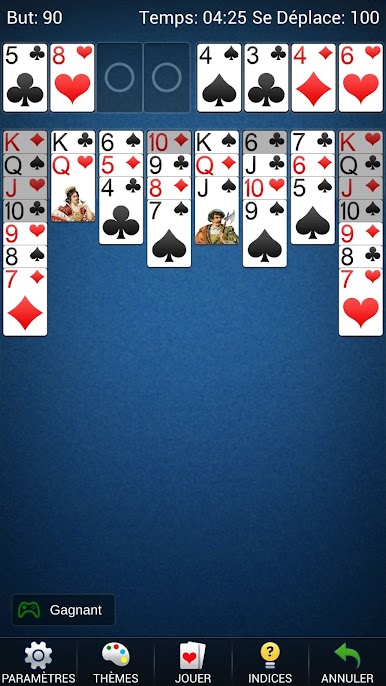
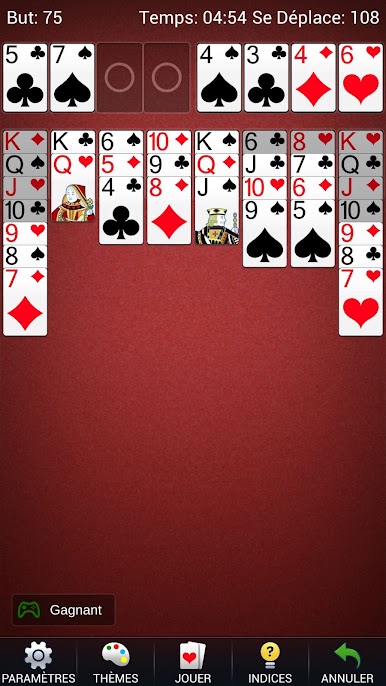
• Jouez avec 52 cartes visibles réparties en huit colonnes du tableau.
• Déplacez une carte ou une suite valide sur la valeur immédiatement inférieure de couleur opposée.
• Gardez temporairement une carte dans chacune des quatre cellules libres.
• Construisez les quatre fondations par couleur, de l'As au Roi.
JOUEZ HORS LIGNE À VOTRE RYTHME
Profitez d'une partie où que vous soyez, sans connexion réseau. La partie en cours est enregistrée automatiquement : mettez-la en pause et reprenez-la plus tard. Choisissez une donne aléatoire ou numérotée pour découvrir un nouveau défi ou retrouver une distribution précise.
DES COMMANDES ET DES AIDES PRATIQUES
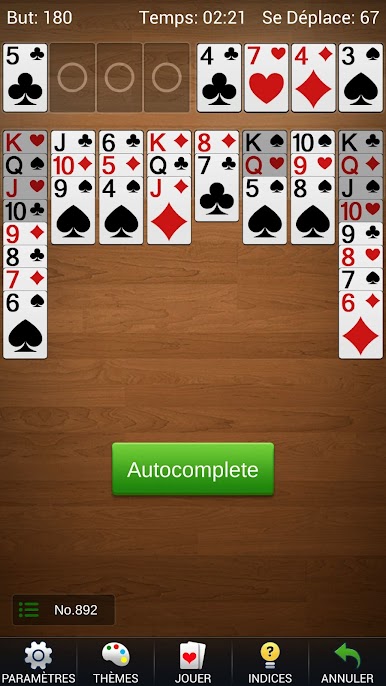
Utilisez les annulations et les indices sans limite pour revoir un choix. La mise en évidence des cartes, le déplacement par simple toucher, les mouvements automatiques et les cartes lisibles facilitent la gestion du tableau. Passez du mode portrait au mode paysage selon votre écran.
PERSONNALISEZ LA TABLE
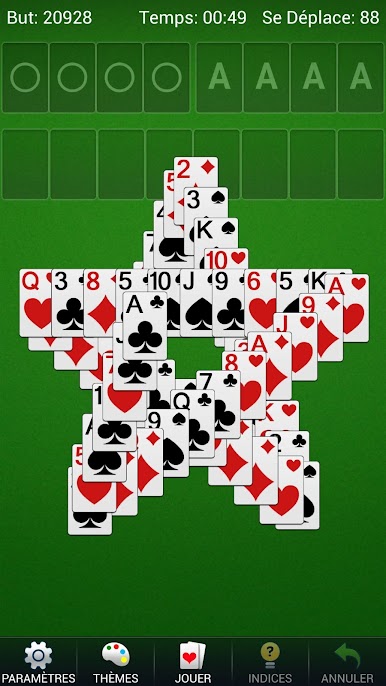
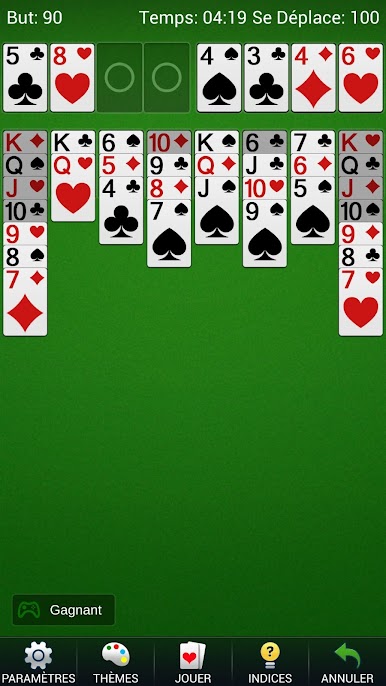
Choisissez différents styles de cartes et arrière-plans, adaptez les réglages et profitez d'une animation après une victoire. Des statistiques détaillées et un chronomètre permettent de suivre l'historique de vos parties.
Commencez une nouvelle donne de FreeCell et trouvez la suite de coups qui libère le tableau.
Jouez à FreeCell Solitaire - cartes sur PC. C'est facile de commencer.
-
Téléchargez et installez BlueStacks sur votre PC
-
Connectez-vous à Google pour accéder au Play Store ou faites-le plus tard
-
Recherchez FreeCell Solitaire - cartes dans la barre de recherche dans le coin supérieur droit
-
Cliquez pour installer FreeCell Solitaire - cartes à partir des résultats de la recherche
-
Connectez-vous à Google (si vous avez ignoré l'étape 2) pour installer FreeCell Solitaire - cartes
-
Cliquez sur l'icône FreeCell Solitaire - cartes sur l'écran d'accueil pour commencer à jouer

