


Fruits Cards Games PRO
Jouez sur PC avec BlueStacks - la plate-forme de jeu Android, approuvée par + 500M de joueurs.

Page Modifiée le: Sep 12, 2025
Play Fruits Cards Games PRO on PC
** Quick, Fun & Easy Ways to Learn Fruits with Multiple Languages.
Pro Edition :
(1) No Ads.
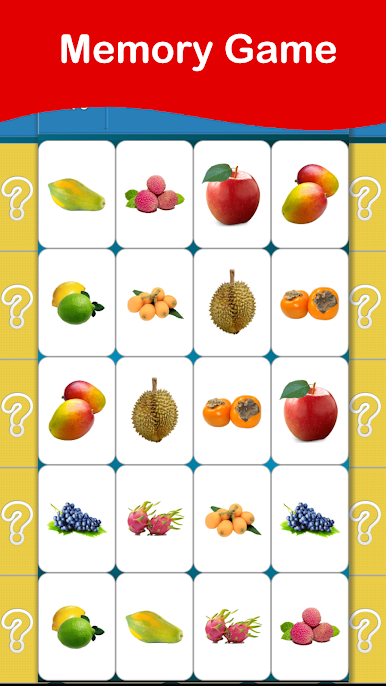
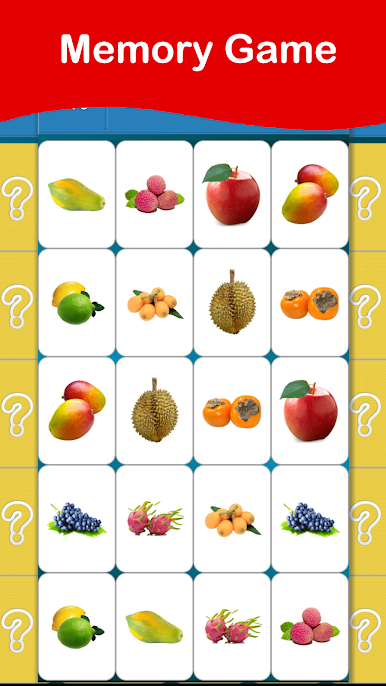
(2) Memory Game.
(3) Provides Auto-Run mode.
(4) Support offline mode.
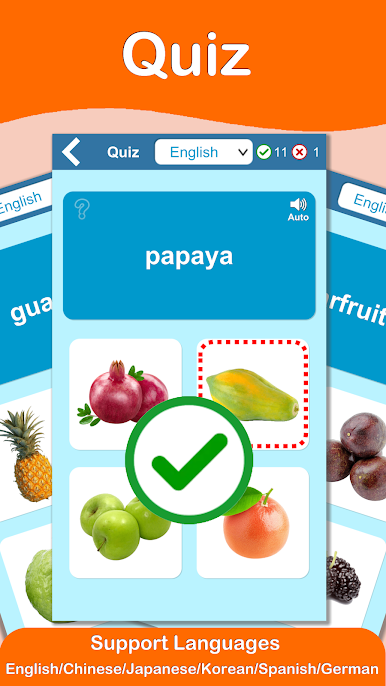
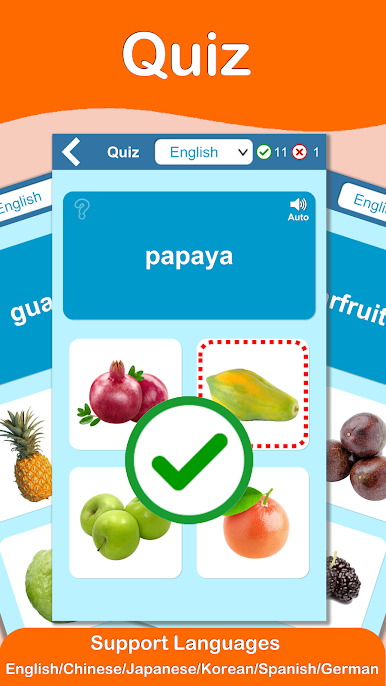
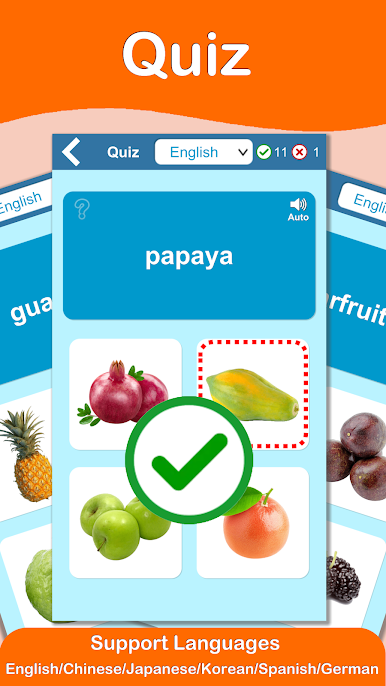
(5) Support Quiz feature.
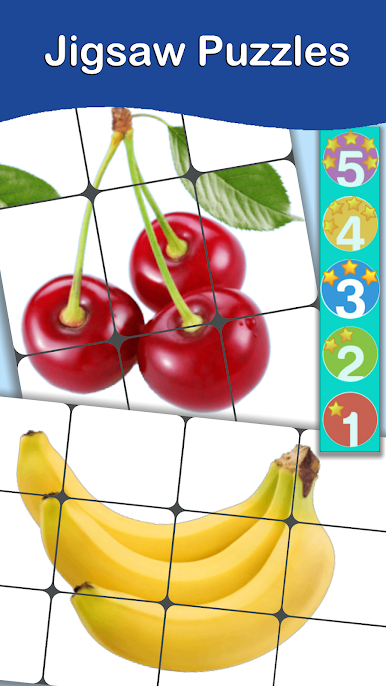
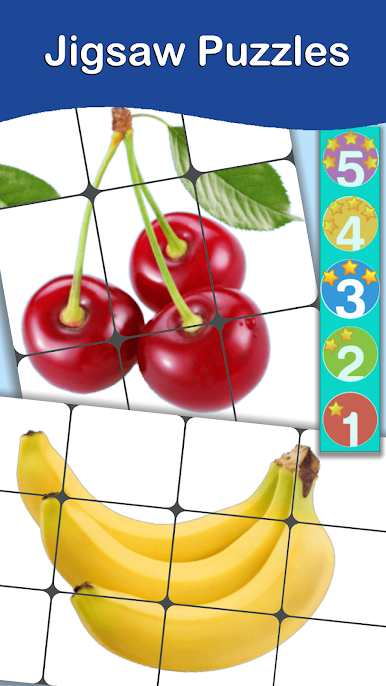
(6) Support five different puzzle games
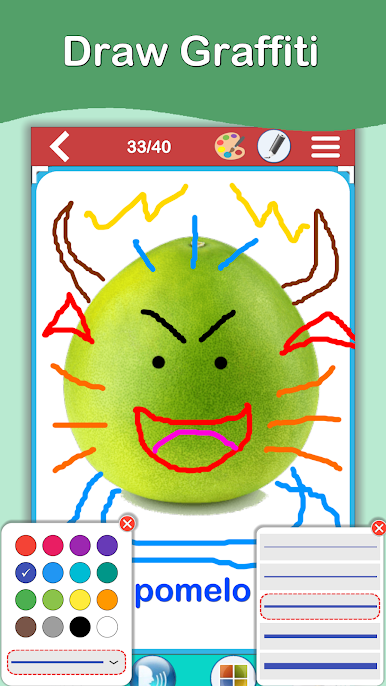
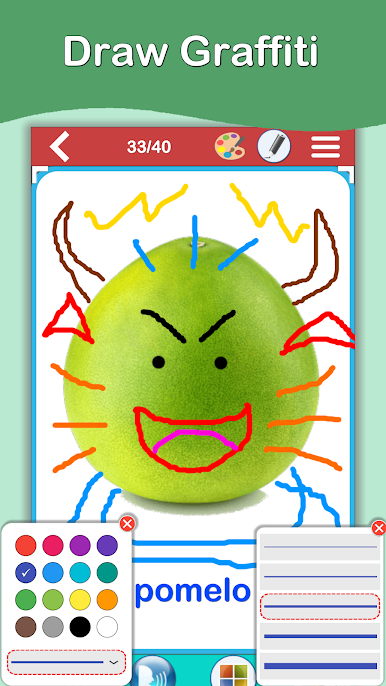
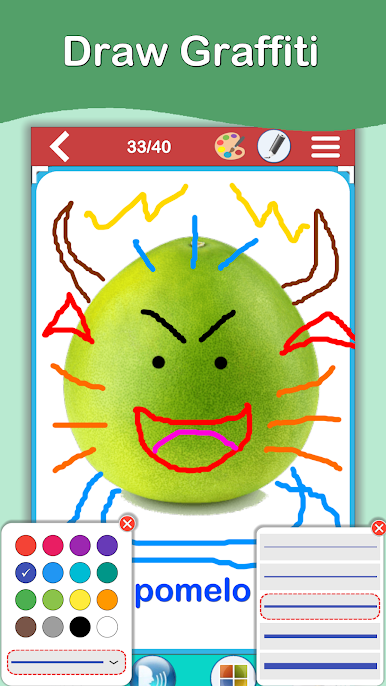
(7) Easy drawing pen function
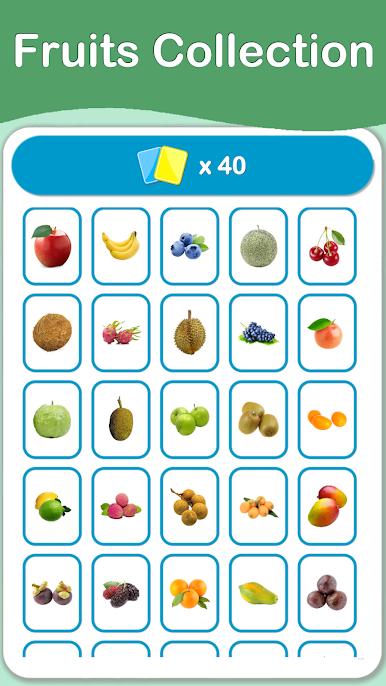
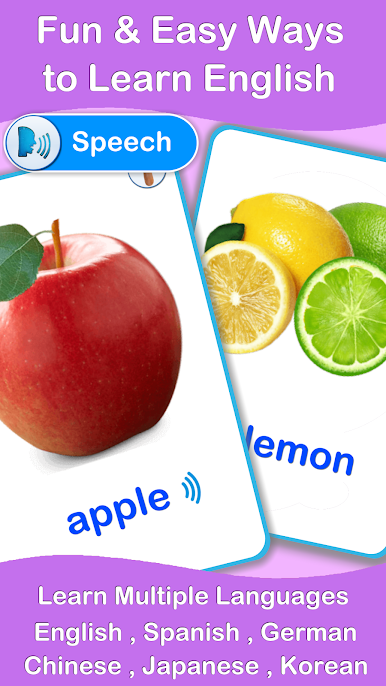
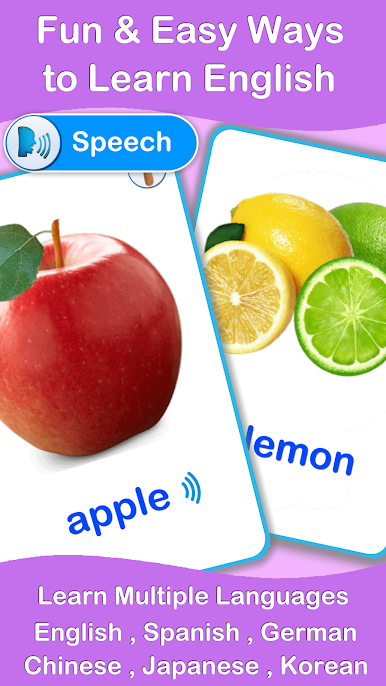
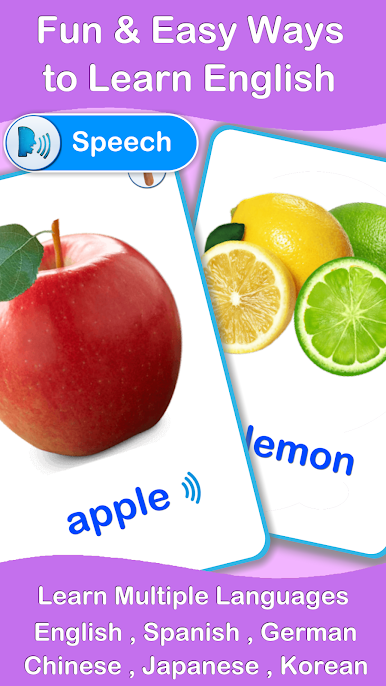
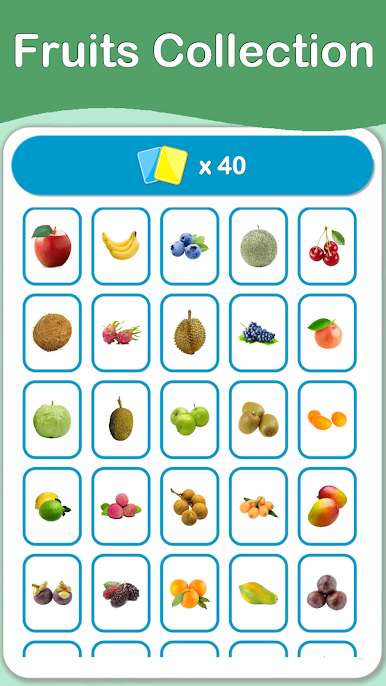
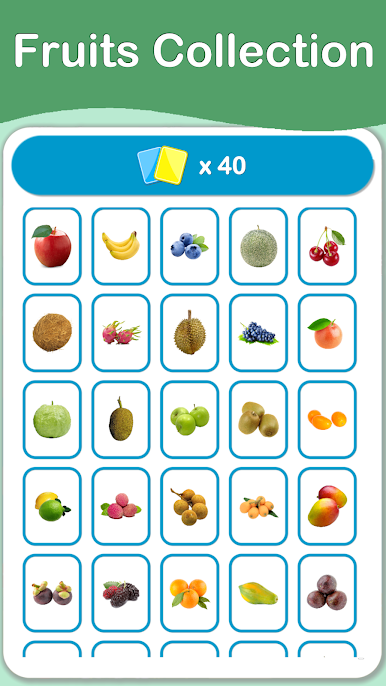
The app helps to easy learning many kinds of Fruits from the cards and know their names in several languages.
- Learn English
- Learn Spanish
- Learn Chinese
- Learn Japanese
- Learn korean
The app provides the best way to get started learning many kinds of Fruits which contains many cards, each word card are voice-enabled, and related words and pictures.
* The app supports for language switching, then you can learn many kinds of language at the same time.
(English / Chinese / Japanese / Korean / Spanish )
* Fruits Flashcards
* The App contains 5 kinds of Jigsaw Puzzle Game.
The app contains many fancy, interesting, funny cards that make you play and learn at the same time. Moreover, It improves the language learning, cognitive learning and listening ability.


Jouez à Fruits Cards Games PRO sur PC. C'est facile de commencer.
-
Téléchargez et installez BlueStacks sur votre PC
-
Connectez-vous à Google pour accéder au Play Store ou faites-le plus tard
-
Recherchez Fruits Cards Games PRO dans la barre de recherche dans le coin supérieur droit
-
Cliquez pour installer Fruits Cards Games PRO à partir des résultats de la recherche
-
Connectez-vous à Google (si vous avez ignoré l'étape 2) pour installer Fruits Cards Games PRO
-
Cliquez sur l'icône Fruits Cards Games PRO sur l'écran d'accueil pour commencer à jouer

