


CrowdMag
Jouez sur PC avec BlueStacks - la plate-forme de jeu Android, approuvée par + 500M de joueurs.

Page Modifiée le: Sep 9, 2025
Run CrowdMag on PC or Mac
Get freedom from your phone’s obvious limitations. Use CrowdMag, made by NOAA’s National Geophysical Data Center, a Tools app on your PC or Mac with BlueStacks, and level up your experience.
About the App
Ever been curious about the invisible forces swirling around you? CrowdMag, from NOAA’s National Geophysical Data Center, lets you explore Earth’s magnetic field using just your phone. Whether you’re hiking, walking the dog, or playing backyard scientist, this app transforms your device into a mini magnetic observatory. Track, record, and visualize real-time data—you might even end up contributing to real science.
App Features
-
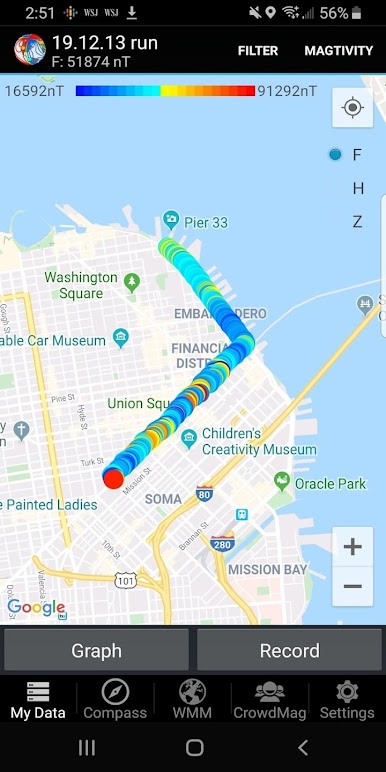
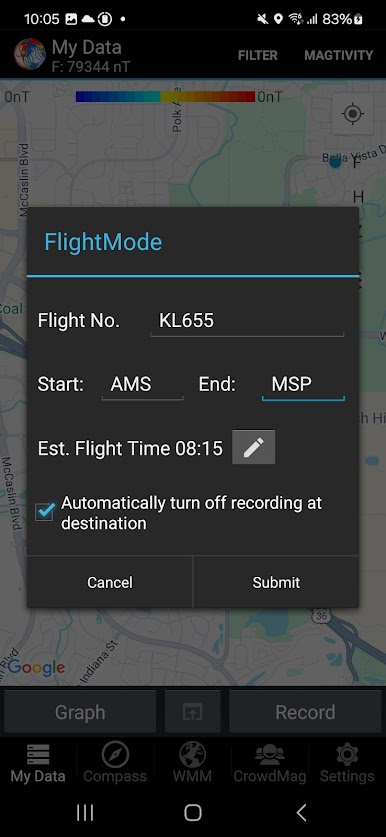
Track Your Magnetic Path (Magtivities)
Start a recording whenever you’re out and about, and the app maps magnetic data along your path. These “magtivities” help you create your own localized magnetic field maps. -
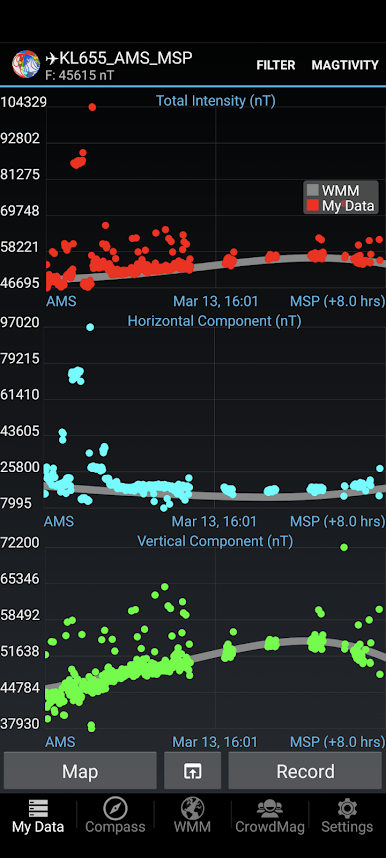
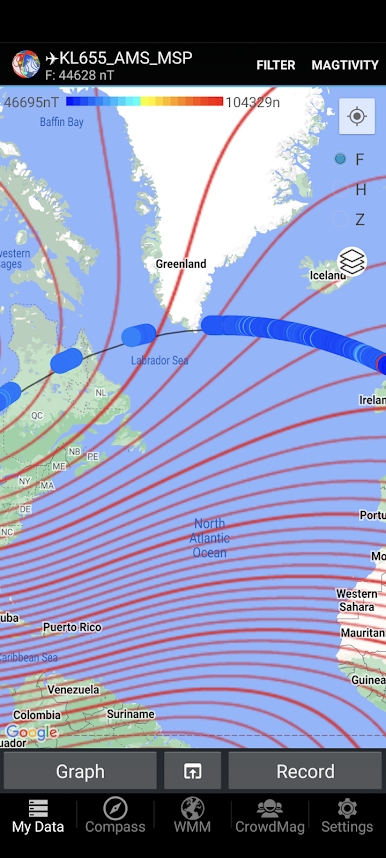
Visualize with Graphs and Maps
See your measurements as colorful charts or watch them appear live on an interactive map. It’s a pretty cool way to see the magnetic environment in real time. -
Flexible Data Export
Export your data as CSV files, whether you’re diving into a home science project or just like having the info handy. It works with email, Google Drive, and more. -
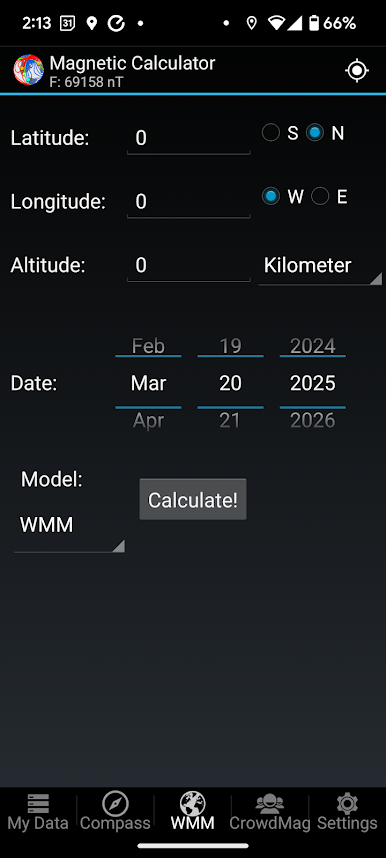
Quality Check and Comparison
Wondering if your readings are accurate? You can compare your results with the official World Magnetic Model (WMM2020) right in the app. -
Data Backup and Restore
Swapping phones or resetting your device? No problem. Back up your magnetic adventures, then pick up right where you left off. -
Share and Collaborate
If you’re feeling generous (or just a bit nerdy), share your magtivities with NOAA’s research team to help deepen our understanding of Earth’s magnetic field. -
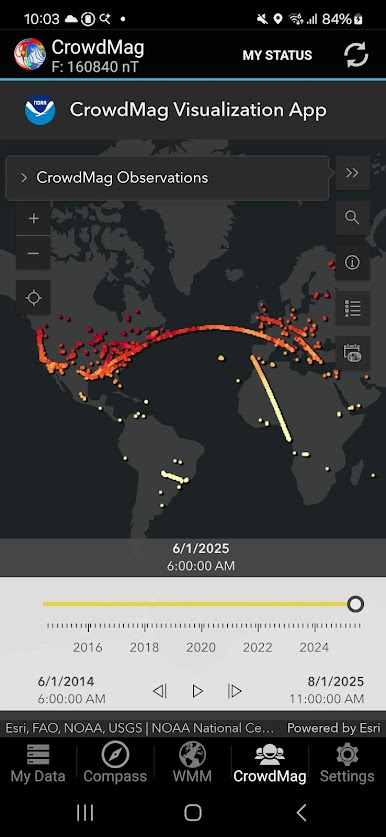
See the Crowd’s Data
Check out anonymous, crowdsourced readings from other users to see how your own measurements stack up. -
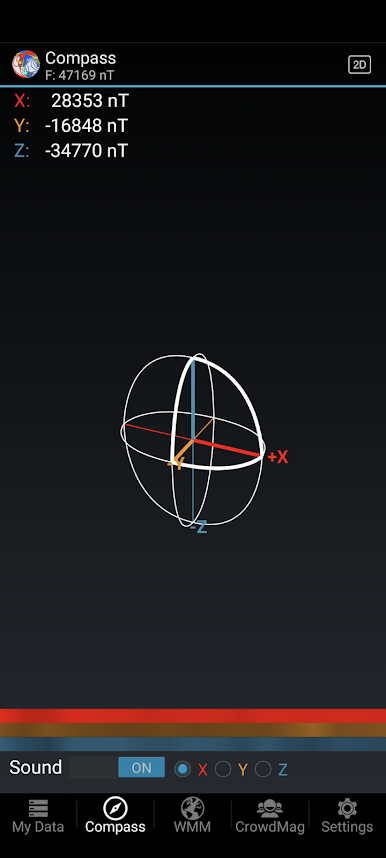
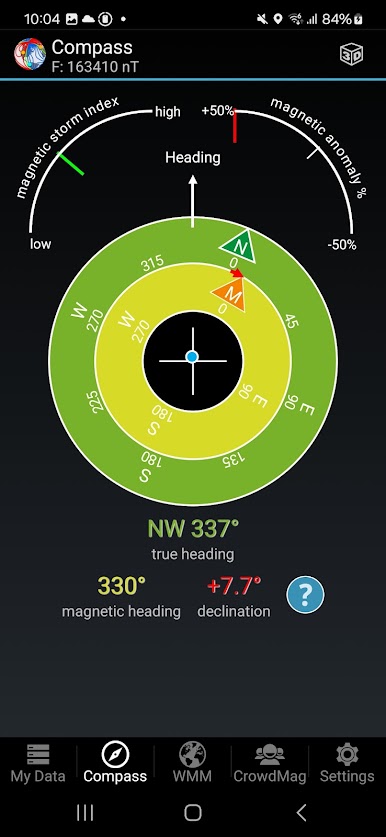
Compass and Magnetic Tools
There’s a live magnetic compass, details about solar magnetic disturbance, and even a built-in calculator for magnetic variation, dip angle, total field, and more. -
Customize Your Experience
Tweak data recording frequency and location accuracy based on what you’re up to that day.
If you prefer a bigger view or want to play with your maps and charts on a larger screen, CrowdMag works smoothly with BlueStacks so you’re not stuck squinting at your phone.
Switch to BlueStacks and make the most of your apps on your PC or Mac.
Jouez à CrowdMag sur PC. C'est facile de commencer.
-
Téléchargez et installez BlueStacks sur votre PC
-
Connectez-vous à Google pour accéder au Play Store ou faites-le plus tard
-
Recherchez CrowdMag dans la barre de recherche dans le coin supérieur droit
-
Cliquez pour installer CrowdMag à partir des résultats de la recherche
-
Connectez-vous à Google (si vous avez ignoré l'étape 2) pour installer CrowdMag
-
Cliquez sur l'icône CrowdMag sur l'écran d'accueil pour commencer à jouer

