


My Sushi Bar
เล่นบน PC ผ่าน BlueStacks - Android Gaming Platform ที่ได้รับความไว้วางใจจากเกมเมอร์ 500 ล้านคนทั่วโลก

Page Modified on: Nov 4, 2025
Play My Sushi Bar on PC or Mac
Explore a whole new adventure with My Sushi Bar, a Arcade game created by HIGHSCORE GAMES Inc.. Experience great gameplay with BlueStacks, the most popular gaming platform to play Android games on your PC or Mac.
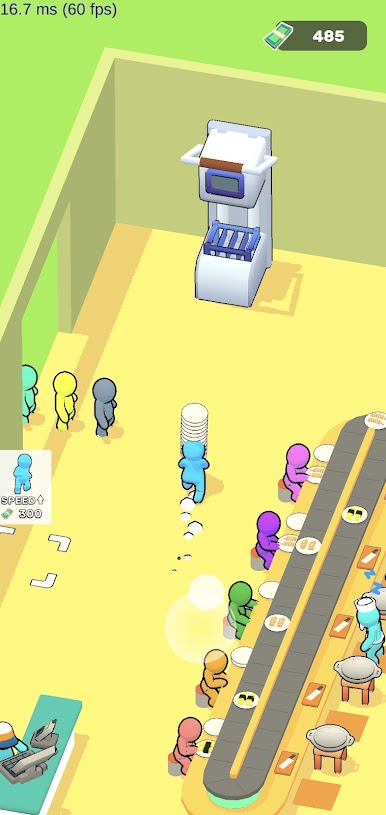
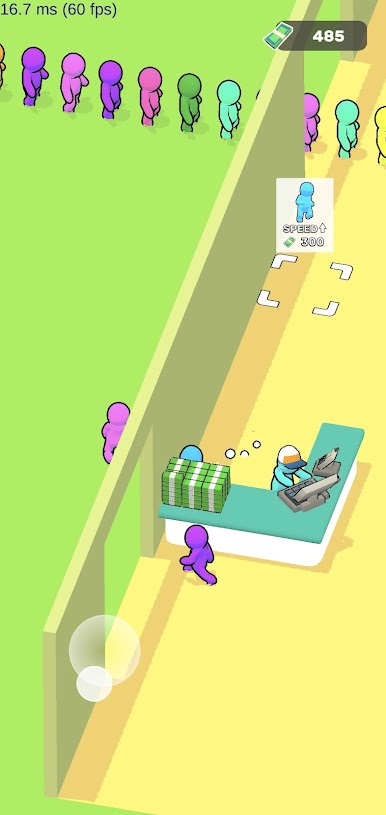
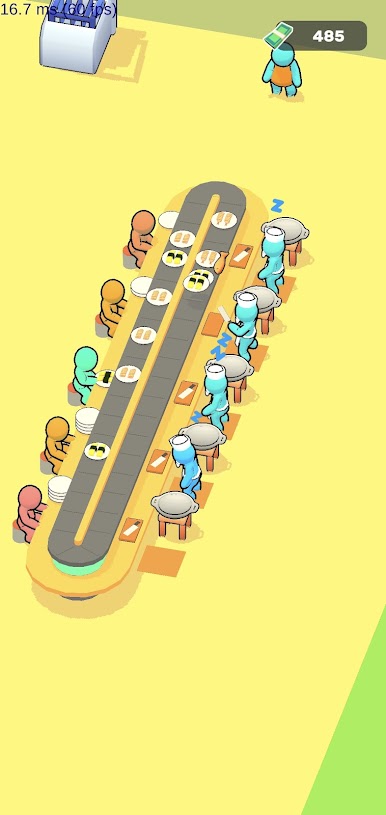
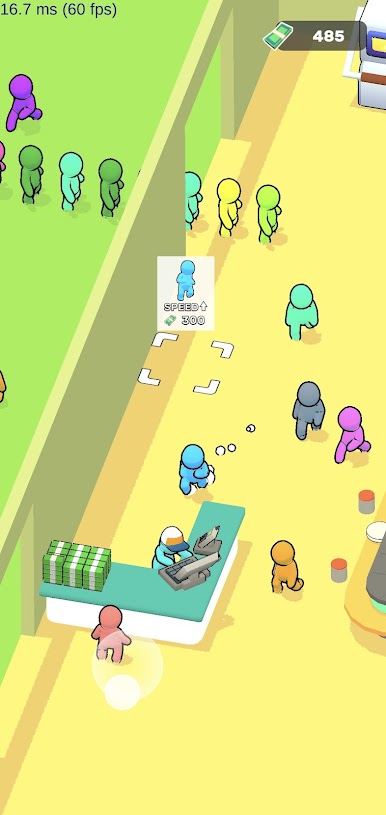
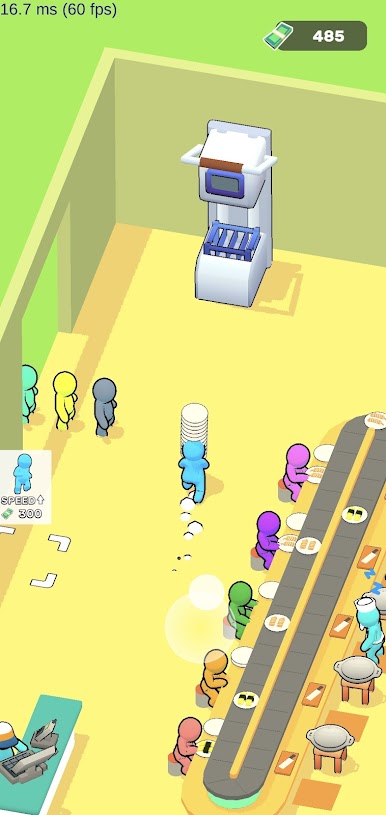
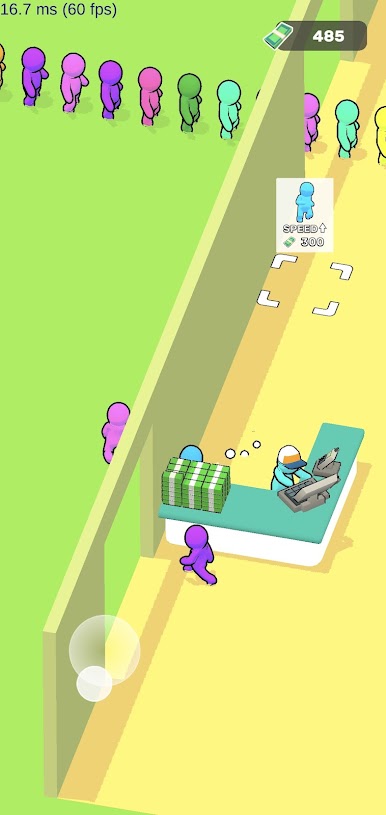
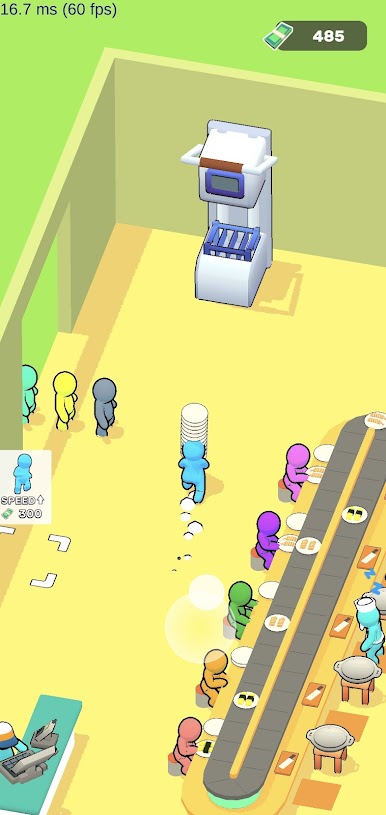
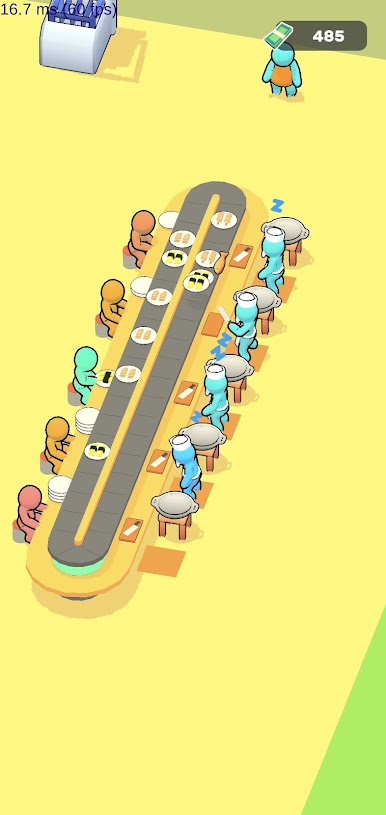
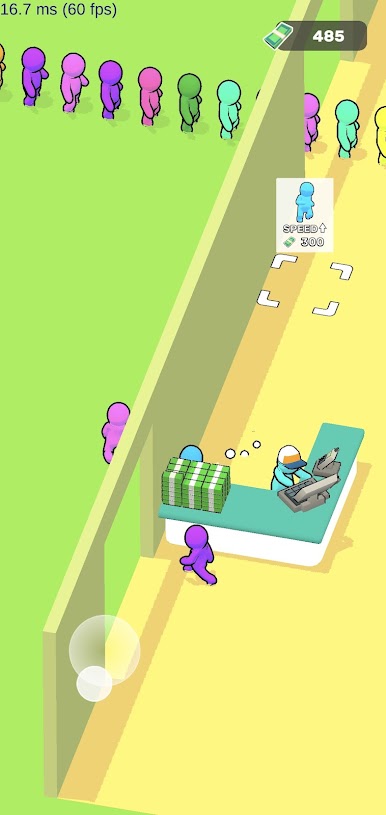
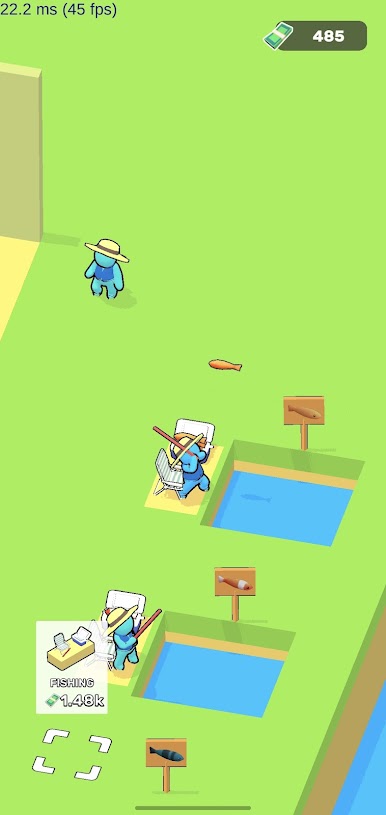
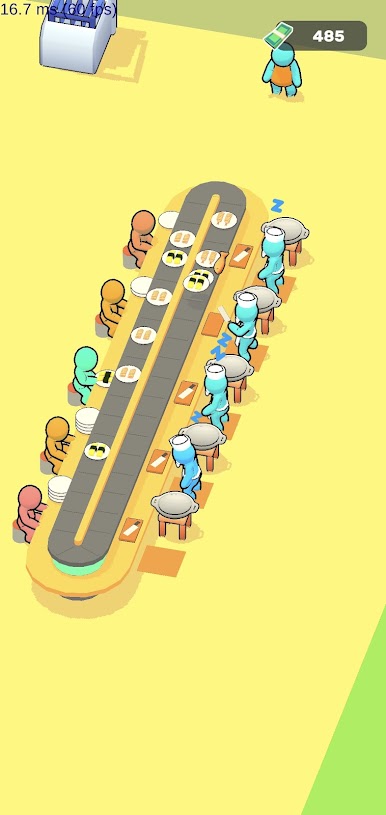
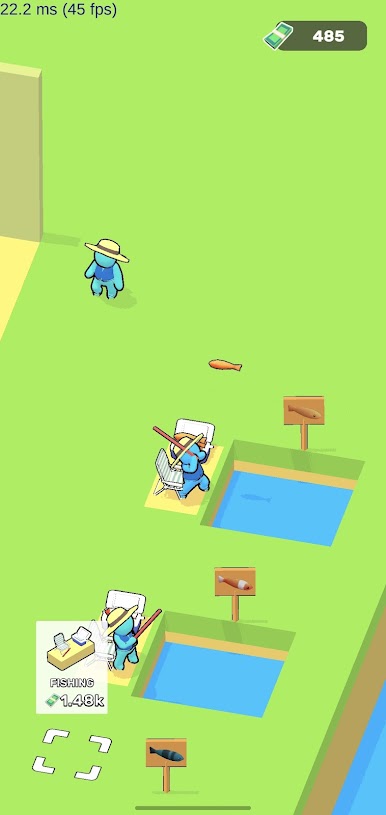
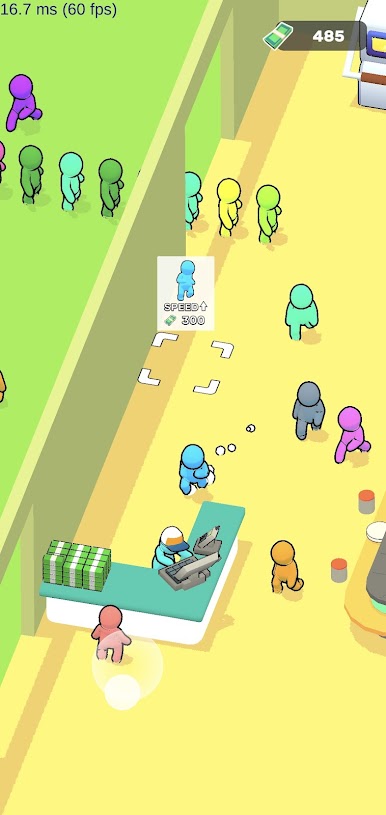
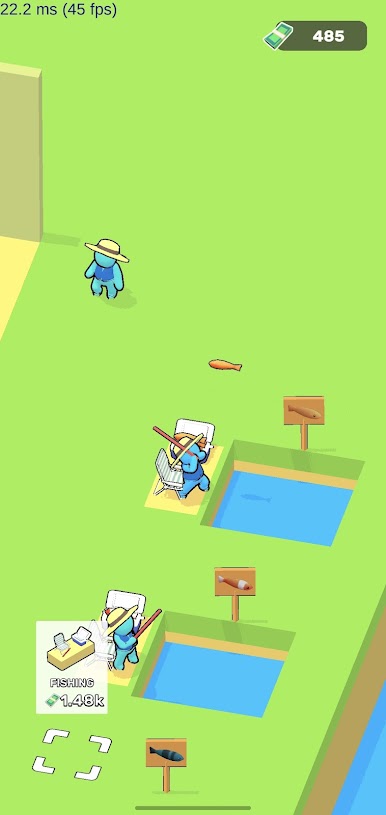
My Sushi Bar is a straight shot from ocean to plate, and that is the whole charm. The player goes out to fish, pulls in a fresh catch, then hustles it over to the counter where sushi gets sliced and rolled. It looks simple at first, then gets busy real quick, because the whole loop relies on keeping that flow going, no waiting around. There is a nice rhythm to it, almost like a little conveyor of steps that snap together, and it feels good when the pieces line up and plates start flying out one after another. No long tutorials or complicated systems here, just quick actions and clear goals, which makes it easy to zone in for a few short runs or keep going longer than expected.
The controls are tap and go, very basic, which actually works in its favor. On BlueStacks with a mouse, the drag and click feels clean and a bit faster, and the bigger screen helps spot what needs doing next. The style is bright and a bit playful, nothing too serious, and the sound of making sushi has that small, snacky satisfaction to it. It is not a deep restaurant sim, more of an arcade loop that rewards momentum, so anyone who likes quick management beats, fishing mini bits, and a tidy sense of progress from catch to counter will probably settle into it easy.
Slay your opponents with your epic moves. Play it your way on BlueStacks and dominate the battlefield.

เล่น My Sushi Bar บน PC ได้ง่ายกว่า
-
ดาวน์โหลดและติดตั้ง BlueStacks บน PC ของคุณ
-
ลงชื่อเข้าใช้แอคเคาท์ Google เพื่อเข้าสู่ Play Store หรือทำในภายหลัง
-
ค้นหา My Sushi Bar ในช่องค้นหาด้านขวาบนของโปรแกรม
-
คลิกเพื่อติดตั้ง My Sushi Bar จากผลการค้นหา
-
ลงชื่อเข้าใช้บัญชี Google Account (หากยังไม่ได้ทำในขั้นที่ 2) เพื่อติดตั้ง My Sushi Bar
-
คลิกที่ไอคอน My Sushi Bar ในหน้าจอเพื่อเริ่มเล่น

